

Multilify
v1.8.2Kadir · 2025年11月18日 上架
Make your WordPress site multilingual without copying posts. Each translation lives in the original post, with its own address.
- 正在使用
- 10 以下
- 评分
- 暂无
- 累计下载
- 1,415
- 最近更新
- 2026年11月18日
需要 WordPress 5.8+已测试到 7.1.5PHP 7.4+
贡献者
 Kadir
截图
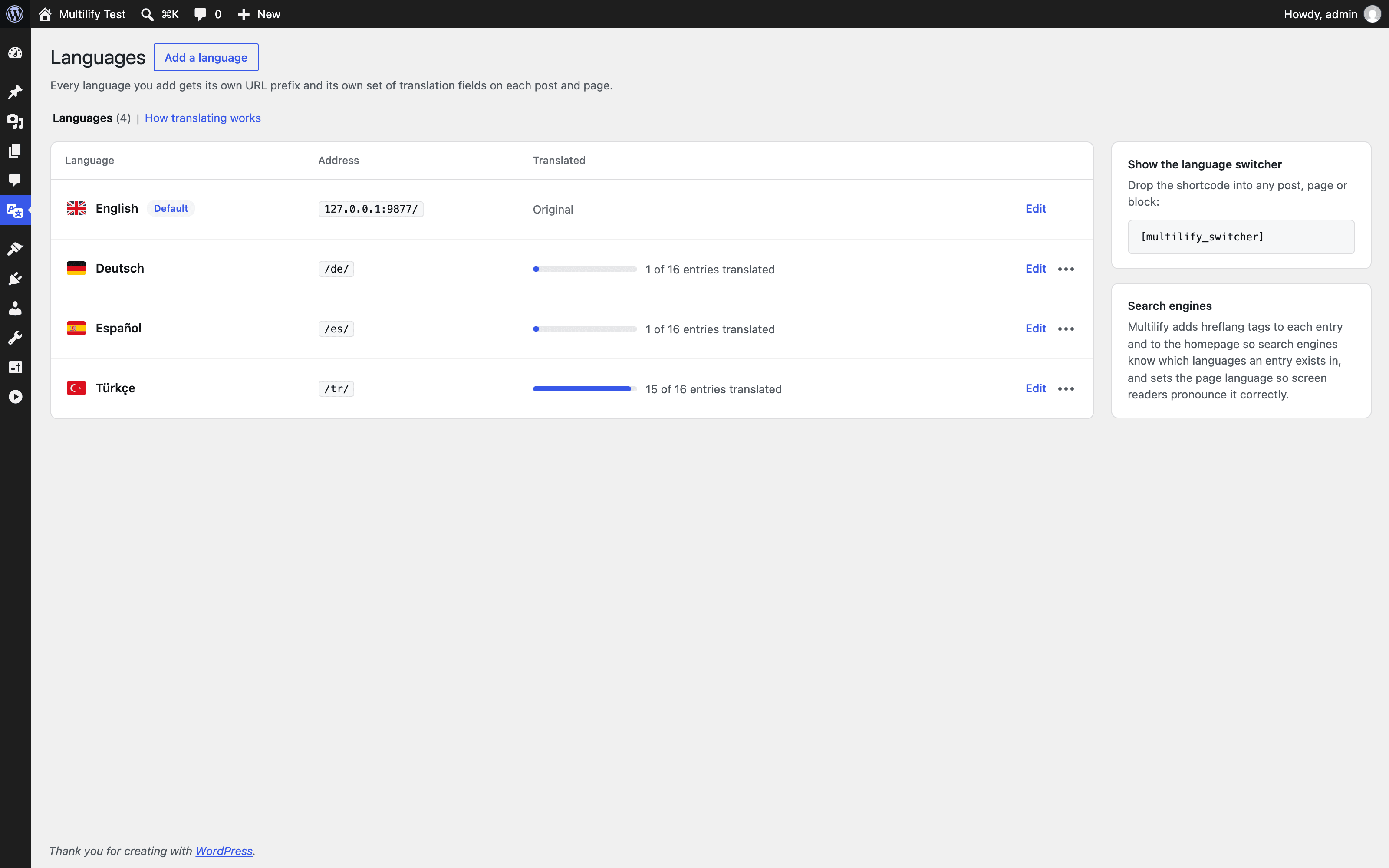

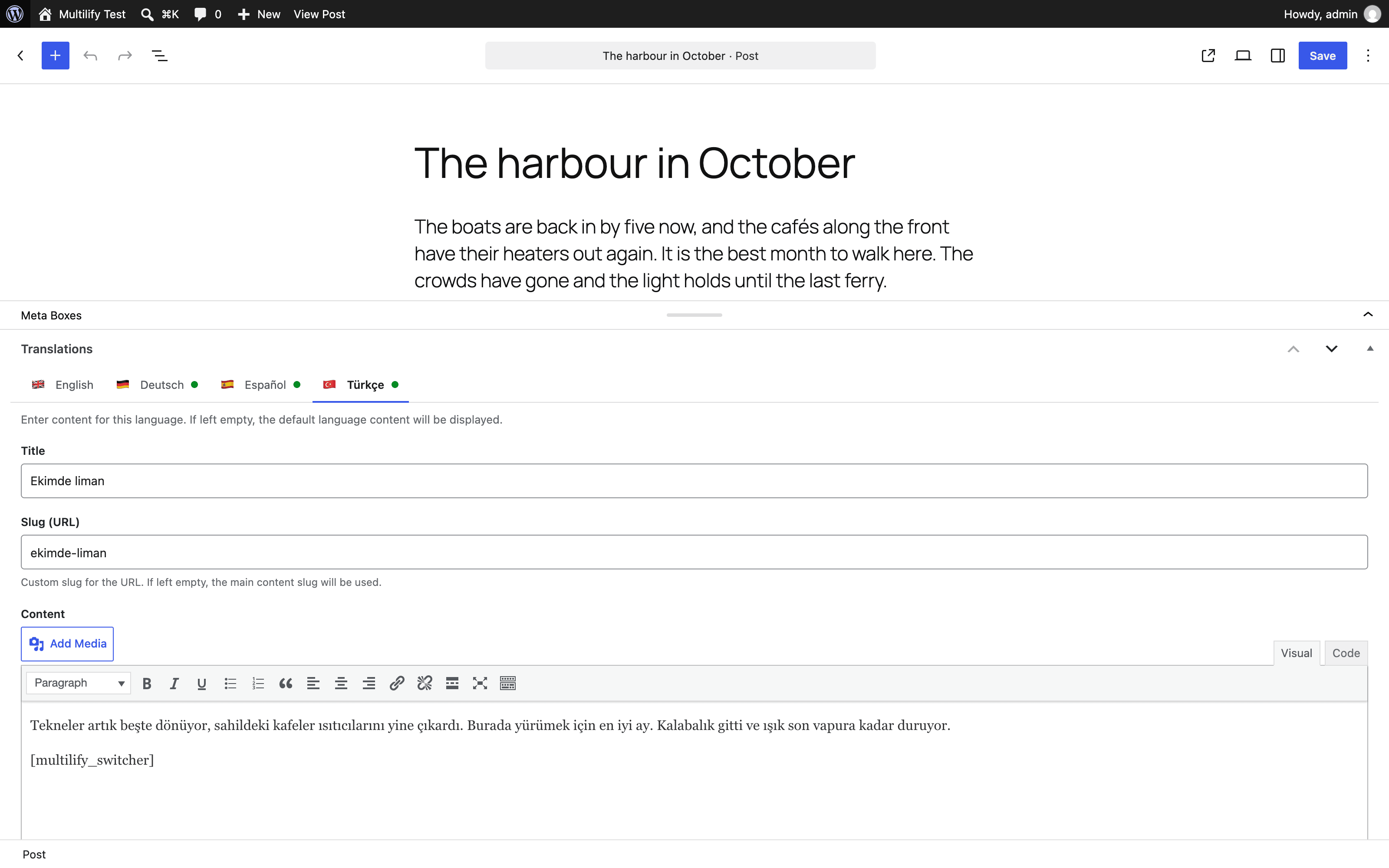
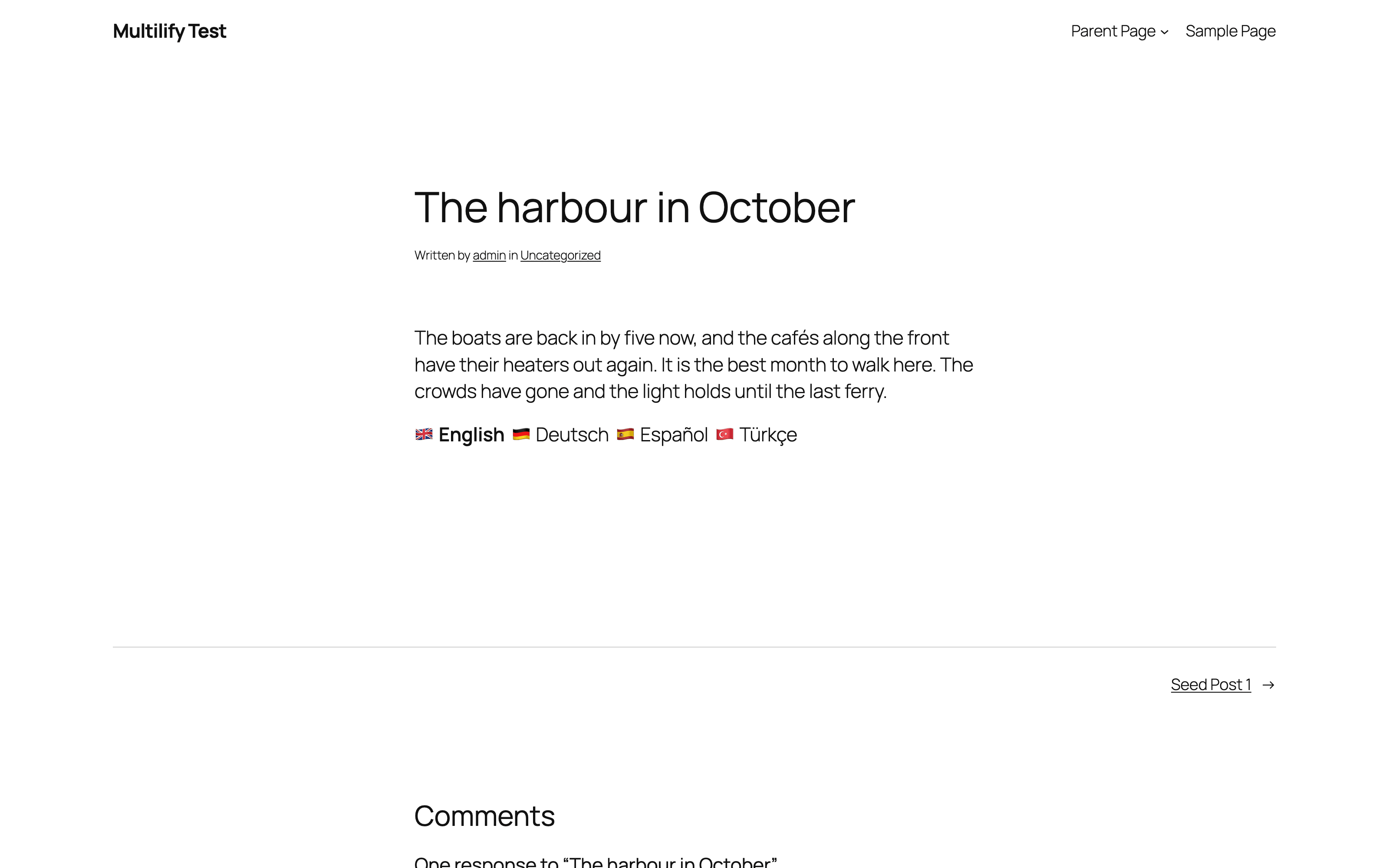
Multilify keeps every translation inside the post it translates. There is no copy per language to keep in sync: one post, and an address for each language.
example.com/hello/is the originalexample.com/de/hallo/andexample.com/es/hola/are the same post in German and Spanish
What it does
- Unlimited languages, each with its own address prefix
- A slug of its own for every language, nested pages included
- hreflang tags with x-default, a
langattribute that follows the page, and a sitemap for each language - One Translations box on the post, in the block and the classic editor, with a title, slug and content for each language
- A language switcher as a shortcode,
[multilify_switcher], or a template tag - No outbound requests, no account and no pro tier
Learn more
- How it works
- Documentation: addresses, the switcher and the filters
- Moving over from WPML or Polylang
- Questions and answers
- Release notes