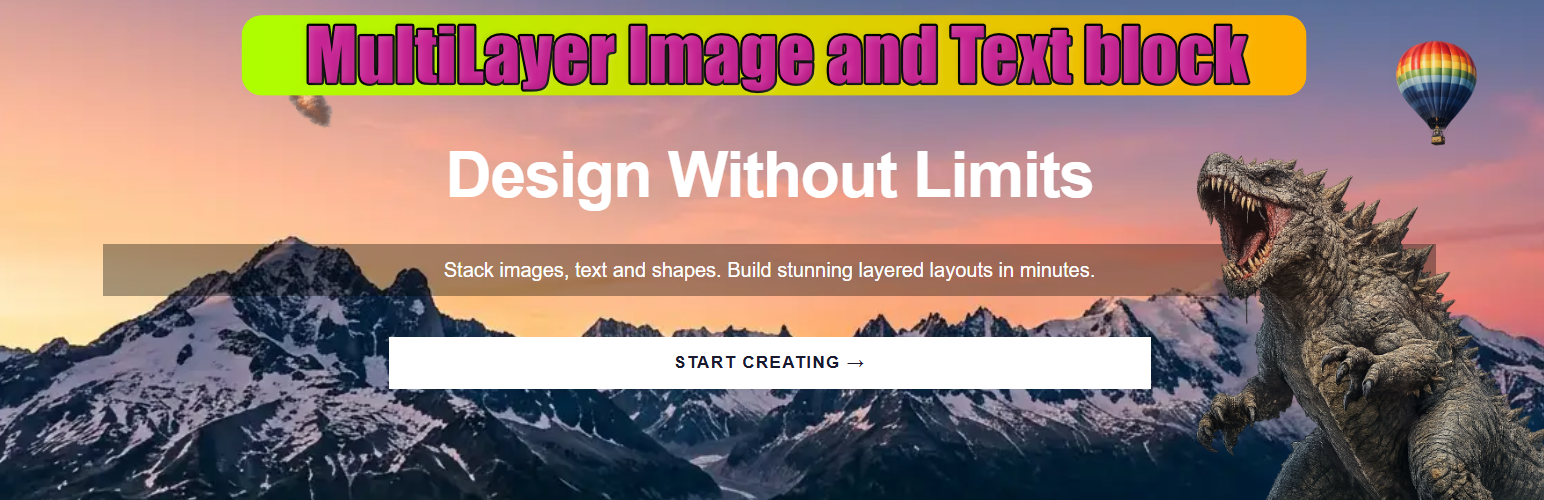
MultiLayer Image and Text Block
v1.2.0NickDigitalProjects · 2025年5月25日 上架
Create layered hero sections with unlimited image, text, and call-to-action button layers. No coding required.
- 正在使用
- 20+
- 评分
- 暂无
- 累计下载
- 1,232
- 最近更新
- 2026年11月15日
需要 WordPress 6.0+已测试到 7.1.5PHP 7.4+
 NickDigitalProjects
截图


MultiLayer Image and Text Block helps you build professional hero sections, banners, and creative compositions directly inside the WordPress block editor.
Stack unlimited image, text, and button layers, position them freely, and turn a simple banner into a complete call-to-action layout without writing code.
Perfect for:
- Hero sections with layered images, typography, and CTA buttons
- Promotional banners and campaign sections
- Creative photo compositions
- Landing page headers
- Portfolio showcases
- Visual blocks that need both design freedom and clickable actions
Key Features:
- Unlimited Layers: Add image, text, and button layers in the same container
- Dedicated Button Layer: Create real call-to-action links, not just styled text
- Native Link Picker: Choose internal WordPress content or enter an external URL
- New Tab Control: Open links in the same tab or safely in a new tab
- Button Style Presets: Start quickly with Primary, Accent, Soft, or Outline styles
- Fill and Outline Variants: Switch between solid and outlined button designs
- Button Colors and Hover: Control text, background, and border colors for normal and hover states
- Border Controls: Set width, style, color, and radius independently
- Fixed or Fit Content Width: Size buttons manually or let them adapt to their text
- Typography Controls: Font family, size, weight, spacing, transform, alignment, and line height
- Modern Sidebar UI: Gutenberg-style ToolsPanel controls with collapsible and resettable options
- Free Positioning: Position layers with percentage or pixel controls
- Image Fit Modes: Cover, contain, fill, scale down, or free sizing
- Layer Management: Rename, reorder, duplicate, select, and remove layers
- Z-Index and Opacity: Control stacking order and transparency
- Responsive Layouts: Flexible positioning for desktop, tablet, and mobile
- Quick Demo Layouts: Load sample compositions to get started instantly
- Backward Compatibility: Existing blocks and legacy block names remain supported
Credits
Developed by Nick Digital Projects.