

MultiAddons Bulk Product & Cart Discount for WooCommerce
v1.0.1multiaddons · 2026年7月30日 上架
Create dynamic pricing, volume discounts, and wholesale rules for WooCommerce products and cart in minutes.
- 正在使用
- 10 以下
- 评分
- 暂无
- 累计下载
- 393
- 最近更新
- 2026年8月30日
贡献者
 multiaddons
截图
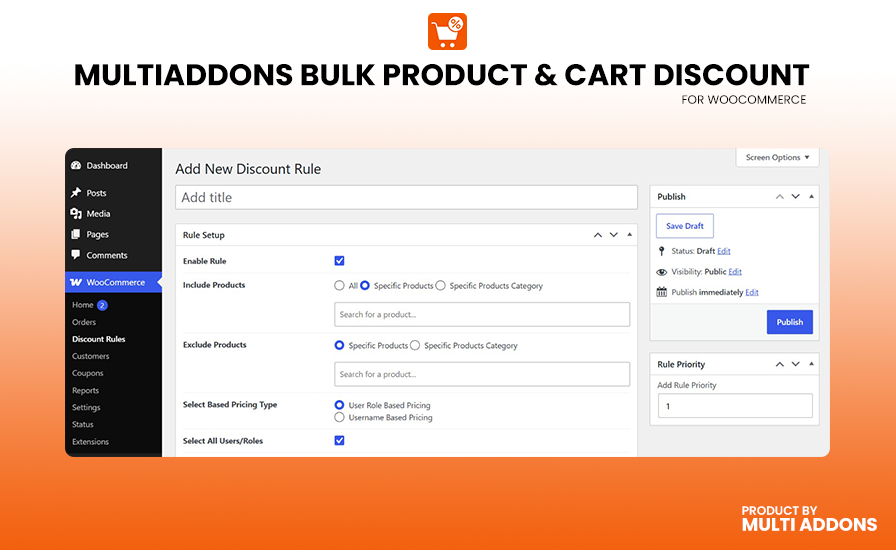
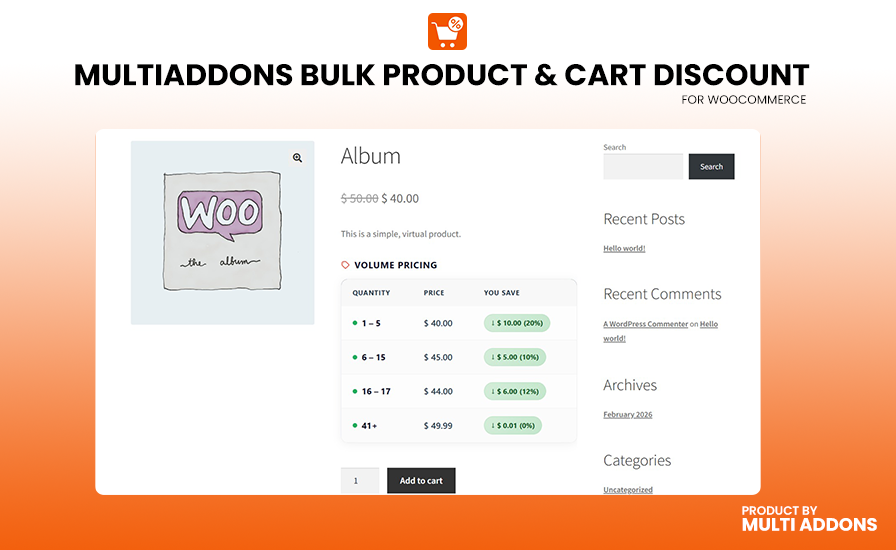
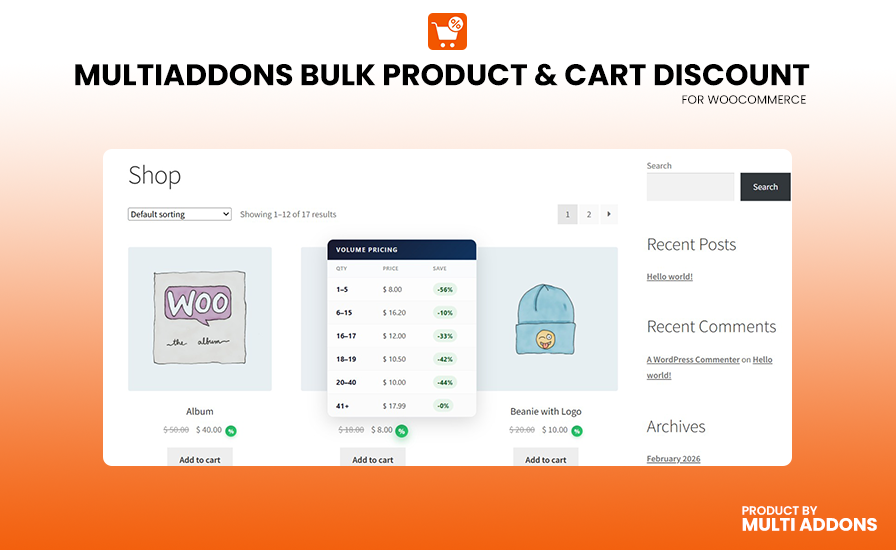
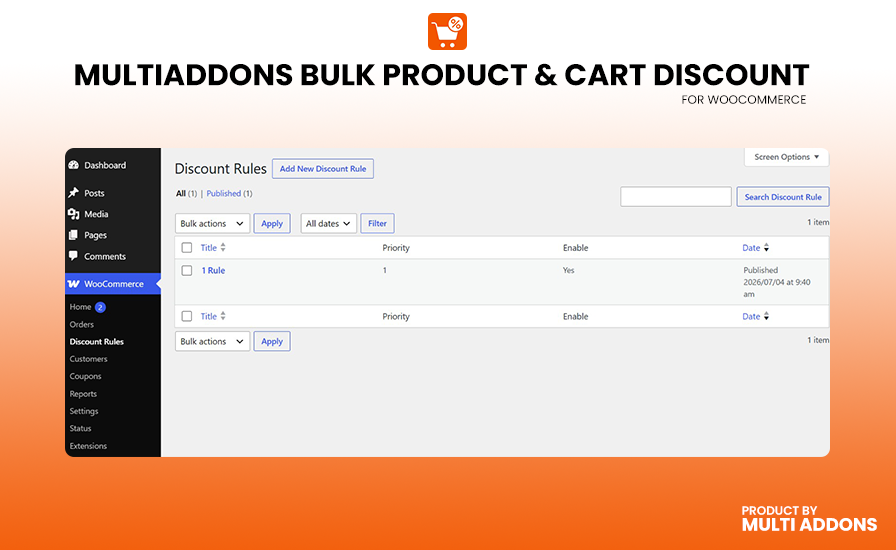
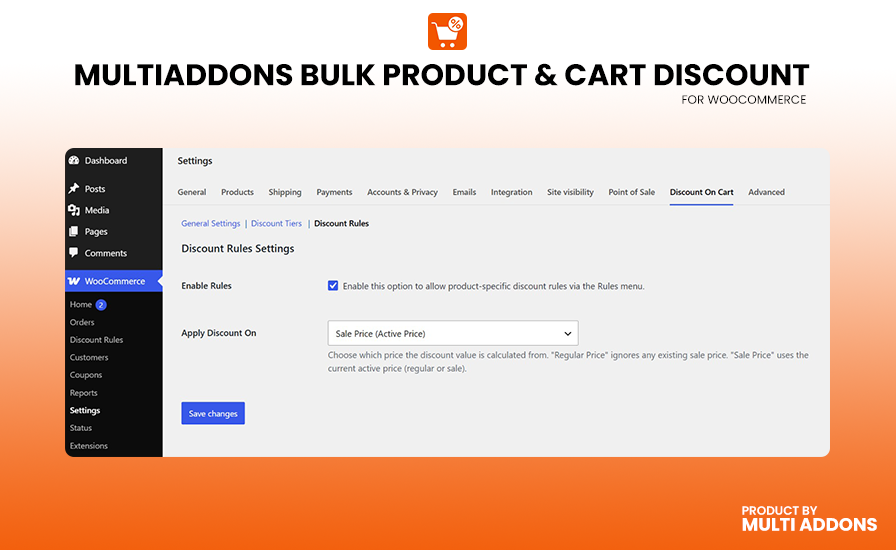
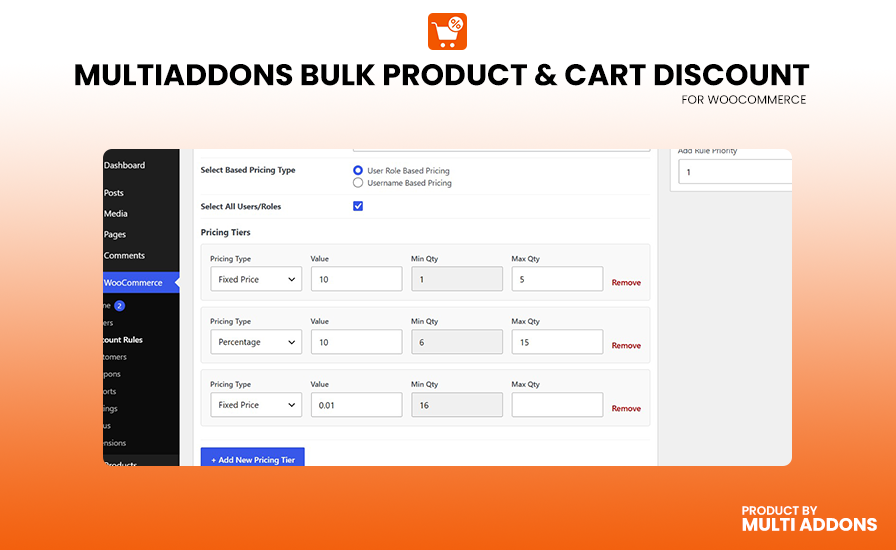
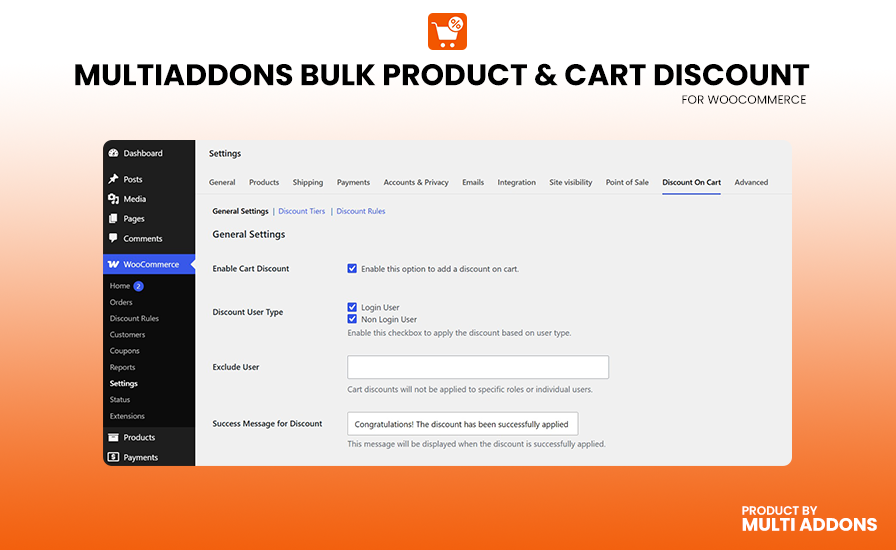
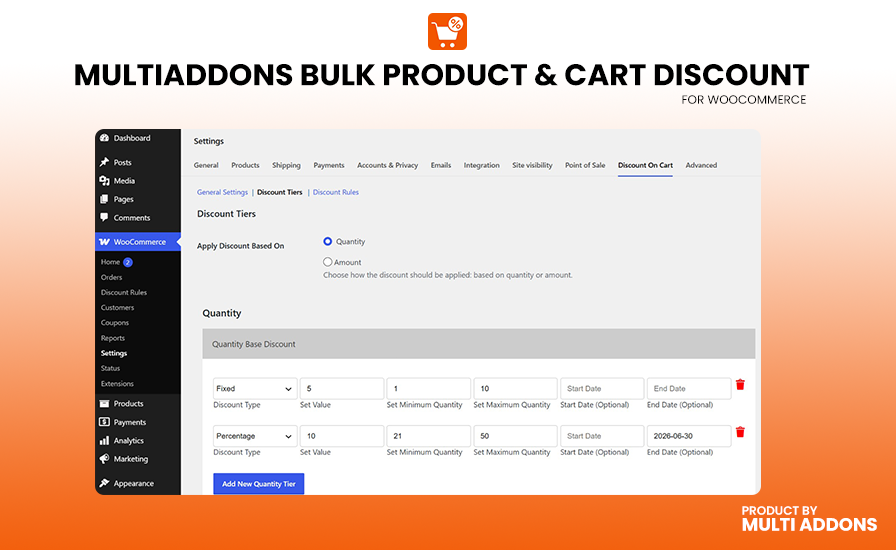
Best free WooCommerce bulk discount plugin. Create dynamic pricing, volume discounts, wholesale pricing & cart discount rules easily.
Why Choose Our Free WooCommerce Bulk Discount Plugin?
Setting up a robust pricing strategy is crucial for eCommerce success. Our plugin provides an intuitive interface to create flexible, rule-based pricing tiers that automatically apply discounts to individual products or the entire cart. Reward your loyal customers, set up B2B wholesale pricing, or run time-limited promotions with ease.
Key Features for Dynamic Pricing & Volume Discounts
- Unlimited Discount Rules — Create targeted pricing rules for specific products, categories, or your entire WooCommerce catalog.
- Volume Pricing & Tiered Discounts — Encourage bulk purchases by setting multiple quantity-based pricing tiers (e.g., buy 1–4 at 10% off, buy 5+ at 20% off).
- Flexible Pricing Types — Choose between a Fixed Discount (amount subtracted from regular price) or a Percentage Discount for maximum flexibility.
- Role-Based Pricing — Perfect for B2B stores! Restrict discounts and wholesale pricing to specific WordPress user roles (e.g., Wholesale, VIP, Subscriber).
- Customer-Specific Discounts — Assign special pricing tiers to individual customer accounts to reward your best buyers.
- Cart Level Discounts — Apply global discount rules based on the total cart quantity or cart subtotal.
- Product & Category Restrictions — Include or exclude specific products or categories from your discount rules.
- Scheduled Promotions — Set start and end dates for your pricing tiers to run automated, time-limited sales campaigns.
- Beautiful Pricing Tables — Automatically display a clear, conversion-optimized volume pricing table on single product pages.
- Rule Priority System — easily manage conflicting rules by assigning priorities.
- Seamless Compatibility — Fully compatible with WooCommerce High-Performance Order Storage (HPOS) and Cart/Checkout Blocks.
How It Works: Setup WooCommerce Bulk Discounts in Minutes
- Create a Discount Rule: Give your new dynamic pricing rule a name and set its priority.
- Select Target Products: Choose whether the rule applies to specific products, categories, or the entire store.
- Configure Pricing Tiers: Add minimum/maximum quantity requirements, choose your pricing type (fixed/percentage), and set the discount value.
- Target Users (Optional): Restrict the rule to specific user roles or individual customers for targeted promotions.
- Watch Sales Grow: The plugin automatically applies the correct discounted price on product pages and in the shopping cart!
Completely Free Plugin
This free plugin provides everything you need to get started, supporting unlimited rules, unlimited tiers, advanced user targeting, and scheduling features to fully supercharge your store’s pricing strategy without any hidden costs.
Configuration & Usage
Step 1: Enable the Plugin
- Go to WooCommerce > Settings > Discount On Cart.
- Click the General Settings tab.
- Check Enable Discount Rules to activate the dynamic pricing engine.
- Click Save Changes.
Step 2: Create a Discount Rule
- In your WordPress admin, go to Discount Rules.
- Click Add New Discount Rule.
- Set your rule title and Priority (lower numbers take precedence).
- Check Enable Rule.
Step 3: Set Up Pricing Tiers & User Targeting
- Choose your target products/categories in the inclusion/exclusion settings.
- Click + Add New Pricing Tier.
- Define the Min Qty, Max Qty, Pricing Type, and Discount Value.
- Select targeted User Roles or specific Usernames (optional).
- Set scheduling dates (optional).
- Publish the rule to see it live on your store!