

Multi Location Product & Inventory Management for WooCommerce
v1.2.7Plugincy · 2025年7月23日 上架
Keep separate stock for every store or warehouse, let shoppers pick their store, and save each order with its location in WooCommerce.
- 正在使用
- 100+
- 评分
- 5.0 / 5
- 累计下载
- 4,109
- 最近更新
- 2026年11月25日
 Plugincy
 Masum Billah Bhuiyan
截图
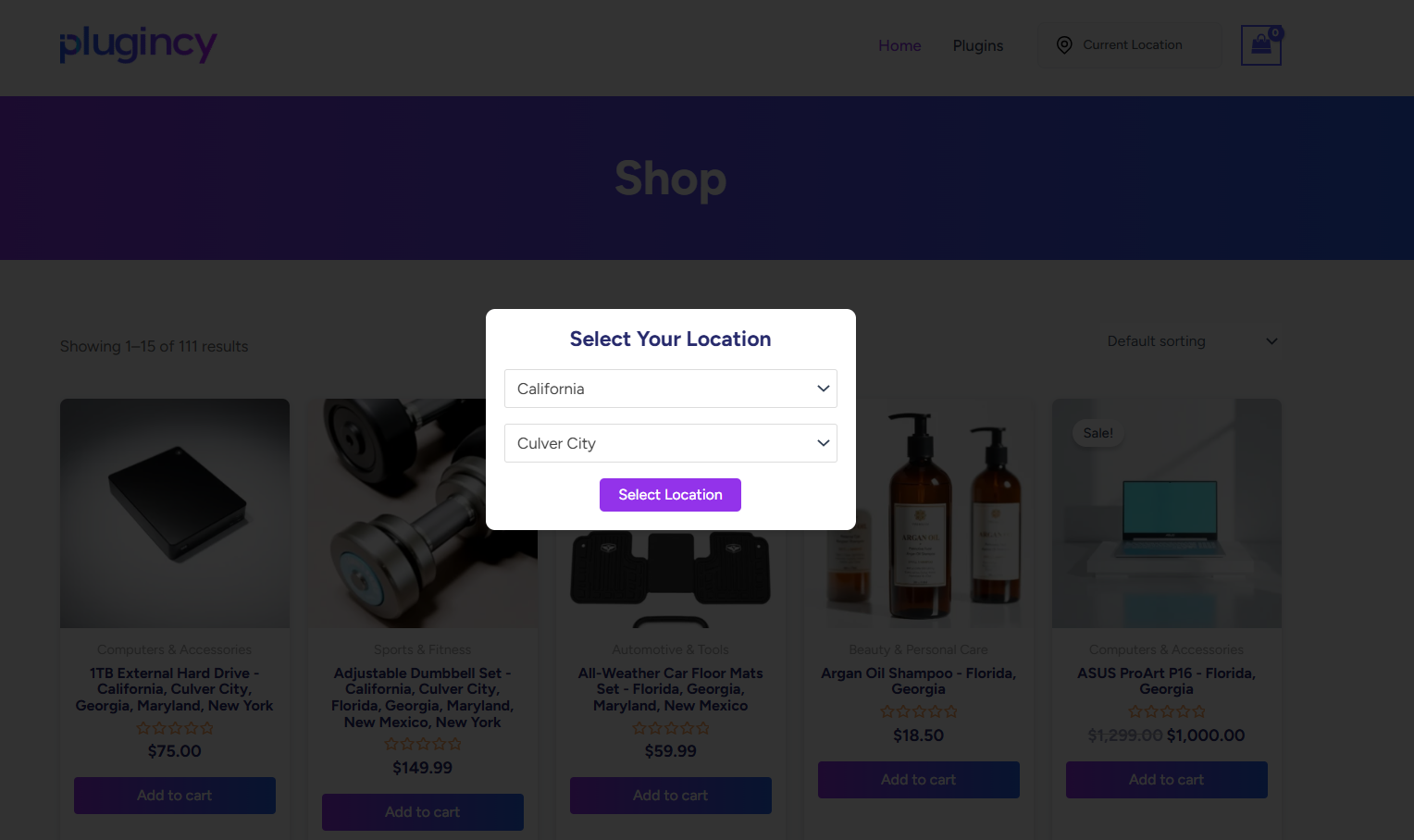
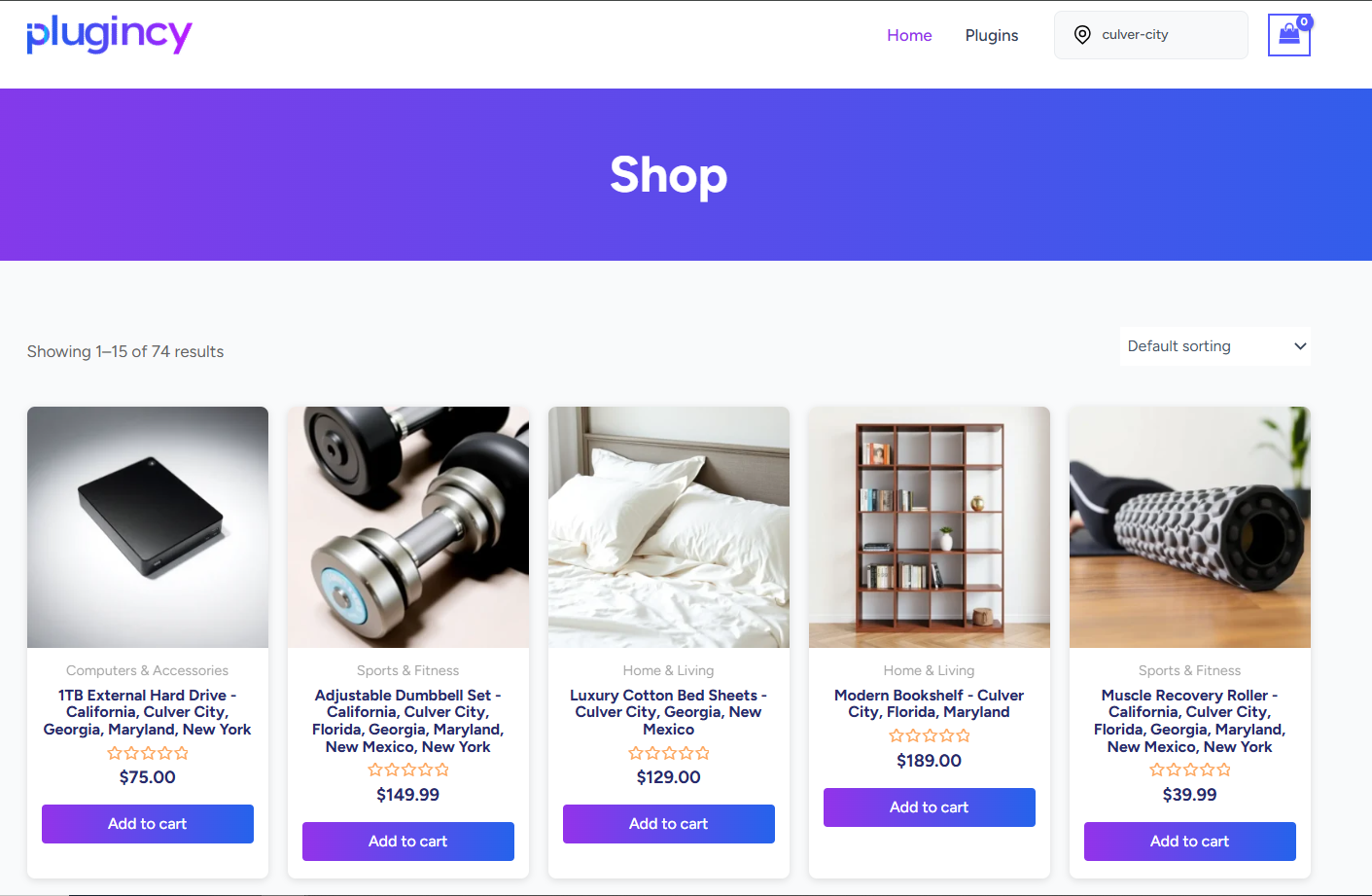
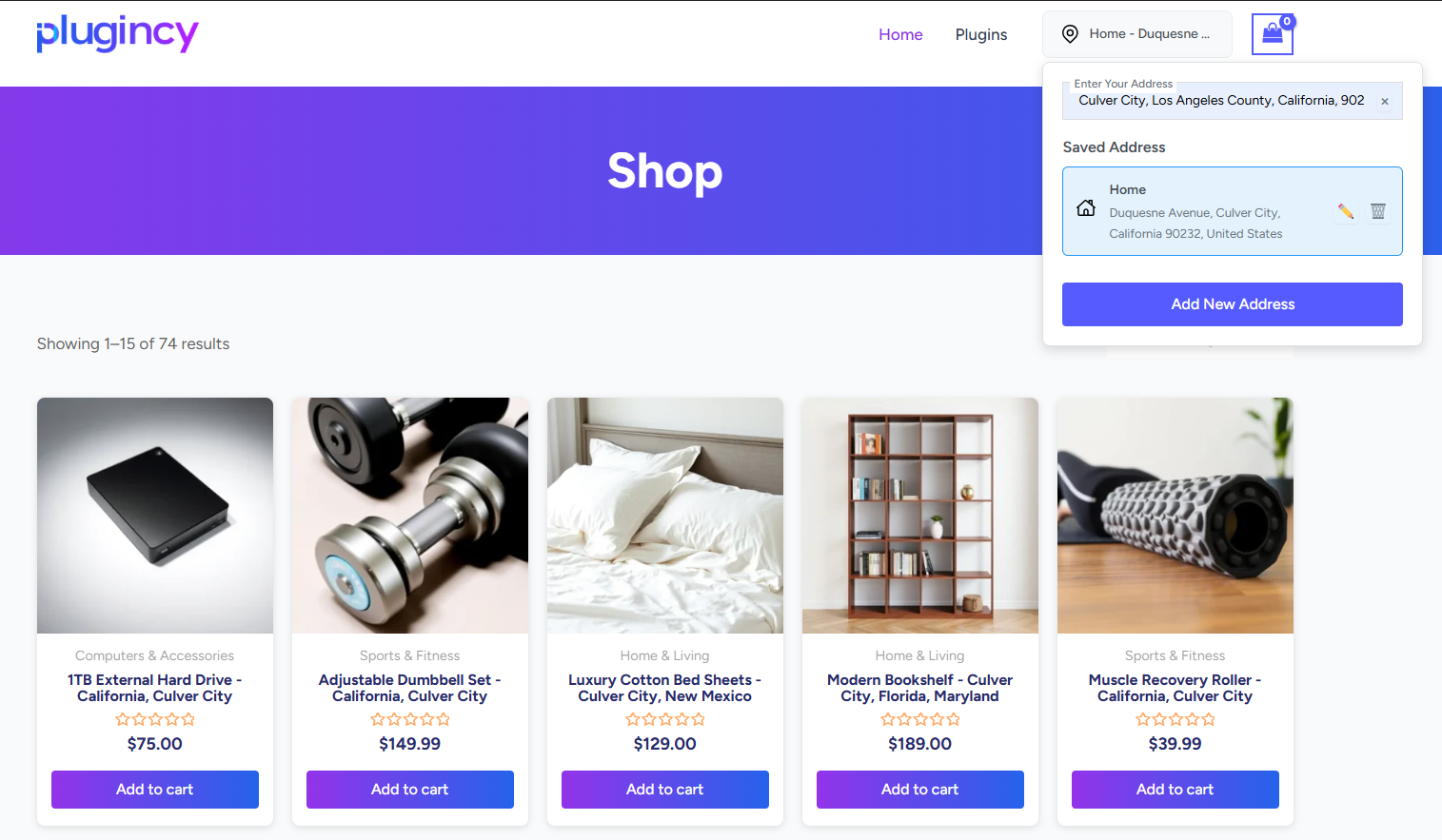
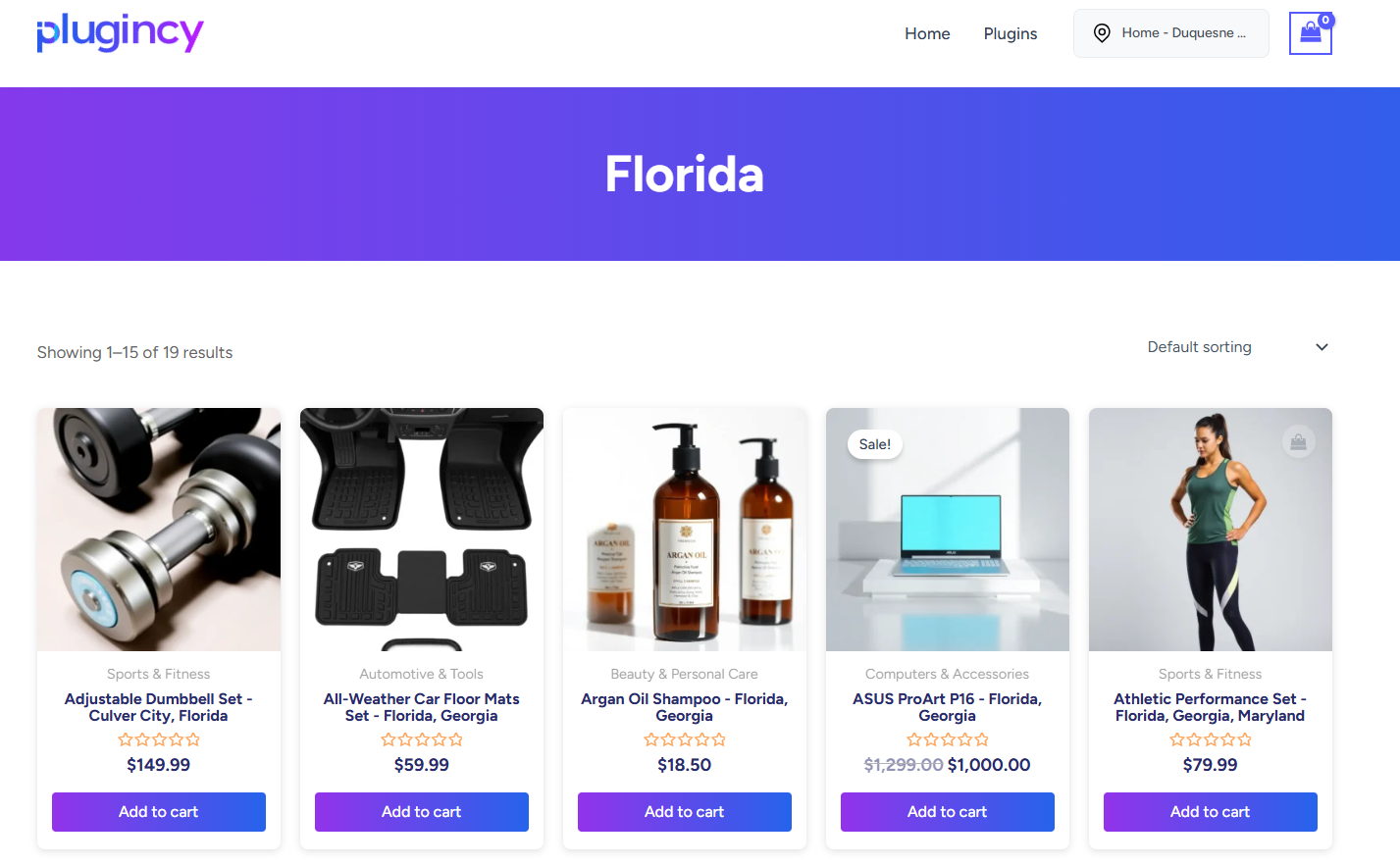
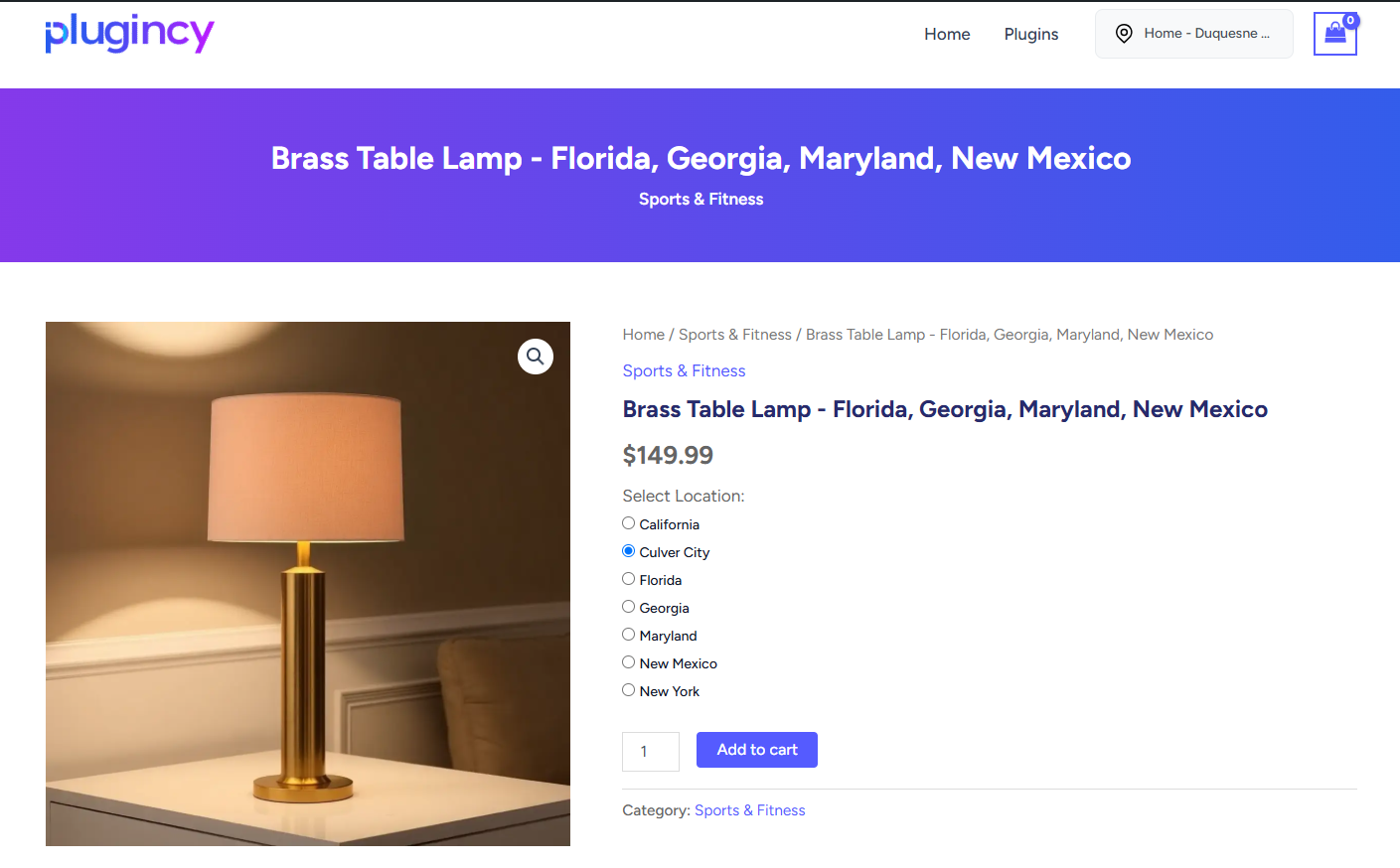
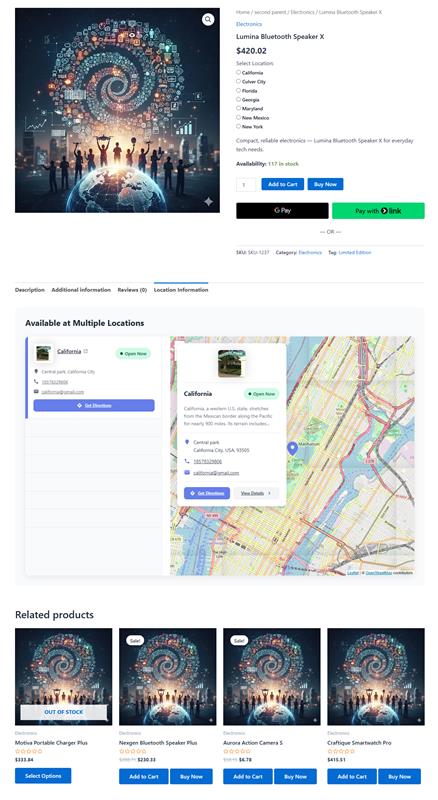
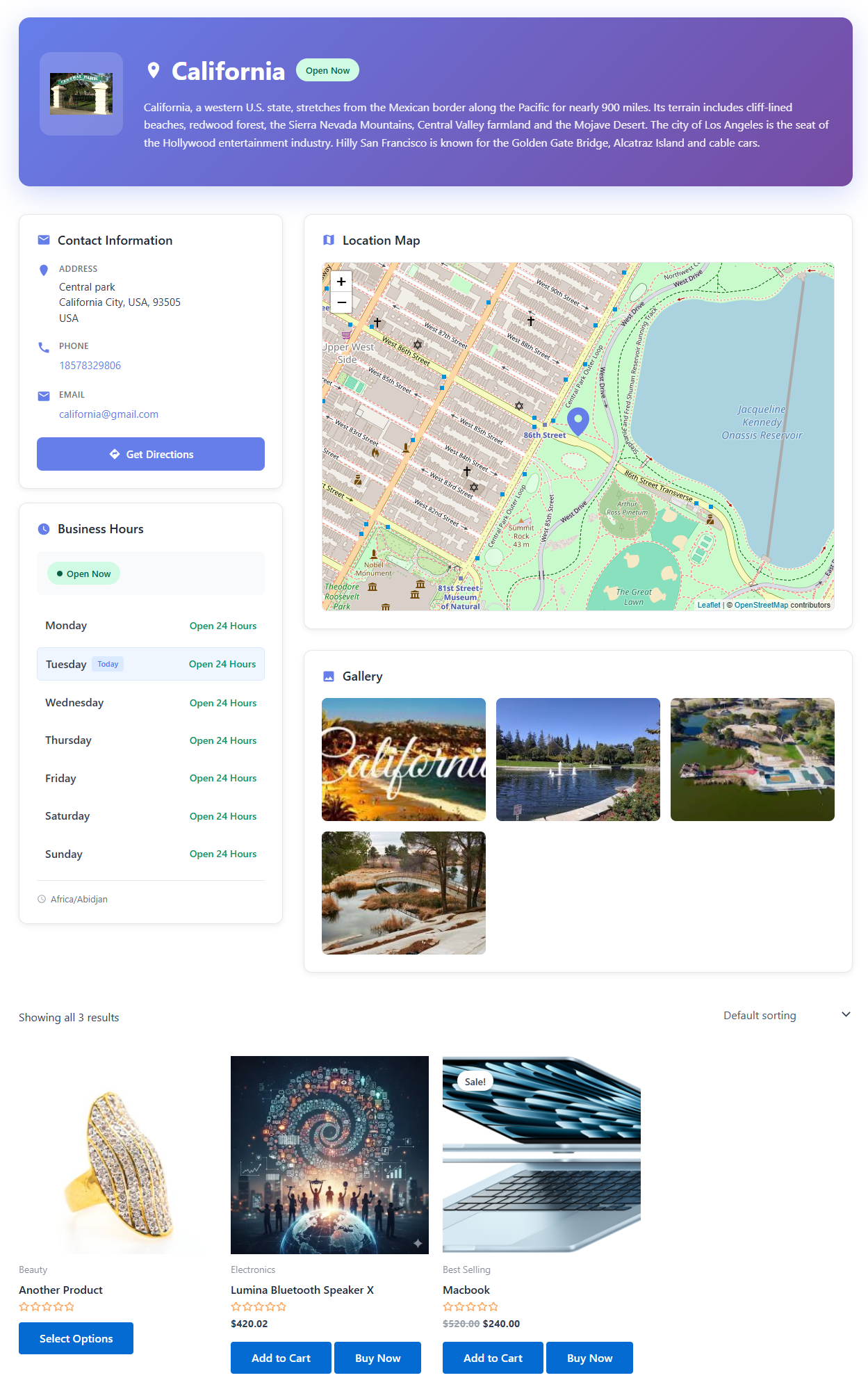
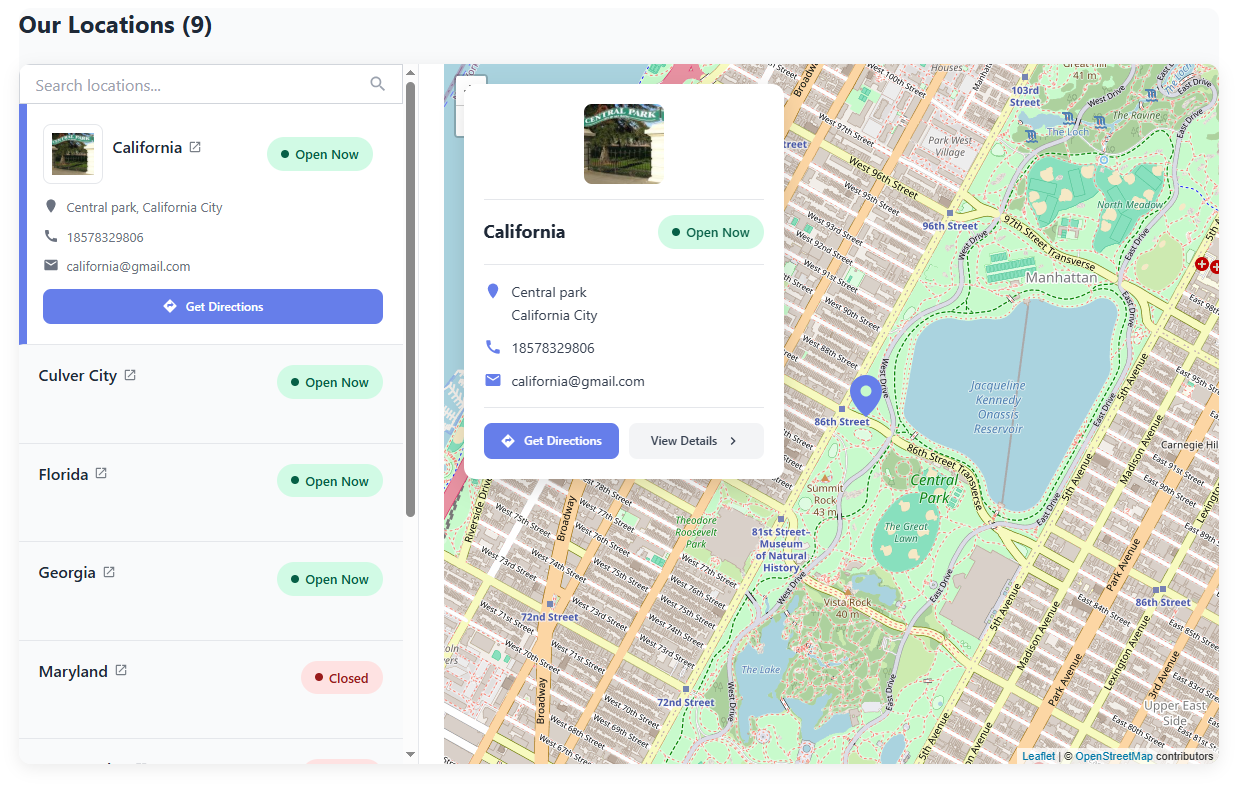
Multi Location Product & Inventory Management for WooCommerce helps shops that sell from more than one place: retail branches, warehouses, pickup points or regional stores. You create your locations, give each product its own stock at each location, and shoppers choose the store they buy from. The shop then shows that store’s products and stock, and the order is saved with the store it came from.
Everything below is included in this free plugin.
Locations
- Create as many locations as you need, with parent and child locations (for example a city with several branches).
- Save the street address, city, state, postal code, country, email and phone of each location.
- Set the display order of your locations.
- See all locations, with their city, country and product count, on one screen.
Stock per location
- Give every product its own stock quantity at each location, for simple and variable products (each variation has its own stock).
- Allow or refuse backorders per location.
- Stock is taken from the order’s location when the order is paid, and given back to the same location on cancel, failure or refund.
- A Locations column in the WooCommerce product list shows each product’s stock per location.
Stock Central
- One table with every product and its stock at each location.
- Search, and filter by location, category, product type, stock status and brand.
- Edit a product in a popup: WooCommerce stock, price and backorders, plus stock and backorders per location. Add or remove a location from the product in the same popup.
- Bulk actions: assign products to a location, remove them from a location, or move them to the trash.
Dashboard
- Total products and number of locations.
- Charts of products per location and stock per location.
Store selector for shoppers
- Put the store selector anywhere with the shortcode
[mulopimfwc_store_location_selector]. - The chosen store is remembered in a cookie for the number of days you set (1 to 365).
- Optionally require shoppers to choose a store before they add products to the cart.
- When a shopper changes store, products the new store cannot supply are removed from the cart, and an optional notice tells the shopper.
What shoppers see
- Strict filtering: shoppers see only the products of the store they chose. You can also keep showing products that have no location.
- Choose what a product page shows when the product is not sold at the chosen store: a 404 page, or the page with an “unavailable” message.
- Out-of-stock products at the chosen store can keep the WooCommerce default, be hidden, get an “Out of Stock” badge or be grayed out.
- Show the store name in product titles: after the title, before it or in brackets, with your own separator, on the pages you choose.
- Show the current store on the single product page, after the title, after the price, before or after the Add to cart button, or in the product meta.
- Turn location stock, location backorders and location information on or off, and limit location features to the user roles you choose.
- Administrators can see all products in the admin whatever store is chosen.
Orders
- Each order is saved with the shopper’s store at checkout, for both the classic and the block checkout.
- A Location column and a location filter in the WooCommerce orders list.
- A Location box on the order screen shows the order’s store and the stock there, and lets you change the store.
- Works with WooCommerce High-Performance Order Storage (HPOS).
Pro version
Multi Location Product & Inventory Management Pro is a separate plugin for shops that need more, such as prices and currency per location, store popups and automatic location detection, shipping, payment and tax rules per location, split orders, store maps and business hours, location managers, notifications, analytics, import and export, and a REST API for POS or ERP sync. This free plugin works on its own and does not need Pro.
Third-party libraries
The folder assets/lib holds unchanged minified builds of two open-source libraries. Their readable source code:
- Chart.js 4.6.2 (MIT), for the dashboard charts.
- Select2 4.1.0-rc.0 (MIT), for the styled dropdowns.
External services
This plugin connects to plugincy.com only in these cases:
- Usage data (off by default). Only when you turn on Contribute to Plugincy in Settings Advanced, the plugin sends once a week to plugincy.com: your site URL, WordPress, PHP and MySQL versions, server software, timezone region, plugin version, active theme and the names and versions of active plugins. No customer, order or personal data is sent. You can turn it off at any time.
- Deactivation feedback (optional). When you deactivate the plugin, a short form asks why. The reason you pick and your site URL are sent to plugincy.com only if you click Submit; “Skip & Deactivate” sends nothing.
plugincy.com Terms and Conditions and Privacy Policy.
Support
For support, feature requests or bug reports, please visit Plugincy Support.
Privacy Policy
To learn more about the data we collect and how we use it, please see our Privacy Policy.