
mPress Fix URL References
v1.0Micah Wood · 2012年12月8日 上架
Easily fix URL references in your WordPress database.
- 正在使用
- 80+
- 评分
- 3.4 / 5
- 累计下载
- 7,404
- 最近更新
- 2016年6月5日
5 条评价需要 WordPress 3.2+已测试到 4.5.33
贡献者
 Micah Wood
截图
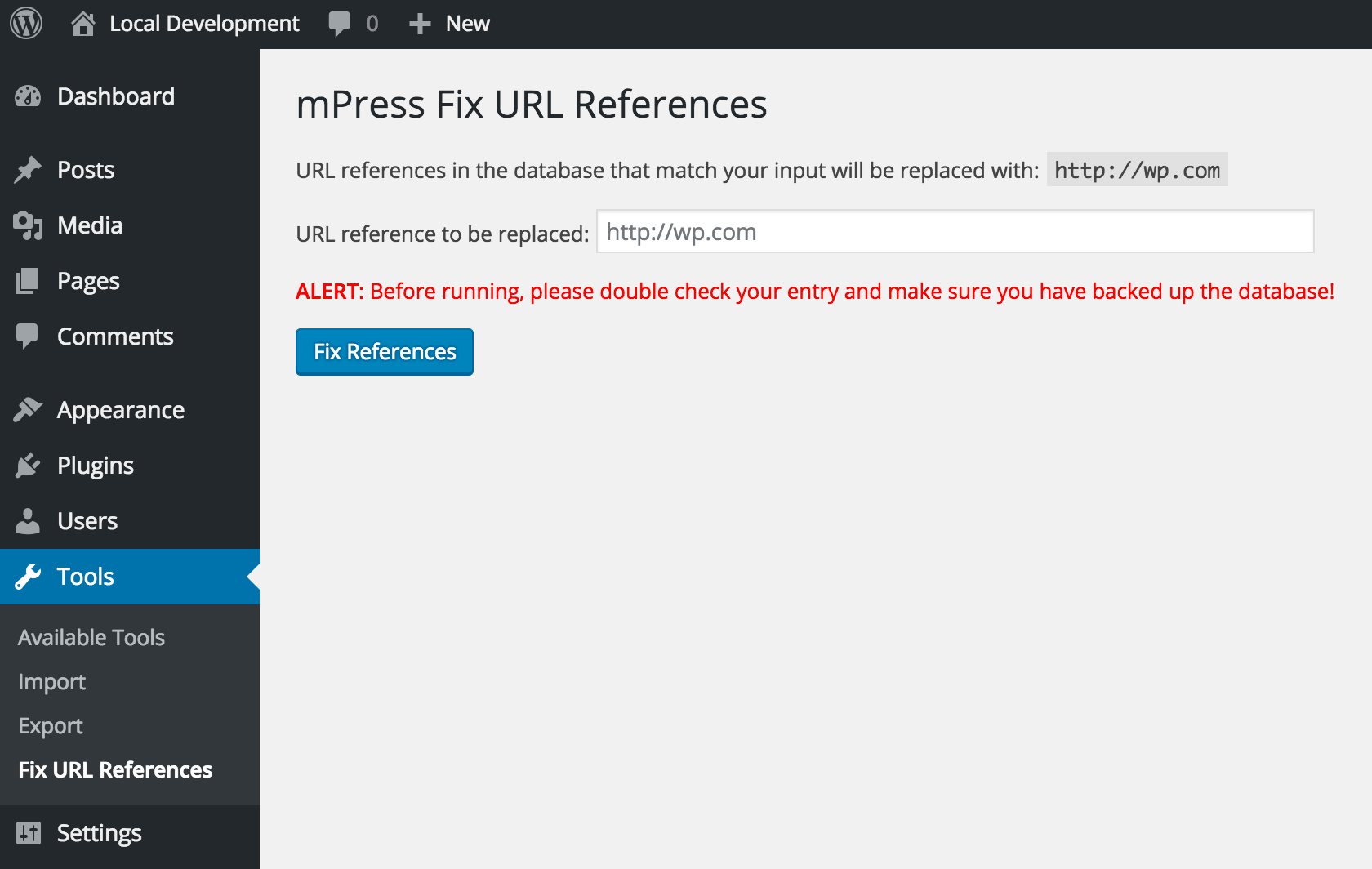
The mPress Fix URL References plugin allows you to easily fix URL references in your WordPress database.
Why?
When you move your site from one domain to another, there is no built-in process for updating URL references in the database. For example, if you have internal links in your post content that point to the full URL of other pages on your site, these URL references will become invalid when you migrate your site to a new domain. If you aren’t a developer who knows how to write MySQL queries, replacing potentially thousands of instances of incorrect URLs is a real pain. No worries. I’m a developer and I’ve done all the work for you.
How?
Using this plugin is simple:
- Ensure that you define the WP_HOME and WP_SITEURL constants in your wp-config.php file. It’s not that hard.
- Install the plugin
- Activate the plugin
- In the WordPress admin, click on ‘Fix URL References’ in the ‘Tools’ menu
- Enter the URL that you want to have replaced
- Click on ‘Fix References’
Features
- Clean, well written code that won’t bog down your site