

Page builder for Posts – Mong9 Editor
v1.1.1mong9 · 2019年6月6日 上架
The most advanced frontend drag & drop content editor. Mong9 Editor is a responsive page builder which can be used to extend the Classic Editor.
- 正在使用
- 10+
- 评分
- 5.0 / 5
- 累计下载
- 4,040
- 最近更新
- 2019年6月26日
贡献者
 mong9
截图
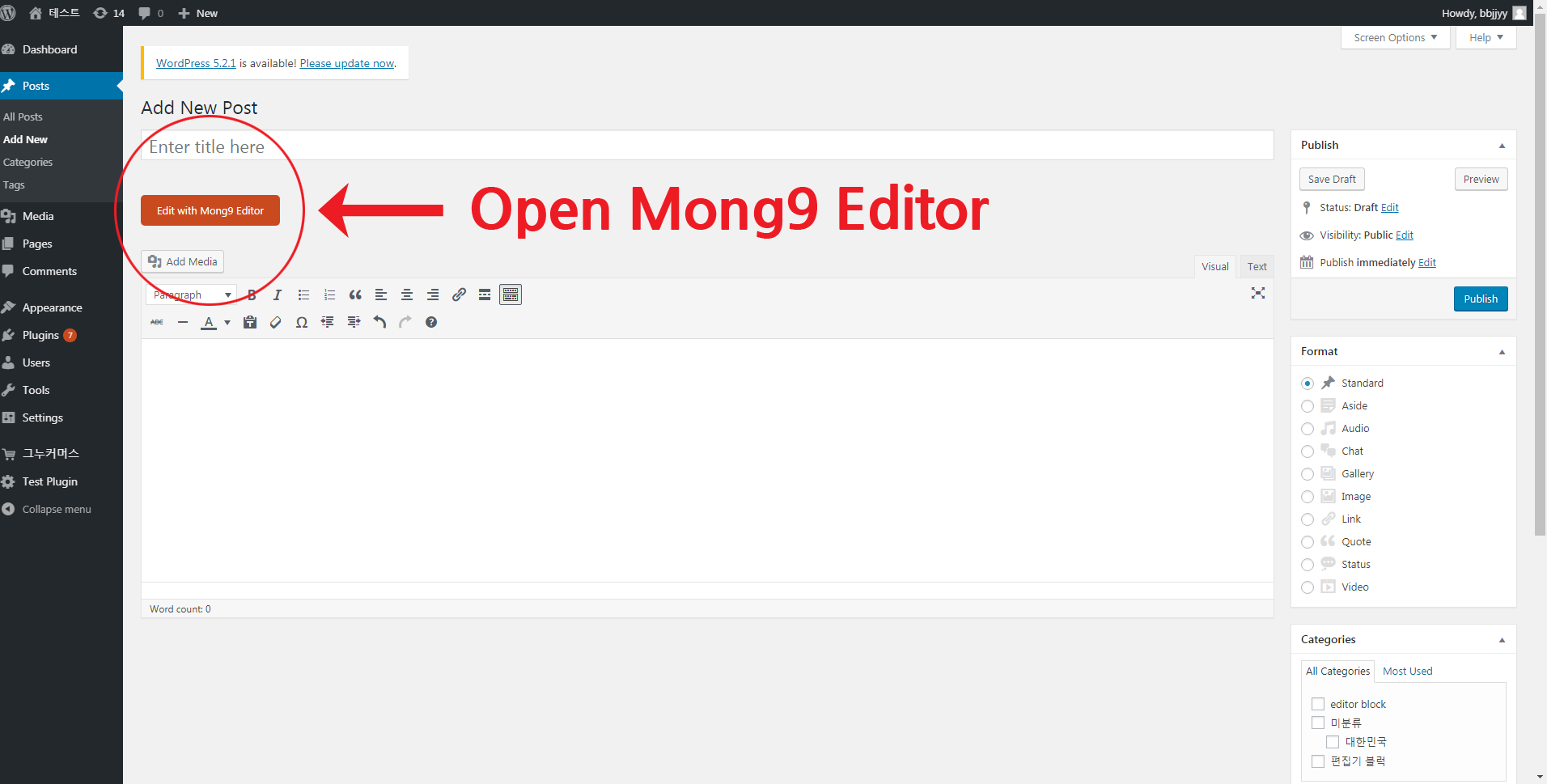
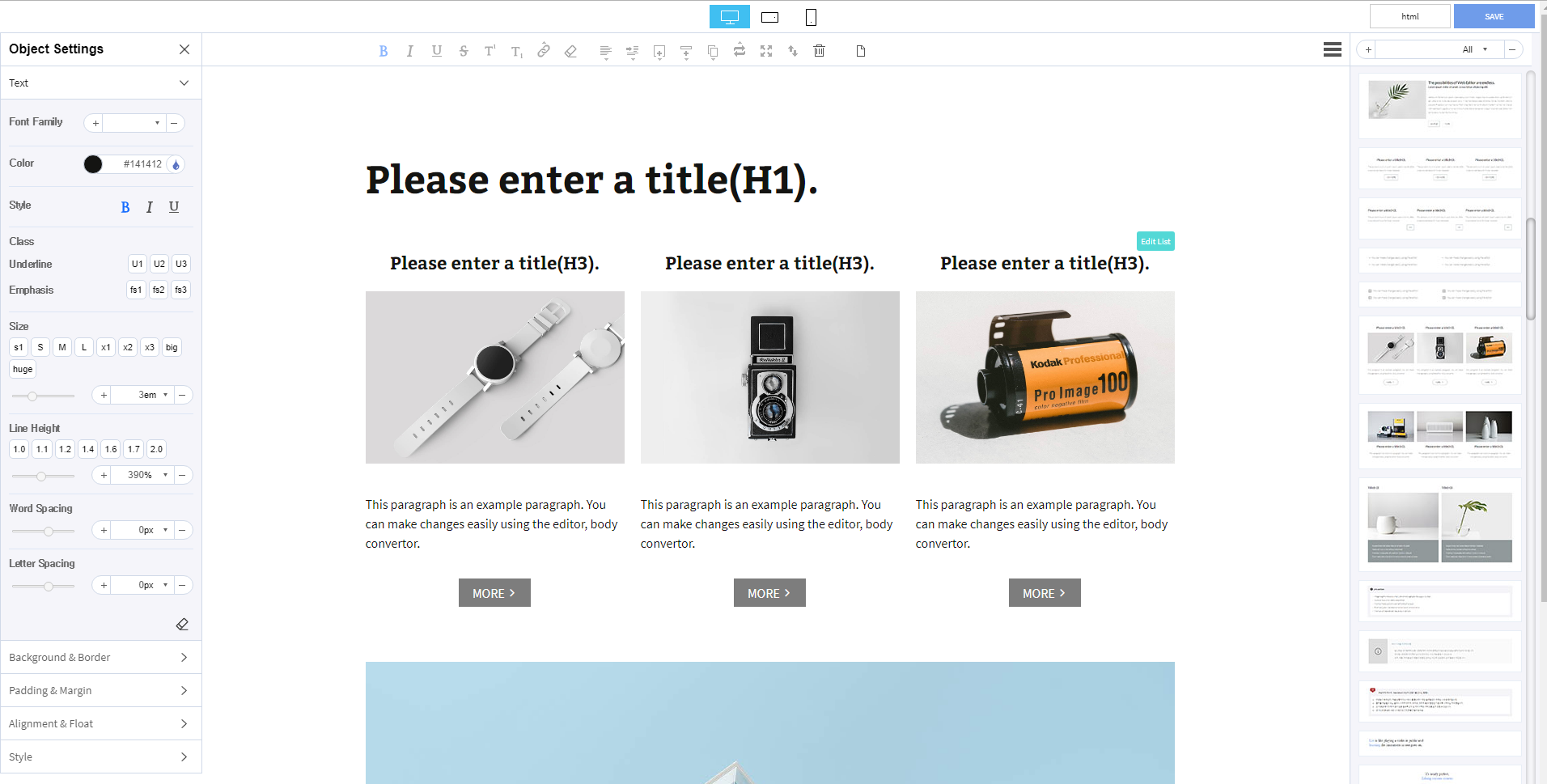
It provides more than 100 Paragraph blocks, and easily creates documents by drag & drop.
Not only use the familiar Classic Editor continuously with additional convenient Paragraph Block Editor.
Quick and Easy editing function
Unlike other page builders, all edits take effect immediately without delay.
Pursue “Just Click” System.
Enable to edit table, list, icon more quickly through each of the setting window.
Experience the know-how of only the CSS system of Mong9 Editor.
Compatible with Classic Editors
While continued use of the Classic Editor as well used so far, also enable to use the Page Builder together.
Please use good points of both sides.
Provides pre-designed paragraph blocks
Enable to provide more than 100 paragraph blocks.
The provided paragraph blocks are responsive processing with web standards.
Enable to create documents quickly combining the paragraph blocks with “drag and drop”.
Easily create documents by replacing text and images.
Provide responsive modes
Provides 3 Modes (PC, mobile landscape view, mobile portrait view)
Able to edit in a window without ‘refresh’
Able to cross edition between modes.
Experience the unique responsive processing of the Mon9 Editor.
Undo function
Includes undo functionality for work.
Enable to return to the previous operation by pressing Ctrl + Z.