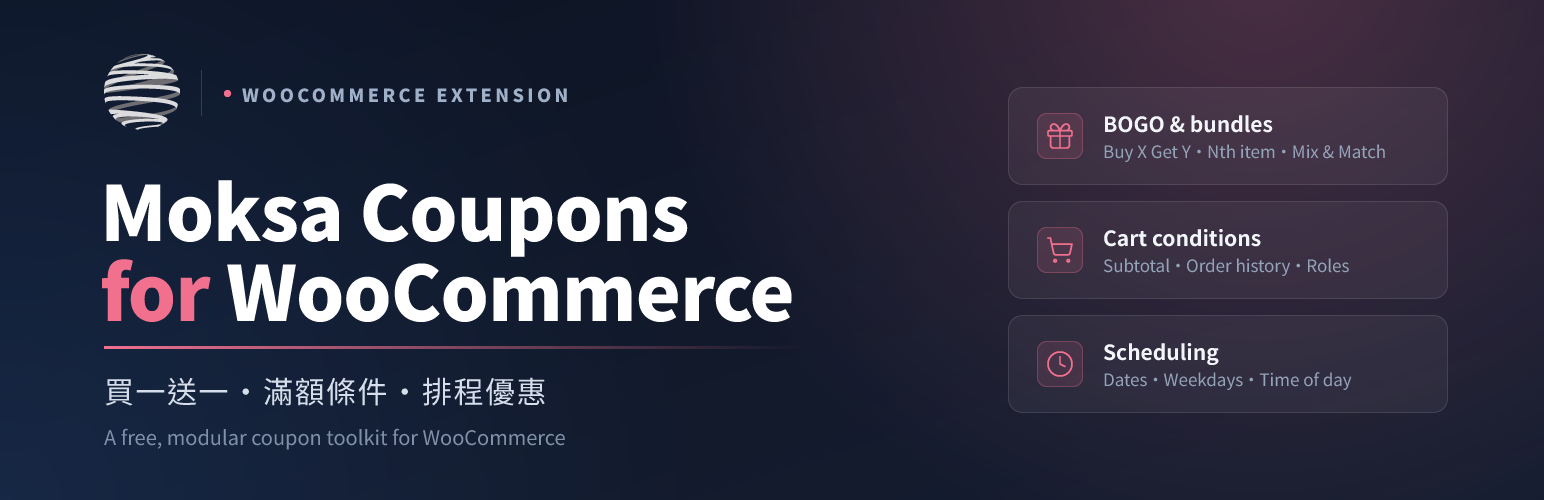

Moksa Coupons for WooCommerce
v1.3.2Moksa · 2026年8月9日 上架
AI-first WooCommerce coupon toolkit: BOGO, cart conditions, role limits, scheduling, URL coupons, auto-apply and one-click templates.
- 正在使用
- 10+
- 评分
- 暂无
- 累计下载
- 845
- 最近更新
- 2026年11月23日
贡献者
 Moksa
截图


Moksa Coupons for WooCommerce is a free, modular coupon toolkit that brings the premium coupon features merchants usually pay for — BOGO, cart conditions, scheduling, URL coupons and more — to every WooCommerce store, and makes every coupon action available to the WordPress Abilities API, the in-dashboard AI assistant and external AI tools over MCP.
Every feature is a separate module that is off by default; turn on only what you need under the plugin’s own “Moksa coupon Settings” screen.
Coupon features
- BOGO (Buy X Get Y) — buy N of a product/category, get M free or discounted.
- Nth-item discount — every N of a chosen set (or the whole store) discounts the Nth item — free, percent or a fixed amount (e.g. half price on the 2nd item), once or repeating.
- Mix & Match — pick any N from a set for one fixed bundle total (any 3 for $299) or a percent off the whole set.
- Cart conditions — minimum subtotal / quantity, customer-history rules (first-order-only, min/max orders or spend), required/excluded products and categories.
- Role restrictions — limit a coupon to chosen user roles.
- Scheduling — start/end date-time and day-of-week / time-of-day windows, enforced at checkout.
- Free gift — auto-add a gift product to the cart when the coupon applies.
- Shipping override — make a coupon set free shipping or a percentage/fixed shipping discount.
- Stacking control — allow or block combining a coupon with other coupons.
- Discount cap — cap the maximum amount a percentage coupon can discount.
- Auto-apply — apply qualifying coupons automatically, no code needed.
- URL coupons — a pretty
/coupon/<code>link (with server-side QR) and an optional?coupon=apply, that auto-applies on click. - Coupon templates — 50+ ready-made presets (new customer, spend-and-save, free shipping, BOGO, Nth-item, seasonal sales…) you can apply, tweak and create in one click.
- Reports — per-coupon usage and total discount, cached hourly.
- Front-end coupon wall — a
[moksafocou_coupons]shortcode that lists your advertised coupons as copy-to-clipboard cards.
AI, Abilities and MCP (optional)
Every coupon action is registered as a WordPress Ability, so the same capability is reachable from:
- the in-dashboard AI assistant — create or look up coupons by typing in plain language (uses the WordPress AI Client, which you configure with your own provider);
- the WordPress Abilities API and REST API;
- an optional MCP server that exposes coupon abilities to external AI tools. It is served by the shared Moksa MCP endpoint (
/wp-json/moksa/v1/mcp), which lists the tools of every Moksa plugin you have switched it on in; the older/wp-json/moksafocou/v1/mcpkeeps working and lists coupon tools only.
These features are off by default and respect WordPress capabilities — every ability and REST route checks the current user’s manage_woocommerce (or a coupon-specific) capability. Over external MCP, tools that change coupons are all off by default and are switched on one by one. Each needs its own capability (for example delete_shop_coupons to delete), and each runs in two steps: the change is first proposed with a summary, and only carried out when the AI tool confirms it with a one-time token (valid for 10 minutes, usable once). Recent changes made this way are listed on the settings screen.
Use a dedicated account with only the permissions it needs for the application password you give an AI tool. If the AI tool is set to approve tool calls automatically, switching on a change tool lets the AI confirm that change by itself — the site cannot tell the difference.
Off by default, enable what you need
Every feature is a separate module and ships turned off. The AI assistant, Abilities and MCP integrations build on the WordPress Abilities API and AI Client included in WordPress 7.0 (this plugin’s minimum), but stay inactive until you switch them on; the core coupon features need no AI configuration at all.
Source
Source code and issue tracker: github.com/Moksa1123/moksa-coupons-for-woocommerce.
External services
This plugin can connect to a third-party AI provider, but only when you, the site administrator, explicitly enable an optional feature, and only through infrastructure you configure yourself. The plugin bundles no AI SDK and ships with every AI/MCP feature turned OFF by default. The plugin makes no outbound HTTP requests of its own.
AI coupon assistant (optional, off by default). When you enable this feature, the natural-language text you type in the admin to create or query coupons — plus the coupon parameters needed to fulfil that request — is sent to the AI model provider you have configured in WordPress’s AI Client (WordPress 7.0+). The plugin does not choose a provider, does not include or transmit any API keys of its own, and makes no AI request unless you enable the feature and configure a provider. Which provider receives the text, and the terms and privacy policy that apply, depend entirely on the AI Client connector you set up. Please review your chosen provider’s terms of service and privacy policy.
External MCP server (optional, off by default). When you enable this feature, the plugin exposes coupon abilities to external AI tools over the Model Context Protocol. This is an inbound, authenticated endpoint: a request must come from a logged-in user with the manage_woocommerce capability. The plugin does not send your data to any external service through this feature; it only answers authorised incoming requests. Tools that change coupons stay off over external MCP until you switch them on one by one. For each call the plugin keeps a short log on your own site (time, account, tool name, outcome and a fingerprint of the arguments — never the arguments themselves); nothing is sent anywhere.