

Modern Fields, Custom Fields for Gutenberg
v1.6.0maximebj · 2026年2月6日 上架
Design custom field groups in the block editor, fill them in with native WordPress UI, and display them without code through block bindings.
- 正在使用
- 40+
- 评分
- 5.0 / 5
- 累计下载
- 3,293
- 最近更新
- 2026年11月13日
贡献者
 maximebj
截图
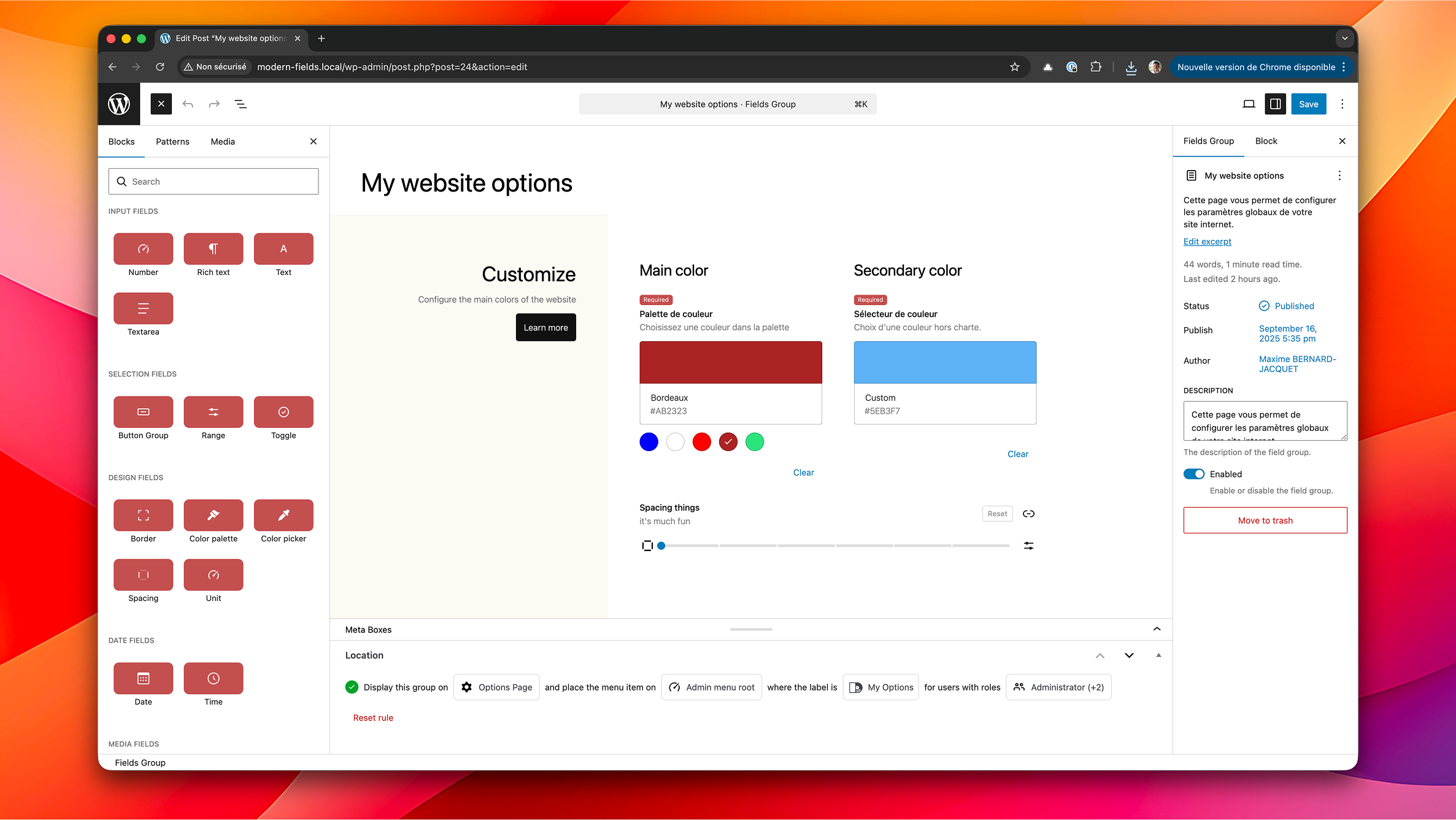
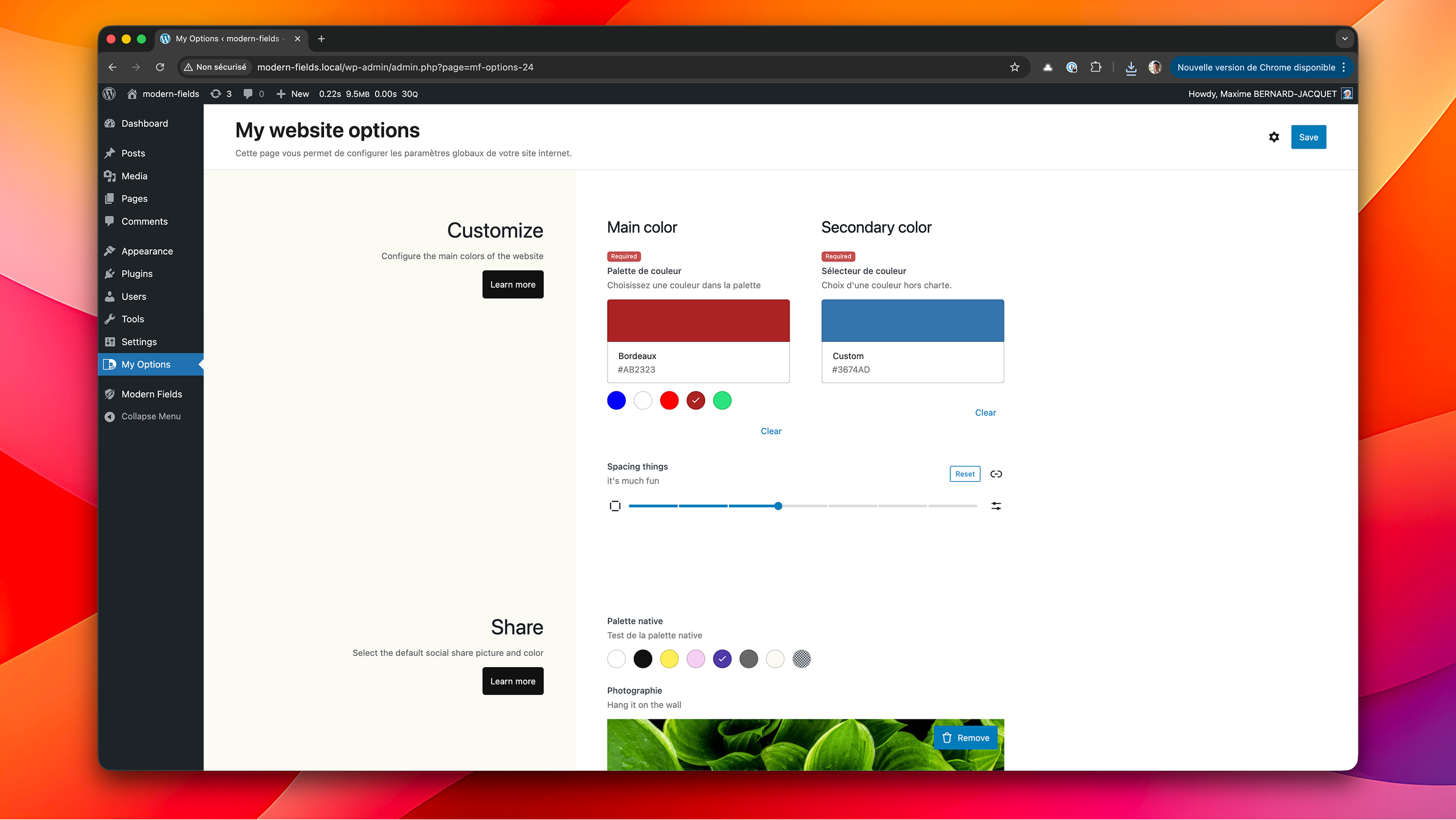
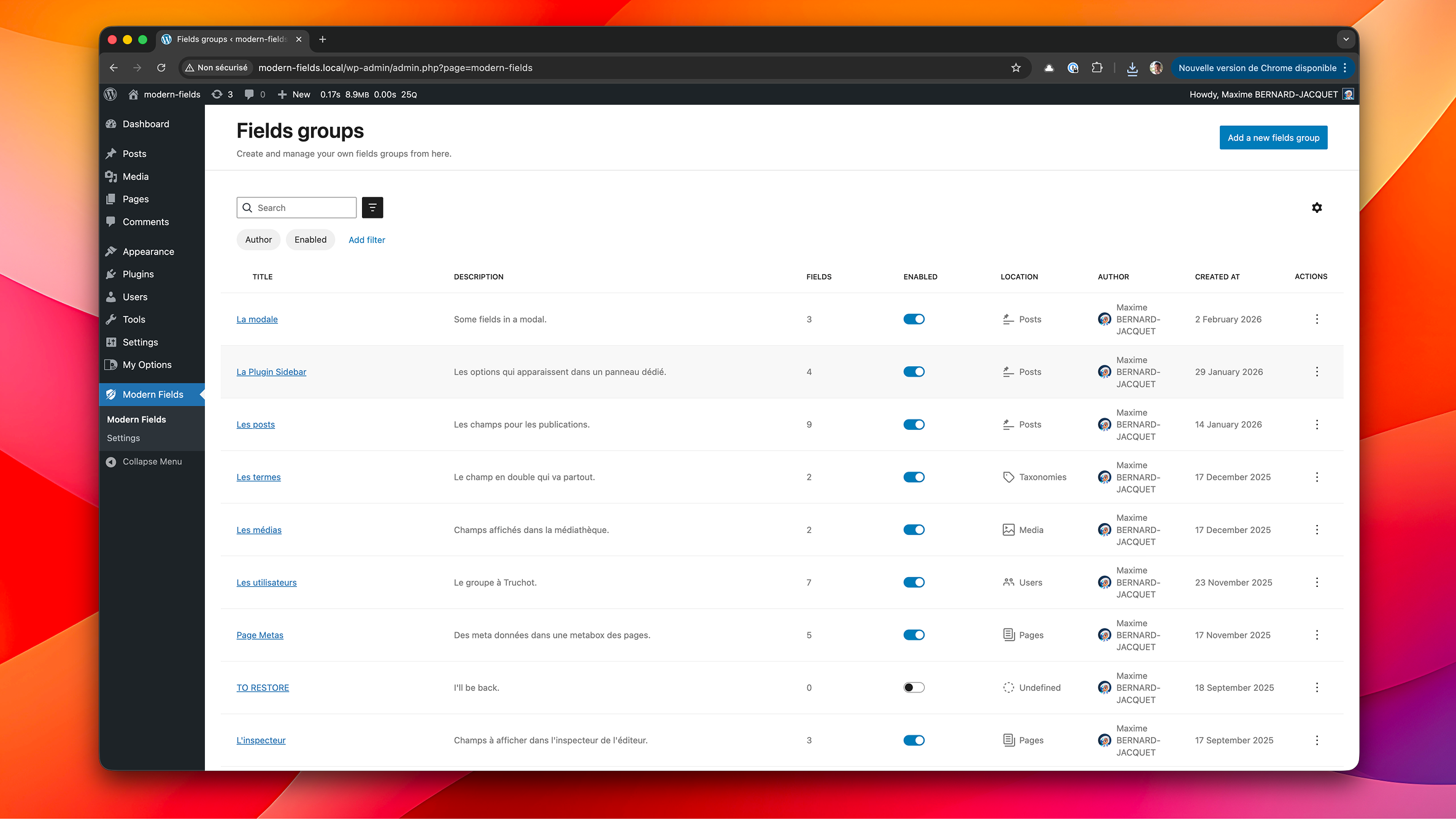
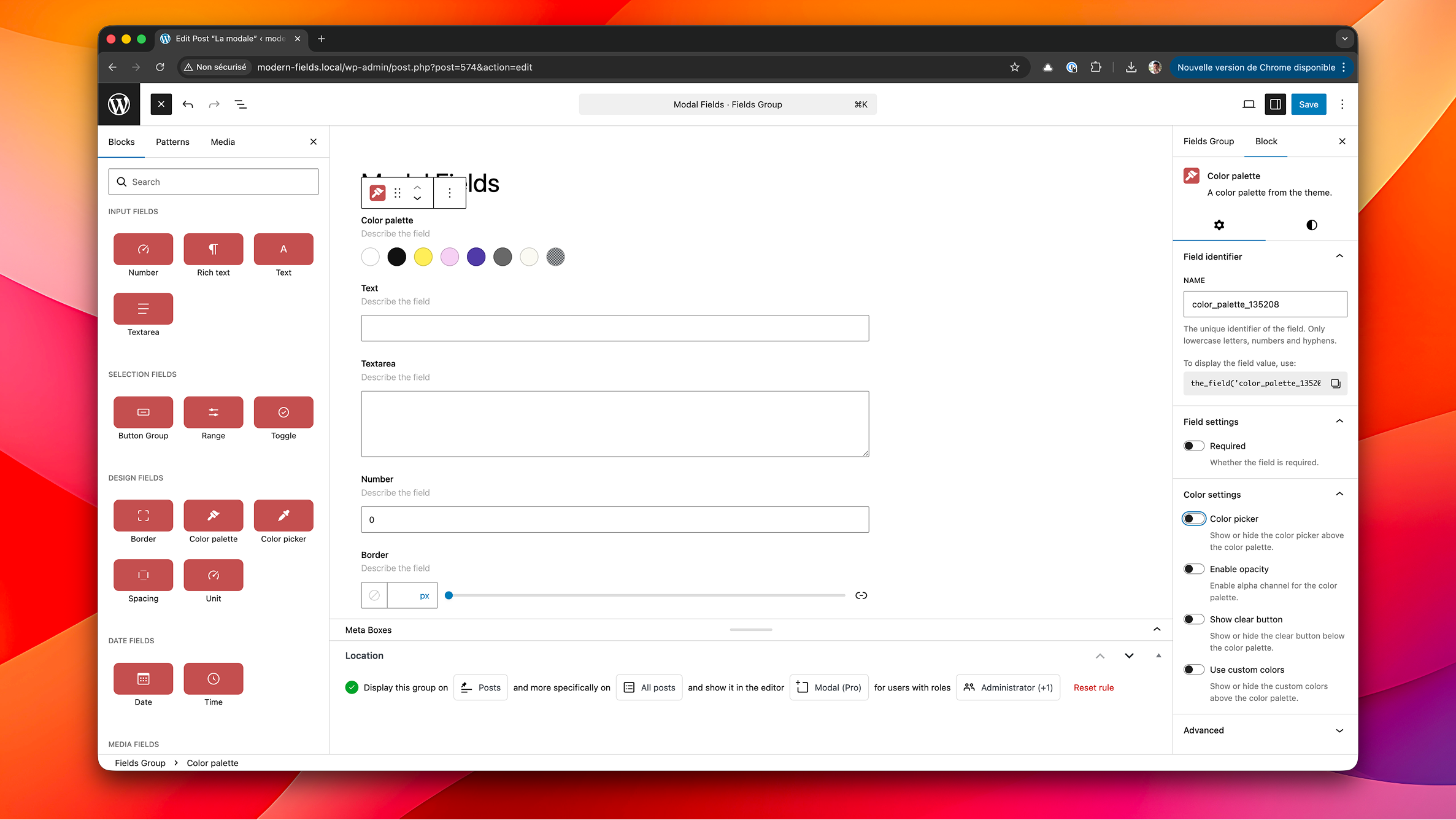
Modern Fields™ is a custom fields plugin built for the WordPress block editor. Create your field groups by designing them visually, manage them with the native WordPress interface, and consume them without code, through block bindings and the core blocks you already use.
Coming from Advanced Custom Fields or Secure Custom Fields? Modern Fields speaks your language: get_field(), the_field(), field names as you write them, ACF-shaped map values. Modern Fields Pro migrates a whole site from ACF or SCF in a few steps.
Create: design your field groups visually
- Build field groups in the block editor itself: every field is a block you insert, move and set up, and the form looks like what your editors will fill in.
- More than 30 field types: text, textarea, rich text, number, range, email, URL, link, select, checkboxes, radio buttons, button group, toggle, multi token, date, time, image, gallery, file, embed, map, icon, color picker, color palette, border, spacing, unit, user, taxonomy, post reference, post or archive link, and reverse relation.
- Lay your forms out with core blocks: columns, groups, headings, separators, accordions, and tabs on WordPress 7.1.
- Map field with OpenStreetMap out of the box, or Google Maps with your own key.
- Bidirectional relations: a Reverse Relation field shows and edits, from the other side, the posts pointing at the current one.
- Register custom post types and taxonomies from the same admin, no extra plugin needed.
- Keep everything in version control: JSON sync folder, import and export with a preview of every change, and WP-CLI commands.
Manage: fill them in with the native WordPress interface
- Fields built from WordPress’ own components: they look and behave like the rest of the block editor and the admin.
- Show field groups on posts, pages, custom post types, page templates, categories, tags and terms, users and profiles, media, and dashboard widgets, with fine-grained location rules (status, terms, templates, roles).
- Works in the block editor and in the classic editor through metaboxes, WooCommerce products included.
- Role-aware: choose which roles fill in each field group. Only the users who administer Modern Fields create or edit field groups.
- Predictable and secure data: every value is checked against its field type on every screen, and stored as standard WordPress metadata.
Consume: display your fields without code
- The Field Value block shows a field of the current post in your content, your templates and your Query Loops.
- Block bindings: it binds the field to a core block (Paragraph, Heading, Image or Button), so the value takes your theme’s design.
- Built for full site editing: fields work in the Site Editor and in block templates.
- In PHP,
get_field(),the_field()andget_field_group()read your values in classic themes and custom blocks. - With Modern Fields Pro, filter and sort the Query Loop block by field values right in its settings, and display the fields of the post author or of an options page.
Why Modern Fields rather than ACF?
- Field groups designed visually, in the block editor, instead of a settings form
- Native WordPress controls for the people filling the fields in
- Block bindings and the Field Value block: no template code to display a value
- OpenStreetMap maps with no API key
- Custom post types and taxonomies included
get_field()andthe_field()keep working, and Pro’s ACF Migration moves your field groups and their values
Modern Fields Pro
Modern Fields Pro adds what agencies need on bigger projects:
- Repeater, Relation and Block Editor fields, and conditional logic
- Options pages, under any admin menu
- More places in the block editor: modal, drawer and sidebar panels
- Query Loop filters and ordering by field value
- The Advanced Field Value block: fields of the post author or of an options page, and fields shown through the File, Embed, Gallery and Icon blocks
- Fields attached to blocks, and custom blocks built from field groups, without code
- ACF Migration (beta): from ACF or Secure Custom Fields, field groups, values, options pages, post types and taxonomies, with a plan before anything is written and a way back
- Available in French, Spanish, German and Italian
Copyright & Trademark
“Modern Fields”™ and the Modern Fields logo are trademarks of Dysign.
Copyright © 2024–2026 Dysign. All rights reserved.
The plugin source code is licensed under the GNU General Public License v2 (or later). That license does NOT grant any right to the “Modern Fields” name or logo: they may not be used to identify, brand, or promote derivative or forked products without prior written permission from Dysign.