

Modal Builder Block
v1.1.0Rodrigo · 2021年8月26日 上架
Build a modal with the power of WordPress' block editor. Anything you can do with the editor works inside of the modal content window or the moda …
- 正在使用
- 700+
- 评分
- 5.0 / 5
- 累计下载
- 7,921
- 最近更新
- 2025年3月23日
贡献者
 Rodrigo
截图
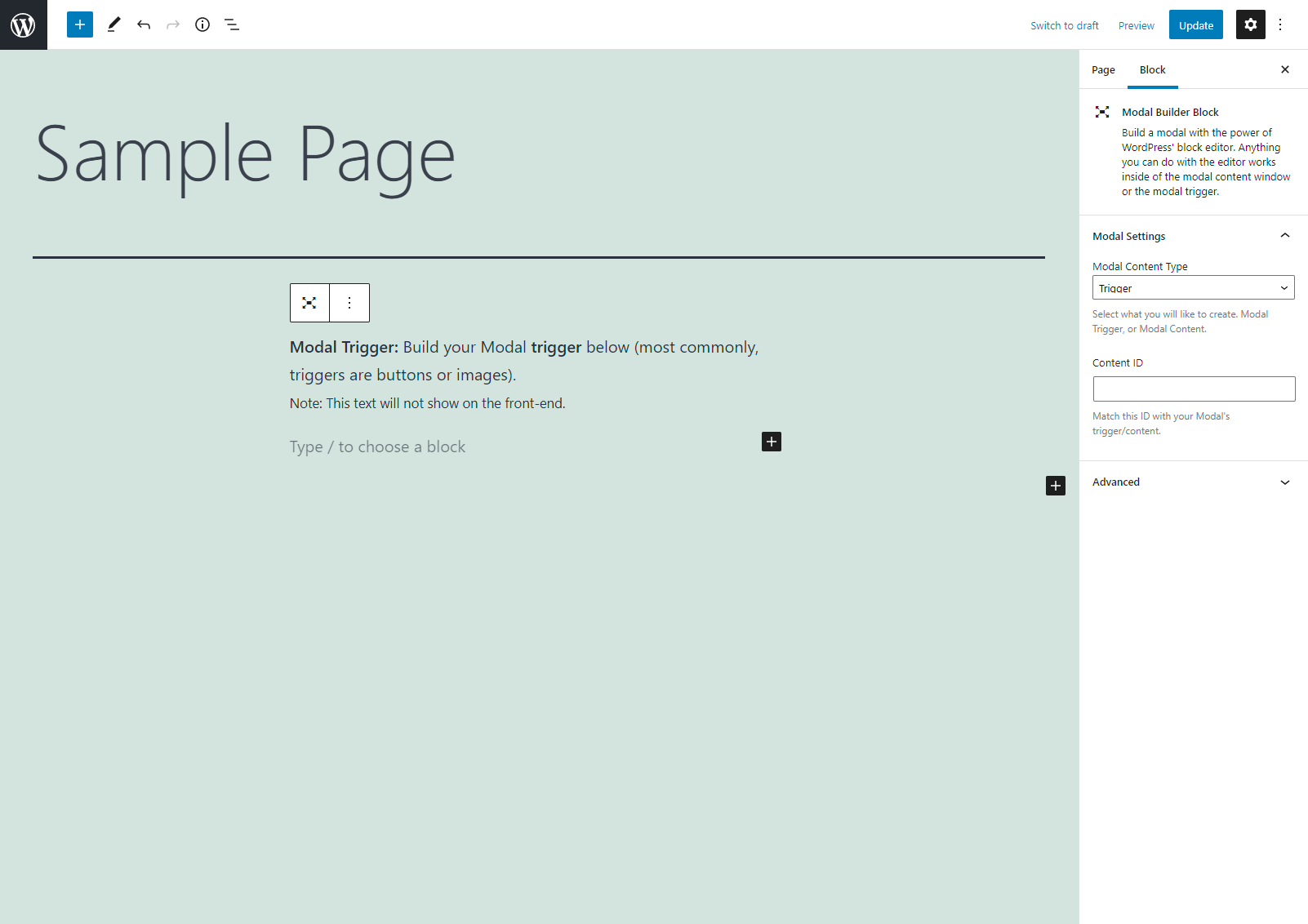
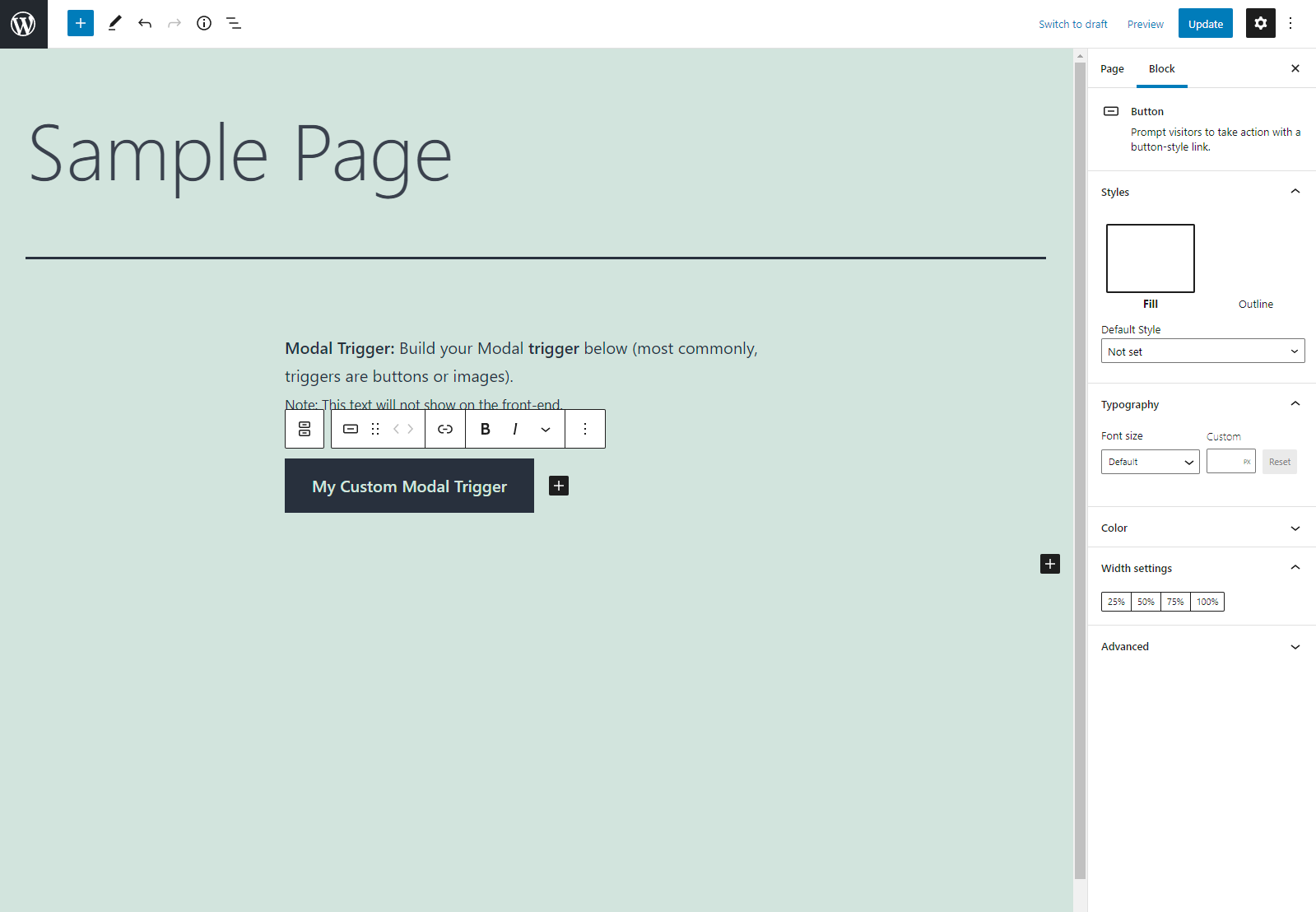
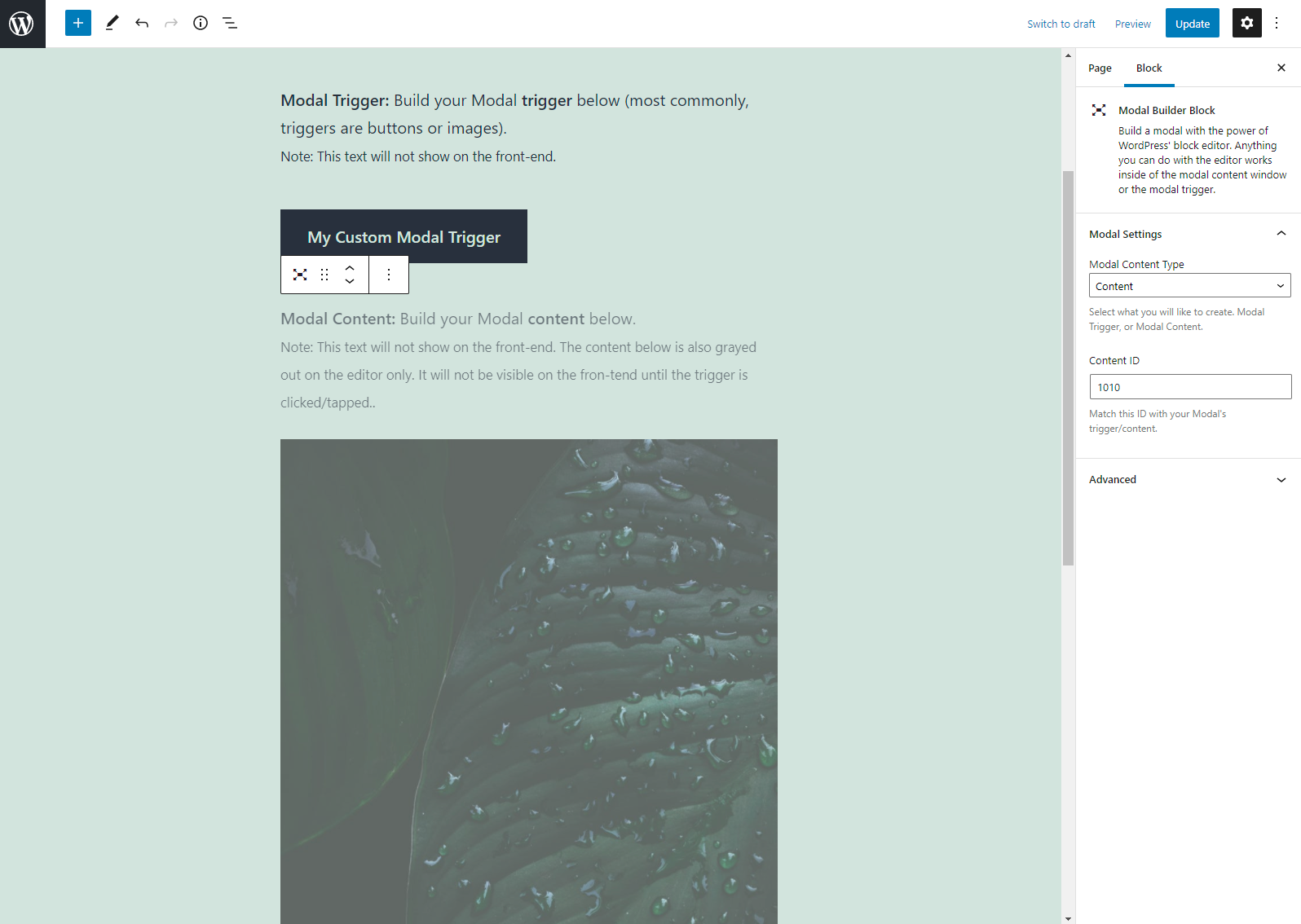
This small plugin allows you to create a modal / popup / lightbox with WordPress’ default Block editor (Gutenberg). The plugin provides you with a block that can be used for the modal’s trigger and the modal’s window contents. Anything you can do with the block editor, you can use for the modal trigger or the contents.
- Multiple trigger methods. Use the power of the Block Editor to create your trigger (buttons, images, covers, and more).
- Flexible modal content. Similarly to the trigger, use the Block Editor to define the content inside your modal content.
- Supports multiple modals on the same page.
- More to come.
To create a modal, simply use the Modal Builder block to create a trigger. Use another Modal Builder block to create the content (make sure you select the appropriate content type under the modal settings). On both instances, set the “Content ID” to whatever you want as long as both instances match. You are set.
Donations
If you like the plugin, consider leaving a donation to support further development of the plugin. Click here. If you would like custom solutions or the like, please visit HTR.Design.