MJC Designs AI Design Assistant for Bricks Builder
v1.1.15mjcdesigns · 2026年10月15日 上架
An AI design assistant that proposes and applies changes to Bricks Builder documents using the WordPress AI Client.
- 正在使用
- 10 以下
- 评分
- 暂无
- 累计下载
- 943
- 最近更新
- 2026年11月20日
贡献者
 mjcdesigns
截图
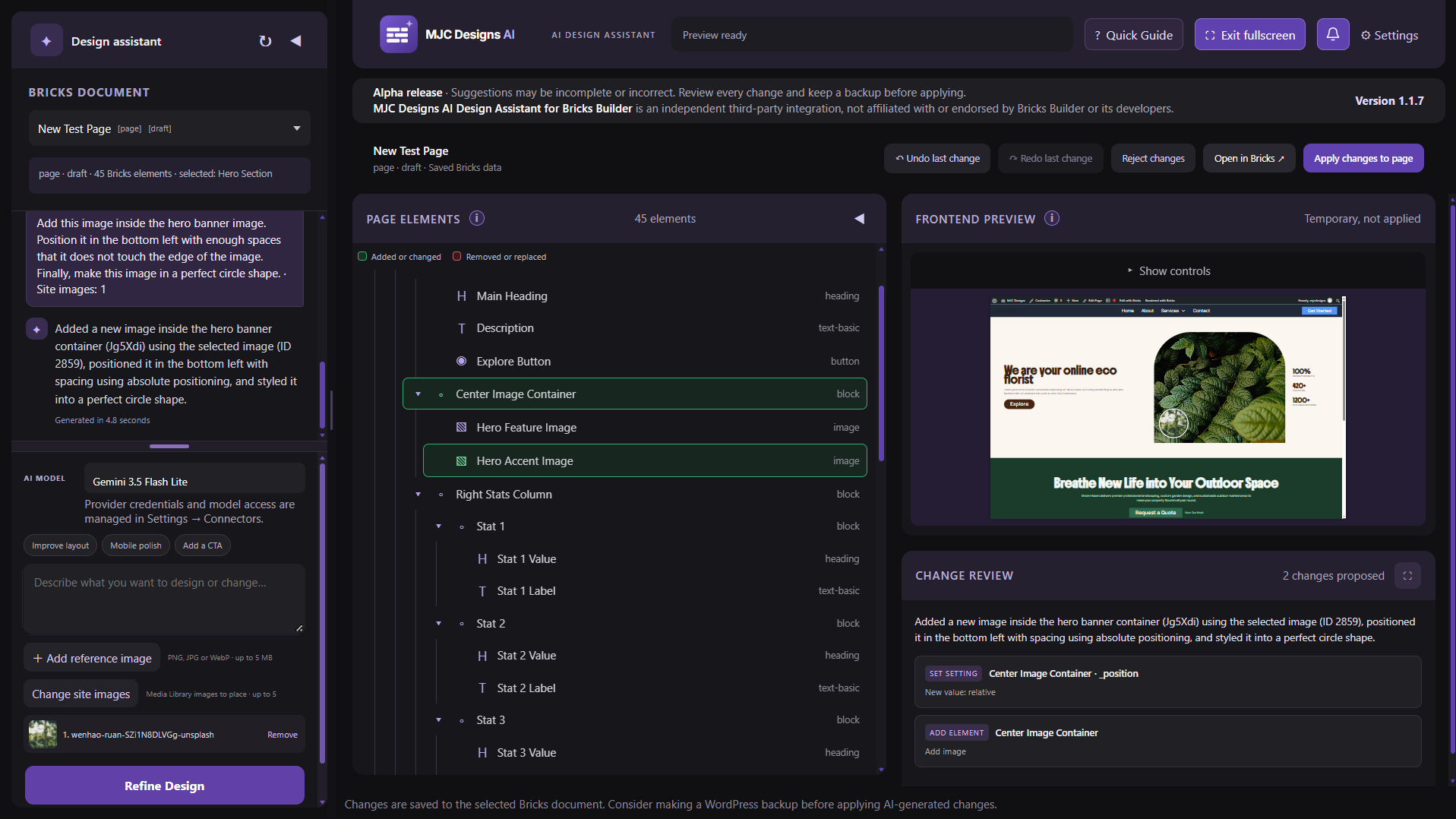
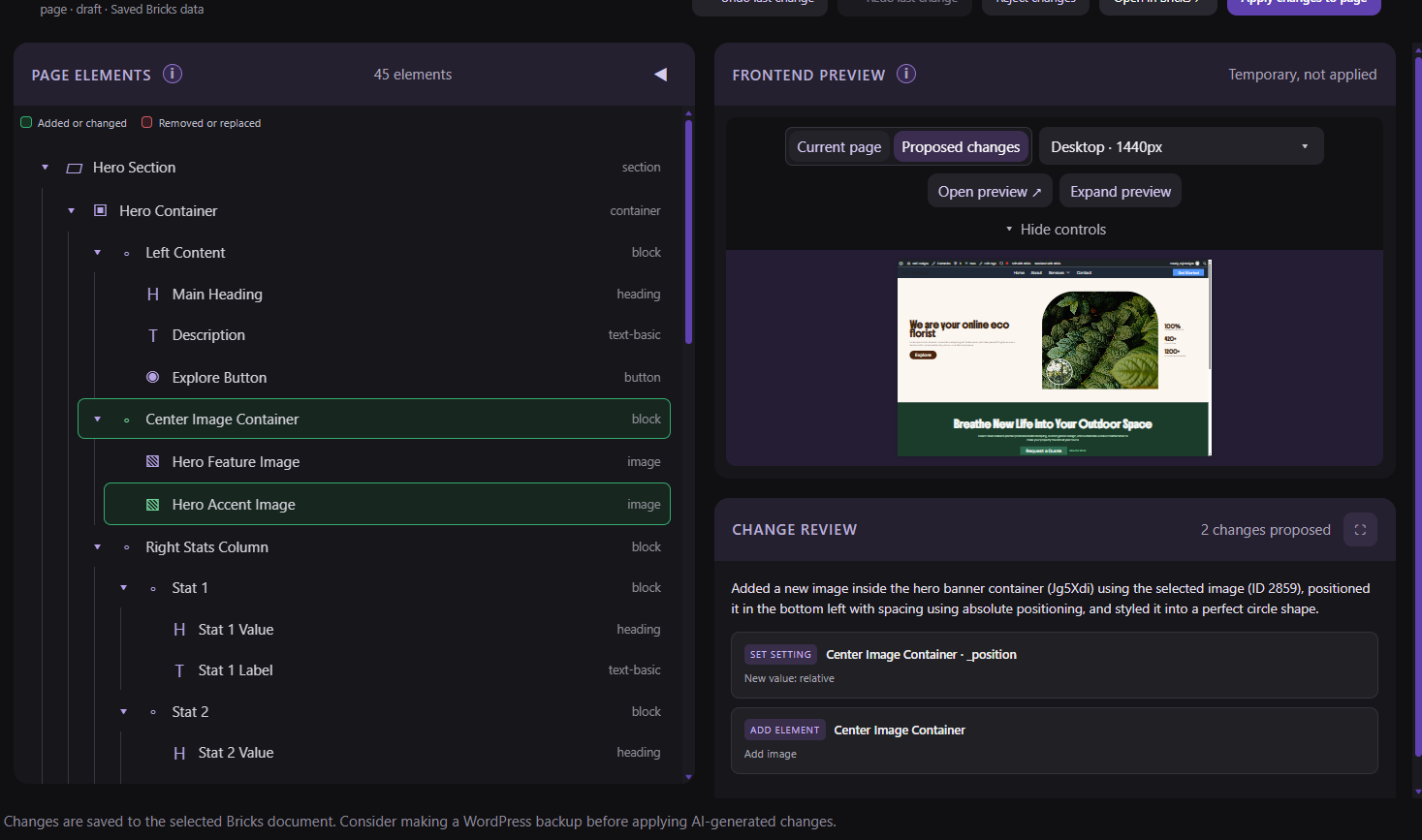
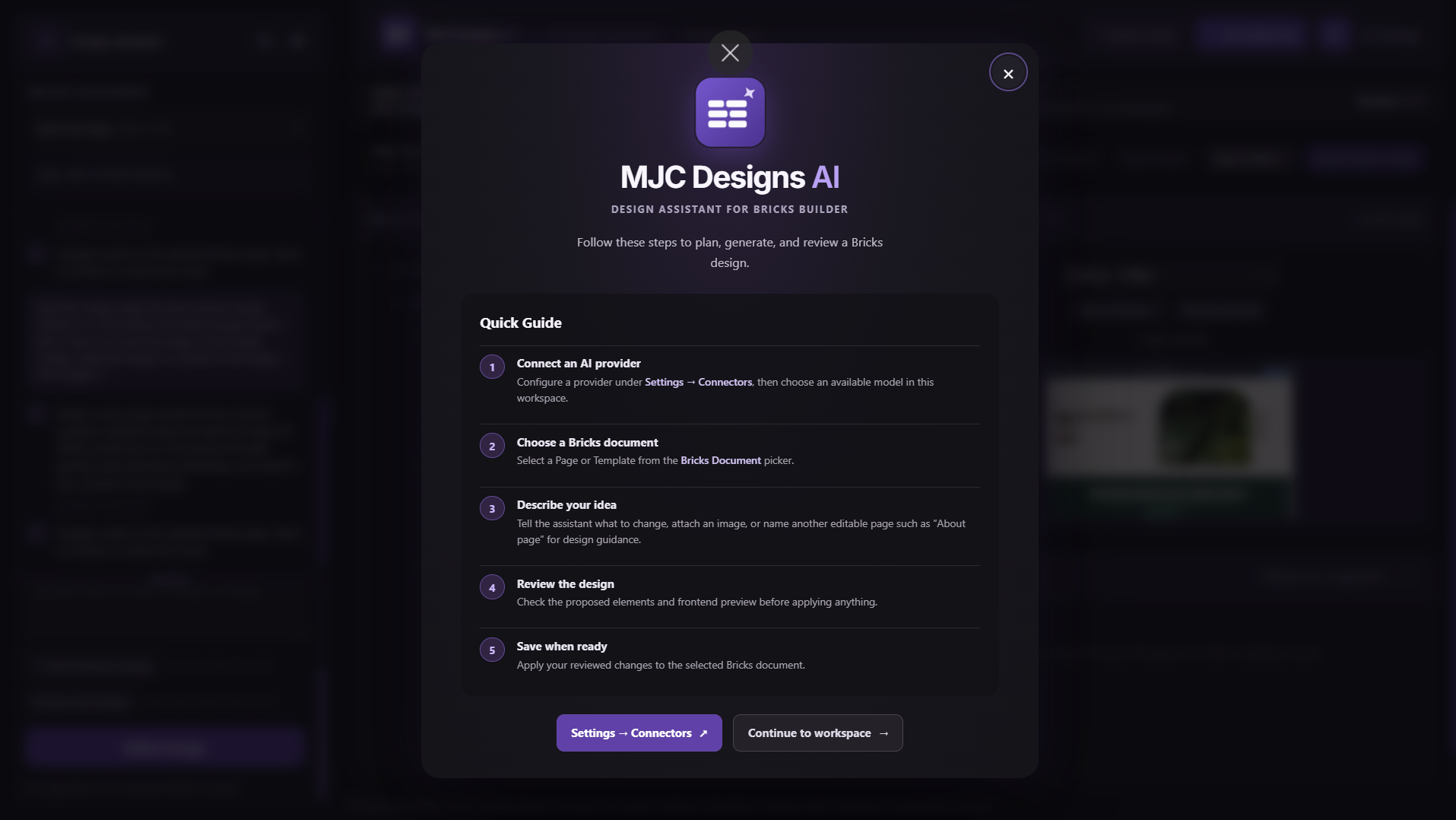
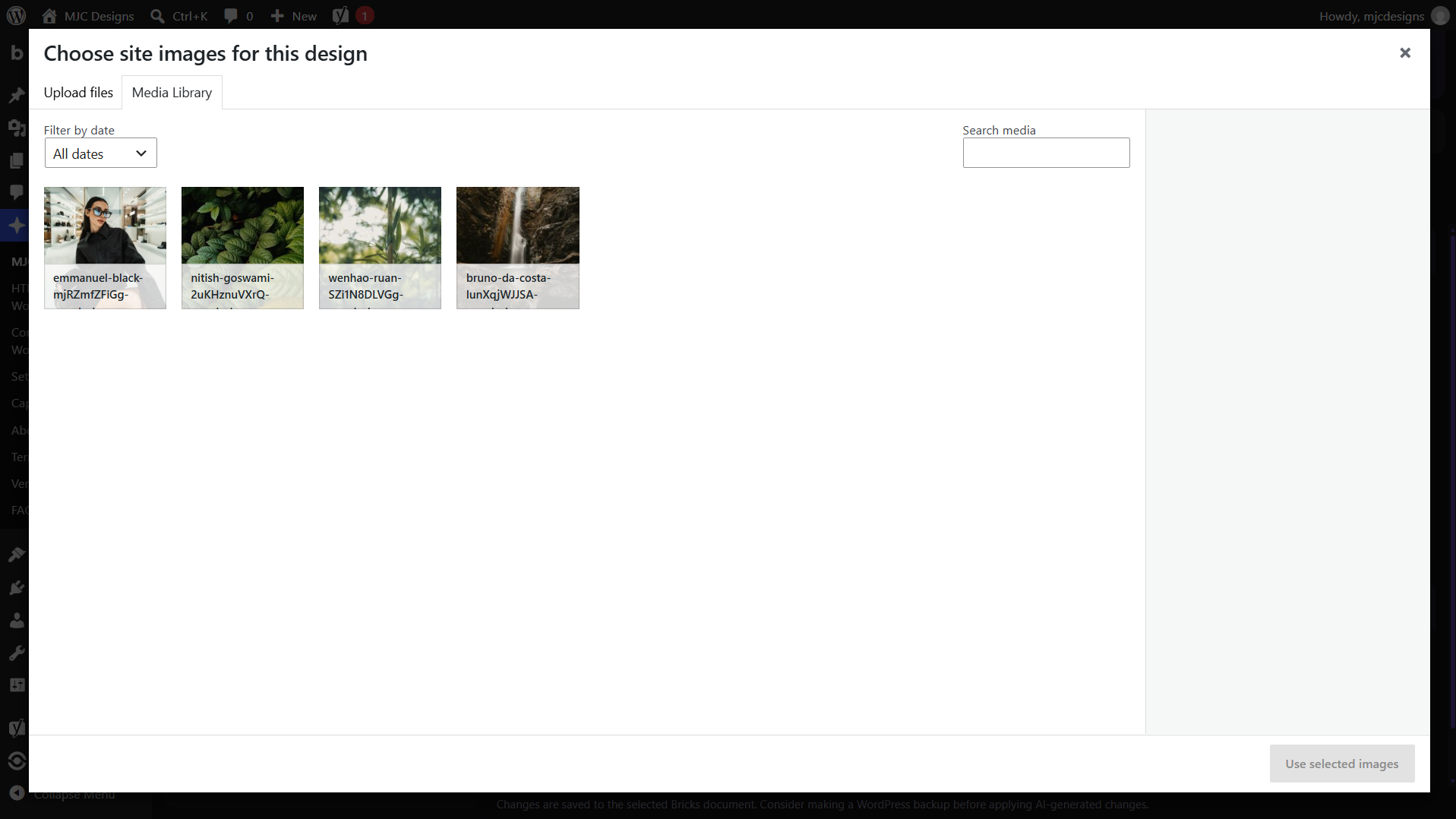
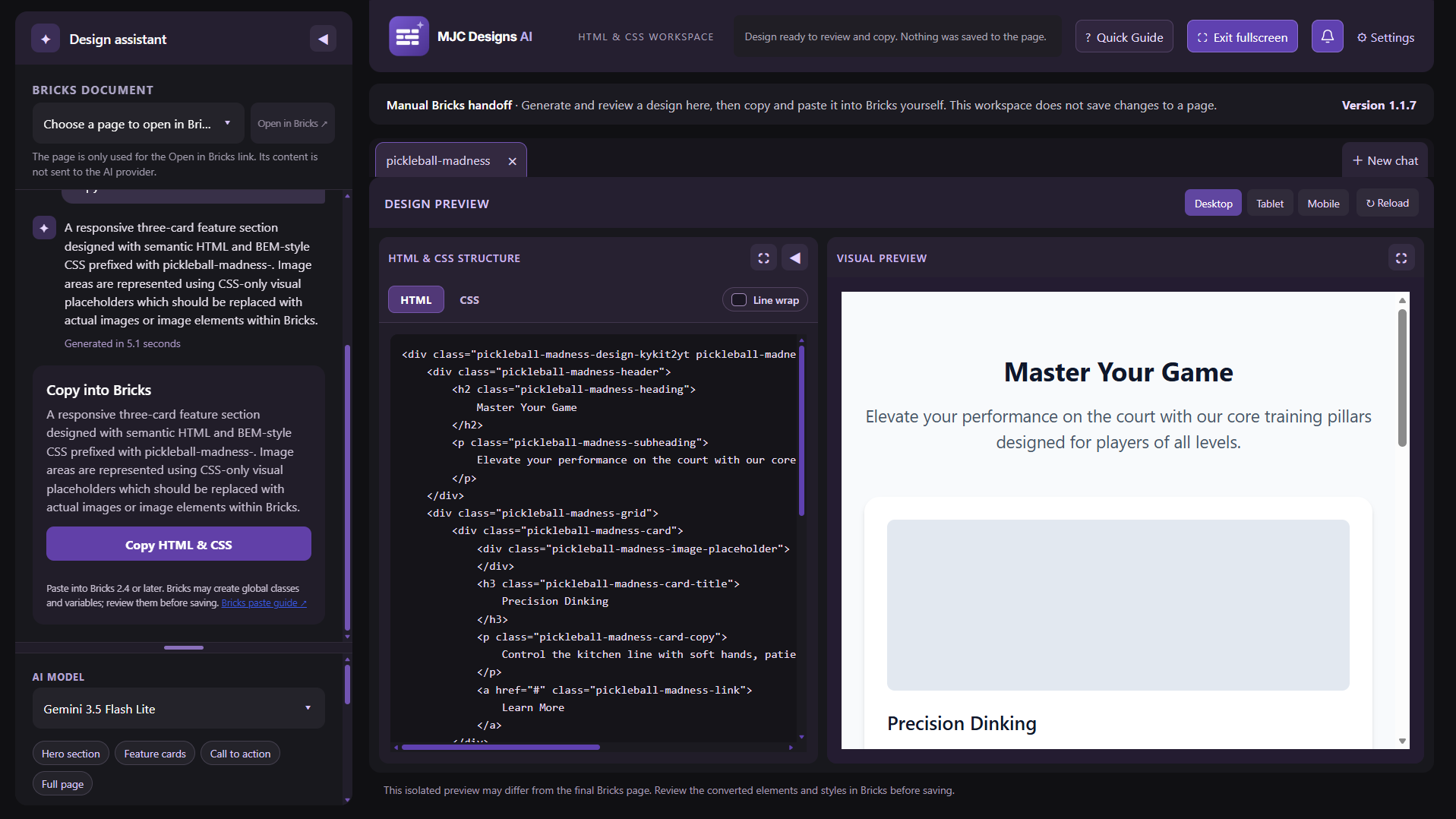
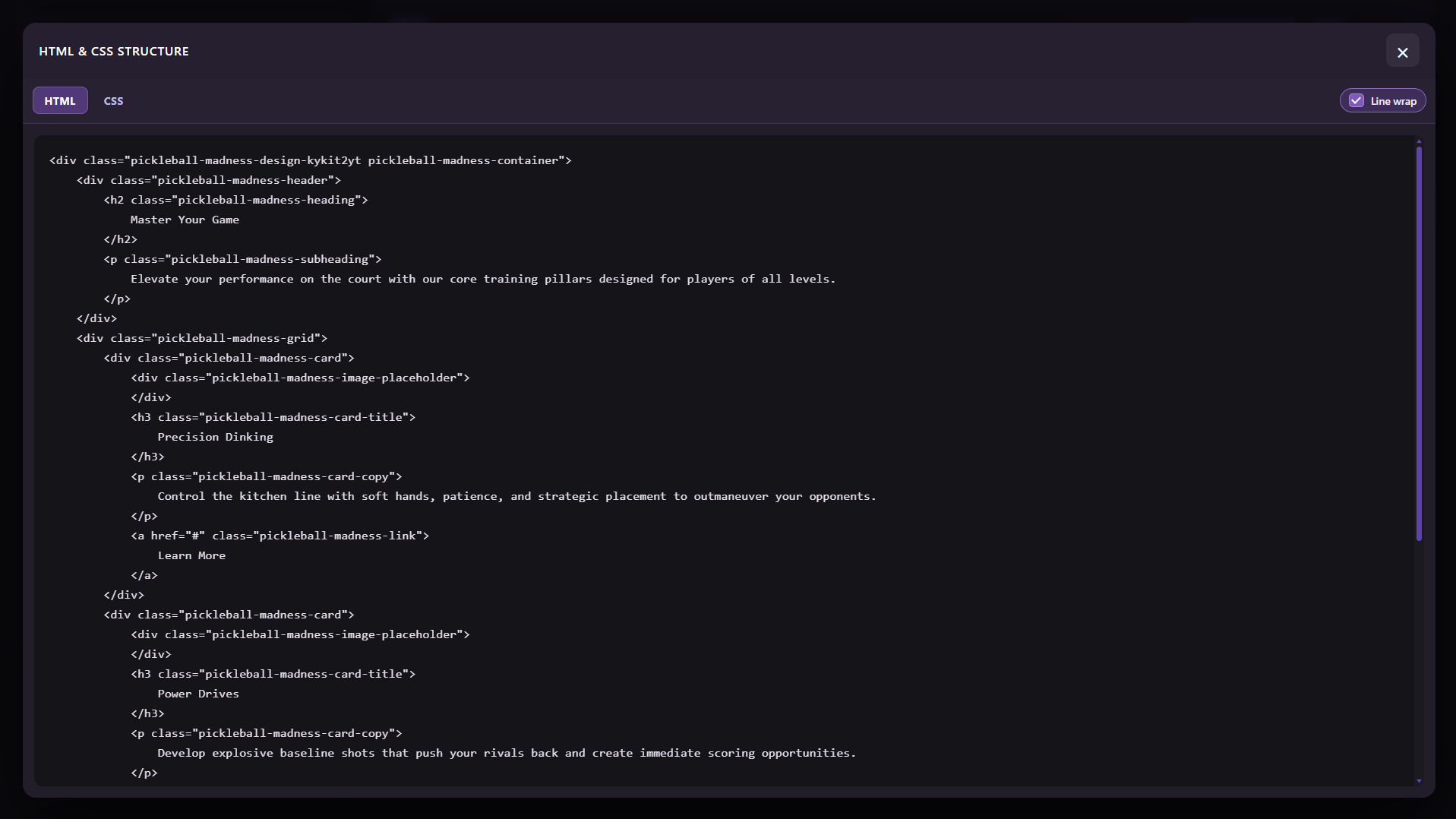

MJC Designs AI uses the WordPress AI Client and configured provider models to propose Bricks page changes for your review before applying them. Its optional Style Manager guides designs in the Main Workspace and Content to Pages Workspace with browser-session colors and variables. On selected WordPress pages, an optional Page SEO editor can save supported Yoast SEO or AIOSEO fields and the WordPress slug after explicit review, or move an eligible page to recoverable WordPress Trash after confirmation. Main and Content to Pages can create a draft page manually. The HTML and CSS workspace creates drafts for manual pasting into Bricks. Content to Pages also extracts final copy from DOCX or text-based PDF files, creates WordPress draft pages, prepares separate Bricks designs for review, and can edit existing Bricks templates. The plugin is independent of Bricks Builder, Yoast SEO, and AIOSEO; it is not affiliated with or endorsed by their developers. This alpha release is for evaluation: review each proposal and keep a backup before applying changes.
Visit the MJC Designs AI YouTube channel. The About subpage also links to video tutorials and updates. YouTube content is not loaded in the plugin page.
Requirements
- WordPress 7.0 or later with the WordPress AI Client.
- A compatible AI provider integration installed and configured under Settings > Connectors.
- Bricks 2.4 or later, with
get-page-elements,set-page-elements, andget-element-schemaabilities enabled under Bricks > AI > Abilities. - PHP 7.4 or later.
- PHP Zip and XML extensions for DOCX extraction, and zlib for compressed PDF text in Content to Pages.
Features
- Create WordPress draft pages manually or turn DOCX and text-based PDF copy into drafts in Content to Pages. Review each page’s detected copy and its separate Bricks design proposal.
- Generate proposals from registered Bricks elements and controls. Validate settings against the live schema, review the preview and changes, apply them when ready, or undo recent changes. The plugin does not write Custom CSS or executable code.
- Save a full page or selected Page Elements tree as a template. Use Design Templates Manager to categorize, search, sort, rename, preview, delete, import, and export templates. Insert a saved design at the page bottom as a reviewable proposal.
- Import or export the full template library or one category. When importing into a nonempty library, skip duplicate names or keep both using numbered names.
- Use Style Manager in Main and Content to Pages to guide designs with browser-session colors, variables, and fluid scales. Import and export palette or variable JSON manually; Style Manager does not write Bricks global settings and is not used by HTML and CSS.
- Use Page SEO on supported WordPress pages to review and apply available Yoast SEO or AIOSEO fields and the page slug. Moving a page to WordPress Trash requires confirmation.
- Select up to ten existing Media Library images for placement guidance and attach optional reference images. Selected image metadata may be sent to the chosen provider, but image files are not sent by this feature.
- Generate static HTML and CSS drafts for manual use in Bricks. Use multiple browser-session chats, code tabs, responsive previews, and fullscreen controls; generated scripts are not executed and the workspace does not save pages.
- Choose a workspace color theme, open Quick Guide from the workspace header, and enable optional desktop alerts for completed requests. Alerts require browser permission and a secure connection.
Source Code
The plugin ships human-readable PHP, JavaScript, and CSS source. Its PHP entry point is mjcdesigns-ai-design-assistant-bricks.php. The PHP code is grouped under includes/admin/ for admin pages and workspace loading, includes/design/ for Bricks proposals and Style Manager, includes/content/ for Content to Pages, includes/pages/ for page creation and SEO, and includes/structure/ for the HTML and CSS workspace.
JavaScript and CSS are loaded directly without a build step. The native Bricks workspaces use assets/js/app.js, assets/css/admin.css, assets/js/admin-notices.js, assets/js/tab-notifications.js, assets/js/style-manager.js, and assets/css/style-manager.css. The HTML and CSS workspace uses assets/js/structure-workspace.js and assets/css/structure-workspace.css. Content to Pages uses assets/css/content-workspace.css. The Page SEO editor uses assets/js/seo-editor.js and assets/css/seo-editor.css. Single draft creation uses assets/js/new-page.js and assets/css/new-page.css. Interface themes use assets/js/theme-presets.js and assets/css/theme-presets.css. Branding images are in assets/images/. Interface images and code are packaged locally, not loaded from a remote asset host. Browser alerts use built-in browser APIs without an external notification service or library.
Privacy
The Main Workspace sends the prompt, selected Bricks document content, optional reference image, and selected Media Library image metadata (IDs, titles, alternative text, and dimensions) through the WordPress AI Client to the chosen provider. Content to Pages can send the same metadata for images you select, along with the selected page’s extracted copy, brand colors, special instructions, prompt, and current Bricks document elements. When Style Manager is enabled, its colors, variables, scale settings, variable roles, and matching names found in Bricks global settings are sent with Main Workspace and Content to Pages Workspace design requests. When you name another editable page as a design reference, a bounded summary of its native Bricks layout and visual settings is also sent. When you name an existing page as a template reference, its Bricks elements and matching uploaded copy may also be sent to the selected provider. Selected Media Library image files are not sent. The HTML and CSS workspace sends the prompt and optional reference image; refinements also send the current HTML and CSS. When a public website URL is included in a design prompt or Website Planner instructions, the WordPress server requests that URL and up to two same-host stylesheets without running JavaScript. The URL and a compact extracted design summary are sent to the selected AI provider with the design request. The referenced website may receive the request from the WordPress server. Provider terms govern data handling and costs; review them before submitting sensitive information.
The plugin does not save chats to WordPress, store reference image files in browser session storage, upload them to the Media Library, or send telemetry to its author. Designs saved through Design Templates Manager and optional preview images are stored locally in the plugin-owned wp-content/uploads/mjcdesigns-ai-design-assistant-bricks/templates/ folder as Bricks data and image files; they are not registered in the WordPress Media Library or sent to an AI provider. They remain on the site until individually deleted or the plugin is uninstalled. Export creates a ZIP download of the saved library. Import validates a template-library ZIP and stores its designs and preview images in the same plugin-owned folder. When templates already exist, choose to skip duplicates or rename them with numbered suffixes; an empty library imports directly. Imported files are not added to the Media Library or sent to an AI provider. Uninstall permanently removes the plugin-owned uploads folder. The selected plugin interface theme is stored only in the current tab’s session storage. It is cleared when the tab closes and is not sent to an AI provider or saved in WordPress. Main Workspace chats are stored per selected Bricks document; HTML and CSS chats and Content to Pages chat messages also remain in the current tab’s session storage until the tab is closed. Content to Pages keeps saved brand colors and special instructions in this tab’s session storage. Unfinished title, slug, and optional SEO details in the single draft page form also stay in this tab session until the draft is created or the form is discarded; the form does not send them to an AI provider. Enabled Style Manager colors, variables, and scale settings are shared by the Main Workspace and Content to Pages Workspace in the same tab and are cleared when disabled or when a new Content to Pages session starts. Unfinished Style Manager edits are also kept in this tab so they can be restored after closing the modal or changing pages. Only saved, enabled settings are sent with design requests; discarding the edits or ending the tab session clears the unfinished draft. They are not written to Bricks global settings. The plugin reads an uploaded copy file from PHP’s temporary upload; it does not save that file or extracted text to WordPress, the Media Library, or browser session storage. Draft pages made from the copy, their explicitly labeled SEO details when one supported SEO tool is active, and applied designs do remain in WordPress. Private temporary previews are removed when replaced, when leaving the workspace, or after one hour. Site backups and logs follow the site’s policies. Administrators configure providers under Settings > Connectors and should review the suggested privacy text in Settings > Privacy.
An unread count in the workspace tab title appears only when a design request ends while the tab is unattended. Optional desktop alerts require a click on the Alerts button and browser permission. The on/off choice is kept only in that tab’s session storage. Alert text is generic and includes no prompt, copy, page title, or image. The plugin sends no notification data to an outside service.