

Mirame360 Embed
v1.0.0mirame360 · 2026年8月11日 上架
Embed 360° videos, panoramas and virtual tours hosted, encoded and streamed by Mirame360—without heavy files on your server.
- 正在使用
- 10 以下
- 评分
- 暂无
- 累计下载
- 240
- 最近更新
- 2026年8月11日
贡献者
 mirame360
截图
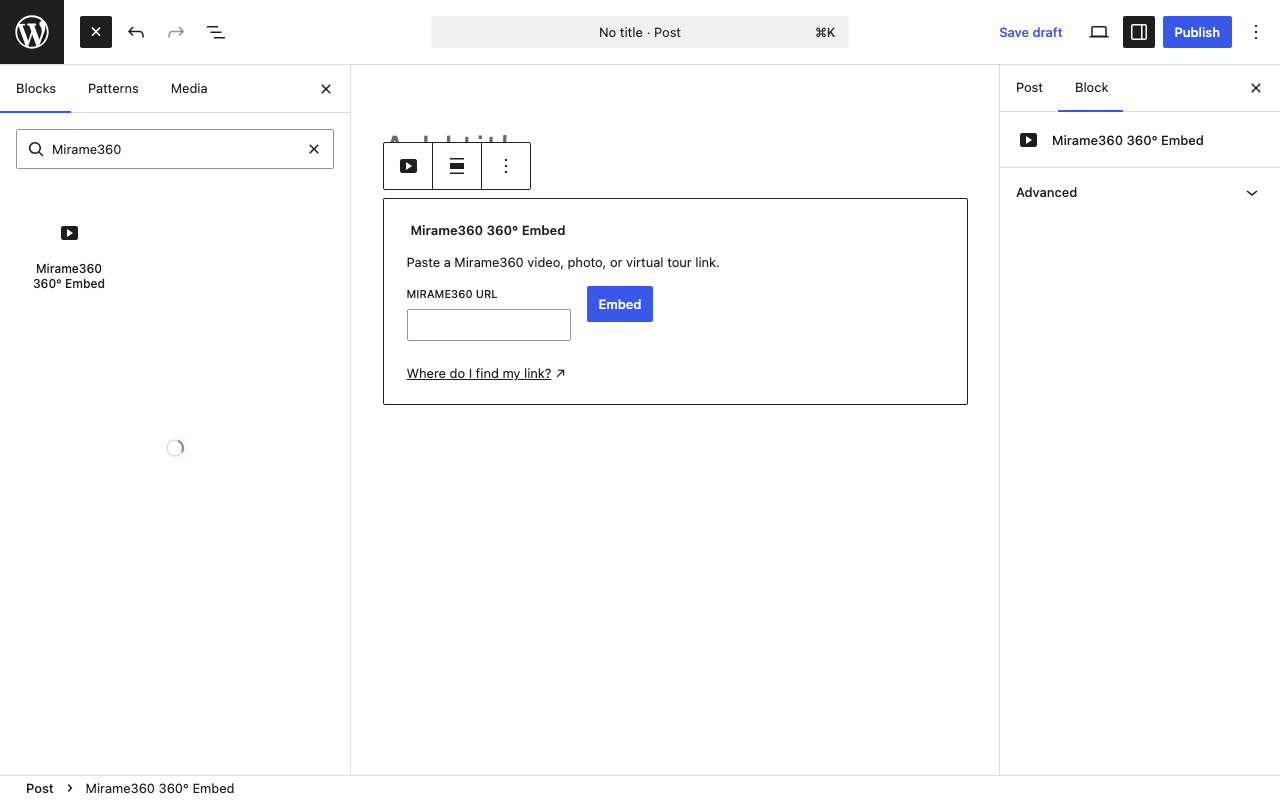
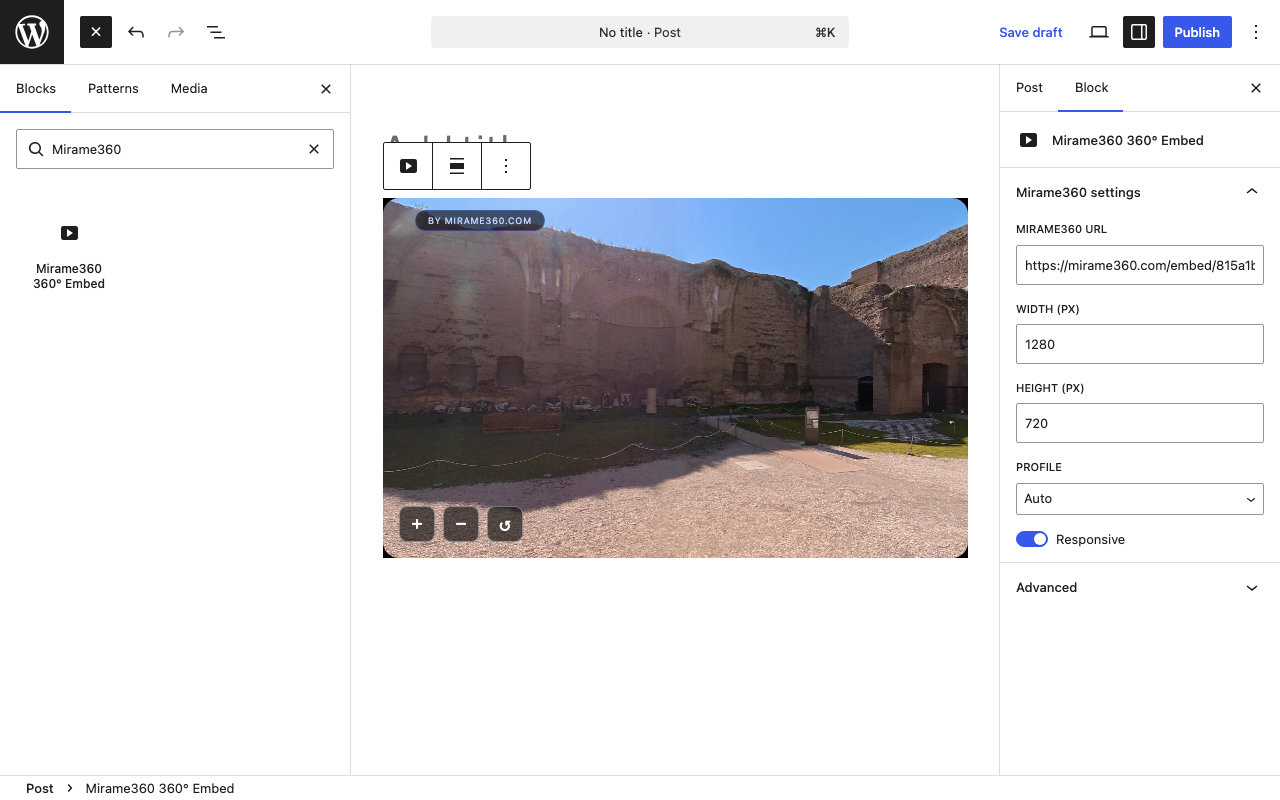
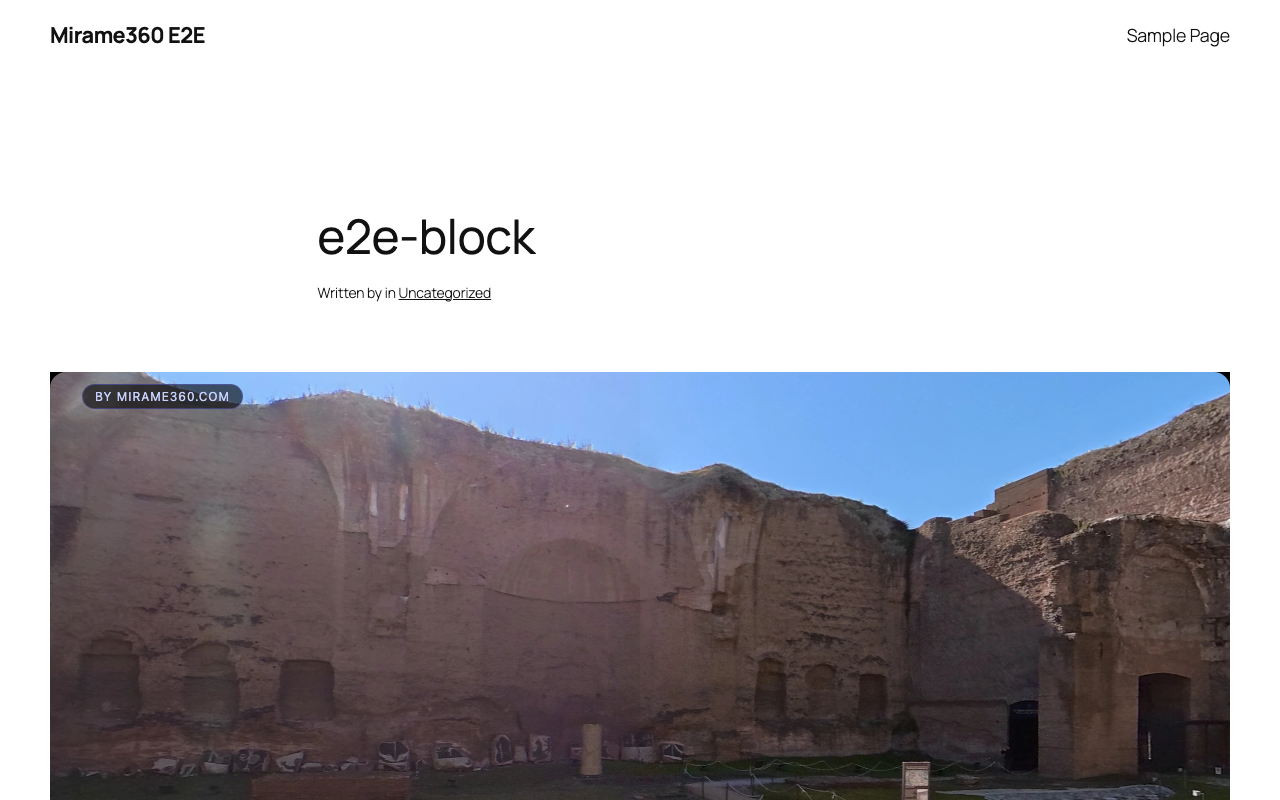
WordPress hosting is not designed to stream multi-gigabyte equirectangular video. Mirame360 hosts, encodes and adaptively streams your 360° media, while this plugin embeds it cleanly on your WordPress site.
Use Mirame360 embeds in three ways:
- Add the Mirame360 360° Embed block and paste a Mirame360 link.
- Use a shortcode, for example:
[mirame360 url="https://mirame360.com/embed/123e4567-e89b-12d3-a456-426614174000/"]. - Paste a supported Mirame360 URL on its own line in the editor and WordPress turns it into an embed.
How it works
Block
- In the block editor, select Mirame360 360° Embed.
- Paste a Mirame360 video, photo, virtual-tour, or alias link.
- Select Embed and the player preview appears immediately.
- Select the block and open the sidebar to adjust its URL, width, height, player profile, and responsive setting.
Shortcode
Use [mirame360] wherever WordPress shortcodes are supported, including the classic editor and page builders such as Elementor.
url— A supported Mirame360 URL or a bare UUID. This takes precedence over every other source.id— A bare UUID for a video or photo embed.tour— A virtual-tour slug, for examplemuseum-west-wing.alias— A named-alias slug.width— Player width in pixels, from 200 to 4096. The default is1280.height— Player height in pixels, from 200 to 4096. The default is720.profile— Optional player profile:default,4k,1080p, orimage.responsive—yes,no,true, orfalse. The default isyes.
Examples:
[mirame360 id="123e4567-e89b-12d3-a456-426614174000"]

[mirame360 tour="museum-west-wing" profile="4k"]

[mirame360 alias="summer-panorama" responsive="no" width="1920" height="1080"]
Paste a link
Paste a supported https://mirame360.com/embed/.../, https://mirame360.com/embed/tour/.../, or https://mirame360.com/video/url/.../ link on a line by itself. WordPress replaces it with a responsive player when the post is displayed.
Features:
- Supports 360° video, panoramic photos and virtual tours.
- Responsive embeds with lazy loading and a privacy-conscious referrer policy.
- Optional player profile and dimensions.
- No media files, database settings or external PHP dependencies.
Create a free account and host your media at Mirame360.
External services
This plugin embeds media from Mirame360. When a visitor views a page containing an embed, the iframe loads content from mirame360.com. See the Mirame360 privacy policy.