
Two-Factor Authentication (2FA) – Passkey & Google Authenticator
v6.7.0miniOrange · 2015年7月9日 上架
Free 2FA plugin for unlimited users with Passkey, Google Authenticator, Email/SMS OTP, Push Notification & passwordless login.
- 正在使用
- 1 万+
- 评分
- 4.6 / 5
- 累计下载
- 258 万
- 最近更新
- 2026年11月23日
 twofactor
 twofactorauthentication
 Google Authenticator
 miniOrange
截图
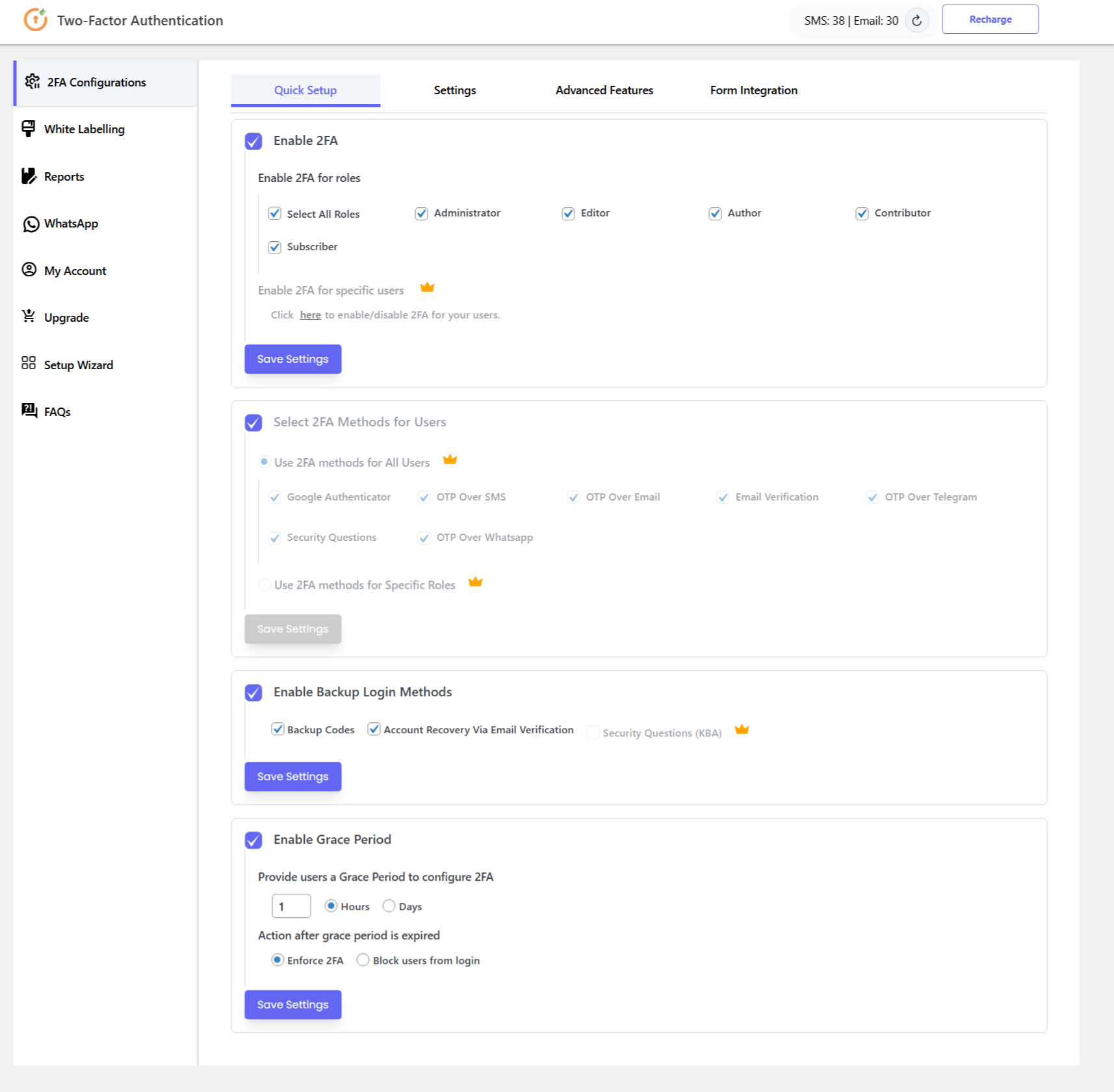
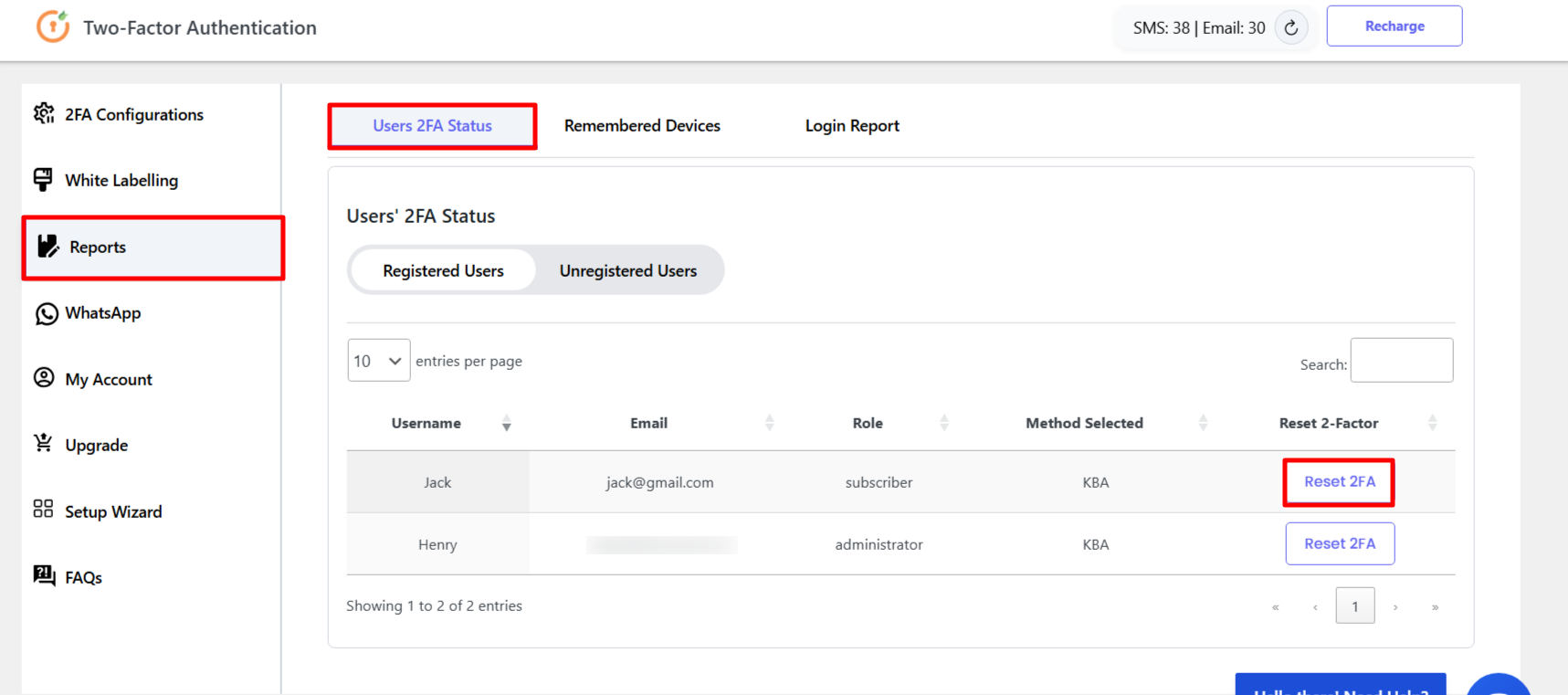
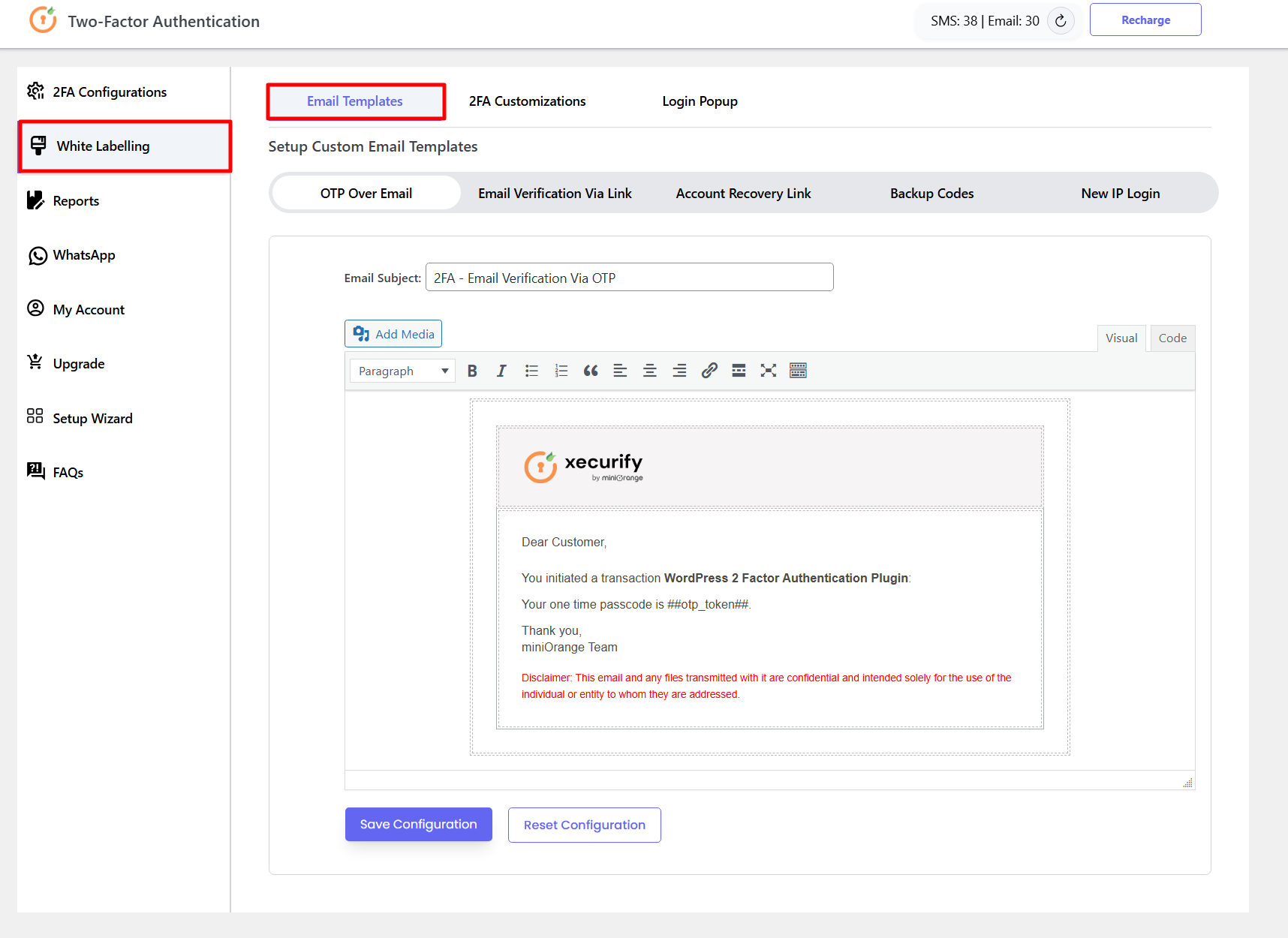
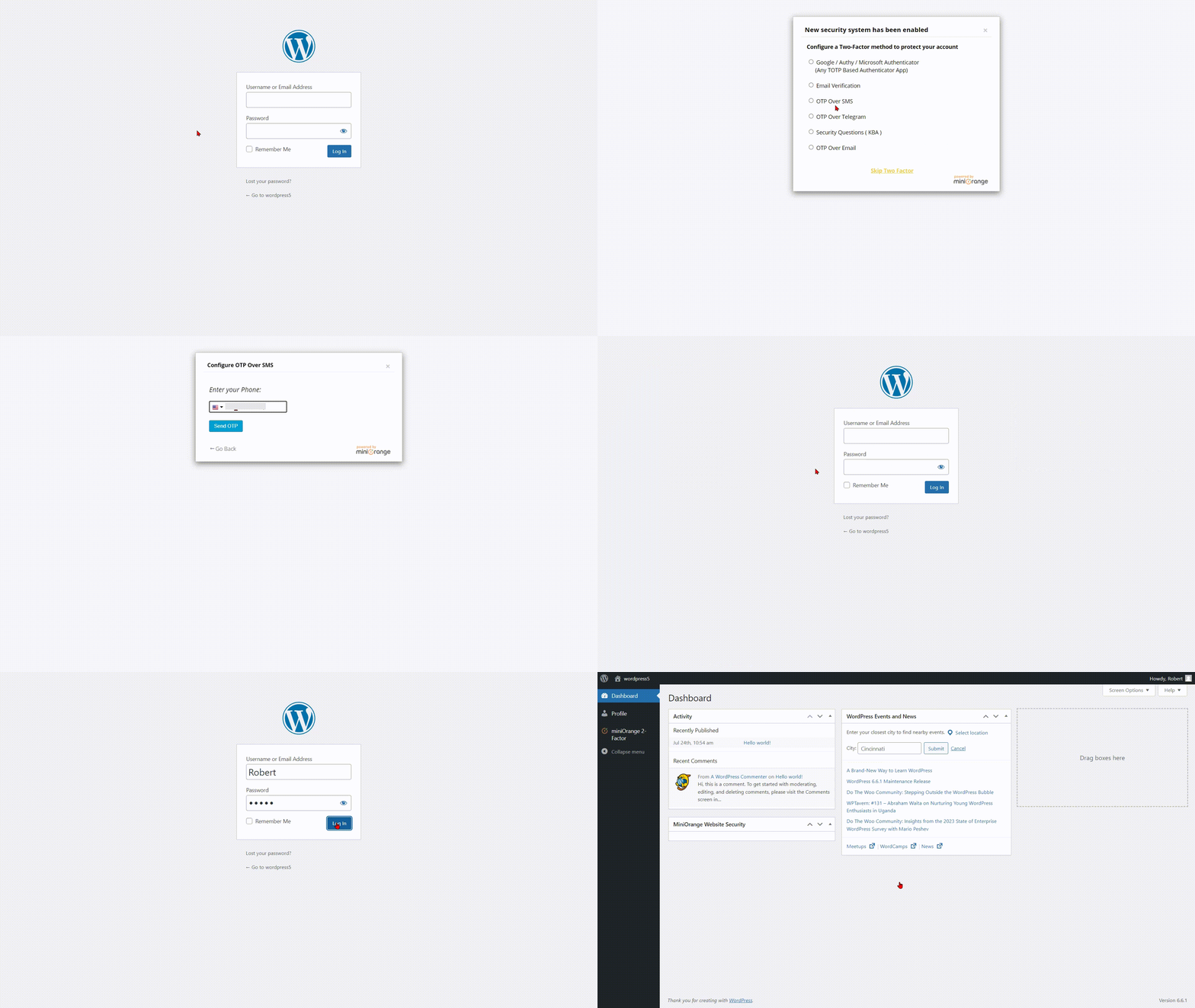
2FA (Two-Factor Authentication) for WP
WordPress websites are frequently targeted by brute force attacks, credential stuffing attacks, phishing attempts, and unauthorized login attempts. Passwords alone are no longer sufficient to protect administrator accounts, customer accounts, and sensitive website data. Which is exactly why 2FA has become essential.
What’s New in 6.7.0
- Minor security fixes.
- Custom Login URL (Premium) — change wp-login.php to a custom slug, with a built-in check so a bad slug can’t lock you out.
- Country/Region (Geo) Blocking (Premium) — block or allow logins by visitor country.
- Slack Alerts (Premium) — webhook notifications on successful/failed logins, IP blocks, geo-blocked visitors, and 2FA resets.
- Limit Login Attempts (automatic brute-force lockout) — blocks an IP after too many failed login attempts in a configurable window, for a configurable duration.
- CIDR notation for IP Range Blocking — block whole network ranges (e.g. 192.168.1.0/24), alongside the existing start-end format.
- Gravity Forms registration integration, alongside WooCommerce, User Registration, Ultimate Member, and Registration Magic.
- Multiple security hardening fixes: corrected session-expiry and clock-drift handling, added missing rate limiting on self-service account recovery, and closed a TOTP replay gap.
- Network Security tab — a new home for site-hardening settings:
- Website Hardening — Security Headers, Force HTTPS, Hide WordPress Version, Disable Directory Listing, and Block Code Execution in Uploads, each a simple on/off toggle.
- Trusted Reverse Proxy / CDN IPs — for sites behind Cloudflare or a load balancer, so IP Blocking and Automatic Lockout read the real visitor IP instead of the proxy’s.
- Mixed Content Detection (Premium, All-Inclusive) — scans your site for HTTP resources on an HTTPS page.
- Emergency 2FA kill switch — a
wp-config.phpconstant to disable 2FA enforcement site-wide if you’re ever locked out without admin access to undo a setting. - Encrypted Google Authenticator secrets — GA secrets are now encrypted at rest instead of stored in plain text.
- Fixed a login-filter priority conflict that could let other security/membership plugins interfere with 2FA enforcement, and fixed a dead AJAX login code path.
- Fixed a race condition in the failed-login attempt counter, added defensive guards around OTP timing and JSON decoding, and fixed a fatal error in the Duo Security integration.
- Scoped IP Blocking checks to login and XML-RPC requests instead of running on every page load.
- Fixed several untranslatable strings on the 2FA OTP challenge popup.
- Fixed a fatal error on sites where another plugin/theme already declared
mo2f_mail_tem().
Also in recent releases
- Disable XML-RPC — close off xmlrpc.php, a common brute-force and DDoS-amplification target, on sites that don’t need it.
- CAPTCHA on the login screen — add Google reCAPTCHA v2 or Cloudflare Turnstile to wp-login.php to slow down automated brute-force login attempts.
- Activity Digest email — an optional daily/weekly summary of new logins, failed login attempts, and 2FA resets.
- Unlimited users on the free plan — no user cap, no per-seat charge.
- Passkey (WebAuthn/FIDO2) — free — passwordless 2FA with Face ID, Touch ID, Windows Hello, or a hardware security key.
- Push Notification 2FA (Premium) — approve the login from your phone with one tap, no code to type.
The miniOrange 2-Factor Authentication plugin adds an additional layer of security to WordPress logins by requiring users to verify their identity using a second authentication factor. Even if a password is compromised, unauthorized users cannot access accounts without completing the 2FA verification process.
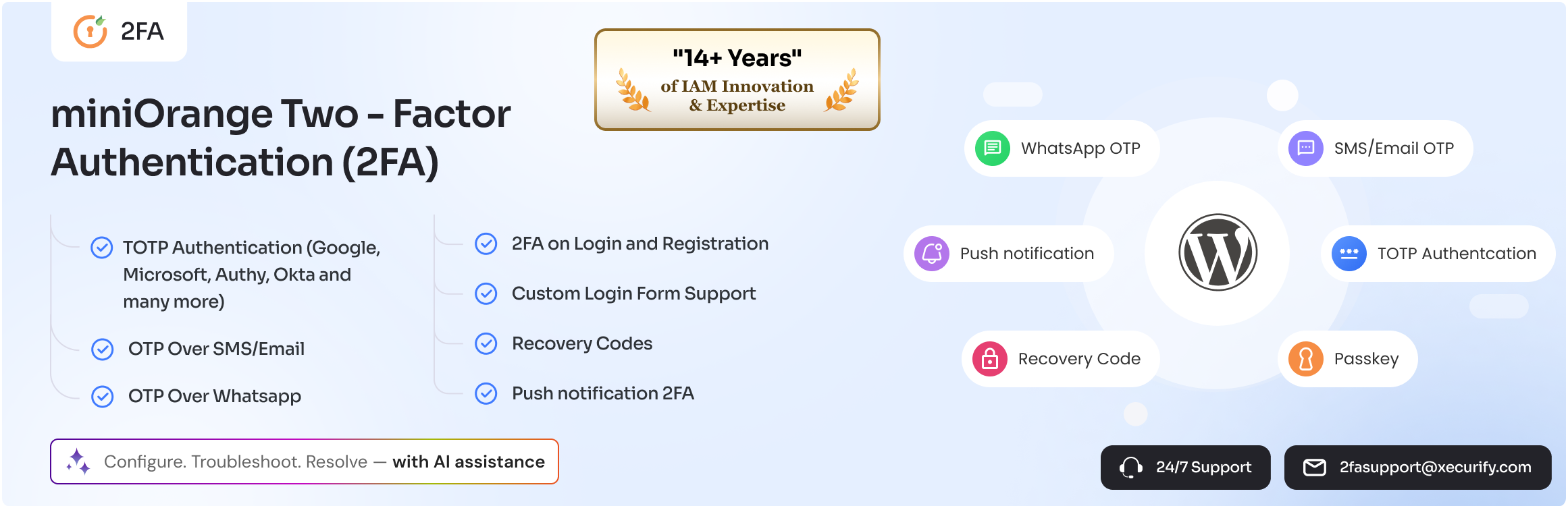
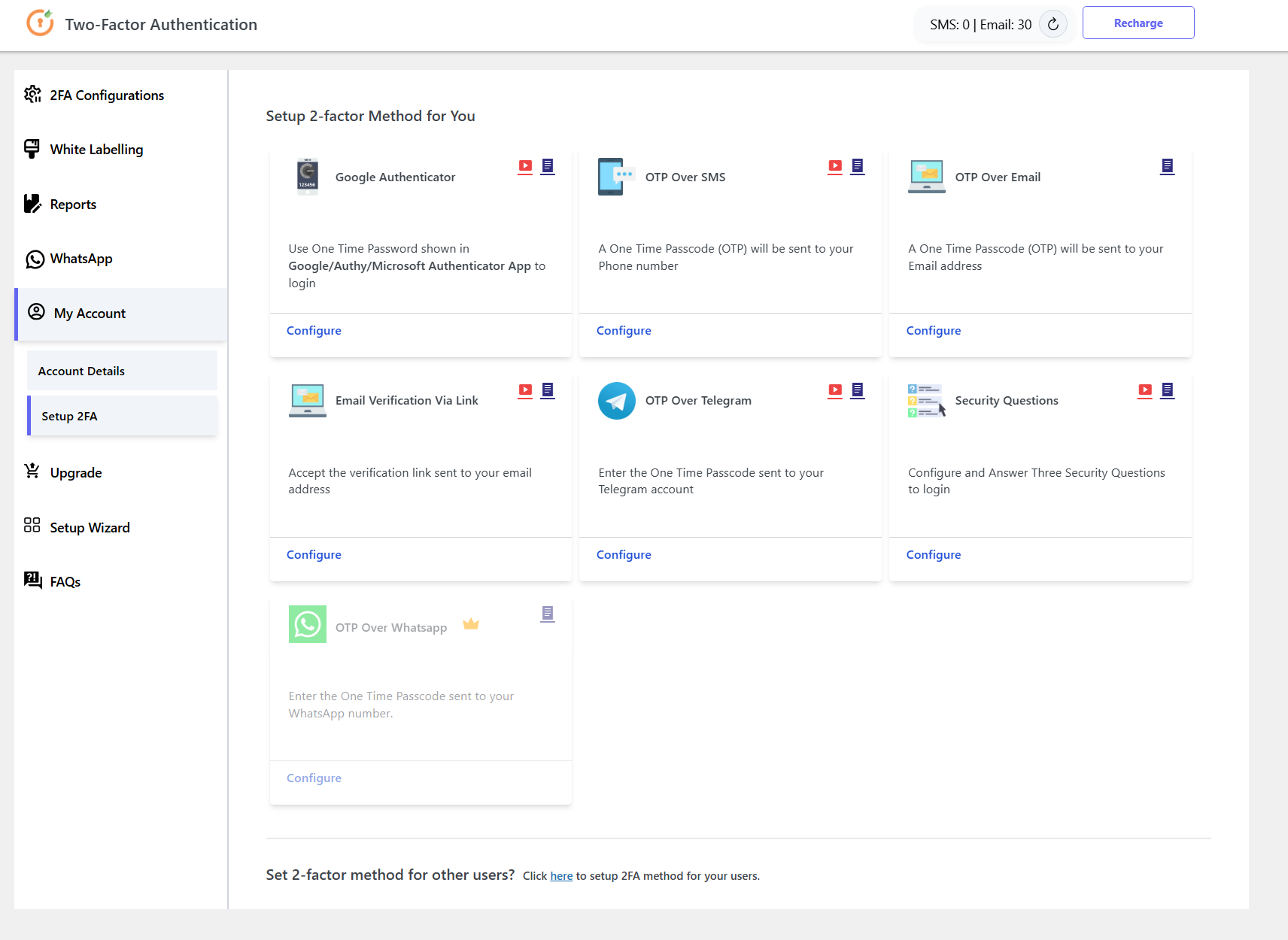
The 2FA plugin supports multiple Two-Factor Authentication (2FA) and Multi-Factor Authentication (MFA) methods, including Google Authenticator, Microsoft Authenticator, Authy, Passkey, Email OTP, SMS OTP, WhatsApp OTP, Telegram OTP, Push Notification, backup codes, security questions, and hardware token authentication.
Whether you manage a WooCommerce store, membership website, LMS platform, enterprise portal, educational institution, government website, or agency-managed environment, 2FA helps secure user accounts and reduce the risk of account compromise.
The free plan supports unlimited users with Google Authenticator (TOTP), Passkey, Email OTP, and Security Questions. Premium adds more 2FA methods (SMS OTP, WhatsApp OTP, Push Notification, email verification link, and more), enforcement policies, trusted devices, multisite support, custom branding, and more.
Why Use 2FA (Two-Factor Authentication)?
Protect Administrator Accounts
Administrator accounts are the primary target of attackers. 2FA ensures that only verified users can access administrative dashboards.
Prevent Unauthorized Access
Even if passwords are stolen through phishing attacks or data breaches, additional authentication requirements help prevent unauthorized access.
Improve Login Security
MFA strengthens login security by combining passwords with additional verification methods.
Reduce Account Takeover Risks
Multi-factor authentication significantly reduces the likelihood of successful account takeover attempts.
Secure WooCommerce Customer Accounts
Protect customer profiles, order information, payment details, and store management accounts using WooCommerce Two-Factor Authentication (2FA).
Quick Links:
Setup Guide |
Features |
Pricing Plans |
Support
2FA Plugin Explained in Minutes
Passkey 2FA — Free
Passkey replaces the password with a cryptographic key stored on the user’s device. Nothing is typed, so nothing can be phished — making Passkey one of the strongest 2FA methods available today, and it’s free in this plugin.
- Register a Passkey from the user profile in seconds
- Works with Face ID, Touch ID, Windows Hello, and Android biometrics
- Works with hardware security keys such as YubiKey, Titan, and SoloKey
- Use Passkey as passwordless login or as the second 2FA step
- Multiple passkeys per user, with backup codes as fallback
- No external calls — Passkey verification happens entirely on your own site
Push Notification 2FA — Premium
Push Notification 2FA sends a login approval request directly to the user’s phone. They tap Approve and the login completes — no six-digit code, no SMS delay, no copy-paste. It’s one of the fastest 2FA methods for teams that log in many times a day.
2FA Core Features
miniOrange provides comprehensive 2FA (Two-Factor Authentication) and Multi-Factor Authentication (MFA) capabilities for websites of all sizes.
Google Authenticator and OTP Authentication for 2FA
Secure WordPress logins using multiple 2FA authentication methods:
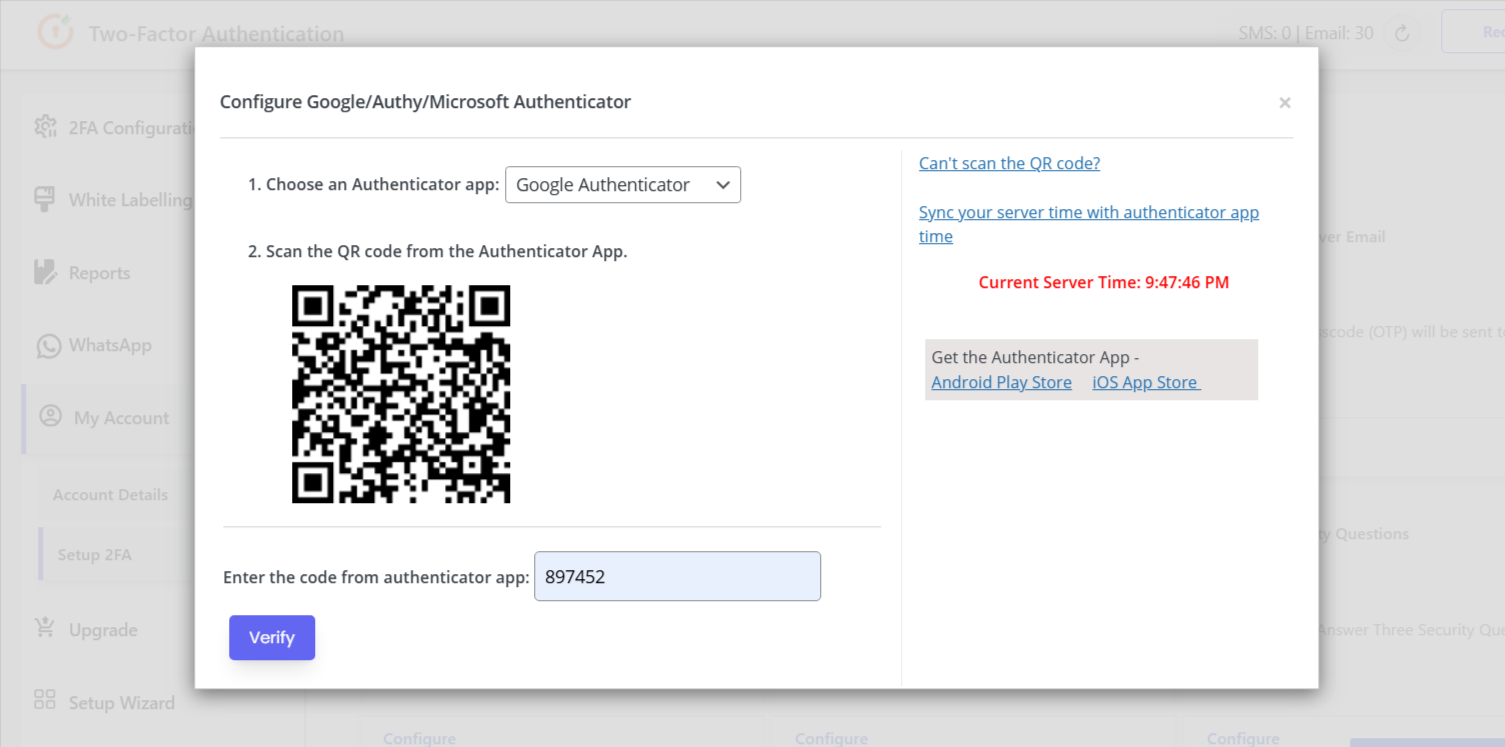
- Google Authenticator (TOTP-based 2FA)
- Passkey Authentication (WebAuthn/FIDO2, passwordless & phishing-resistant)
- Email OTP Verification
- Security Questions (KBA)
- Backup Codes
- Microsoft Authenticator (Premium)
- Authy Authenticator (Premium)
- LastPass Authenticator (Premium)
- SMS OTP Verification (Premium)
- WhatsApp OTP Authentication (Premium)
- Telegram OTP Authentication (Premium)
- Push Notification Authentication (Premium)
- Email Verification Link (Premium)
- Hardware Token Authentication (Premium)
2FA / MFA Policies and User Authentication
- Enforce 2FA for all users
- Role-based authentication policies
- User-specific MFA settings
- Trusted device support
- Grace period configuration
- Backup authentication methods
- Force 2FA setup on login
2FA (Two-Factor Authentication) for WooCommerce
Protect WooCommerce stores with enhanced login security and customer account protection.
- Secure customer accounts with WooCommerce 2FA
- Protect store managers and administrators
- Improve customer WooCommerce login security
- Compatible with WooCommerce login and account pages
Passwordless 2FA Login
Allow users to securely access WordPress without traditional passwords.
- Passkey passwordless login
- Magic Link Login
- OTP Login (without password)
- Email Verification Login
Login Security and Account Protection
Improve overall login security using advanced 2FA controls.
- Secure user verification
- Trusted device management
- Backup authentication options
- Account recovery methods
- Strong access control policies
- Login reports & IP alerts
- Custom redirects after login
- Custom SMS gateway integration (Premium)
- Custom branding & white labeling (Premium)
- Multisite support (Premium)
Works with Popular Plugins
Compatible with:
– WooCommerce
– Elementor
– Ultimate Member
– BuddyPress
– Theme My Login
– LoginPress
– Custom login forms
Free vs Premium
Free — unlimited users, Passkey, Google Authenticator (and other TOTP apps), Email OTP, backup codes, security questions, role-based 2FA, WooCommerce 2FA, passwordless login.
Premium — Push Notification 2FA, SMS OTP, WhatsApp OTP, Telegram OTP, hardware tokens, trusted devices, custom SMS gateway, custom branding & white-labelling, multisite 2FA, advanced reporting.
External Services
Some 2FA methods require communication with miniOrange services to send or verify OTP, SMS, email, push, or account-related requests. These services are used only when you configure or use the related 2FA method.
Passkey and Google Authenticator (TOTP) are verified entirely on your own site and make no external calls.
Service links:
miniOrange Terms |
miniOrange Privacy Policy
Other Plugins by miniOrange
Secure MCP Server — Turn your WordPress site into a secured MCP (Model Context Protocol) server, so AI agents and assistants can connect to it with proper authentication and access control instead of standing wide open.