

Minimal Gallery Page – Simple Custom Post Type Gallery
v1.2.0Edgars V · 2026年2月6日 上架
A really simple and minimal WordPress gallery plugin with a custom post type and clean single page gallery layouts.
- 正在使用
- 10 以下
- 评分
- 暂无
- 累计下载
- 561
- 最近更新
- 2026年4月16日
贡献者
 Edgars V
截图
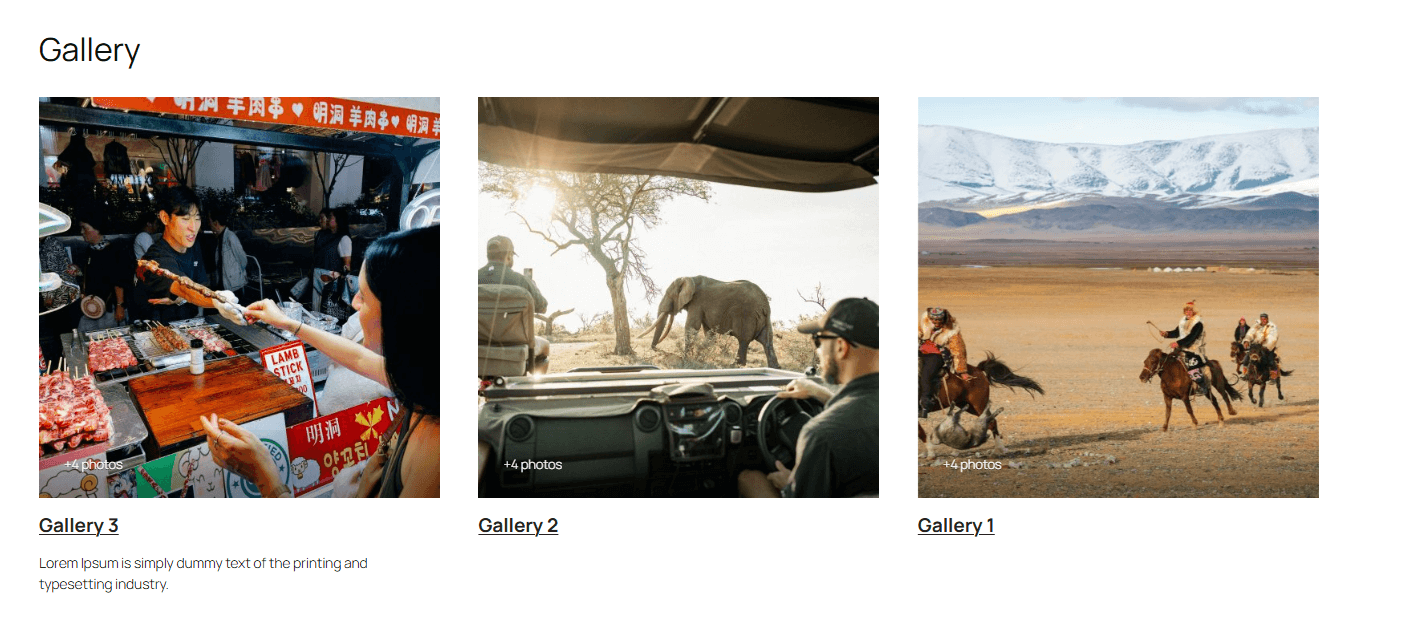
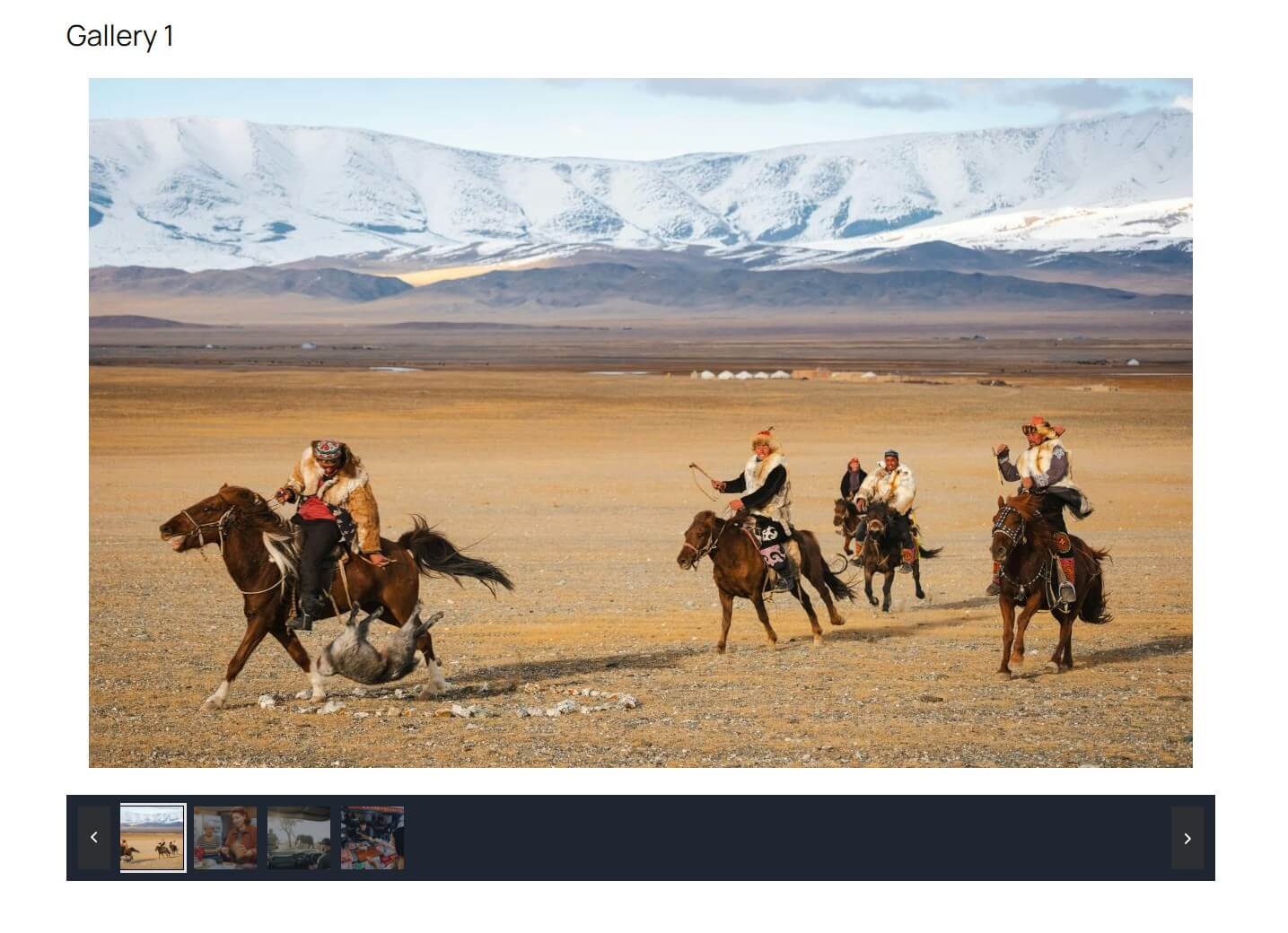
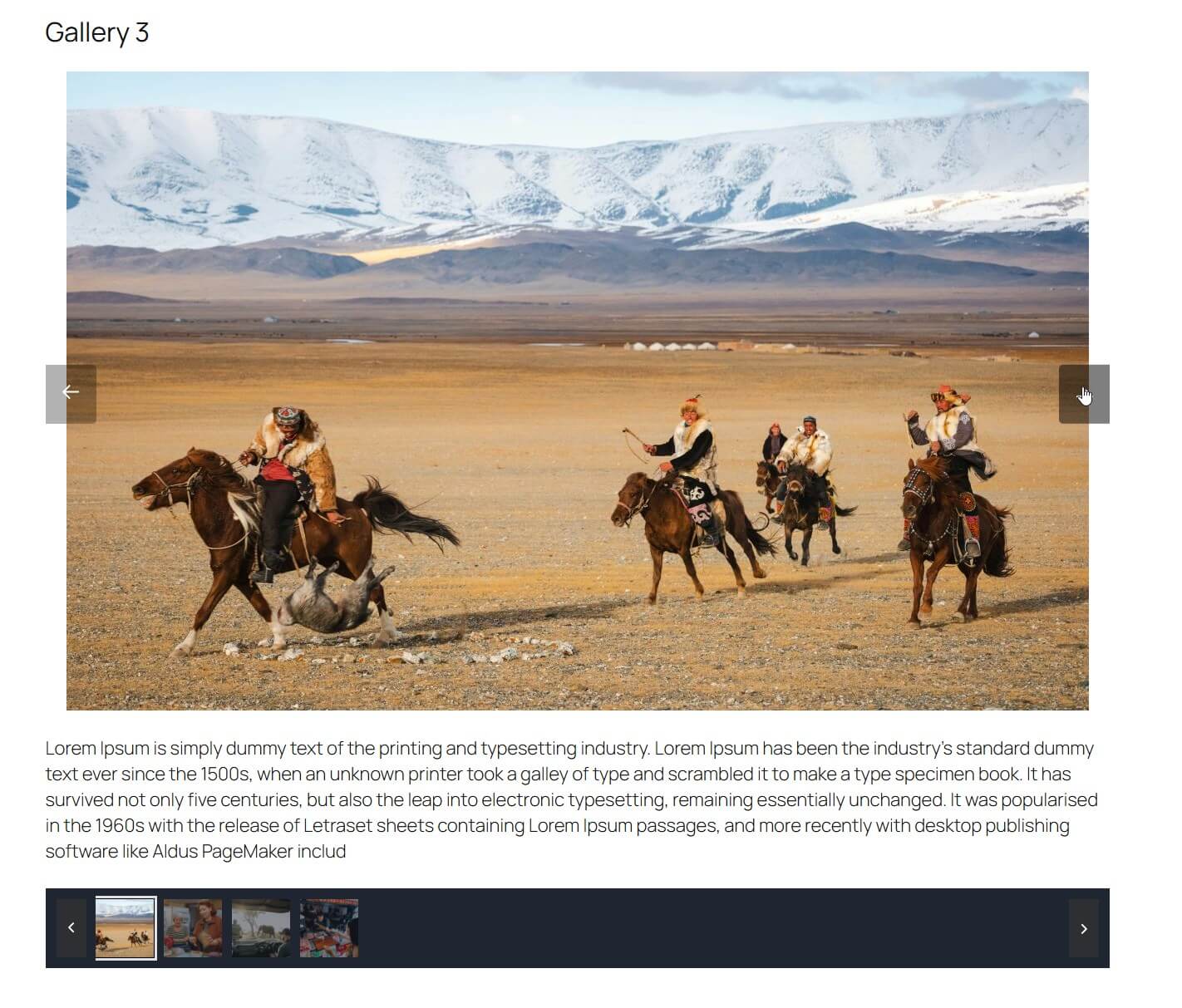
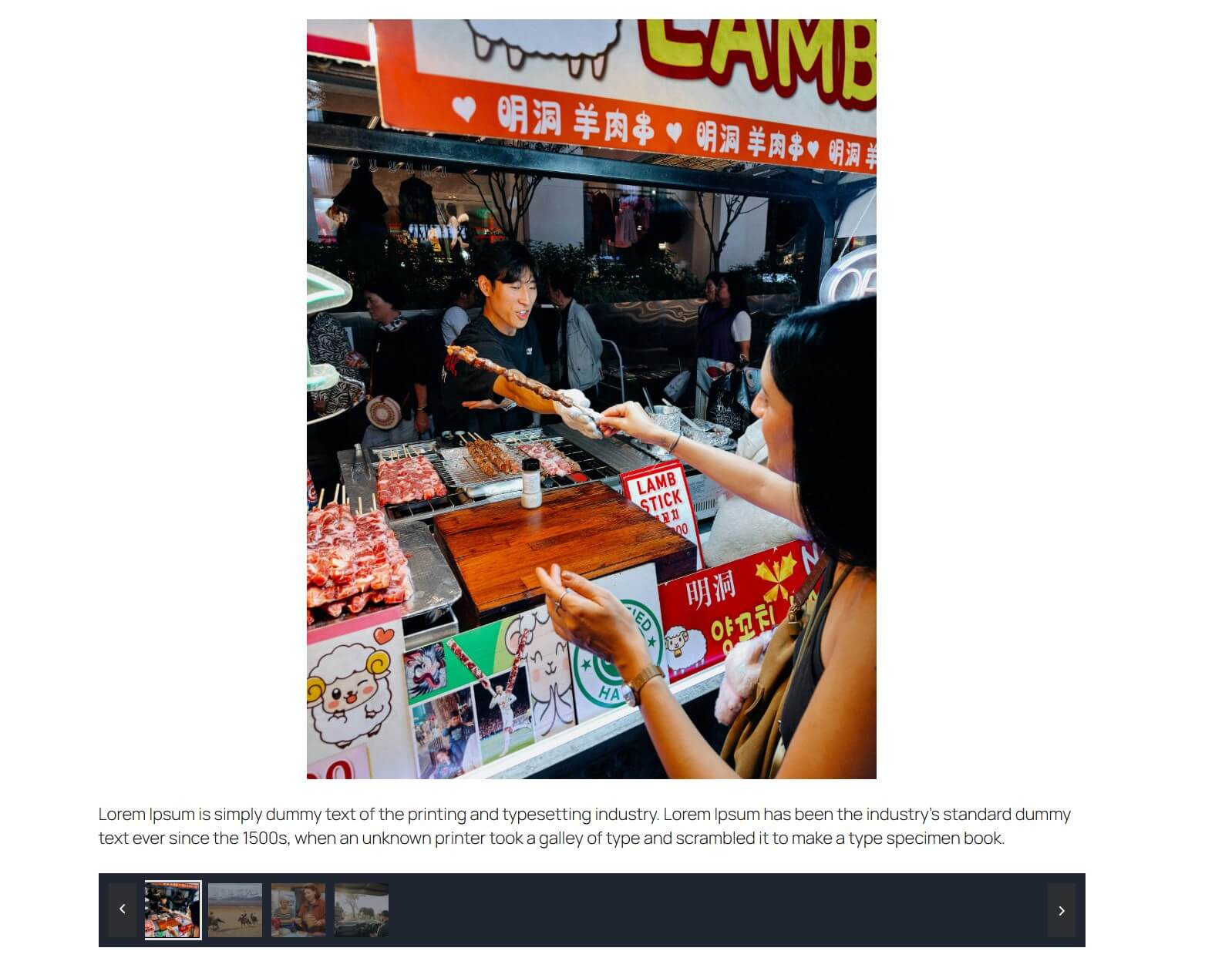
Minimal Gallery Page is a simple and minimal WordPress gallery plugin built for users who want a clean, fast, and distraction-free way to display images.
Instead of relying on shortcodes or page builders, the plugin creates a custom post type gallery that integrates naturally into WordPress. Each gallery automatically gets its own single page gallery view, along with a generated gallery archive page that lists all galleries.
This plugin is ideal if you’re looking for a really simple gallery, a minimal gallery plugin, or a lightweight custom post type based image gallery without unnecessary features or visual clutter.
Galleries are easy to manage from the WordPress admin using a familiar drag-and-drop image interface. On the frontend, galleries are displayed using responsive, optimized layouts that work seamlessly on desktop and mobile devices.
Minimal Gallery Page is perfect for portfolios, photography websites, and anyone who wants a single page gallery for each collection of images – clean, fast, and easy to maintain.
Features
- Simple and minimal image gallery plugin
- Custom post type gallery for structured image management
- Automatic gallery archive page
- Single page gallery view for each gallery
- Drag-and-drop image management
- Optimized image sizes for performance
- Responsive and mobile-friendly gallery layout
- Customizable gallery URL slug
- Clean frontend templates with no bloat
- Theme-friendly and easy to override
- Automatic permalink flushing when slug changes
- Translation ready
Usage
- Go to Gallery > Add New in your WordPress admin
- Enter a title and optional description for your gallery
- Click “Add images” in the Gallery Images meta box
- Select multiple images from your media library
- Click “Add to gallery”
- Publish to create a single page gallery
Visit Gallery > Settings to customize the gallery URL slug and access the gallery archive page.
Custom Image Sizes
- minigp_single_gallery – 1230px wide (single gallery view)
- minigp_list_gallery – 500x500px (gallery archive/listing)
Theme Integration
You can override the default gallery templates by copying them into your theme.
Supported template files:
- gallery-single-style-1.php- Single gallery template
- template-gallery-1.php – Gallery archive template
For Sage / Blade themes:
- your-theme/resources/views/templates/minimal-gallery-page/gallery-single-style-1.blade.php