
Mine CloudVod
v2.6.8mine27 · 2021年4月30日 上架
Cloud-hosted video and online courses for WordPress: add video players, lessons and LMS features with optional add-ons.
- 正在使用
- 70+
- 评分
- 4.6 / 5
- 累计下载
- 3.7 万
- 最近更新
- 2026年11月20日
贡献者
 mine27
截图
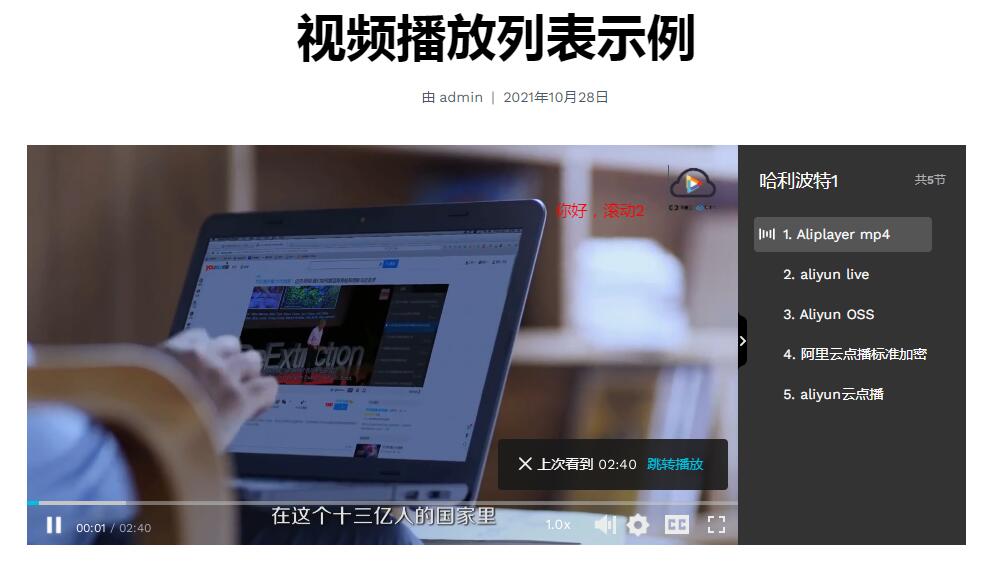
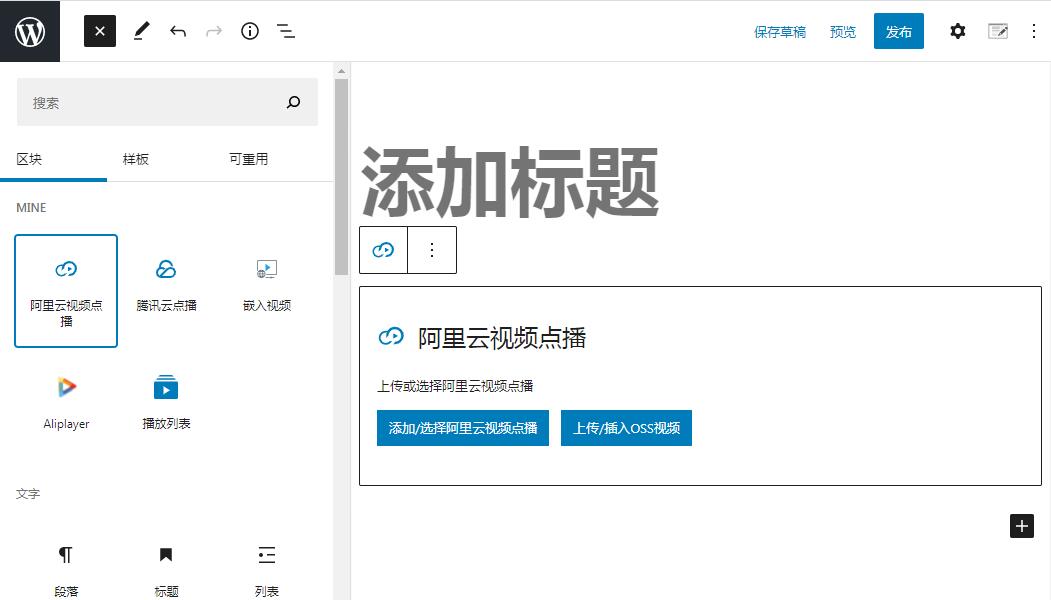
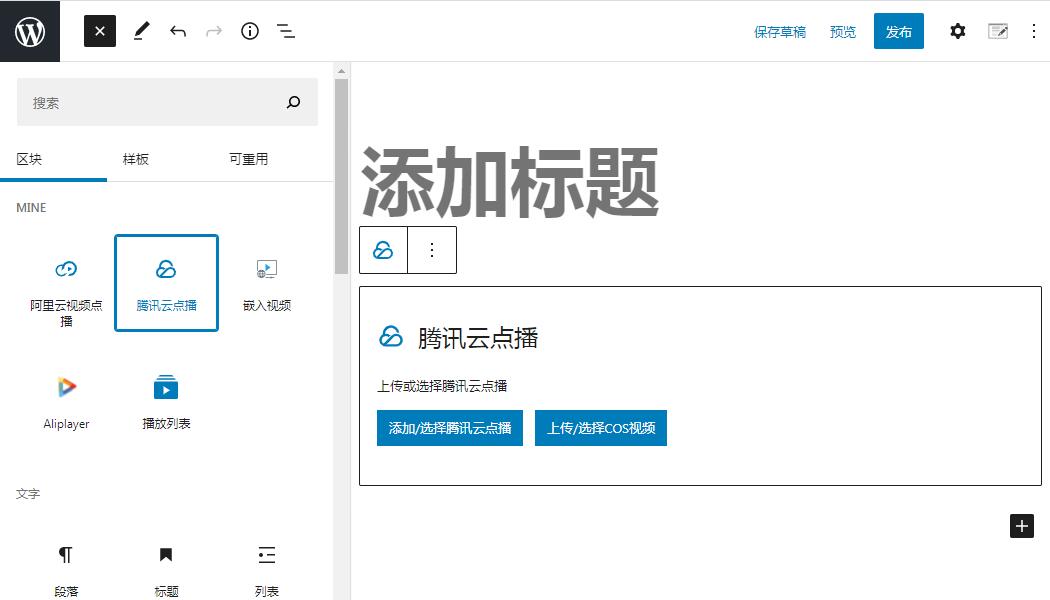
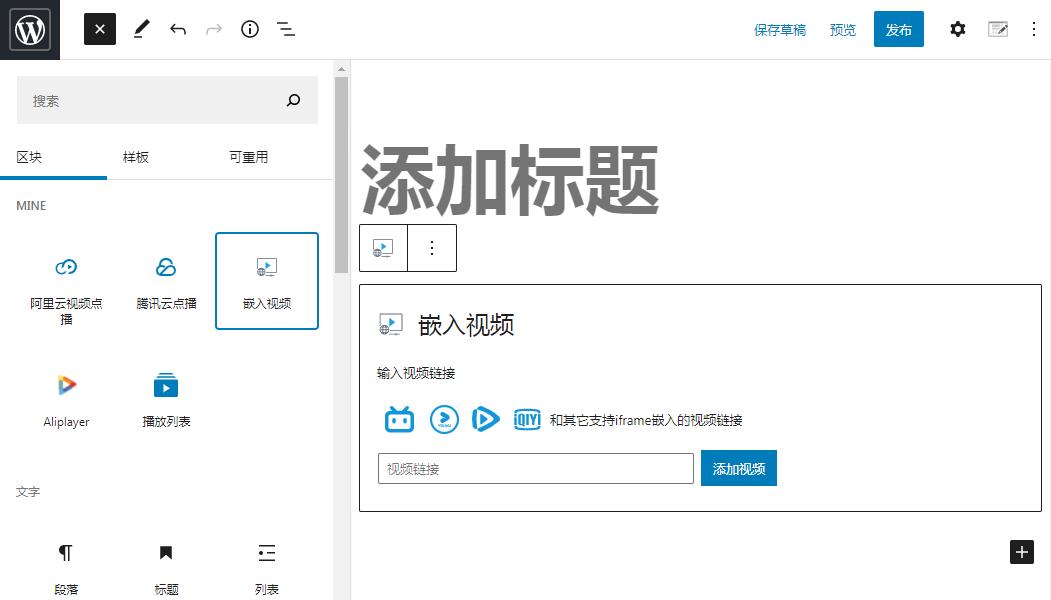
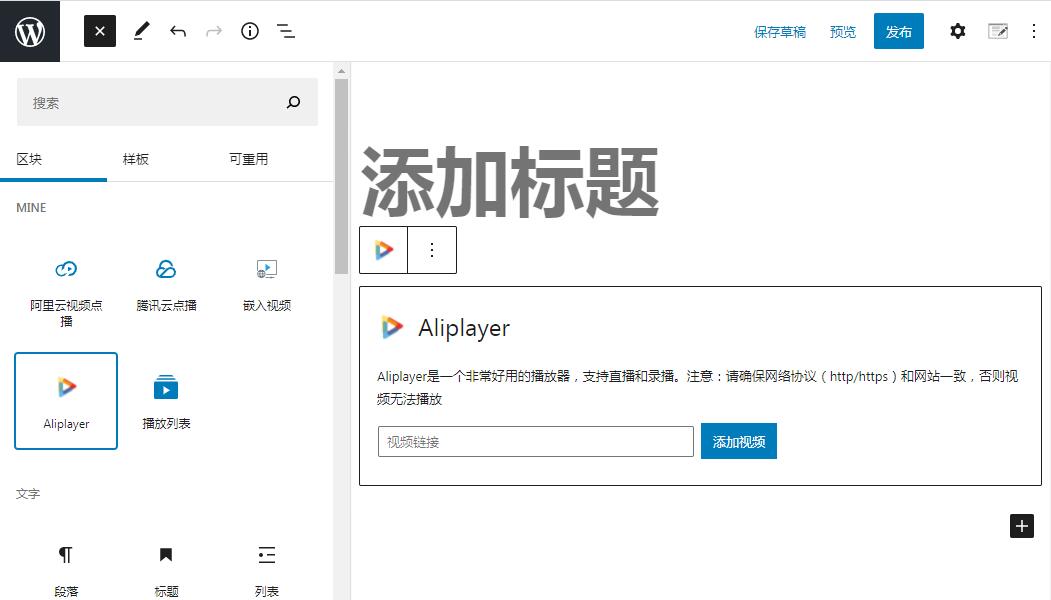
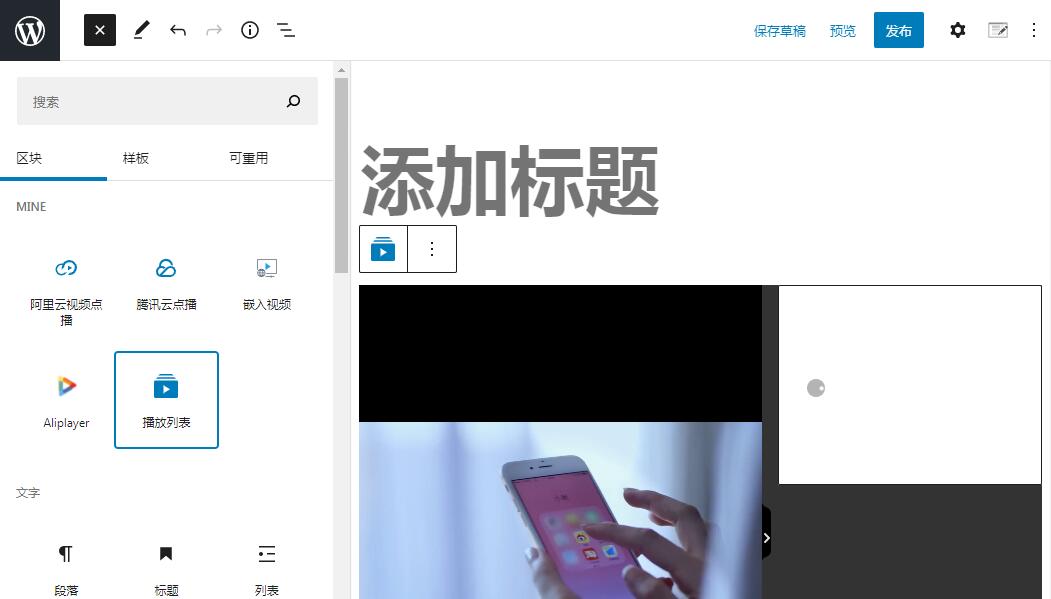
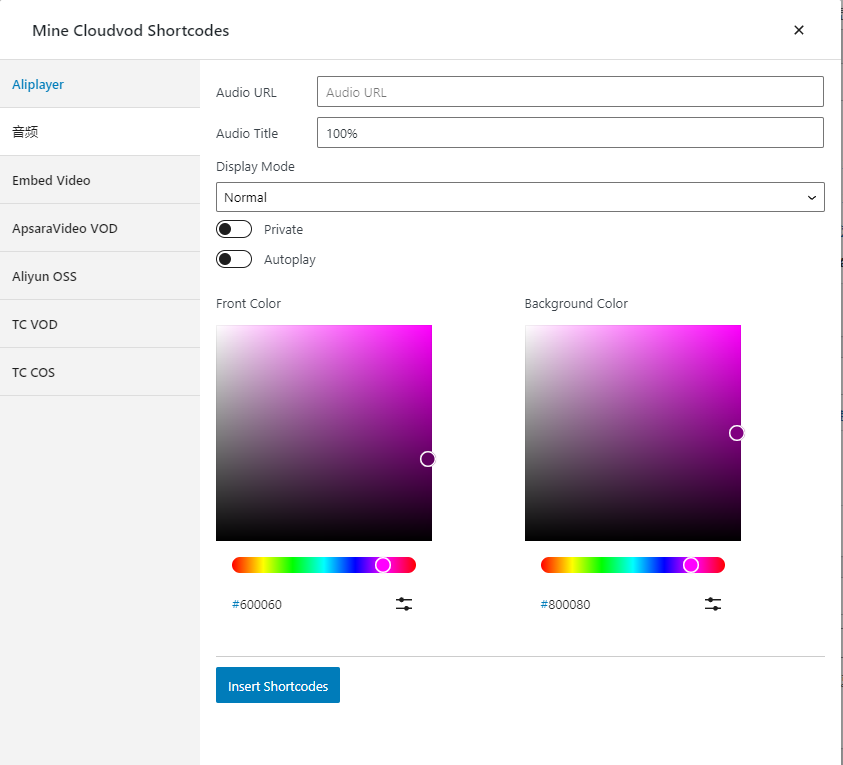
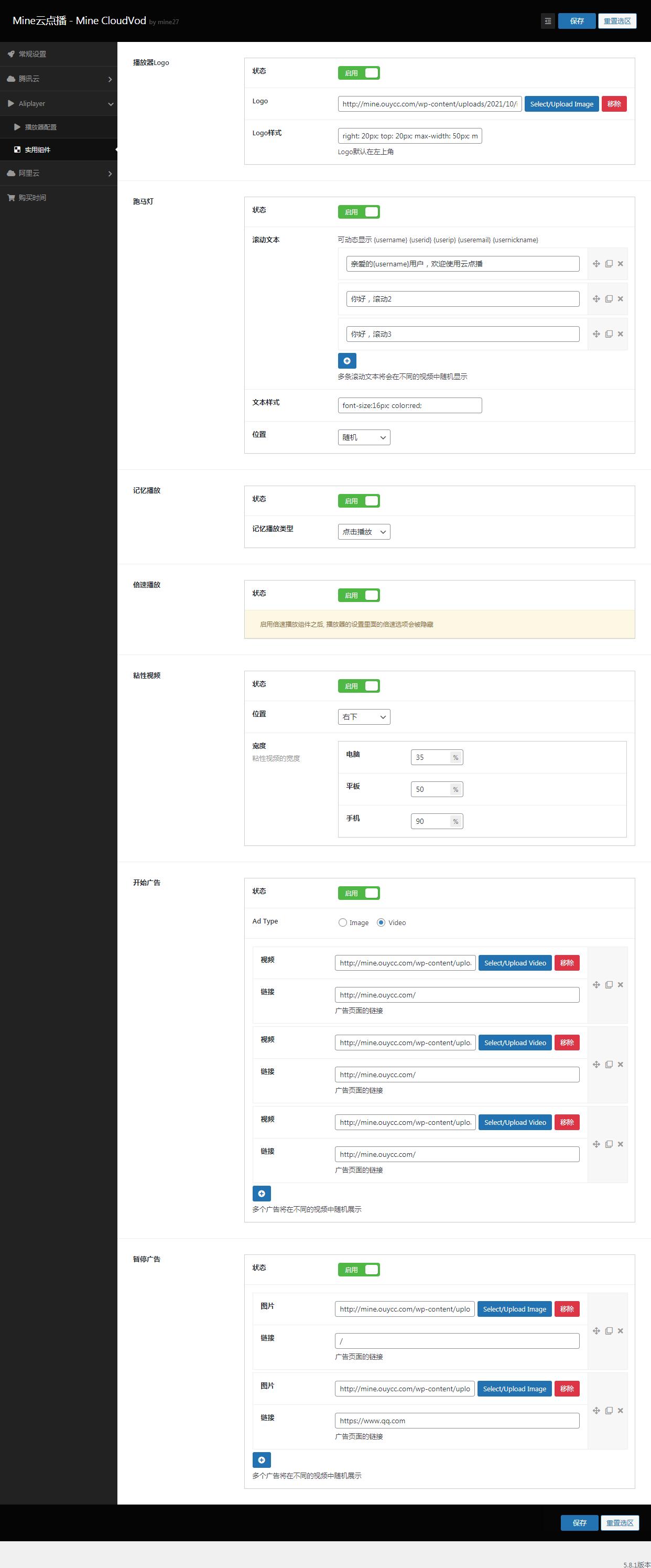
Cloud video playback and online courses on WordPress
Mine CloudVod helps you add cloud-hosted video to WordPress and build a video-powered learning website. Use supported cloud video services, add video players to your content, and extend your site with course and lesson features.
Choose the workflow that fits your site:
- Video playback: Add supported cloud videos or supported embedded video URLs to WordPress pages and posts.
- Online courses: Organize learning content into courses, chapters, and lessons using the LMS features available in Mine CloudVod.
- Extend as you grow: Add optional integrations and add-ons for workflows such as course progress, quizzes, checkout, course packages, and other site-specific needs.
Cloud video integrations
The plugin page currently lists integrations for services including:
* ApsaraVideo VoD
* Aliyun OSS
* Tencent Cloud VoD
* Tencent Cloud COS
* Dogecloud Vcloud
* Dogecloud OSS
* Qiniu Cloud Kodo
* Bunny.Net
* Cloudflare Stream
* Cloudflare R2
* Huawei Cloud
* Baidu Cloud
Availability and setup steps can vary by provider. Some workflows may require a compatible add-on, a provider account, API credentials, or a separately configured cloud service. Review the documentation for the provider you plan to use before configuring it.
Video player features
Depending on the player, provider, and configuration, available capabilities include:
- Video blocks and supported embedded video URLs
- Video cover images and playlists
- Captions and video markers
- Watermark or scrolling-text options where supported
- Remembering playback position and sticky-player options where supported
- Provider-specific playback encryption options where supported
Security note: No web player can guarantee that all video copying is impossible. Encryption, signed URLs, watermarks, and related options depend on the provider and your configuration; test the exact playback workflow before using it for paid content.
Course and learning features
Mine CloudVod exposes course-related blocks and has optional learning extensions. Depending on the features you enable, your site may include course lists, single-course pages, course chapters and lessons, student course lists, user-center links, quizzes, progress tracking, reviews, checkout integrations, and other learning workflows.
Get started
- In your WordPress dashboard, go to Plugins Add New Plugin and search for Mine CloudVod.
- Install and activate the plugin.
- Open the Mine CloudVod documentation and choose your path: video playback or course website.
- For cloud-hosted video, create or select a supported provider account and configure the required credentials and settings. Keep API secrets private and use the least-privilege permissions supported by your provider.
- Add a video block or create a course/lesson, then test playback on the front end.
- If you sell access to courses or videos, install and configure the required compatible payment/add-on workflow and test it with a non-production transaction first.