

Migrate Guru – Site Migration & Cloning
v6.72migrateguru · 2017年8月8日 上架
Effortlessly migrate, clone, or transfer your WordPress site to over 5,000 web hosts with Migrate Guru, trusted by Cloudways, Pantheon, and Dreamhost.
- 正在使用
- 20 万+
- 评分
- 4.9 / 5
- 累计下载
- 286 万
- 最近更新
- 2026年8月28日
 migrateguru
 Backup by blogVault
截图
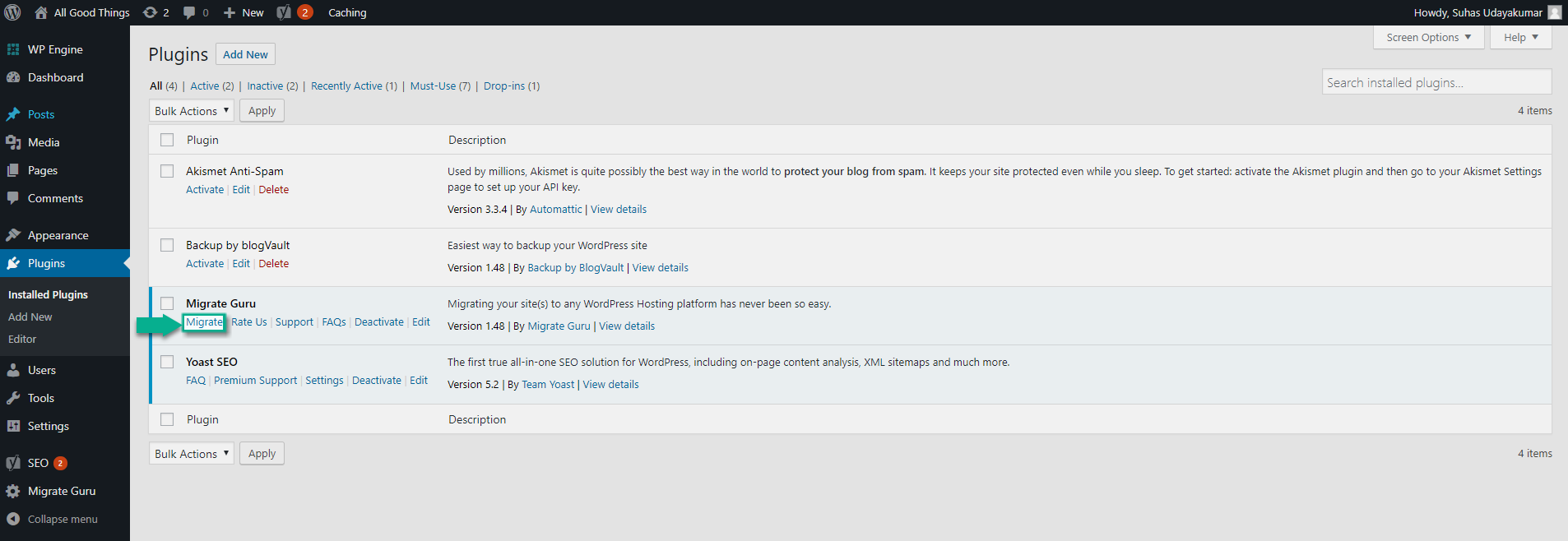
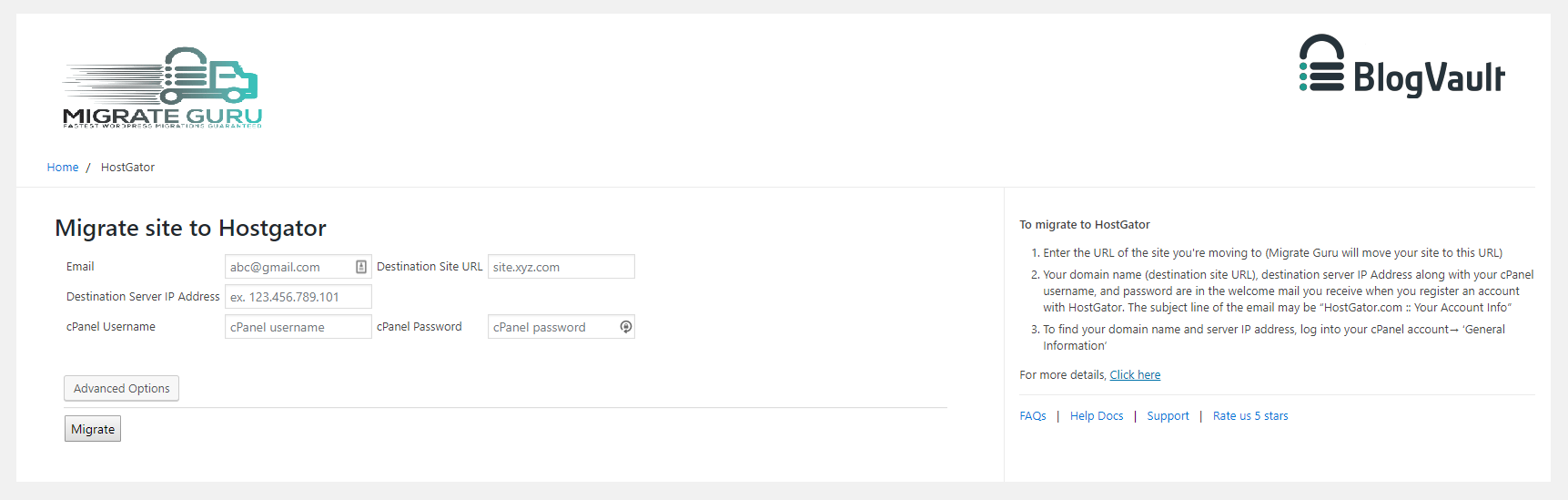


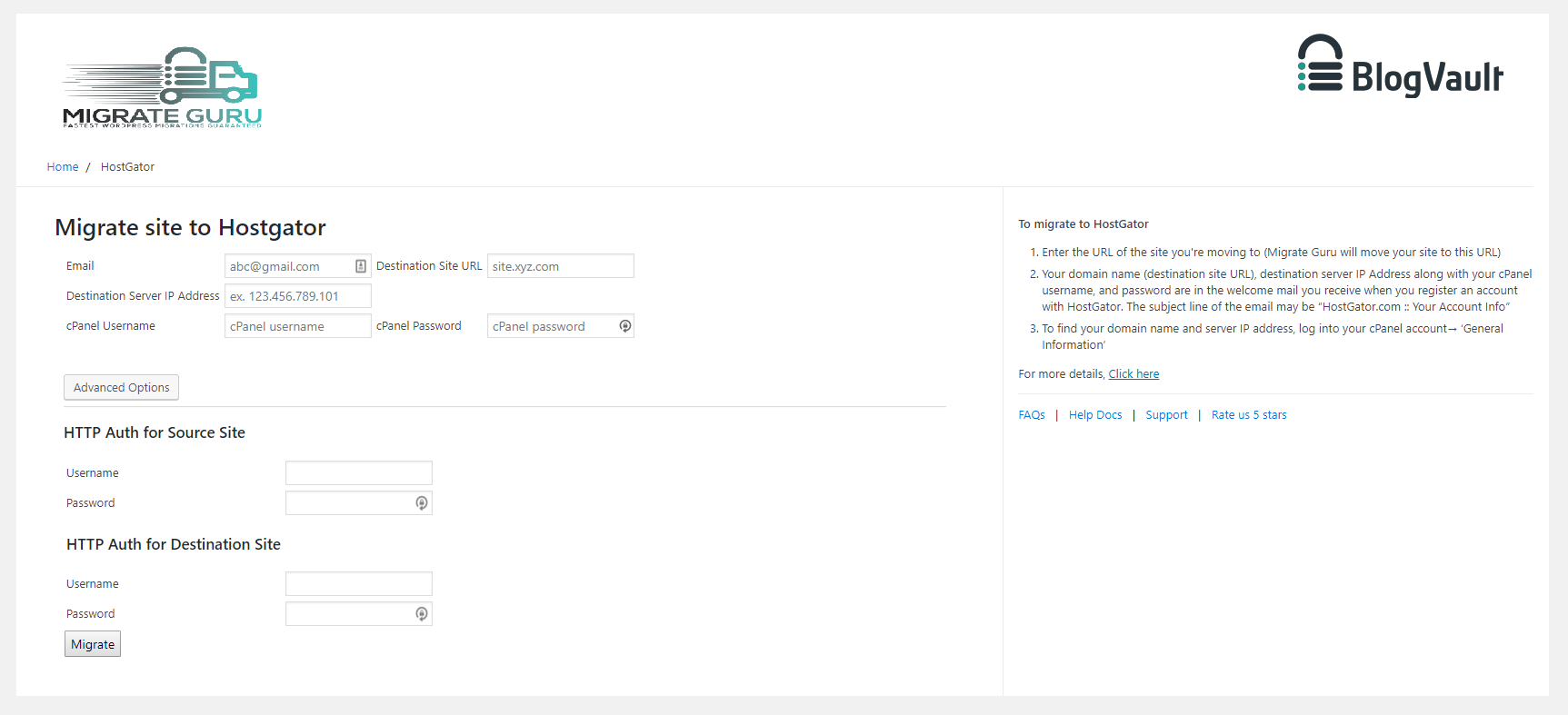
Migrate Guru is a powerful WordPress migration plugin designed to seamlessly transfer your WordPress site to a new host or domain. Whether you need to clone, move, or migrate your WordPress website, Migrate Guru ensures a hassle-free process with its one-click migration feature. This plugin supports all-in-one WP migrations, handling large sites up to 200 GB without overloading your server. Compatible with every major web host and equipped with automatic URL rewriting and serialized data handling, it’s the go-to tool for moving WordPress sites to new domains or hosts. Move, clone, or migrate your WordPress site with Migrate Guru—the smart, swift, and secure WordPress migrator and backup plugin.
CHECKOUT Migrate Guru in Action
TOP FEATURES
One-Click Migration
Effortlessly move WordPress sites 80% faster with a single click, migrating 1 GB in under 30 minutes.
No Site Overload
Migrate Guru uses its own servers, preventing site crashes.
Optimized for Large Sites
Easily migrate WordPress sites up to 200 GB, overcoming live-site server limits.
No Add-Ons Required
Seamlessly handle multi-sites and serialized data without extra plugins.
No Storage Needed
Temporary copies are removed post-migration.
Universal Compatibility
Compatible with all web hosts, making transfers simple.
Automated Search & Replace
Accurate search and replace for serialized data.
Real-Time Alerts
Receive real-time and email alerts on migration status.
DISCLAIMER
Currently we don’t support:
- Local host migrations
- Migration of multi-site network sub-sites to a different domain or migration of a site to multi-site network subdivision.
HOW TO PERFORM A MIGRATION
- Install Migrate Guru on the site you want to clone.
- Install WordPress on the destination.
- Choose the destination web host that you want to clone your website to, enter details.
- Click ‘Migrate’.
PROUD MIGRATION PARTNERS of Cloudways, Pantheon and DreamHost
SUPPORTS ALL 5,000+ WEB HOSTS AROUND THE WORLD
Pantheon, LiquidWeb, Cloudways, Savvii, DigitalOcean, Hostgator, Godaddy, Bluehost, SiteGround, Kinsta, AWS, Pressable, Webhostingtalk, Inmotion Hosting, Softlayer, Reverbnation, Homestead, Site5, Linode, Fatcow, DreamHost, Rackspace, etc.
WordPress Support forum
For dedicated support and guidance on Migrate Guru, visit the WordPress.org support page. Here you can find community discussions, ask questions, and access resources to ensure smooth and efficient WordPress migrations.