Metro Tabs – Vertical, Responsive & Linkable Tabs Block
v1.2.1Ciprian Popescu · 2026年3月12日 上架
For site builders who need more than the core Tabs block: vertical tabs, accordion on mobile, shareable tab links, icons and style presets.
- 正在使用
- 100+
- 评分
- 暂无
- 累计下载
- 3,606
- 最近更新
- 2026年10月27日
需要 WordPress 7.1+已测试到 7.1.5PHP 8.0+
贡献者
 Ciprian Popescu
截图
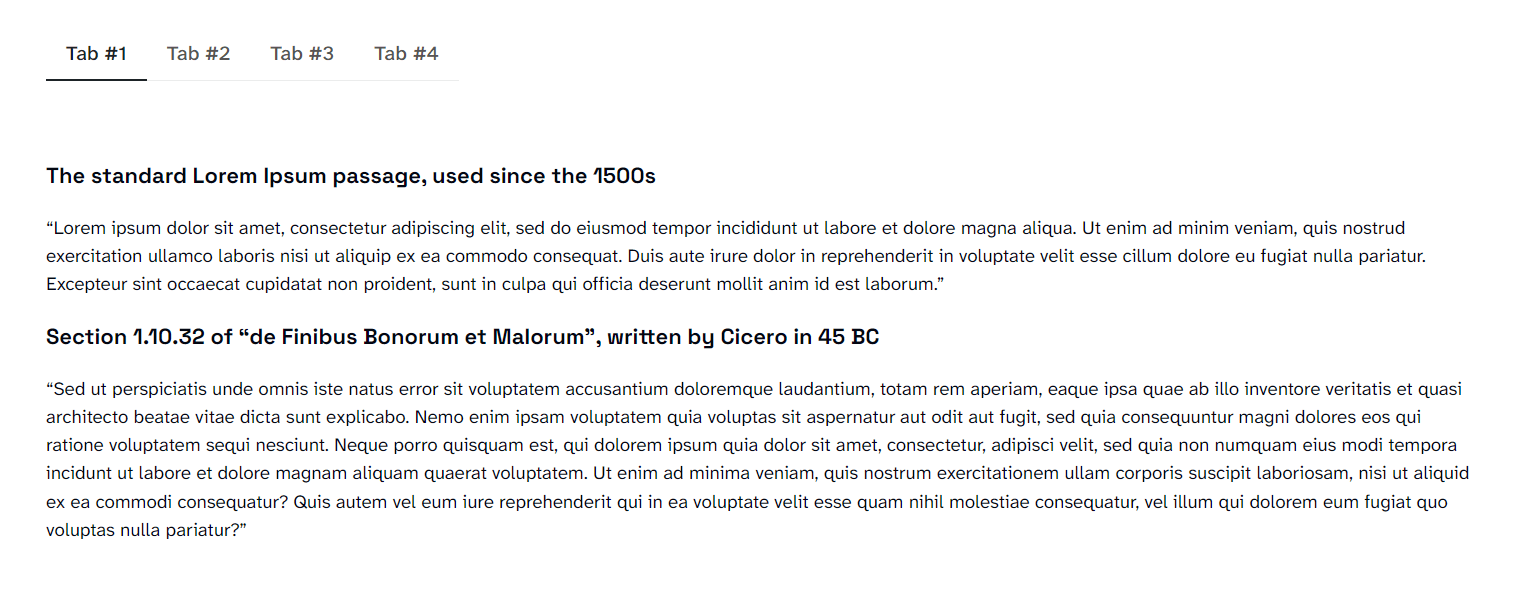
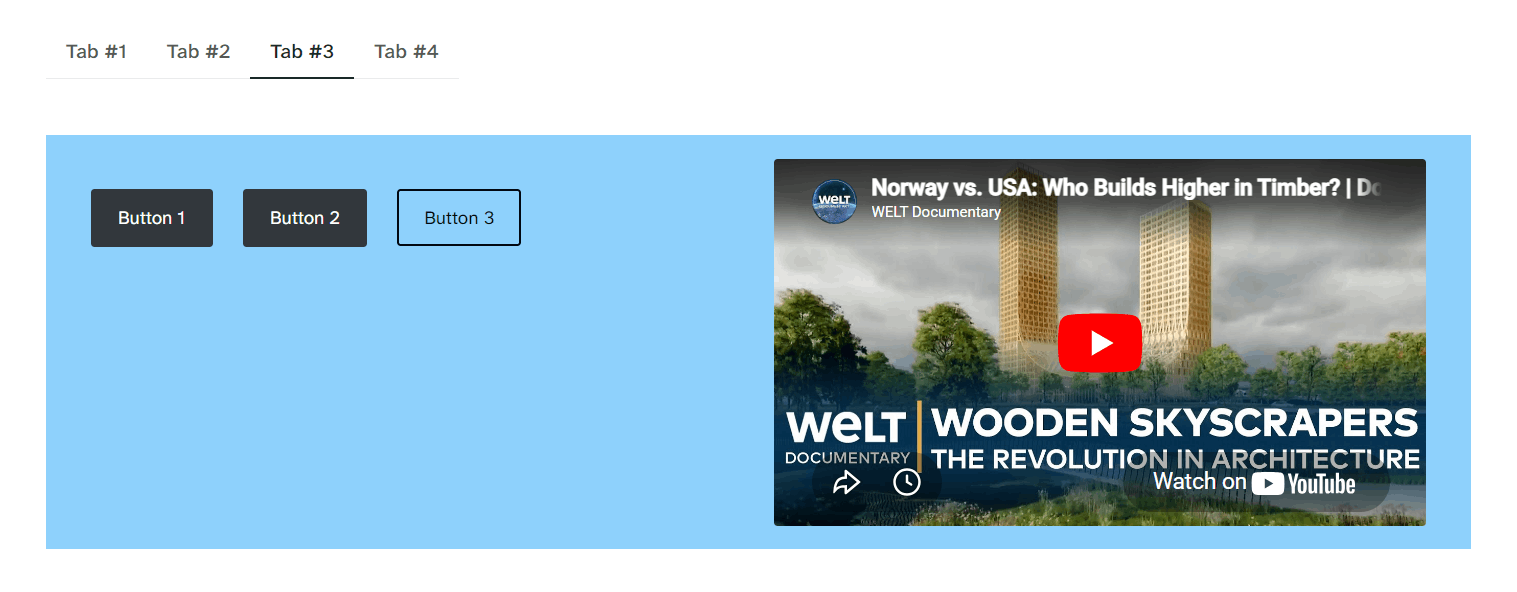
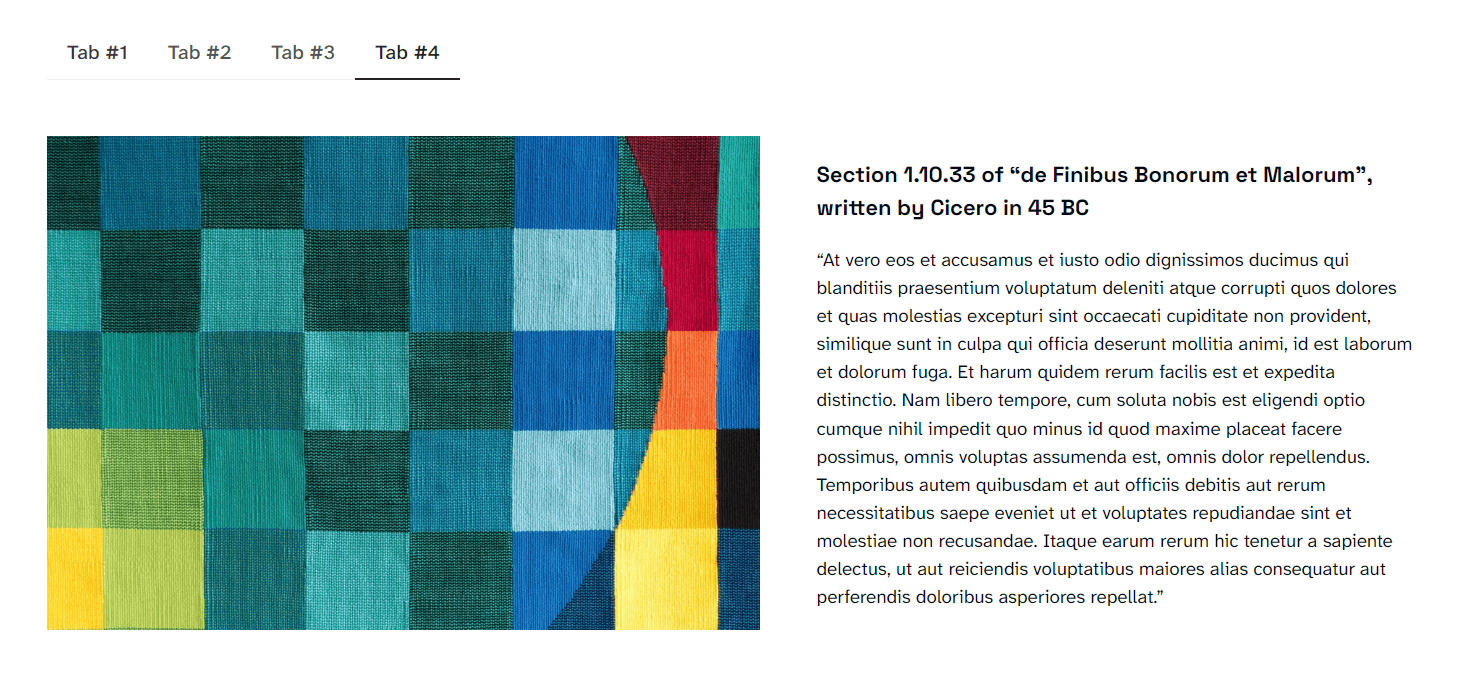
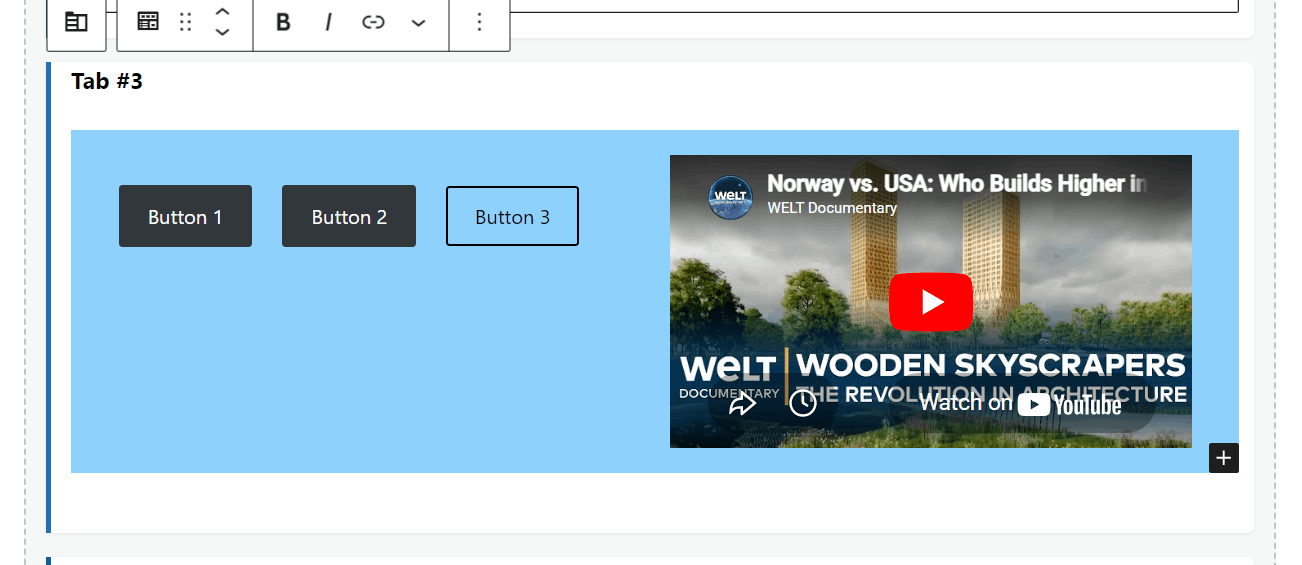
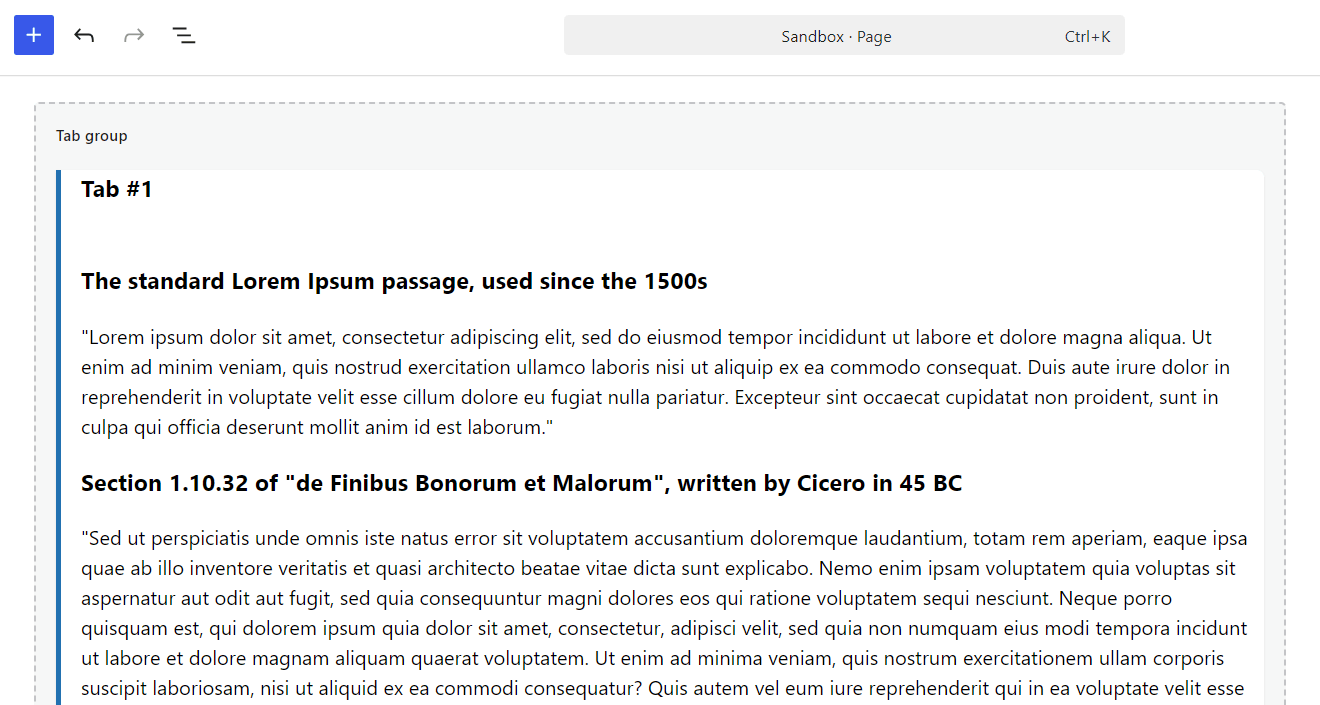
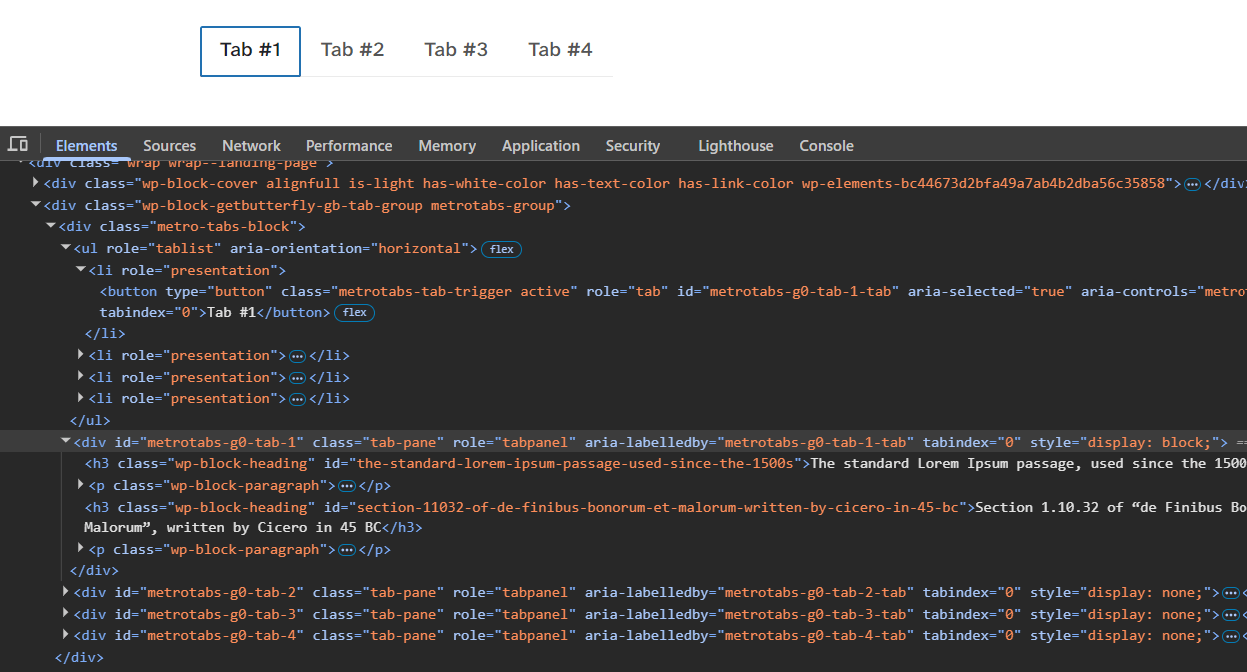
WordPress 7.1 added a basic Tabs block. Metro Tabs uses the same accessible tabs pattern and adds what Core doesn’t do:
- Vertical tabs – tab list on the side, with Up/Down arrow keys.
- Accordion on mobile – below a width you choose, the tabs turn into an accordion.
- Shareable links – optionally update the address bar when a tab opens, so every tab has its own #link. Links work on page load and when the hash changes.
- Remember the last tab a visitor opened on a page.
- Icons in tab labels (Dashicons).
- Style presets – Metro (underline), Pills, Boxed and Segmented, plus Color, Typography and Spacing panels.
- Fade or slide panel animation, switched off for visitors who prefer reduced motion.
- Style pack for core Tabs – the same four presets for the core Tabs block.
- No lock-in – transform Metro Tabs to core Tabs and back.
- Tabs are rendered on the server, so there is no flash of unstyled content, and the small script only loads on pages with tabs.
Add a Metro Tabs block, then edit the Tab Item blocks inside it. Each tab has a heading (the label visitors click) and a content area that takes any blocks.
How to use
- In the block editor, add a Metro Tabs block (search for “Metro Tabs” or “tabs”).
- Inside it, you’ll see placeholder Tab Items (e.g. “Tab 1”, “Tab 2”). Click each Metro Tabs: Tab Item block and:
- Edit the tab heading (the text shown on the tab) and, optionally, pick an icon in the sidebar.
- Add any blocks in the tab content area (paragraphs, images, etc.).
- Select the Metro Tabs block to choose the orientation, accordion breakpoint, animation, links and style.
- Publish or update. You can use several Metro Tabs blocks on the same page.
Explore more WordPress Plugins.
Compatibility
- Requires WordPress 7.1 or higher.
- Requires PHP 8.0 or higher.
From the same author
- Active Contacts – WordPress CRM & Follow-up Plugin
- LazyClone – Copy a WordPress Site Without FTP
- Lighthouse – WordPress Performance & Speed Optimization Plugin
- Active Analytics – Privacy-Friendly WordPress Analytics Plugin
- ImagePress – WordPress Image Gallery & Community Photo Plugin
- eCards – WordPress eCard Plugin with Email Designer
- Repeater for Gravity Forms – Repeater Field Add-on
- Fixtures & Results – WordPress Sports League & GAA Club Plugin
- WP Google Consent Platform (GCP)