

Merchlint – Catalog Audit for WooCommerce
v0.3.11baltano · 2026年9月1日 上架
Read-only WooCommerce product audit: goods that sold but are out of stock, duplicate SKUs, missing prices—with the money at stake.
- 正在使用
- 10 以下
- 评分
- 暂无
- 累计下载
- 1,120
- 最近更新
- 2026年11月5日
贡献者
 baltano
截图
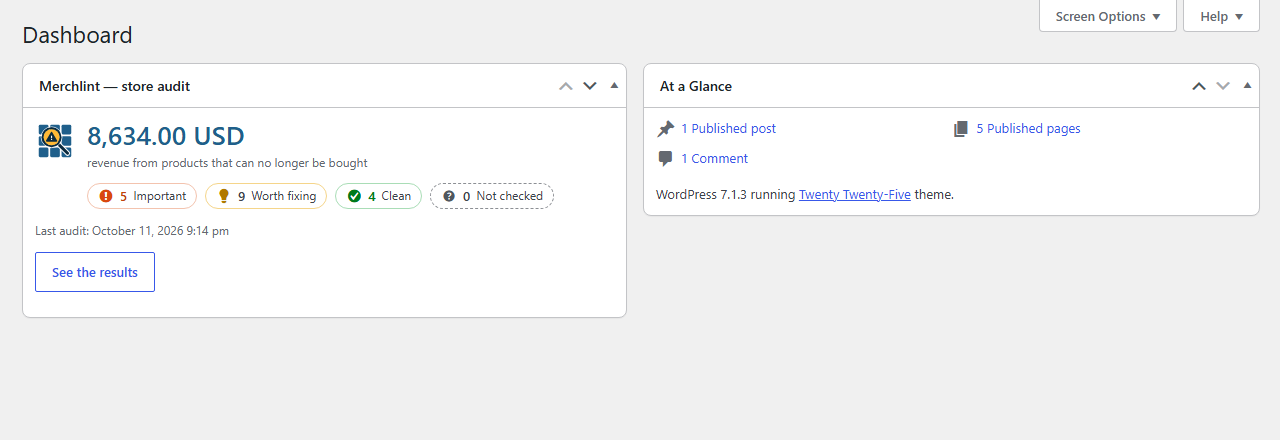
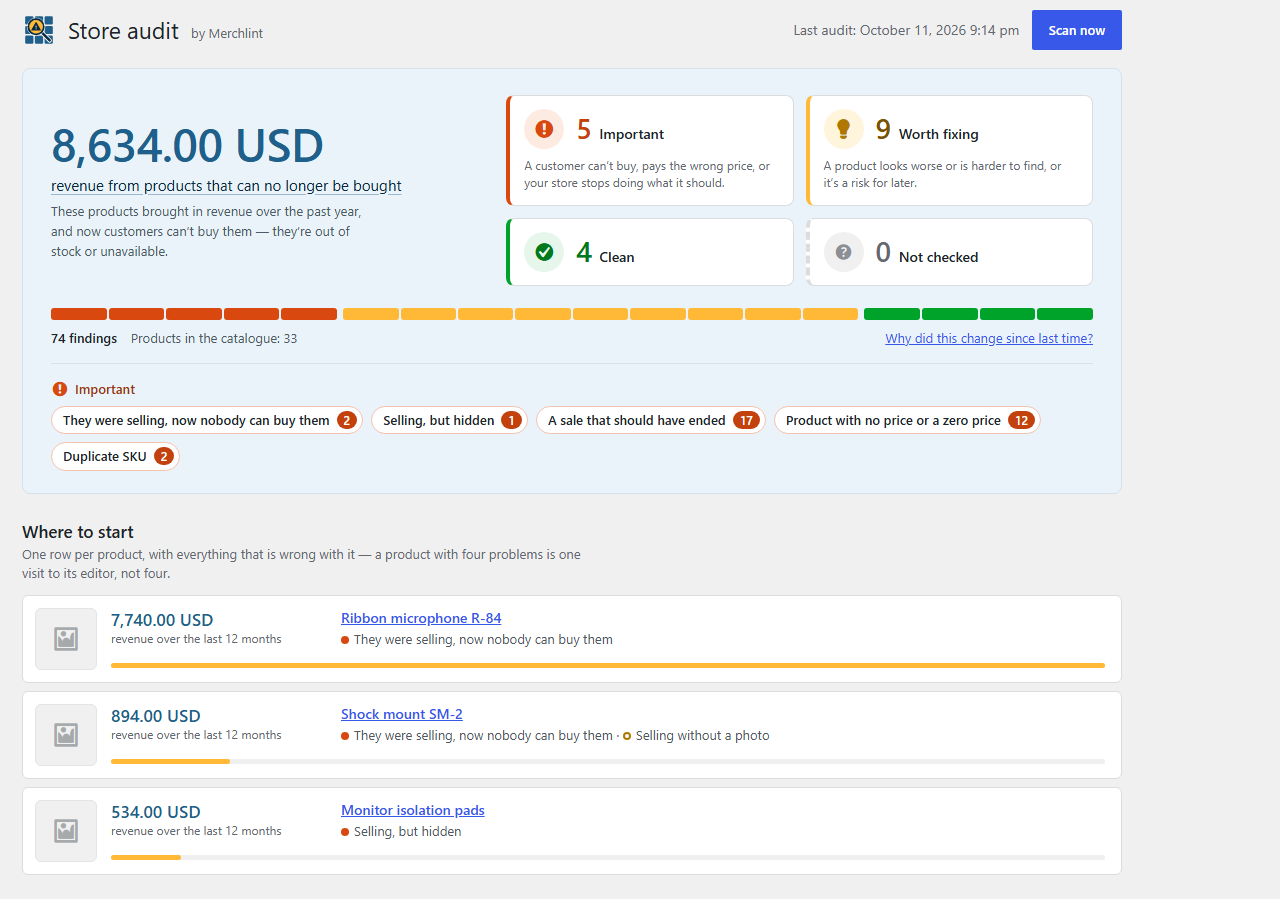
Merchlint finds the products that sold last year and can no longer be bought. It finds the
products with no GTIN, or with one that another product also carries, and the product photos
smaller than the 500 × 500 pixels Google Merchant Center requires from January 31, 2027. Each
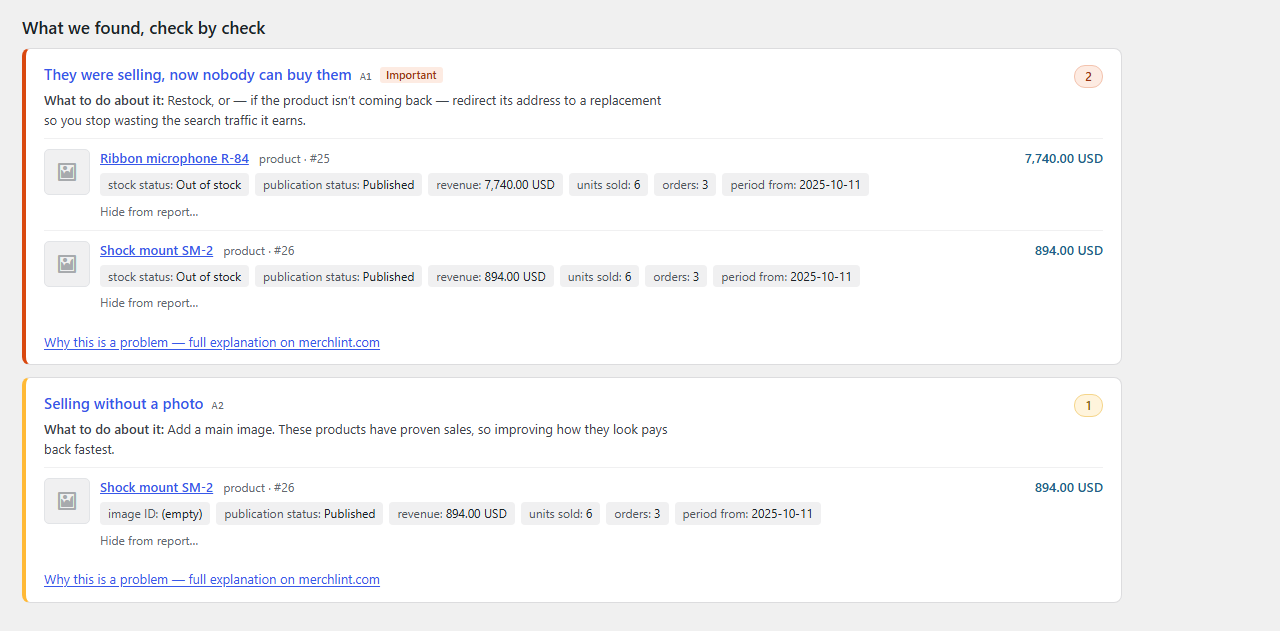
finding comes with the field and value it rests on, the money the product brought in over the last
twelve months where it sold, and a link to the product. The three with the most money at stake
come first.
It changes nothing. No product, no price, no stock level, no order. Every fix is yours to make, in
your own admin.
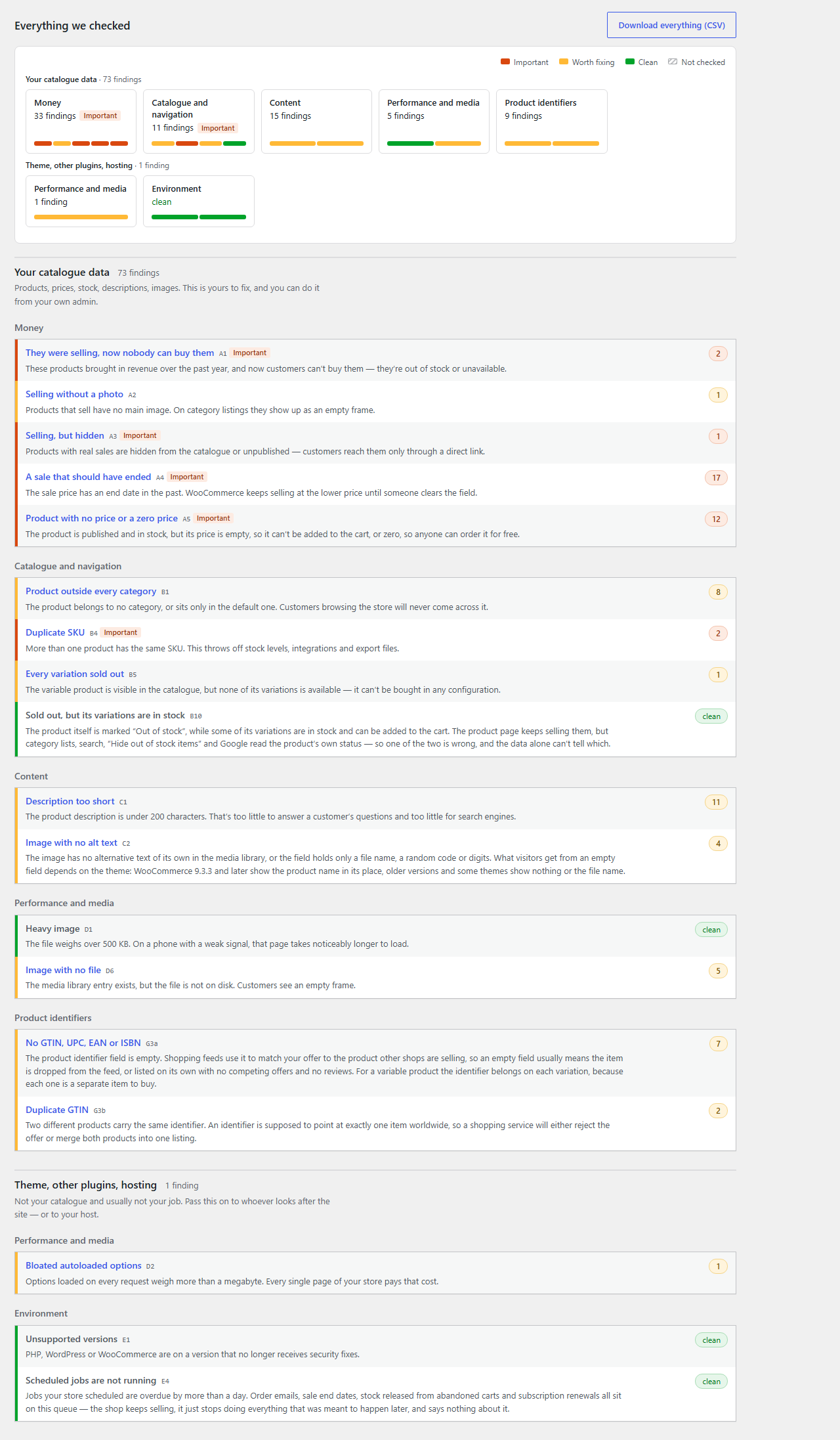
All twenty-three checks are free, on every product, with no cap and no account.
Twenty-three checks, grouped by what they cost you
Sales you are losing or giving away
- They were selling, now nobody can buy them: sold in the past year, out of stock today. The
revenue they brought in is the amount at stake. - Selling, but hidden: sold in the past year, yet unpublished or hidden from the catalog.
- A sale that should have ended: the sale price is still running past its scheduled end date.
- Product with no price or a zero price.
- Every variation sold out.
- Sold out, but its variations are in stock: the shop says “out of stock” while the product
page still sells a variation. - Published, but the shop doesn’t show it: since WooCommerce 11.1, a product whose parent entry
doesn’t exist or isn’t published disappears from the shop, categories and search, while the
admin shows it as published.
Products that shopping feeds and Google will not take
- No GTIN, UPC, EAN or ISBN and Duplicate GTIN: the usual reason an offer quietly drops out
of a shopping feed, and nothing in WooCommerce says a word about it. - Photo too small for Google: below the 500 × 500 pixels Google Merchant Center requires from
January 31, 2027. - Product pages send Google no product data: a product page template that skips WooCommerce’s
product summary—from a page builder, a theme, or a block template without the short
description—shows the price and the Add to cart button, while Google gets nothing to show. - Your store asks Google not to show it: the WordPress setting “Discourage search engines from
indexing this site” left on after launch, or Yoast SEO or Rank Math set to keep every product out
of search results. - Selling without a photo.
- Duplicate SKU: two products with one code. WooCommerce itself refuses to save a duplicate, so
these come from imports and migrations.
A store that looks worse than it could
- Description too short to answer a customer’s question.
- Image with no alt text: a file name or digits in the field count as none.
- Product with no category.
- Heavy image: a product photo over 500 KB.
- Image with no file: a media entry whose file is missing from disk.
The store itself
A store can have faultless product data and still lose money here.
- Scheduled jobs are not running: WP-Cron and Action Scheduler, reported separately. A stalled
queue is what stops the end of a scheduled sale, the cancelling of unpaid orders that hold stock,
and subscription renewals, and nothing on the storefront says so. - Unsupported versions: PHP, WordPress or WooCommerce past security fixes, with an early warning:
PHP 60 days before its fixes end, WooCommerce one release before. - No public refund and returns policy page: from WooCommerce 11.3, the page selected as your
returns policy tells search engines where to find it, but only once it is published. WooCommerce
creates that page as a draft. - Bloated autoloaded options: over 1 MB loaded on every page.
What makes it different
- It tells you where to start. The three products with the most money at stake come first,
before the full list. - Every finding shows its evidence. Not “12,636 problems” but the field we read, the value we
found and the threshold we compared it against, in WooCommerce’s own words. - A zero means “checked, clean”. A check that could not run says so instead of quietly
reporting nothing. - What is not a problem in your store stays hidden. Seasonal stock, spare parts, goods sold by
phone: hide an item once, with a reason, and it stays hidden across scans and plugin updates.
Every check has its own page that says when the finding is not a problem, and how to fix it
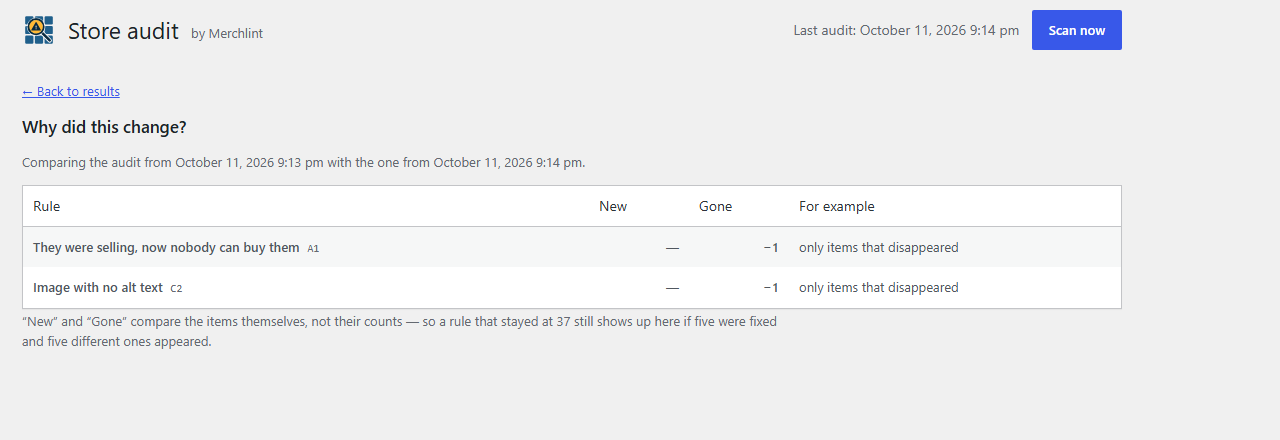
when it is. - Two scans of an unchanged store give the same result. When something changes, a separate
screen says what, and whether it came from your store or from a rule of ours that got smarter. -
It never adds up currencies. A store selling in euros and dollars gets a separate figure for
each. - Why there is no “Fix it” button
- What a finished report looks like
Your data stays yours
The plugin works entirely on your server. No account, no sign-up, no phoning home. During an audit
it opens up to three of your own product pages, at your own store’s address, the way a visitor
does, to see what Google gets from them. It connects nowhere else, and an automated check enforces
that on every build.
Links to merchlint.com are ordinary links. The address carries the language of your admin, so a
Polish store gets the Polish page, and nothing else: not your store’s address, its version or any
identifier. Without a click, nothing leaves your store.
An AI assistant can read the audit only if you connect one to your store yourself; see the FAQ.
From the same author
Merchgain is a free profit report for WooCommerce from
the same author. This audit shows the revenue at stake; Merchgain shows how much of what you sell
you actually keep: gross profit and margin per product, category and period, from the cost of
goods field built into WooCommerce 10.3 and newer. Like Merchlint, it only reads.
If Merchgain is not installed, a short note about it appears at the very bottom of the audit
screen, below the results. “Don’t show again” hides it for good, and it never appears anywhere
else in your admin.