

Meow Analytics (Google Analytics)
v1.3.2Jordy Meow · 2020年2月19日 上架
Adds the Google Analytics (GA4 included) code to your website and a little dashboard with realtime and historical data.
- 正在使用
- 400+
- 评分
- 4.8 / 5
- 累计下载
- 2.2 万
- 最近更新
- 2025年7月6日
贡献者
 Jordy Meow
截图
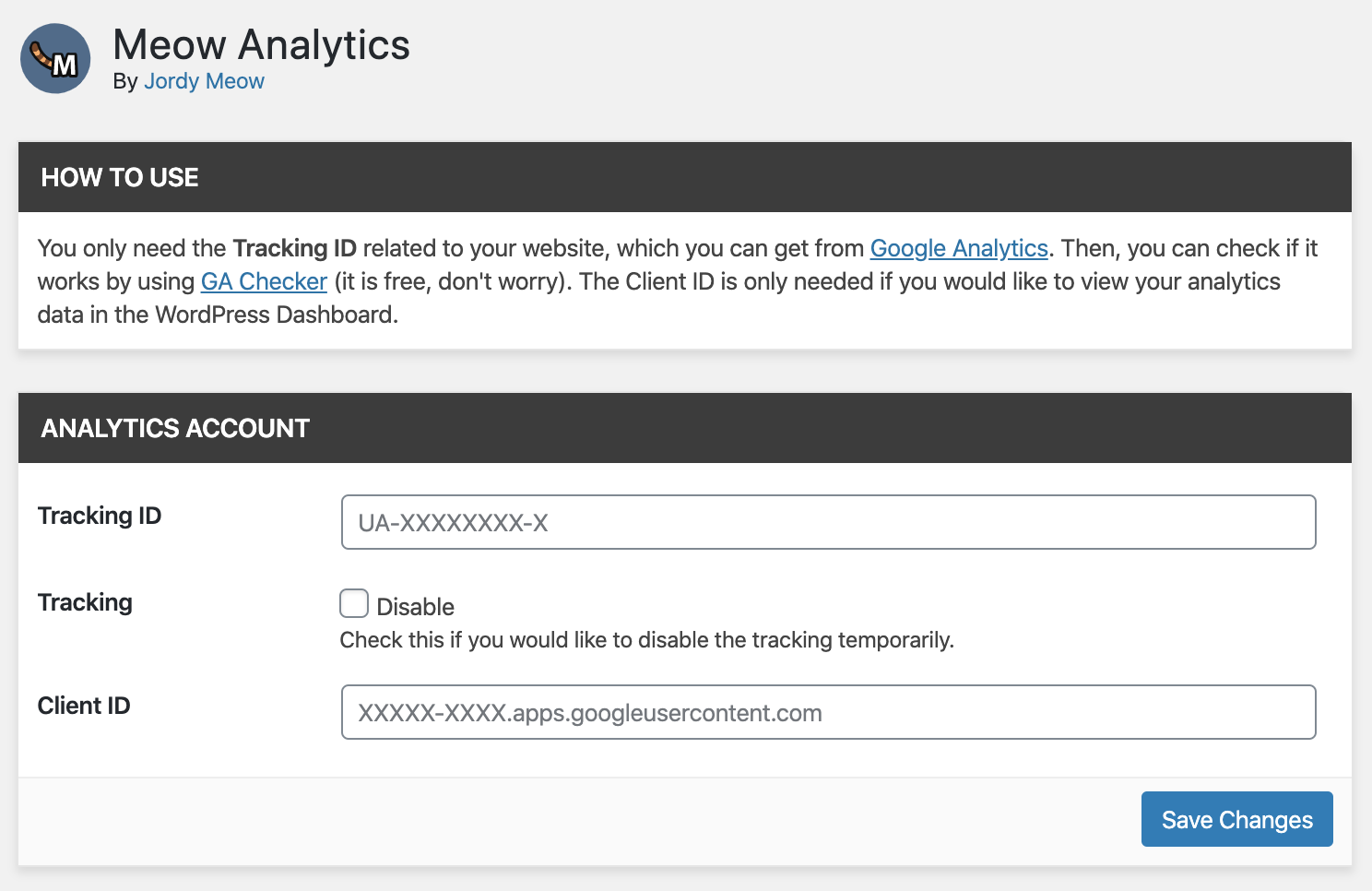
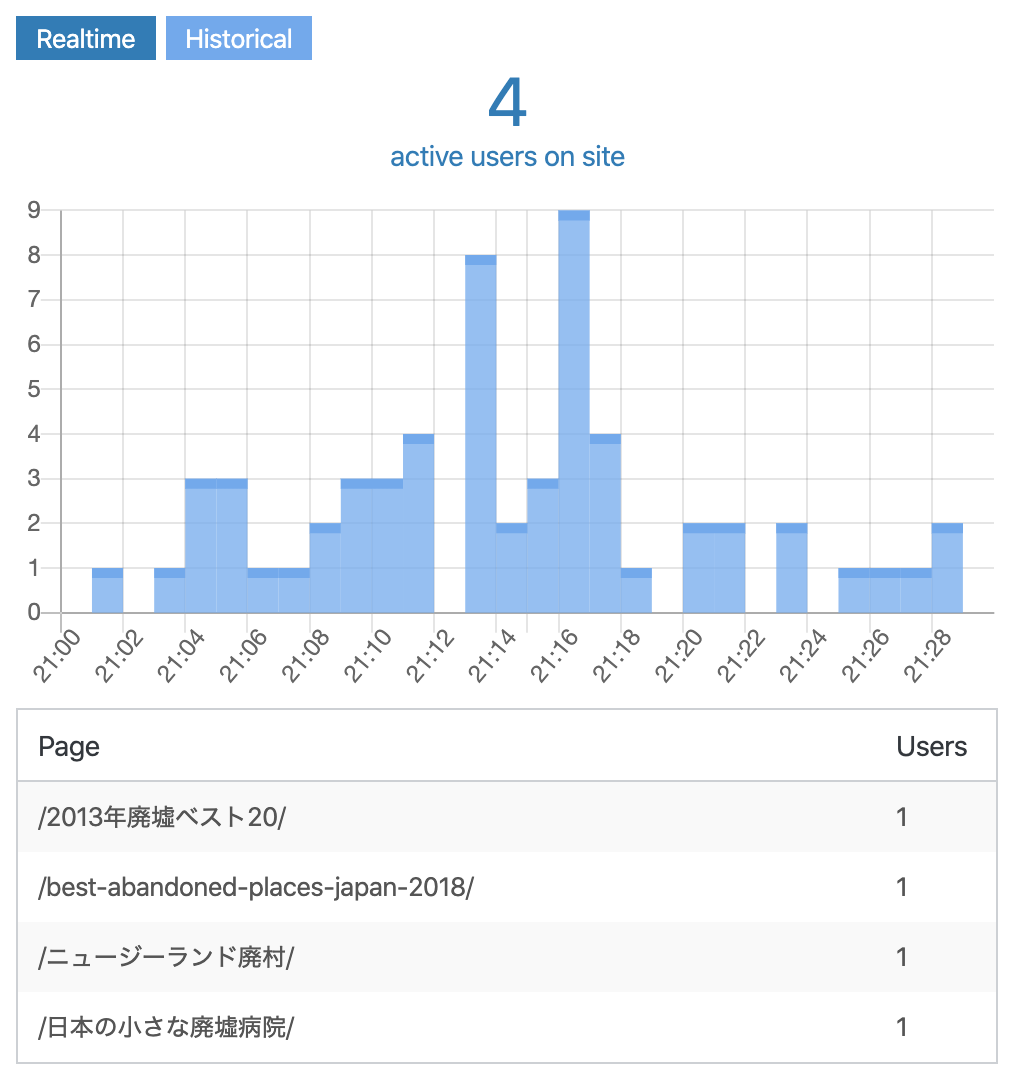
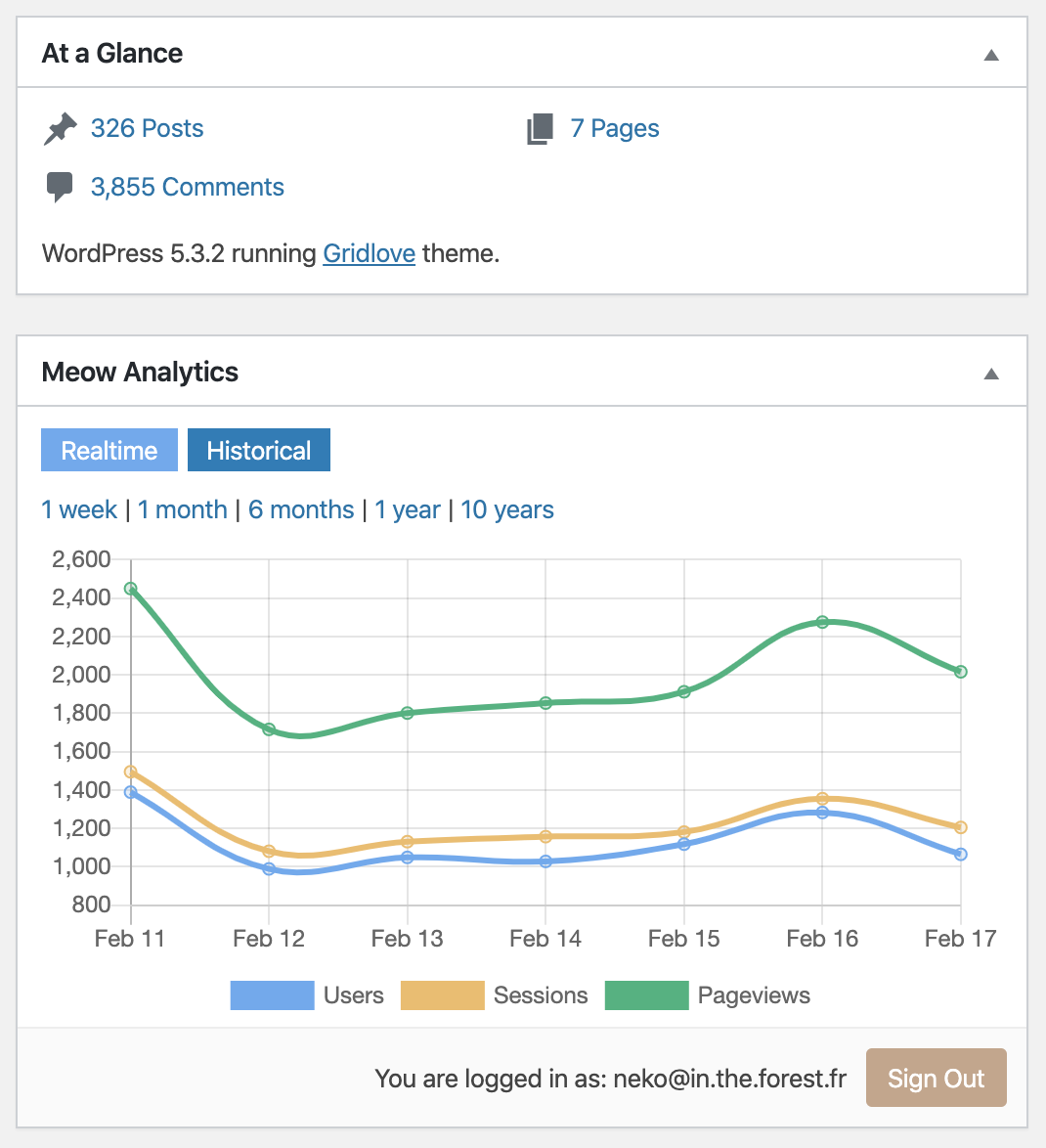
Adds the Google Analytics tracker to your website and shows a clean, lightweight dashboard with real-time and historical data. It’s simple, fast, and… it just works! 🥰 Feedback is welcome — I improve it based on what you need.
Tired of bloated GA plugins packed with features you’ll never use and code that feels like it came from the Stone Age? You’re not alone. 💫
Unlike others, Meow Analytics doesn’t route your data through shady third-party services. You connect directly to Google Analytics — your data stays yours. (Check your Google Permissions — you might be surprised!)
🚀 Want more? Our new plugin SEO Engine includes everything from Meow Analytics, plus powerful SEO tools to keep your WordPress site healthy — without the bloat of Bloark SEO, Glutamate SEO, or None-In-One SEO.
Dashboard
You can access to some of your analytics data directly in your WordPress dashboard (realtime and historical data). If you wish to do this, follow this tutorial.
Usage
Visit the Settings under Meow Apps > Analytics, enter your Google Analytics code, and that’s it. For more, please check the official page of the plugin: Meow Analytics.
Languages: English.