
Menu Icons by Themeisle – Add Icons to Navigation Menus
v0.13.27Themeisle · 2014年2月20日 上架
Add icons to WordPress navigation menus easily — pick from Font Awesome, Dashicons, image icons & more. Style menu items with custom colors & sizes.
- 正在使用
- 10 万+
- 评分
- 4.9 / 5
- 累计下载
- 482 万
- 最近更新
- 2026年11月13日
851 条评价需要 WordPress 4.7+已测试到 7.1.5PHP 7.1+
 WPShout
 Themeisle
截图
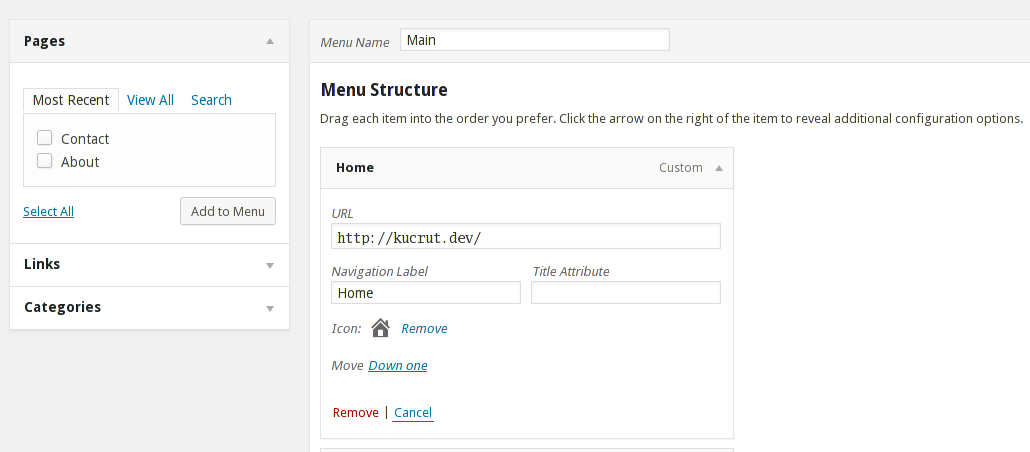
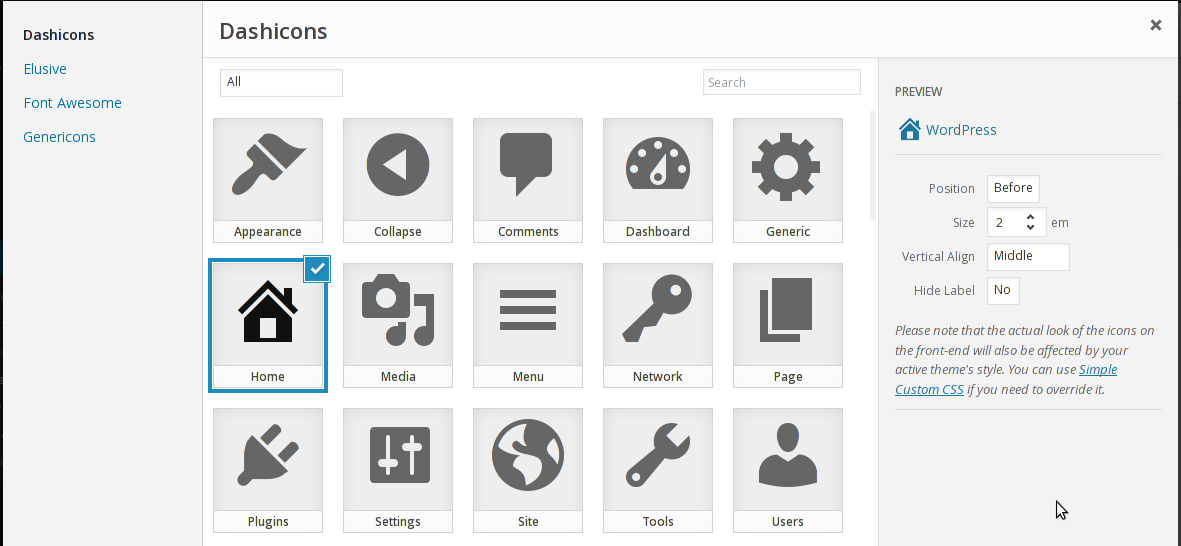


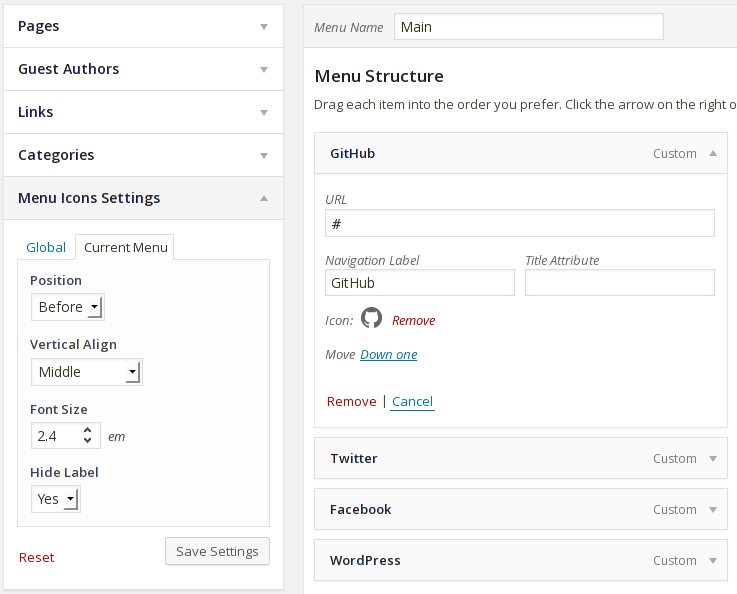
This plugin gives you the ability to add icons to your menu items, similar to the look of the latest dashboard menu.
Usage
- After the plugin is activated, go to Appearance > Menus to edit your menus
- Enable/Disable icon types in “Menu Icons Settings” meta box
- Set default settings for current nav menu; these settings will be inherited by the newly added menu items
- Select icon by clicking on the “Select icon” link
- Save the menu
Supported icon types
- Dashicons (WordPress core icons)
- Elusive Icons by Aristeides Stathopoulos
- Font Awesome by Dave Gandy
- Foundation Icons by Zurb
- Genericons by Automattic
- Fontello icon packs
- TI Icons icon pack by ThemeIsle
- Image (attachments)
- SVG (attachments)
Planned supported icon types
- Image (URL)
Compatible themes
Menu icons works with most of the themes out there, especially with popular ones like Twenty Seventeen or Hestia.
Development of this plugin is done on GitHub. Pull requests welcome. Please see issues reported there before going to the plugin forum.
If you like this plugin, then consider checking out our other projects:
CodeinWP Blog – Designer’s Guide To WordPress
Revive.Social – Social Media Tools
JustFreeThemes – Free WordPress Themes directory