
Meerlume
v1.0.1meerlume · 2026年9月28日 上架
Add your Meerlume chat to your site: a bubble on every page that answers questions, takes bookings and captures enquiries.
- 正在使用
- 10 以下
- 评分
- 暂无
- 累计下载
- 225
- 最近更新
- 2026年10月3日
贡献者
 meerlume
截图


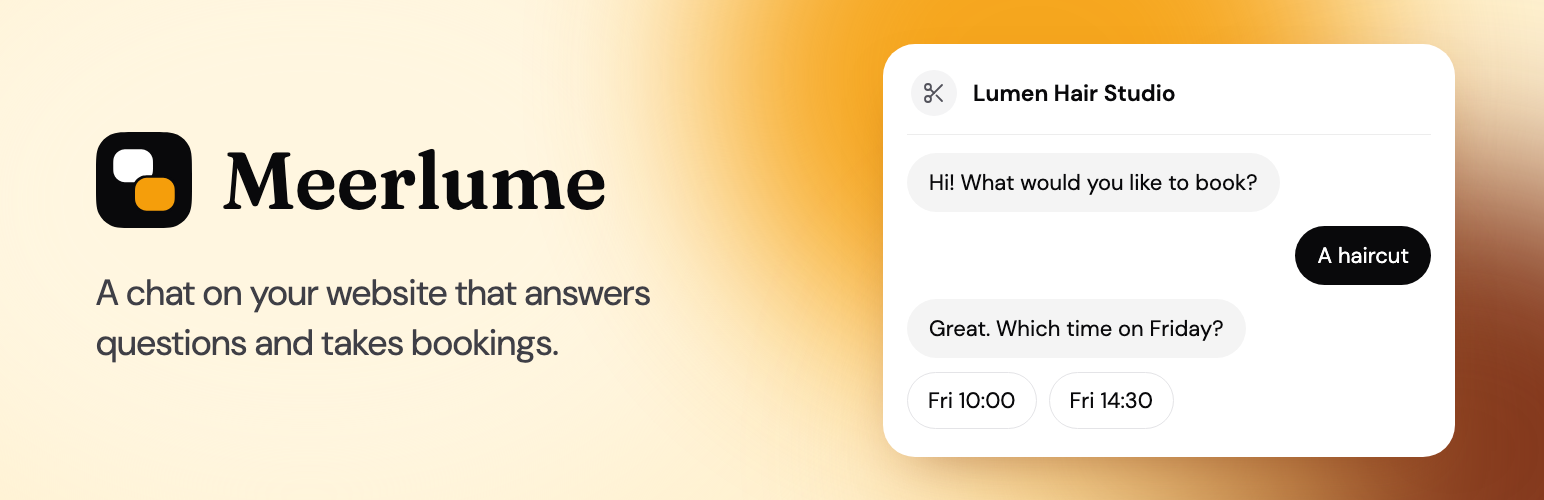
Meerlume turns a plain-language description of your business into a chat that answers questions, takes bookings against your real availability and captures enquiries. The same bot runs on WhatsApp, Telegram, Instagram, Messenger and your website.
This is the official Meerlume plugin. It puts your Meerlume bot’s website chat on your WordPress site. Paste your bot’s code once and you’re done.
- A chat bubble on every page. Visitors open it from the corner of the screen and it follows them around the site.
- Or the chat inside a page. Add
[meerlume]to a “Book now” or “Contact” page to show the conversation right in the page. - Nothing to keep in sync. Colours, position, greeting and theme are set in your Meerlume dashboard and change on your site as soon as you save them there.
- You stay in the loop. New bookings and enquiries land in your Meerlume inbox, you’re notified by email, Telegram or in the dashboard, and you can step into any conversation and reply yourself.
What you need
A Meerlume account with a bot that has Website chat connected and is published. Website chat is included on every plan, Free too; see pricing. Create your bot.
Branding
On the Free plan the chat window shows a small “Powered by Meerlume” link. It is part of the chat that Meerlume serves, not something this plugin adds to your pages, and Starter and higher plans remove it.
External services
This plugin connects your site to Meerlume, a hosted chat service run by Meerlume LLC. It does nothing without it.
Chat loader — meerlume.com. On every page where the chat is shown (the bubble, or a page with [meerlume]), the visitor’s browser loads https://meerlume.com/widget.js. The request carries what any browser request does: the visitor’s IP address, user agent and the page address.
Chat window — go.meerlume.com. On every page load where the chat is shown, before the visitor opens it, the loader requests https://go.meerlume.com/c/<your code>/appearance to draw the chat in your colours. Meerlume keeps only a daily count of these loads per bot, with nothing that identifies the visitor. When the chat opens (straight away for a chat inside a page, on click for the bubble), it loads in a frame from https://go.meerlume.com/c/<your code>, which is told your site’s address. What a visitor types or taps in the chat, including any contact details they choose to give, is sent to Meerlume and stored for you, the site owner. The chat keeps the conversation for the length of the browser session in session storage on go.meerlume.com. The bubble also remembers, in session storage on your site, that a visitor dismissed its greeting.
Code check — go.meerlume.com. When you save a new chat code in Settings Meerlume, your server requests https://go.meerlume.com/c/<your code>/appearance once to tell you whether the chat is live. Only the code is sent; the request does not include your site’s address.
Meerlume Terms of Service and Privacy Policy.