
Media Library File Size
v1.8.1Sully · 2023年3月9日 上架
See every file's size in your Media Library, find your largest files, and delete leftover image sizes to free up disk space.
- 正在使用
- 6,000+
- 评分
- 4.6 / 5
- 累计下载
- 6.1 万
- 最近更新
- 2026年10月22日
贡献者
 Sully
截图
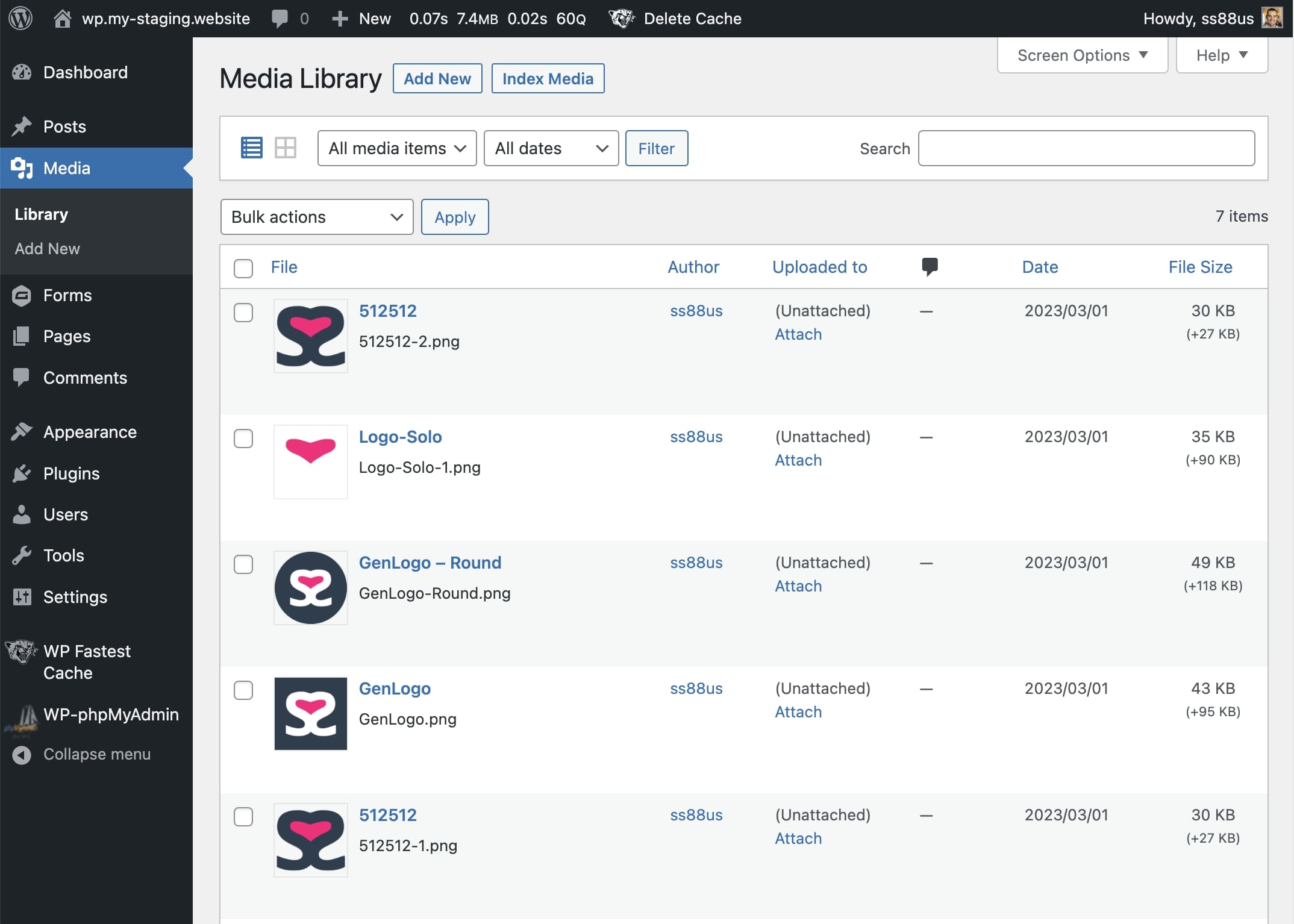

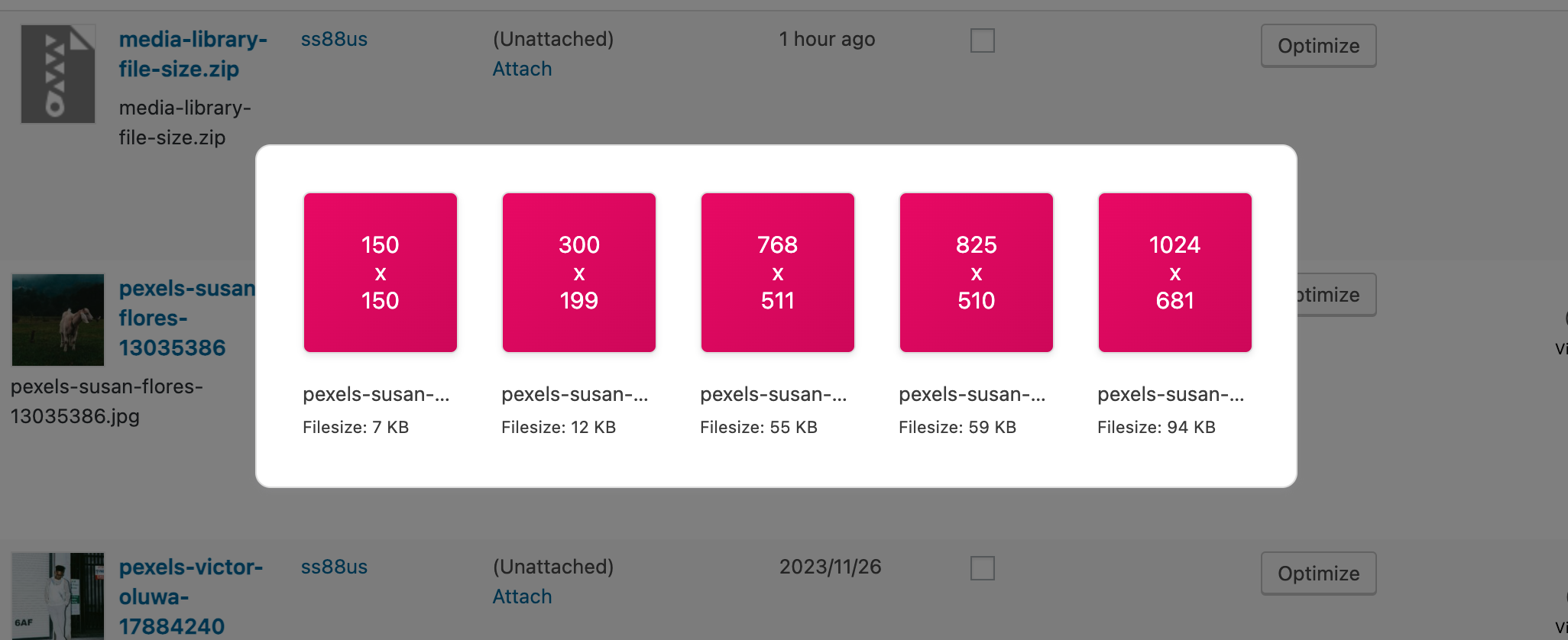
Improve your Media Library functionality by introducing new data that showcases the sizes of files, including collective variants.
Primary Features:
- View a pie chart to quickly visualize the most common attachment types, grouped
- See how much storage your library adds each month
- See how much space each image size (thumbnail, medium, large, etc.) uses
- Find and delete leftover image sizes no longer registered by your theme or plugins
- Filter the Media Library by file size in List and Grid view
- View largest file sizes with a click of a button
- Support for List & Grid mode in the Media Library
- Tested with media libraries with over 50,000 attachments
- View file size of primary file and their variants
- Sort the media library by file size to find those pesky large file
- View all variants of an image with the ability to download them
Images and videos play a crucial role in engaging visitors and making a website visually appealing. However, managing these files can become a daunting task, especially when you have a large number of media files on your website. WordPress does offer a media library that allows users to upload and manage media files, but it falls short when it comes to providing information about file sizes. This is where the “Media File Sizes” plugin comes in.
- By default sizes may show without the need to run an index however, indexing the Media Library is highly recommended.
- If sizes do not show, you can click the Index Media button within the Media Library to index/re-index items.
- Shows file size of primary file, plus combined sized for variants (images).
- Ability to order the media items by file size.
Check out our other plugins:
- 🦄 Unicorn Panel – the new web hosting control panel built for multi-server fleets; FREE!
- ✨ Export Single Post Page
- 🔒 Two Factor (2FA) Authentication via Email
- 🙍♂️ View User Metadata
- 🔠 Enable Turnstile (Cloudflare) for Gravity Forms
- ⭐️⭐️⭐️⭐️⭐️ Gravity Forms to FreeScout