

Media Carousel for Guten Blocks
v1.0.4ZealousWeb · 2024年7月16日 上架
The Media Carousel for Guten Blocks: Customize media display with captions, border radius, FancyBox, sliders, and navigation options.
- 正在使用
- 20+
- 评分
- 暂无
- 累计下载
- 1,900
- 最近更新
- 2026年6月4日
贡献者
 ZealousWeb
截图

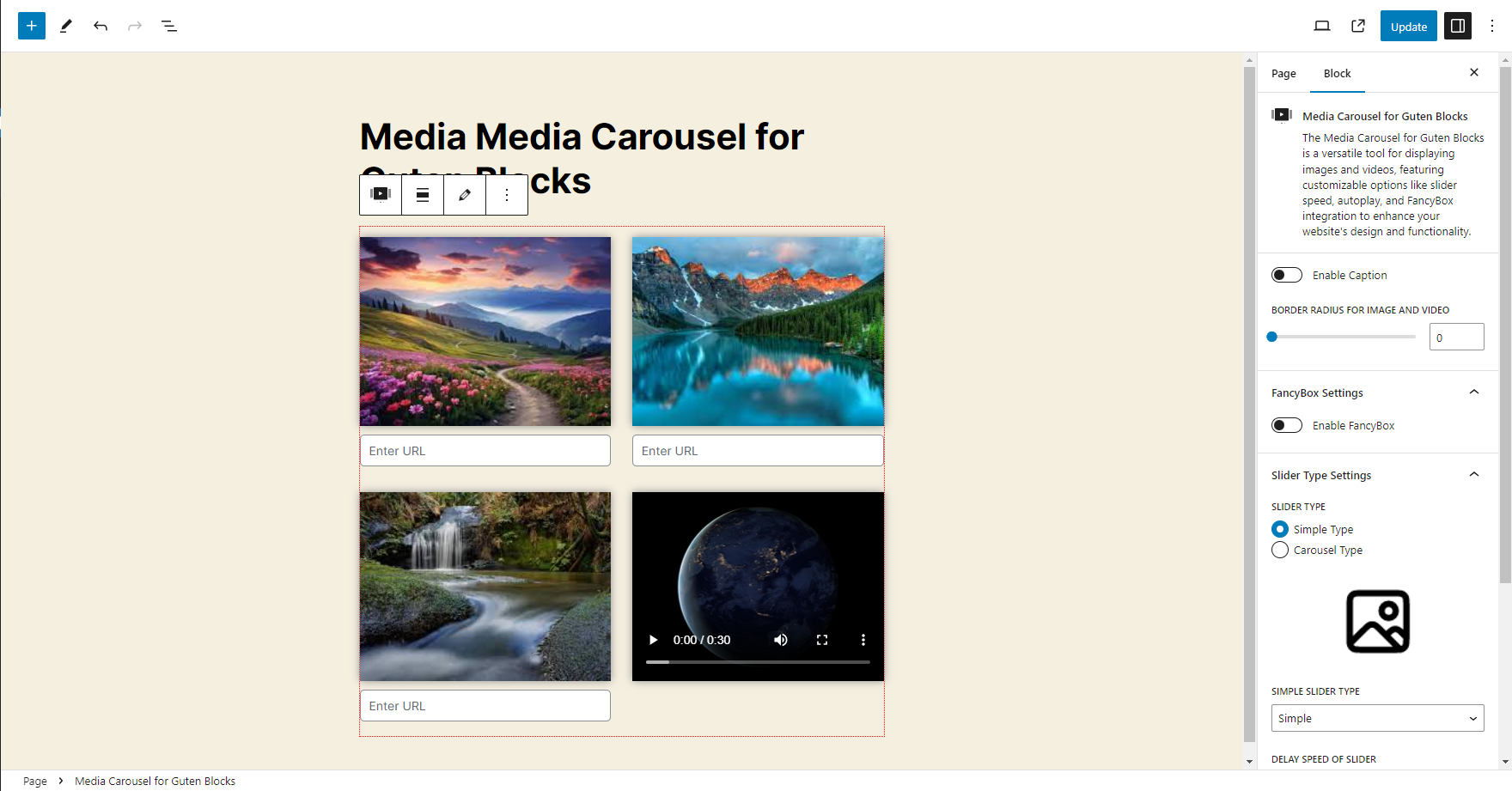
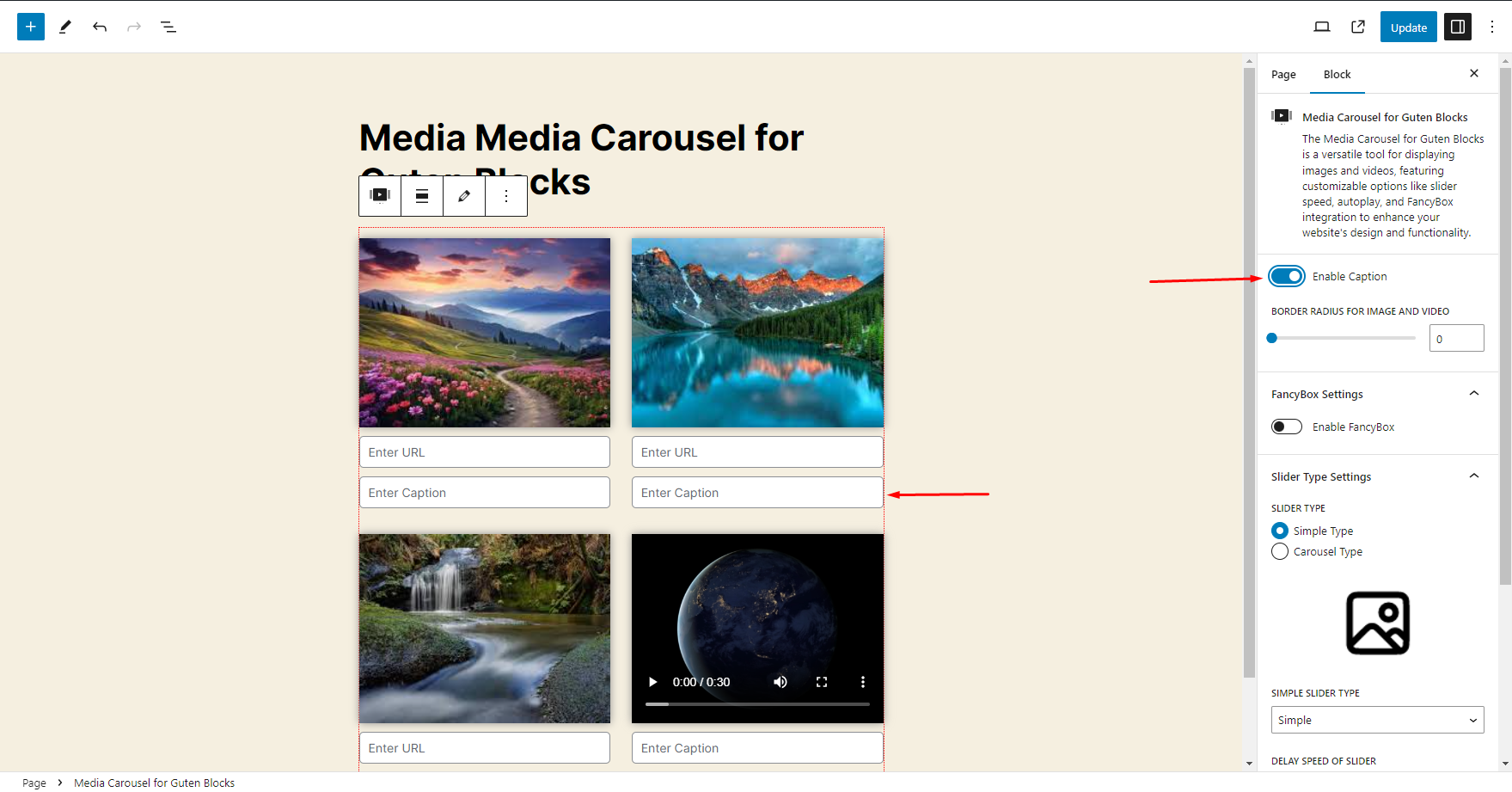
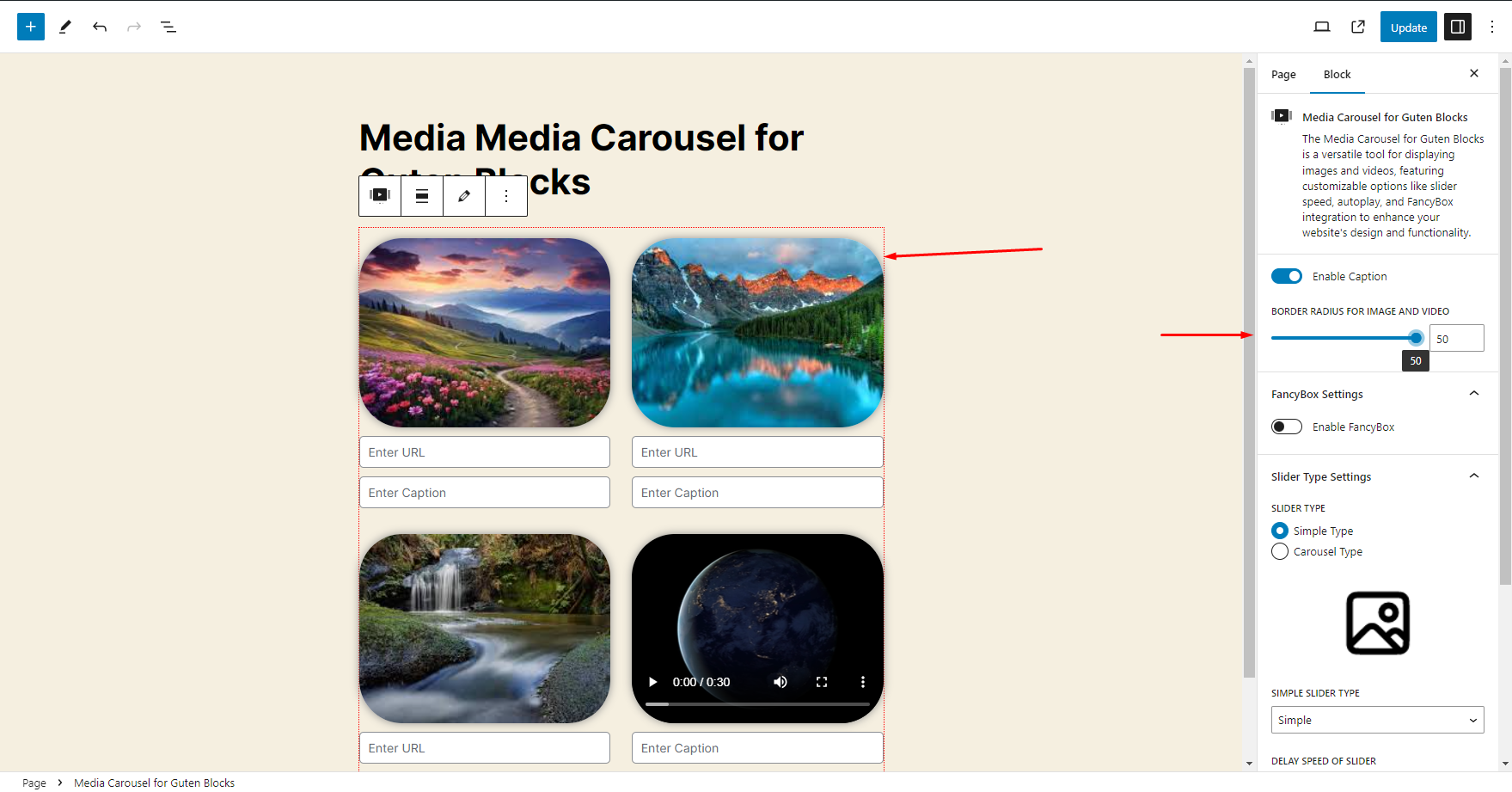
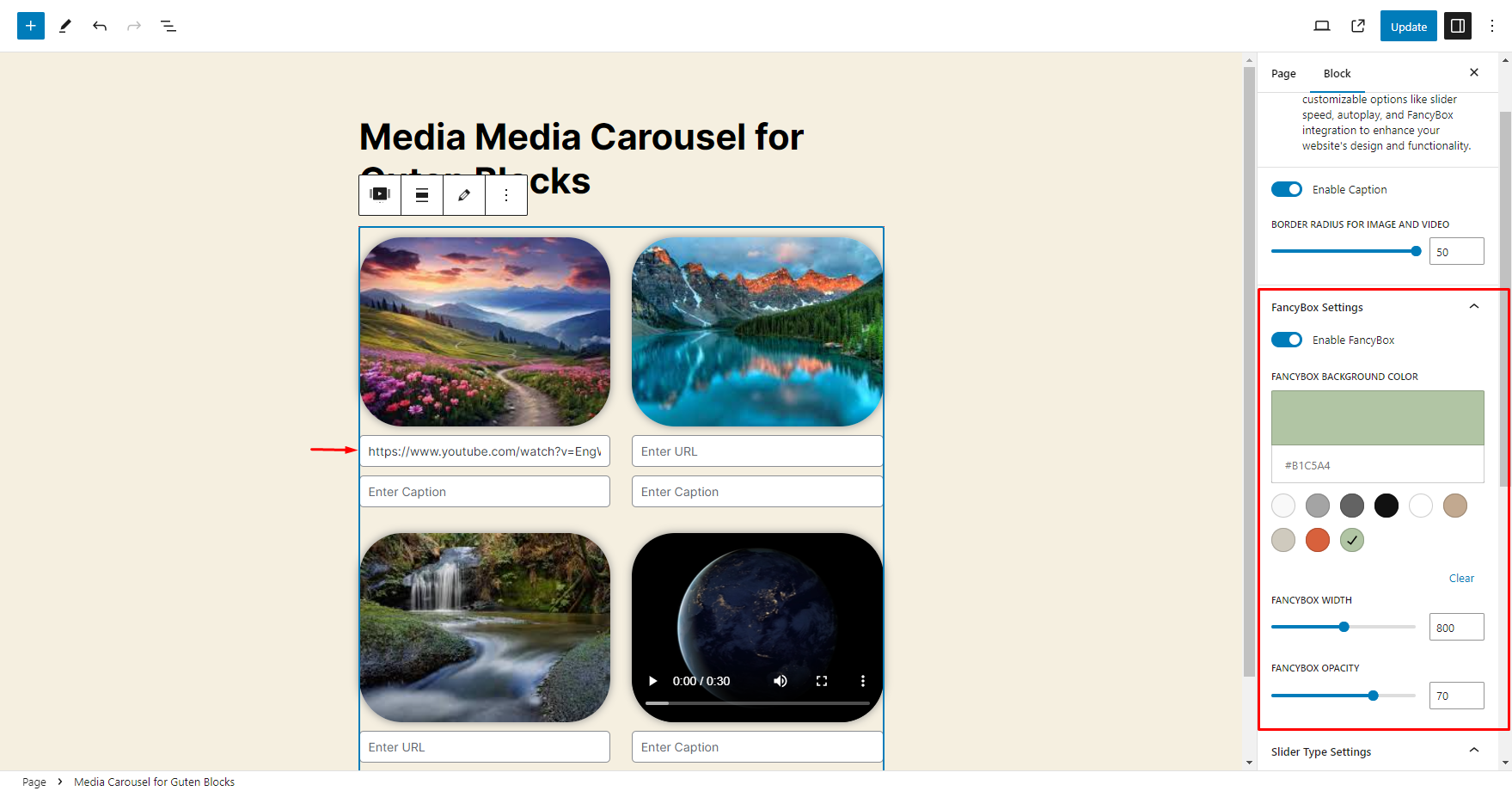
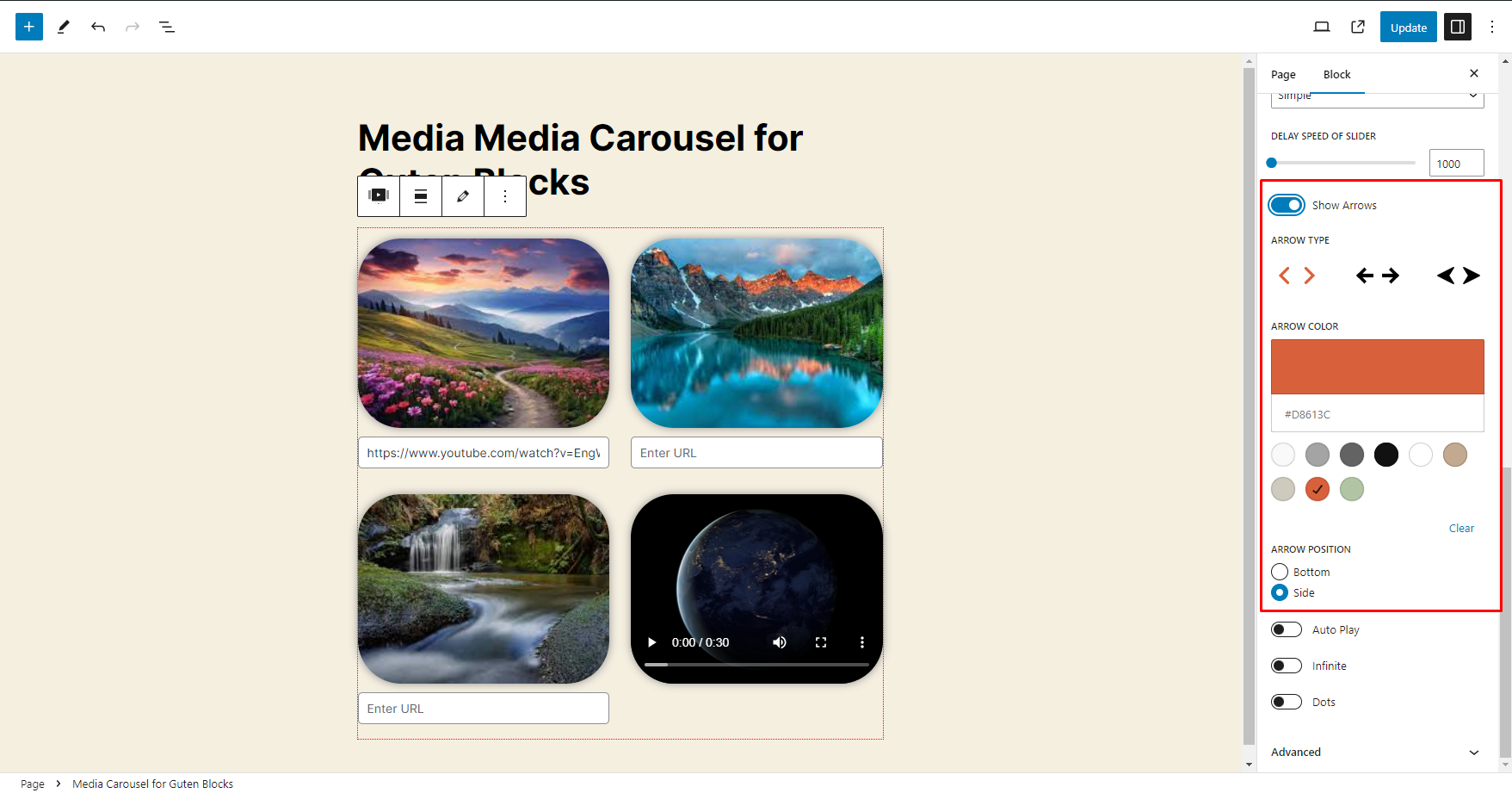
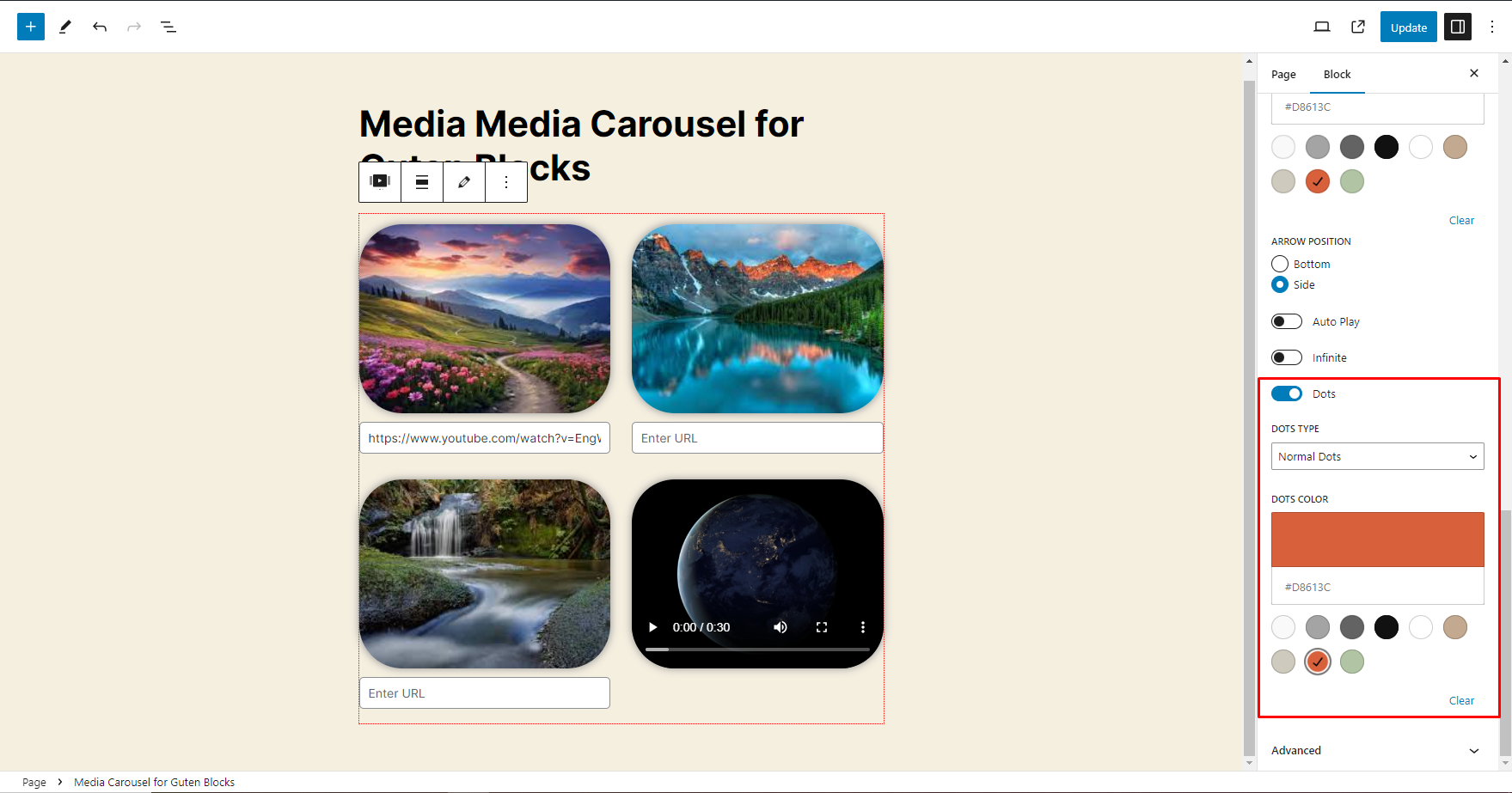
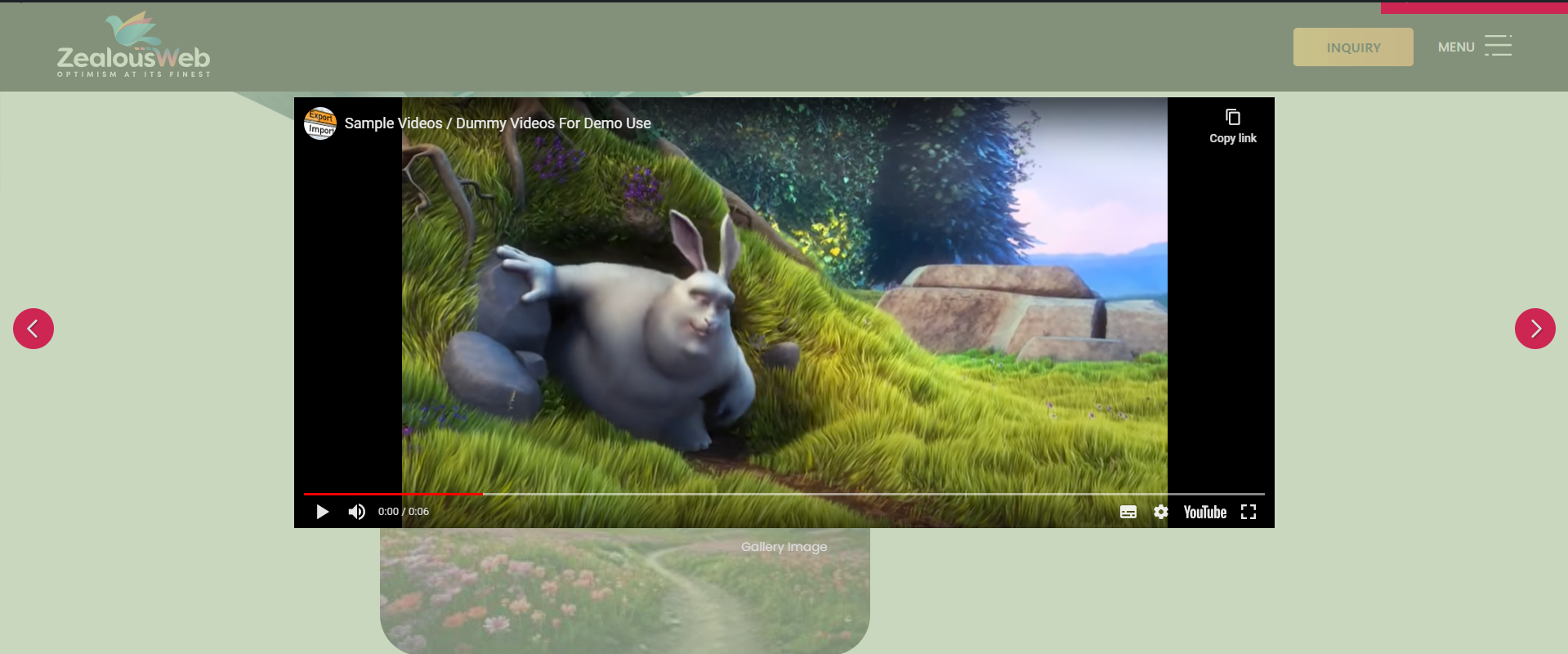
The Media Carousel for Guten Blocks is a versatile content block that enables users to dynamically upload and display images and videos. It offers a range of customizable features to enhance the presentation of media. Users can enable captions for their media, adjust the border radius for both images and videos, and utilize FancyBox settings to activate fancybox functionality for an enhanced viewing experience. The Slider Type settings provide options to choose the type of slider, adjust its speed, and configure autoplay and infinite loop features. Additionally, users can show or hide navigation arrows, with customizable styles and colors, and select the type and color of navigation dots to match their design preferences.
Plugin Requirement
PHP version : 7.4 and latest
WordPress : WordPress 5.9 and latest
OUR OTHER PLUGINS
- Abandoned Contact Form 7 Pro
- Accept 2 Checkout Payments Using Contact Form 7 Pro
- Accept Authorize.NET Payments Using Contact Form 7 Pro
- Accept Elavon Payments Using Contact Form 7 Pro
- Accept PayPal Payments Using Contact Form 7 Pro
- Accept Sagepay(Opayo) Payments Using Contact Form 7 Pro
- Accept Stripe Payments Using Contact Form 7 Pro
- Custom Product Options WooCommerce Pro
- Generate PDF Using Contact Form 7 Pro
- Smart Appointment & Booking Pro
- Smart Showcase for Google Reviews Pro
- User Registration Using Contact Form 7 Pro
Getting Help With WordPress
If you have any difficulties while using this Plugin, please feel free to contact us at support
We also offer custom WordPress extension development and WordPress theme design services to fulfill your e-commerce objectives.
Our professional impassioned WordPress experts provide profound and customer-oriented development of your project within short timeframes.
Thank you for choosing a Plugin developed by ZealousWeb!
Functionality
This plugin utilizes third-party libraries to enhance its functionality:
- Fancybox JS: https://cdn.jsdelivr.net/npm/@fancyapps/ui@5.0/dist/fancybox/fancybox.umd.js – Used to achieve lightbox functionality for displaying images and videos in a popup.
- Fancybox CSS: https://cdn.jsdelivr.net/npm/@fancyapps/ui@5.0/dist/fancybox/fancybox.css – Use to achieve lightbox functionality for images and videos in popup
- Slick JS: https://cdn.jsdelivr.net/npm/slick-carousel@1.8.1/slick/slick.min.js – Used to achieve slider functionality for images and videos.
- Slick CSS: https://cdn.jsdelivr.net/npm/slick-carousel@1.8.1/slick/slick.css – Used to achieve slider functionality for images and videos.