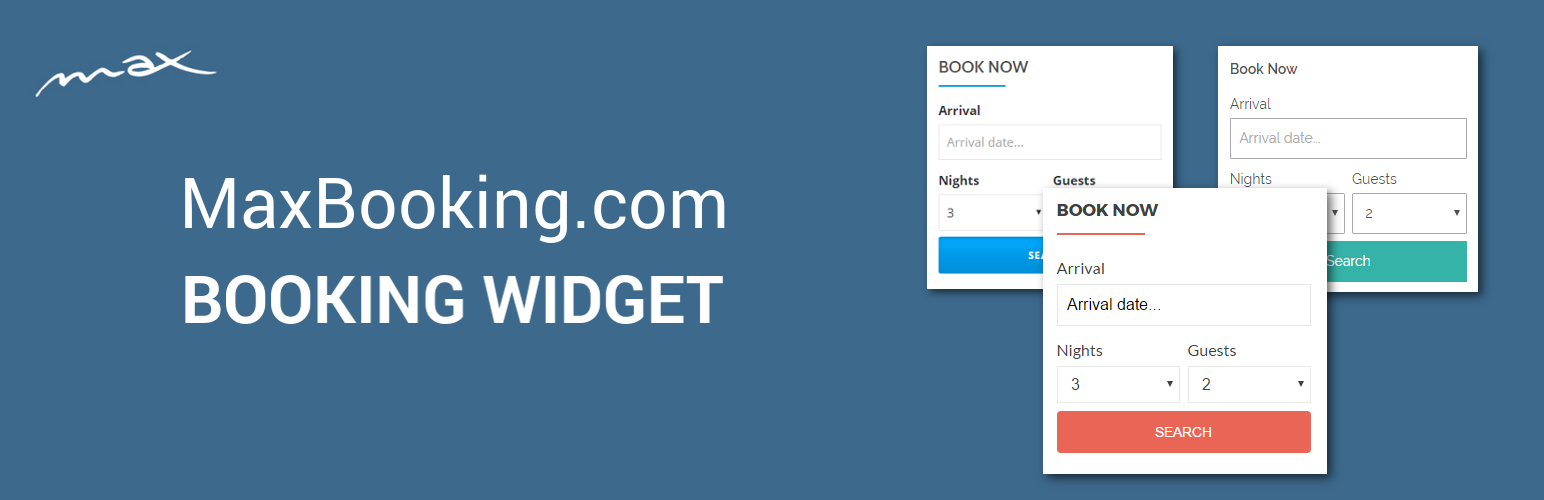

MaxBooking Booking Widget
v1.1.3maxbooking · 2017年7月26日 上架
The Official MaxBooking.com booking widget. Allow your customers to search for accommodation directly from your website.
- 正在使用
- 10+
- 评分
- 暂无
- 累计下载
- 1,761
- 最近更新
- 2017年11月28日
需要 WordPress 4.4+已测试到 4.8.35
贡献者
 maxbooking
截图

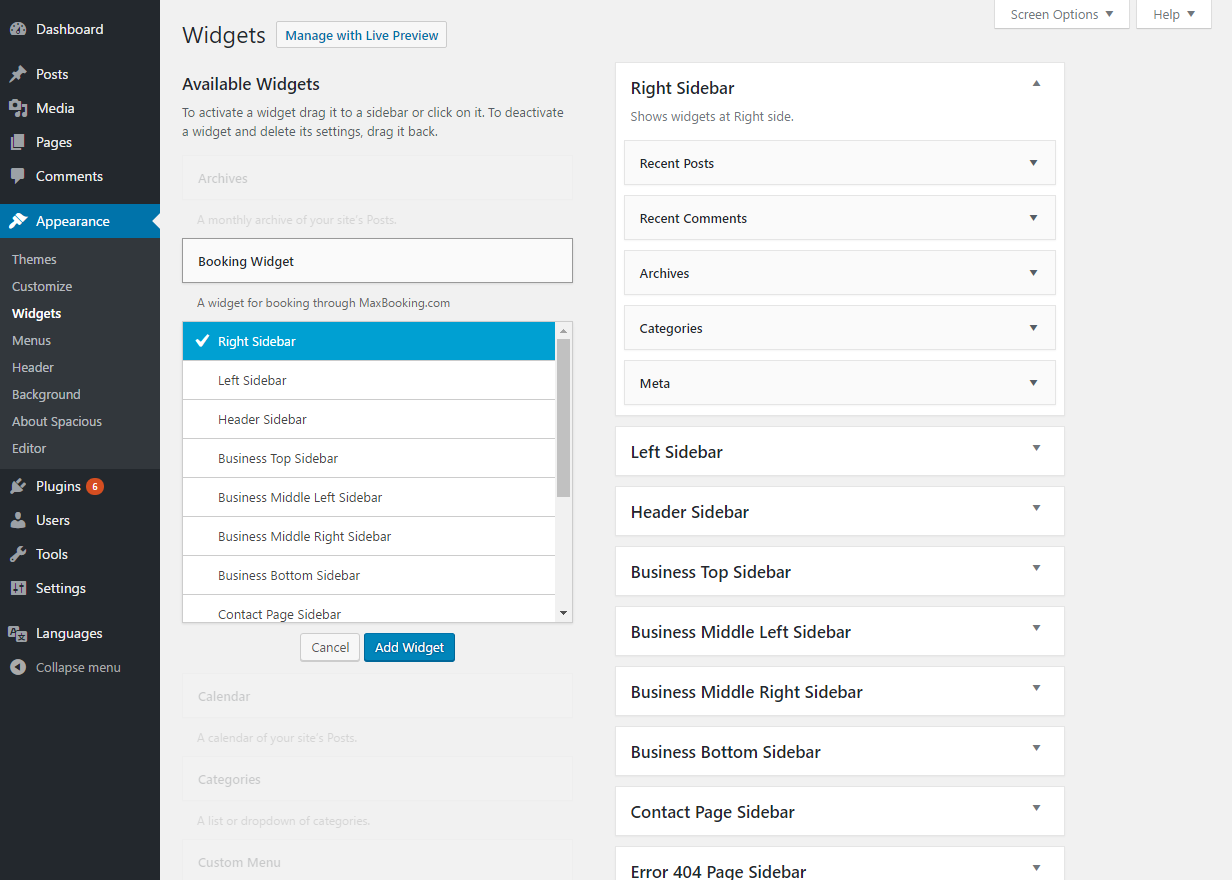


This plugin allows you to set up a widget for booking with MaxBooking.com and place it on your website.
Features
- Easy to use – Installation and setup is very easy and can be done in your WordPress administration.
- Flexible – You can select vertical or horizontal layout, default arrival date, number of nights, number of guests, etc.
- Customizable – You can easily use your own additional styles to customize the widget further.
- Shortcode support – The plugin provides a shortcode that allows you to insert the widget in the content of a page, post or any other place that uses content editor.
- Multiple widgets – You can add multiple independent widgets to your website with different settings (even for different properties).
If you don’t have a MaxBooking.com account for your hostel or hotel yet, you can sign-up for free here:
More information
For more information visit: