

MassPost – Post, Share, Send to Several Websites
v1.1.1Unioney · 2026年1月13日 上架
Publish once, distribute everywhere. MassPost securely pushes WordPress posts, all formats, images, categories etc to multiple sites.
- 正在使用
- 30+
- 评分
- 3.7 / 5
- 累计下载
- 833
- 最近更新
- 2026年1月18日
贡献者
 Unioney
截图
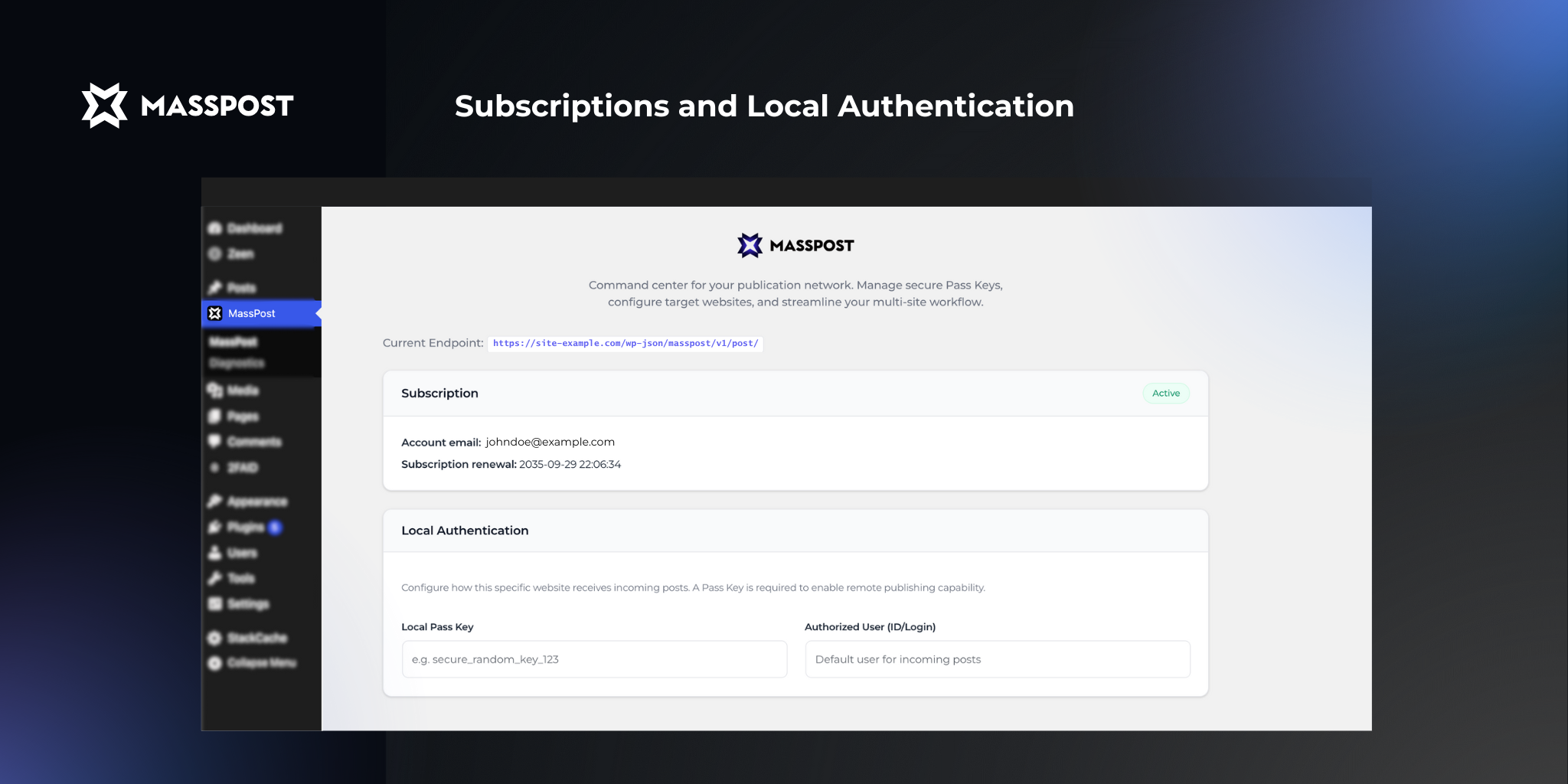
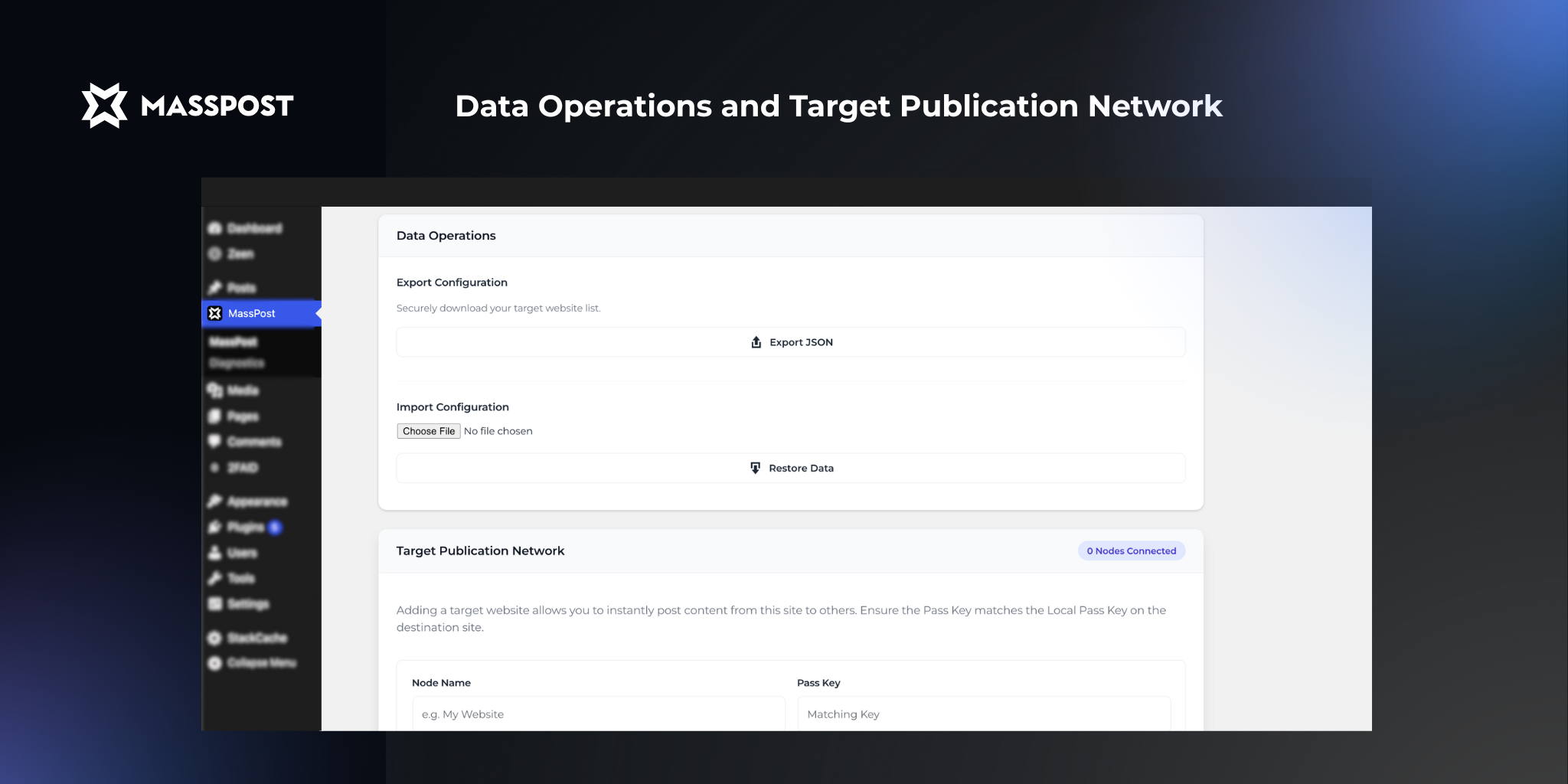
MassPost is the ultimate tool for editors, publishers, and agencies managing multiple WordPress websites.
Instead of copying content across sites, you can publish a post once and automatically syndicate it to as many target websites as you like.
Why Choose MassPost?
- Publish Once, Share Everywhere – Write your post once and send it to all your websites with a single click.
- Keep Your Content Consistent – Categories, tags, featured images, and formatting are preserved across all sites.
- Stay Organized – When you delete a post, it’s automatically removed from all connected sites.
- Save Time – Edit posts faster with Quick Edit support right from your posts list.
- Schedule Ahead – Set a future publish date and it syncs perfectly across all your websites.
- Protection Built-In – Your sites communicate securely with password-protected connections.
- Only Send What Changed – MassPost is smart enough to skip posts that haven’t been modified, keeping things fast.
- Your URLs Stay the Same – Post links (slugs) remain consistent, making it easier for readers to find content.
- Content Images Sync – Images embedded in your post content are automatically downloaded and hosted locally on each target site.
MassPost streamlines content distribution, keeps your network of sites consistent, and saves countless hours of manual work.
Requirements
- WordPress 6.0 or higher
- PHP 7.4 or higher (works with PHP 8.0 8.4)
- WP-Cron (or real cron) enabled
- Standard PHP extensions: cURL, OpenSSL, DOM
- 512 MB+ PHP memory recommended if running many feeds with AI
Best practice for performance
For the smoothest AI processing and zero-maintenance cron execution, we recommend hosting your WordPress site on ihost WordPress Cloud Hosting. See FAQ Recommended hosting for an ihost-optimised php.ini template you can copy-and-paste.