

MarkDown Block
v2.2.0Isamu Takeda · 2025年4月13日 上架
This block converts Markdown documents into blocks for styling web pages.
- 正在使用
- 10 以下
- 评分
- 暂无
- 累计下载
- 1,234
- 最近更新
- 2026年11月15日
贡献者
 Isamu Takeda
截图
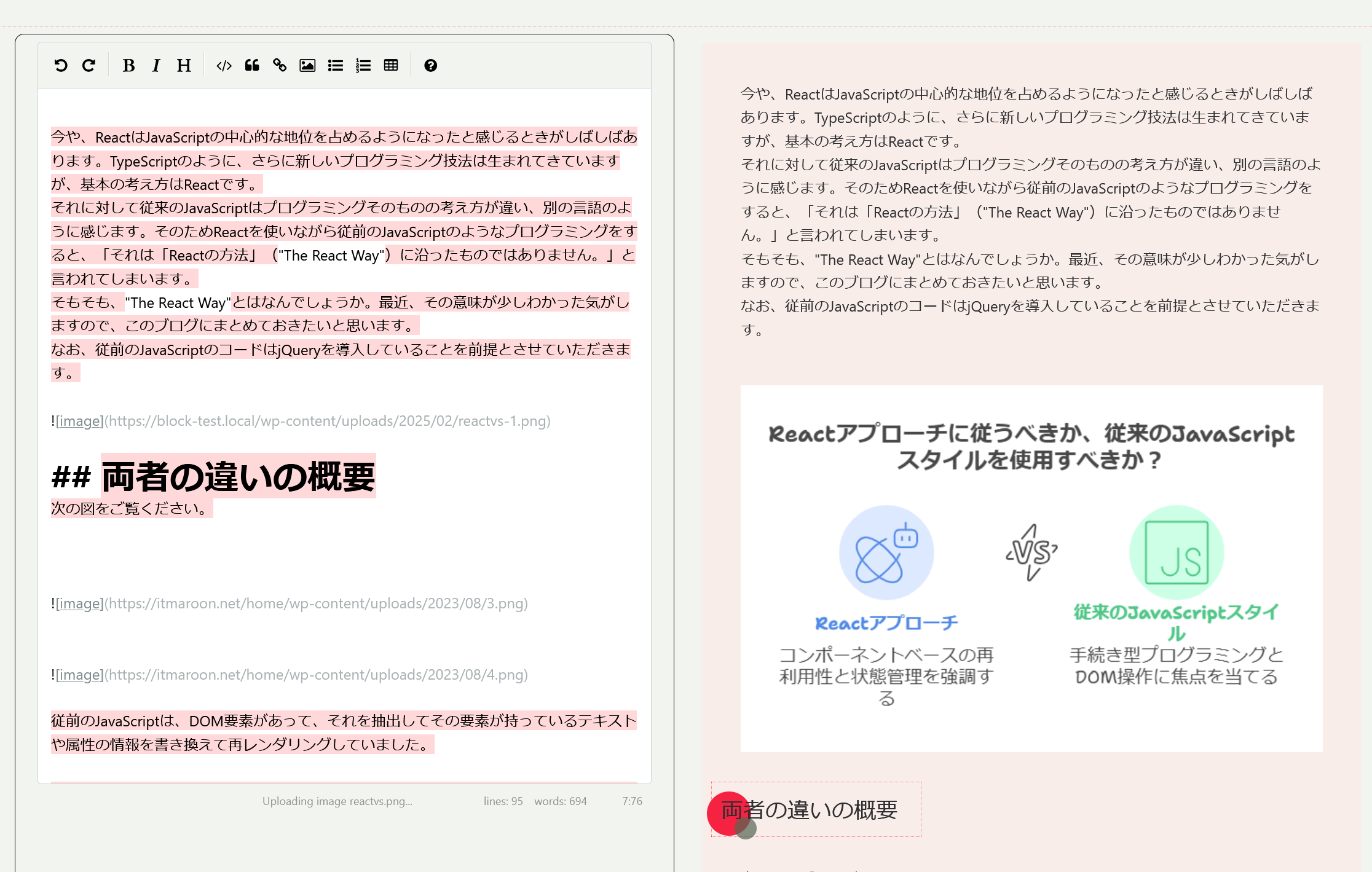
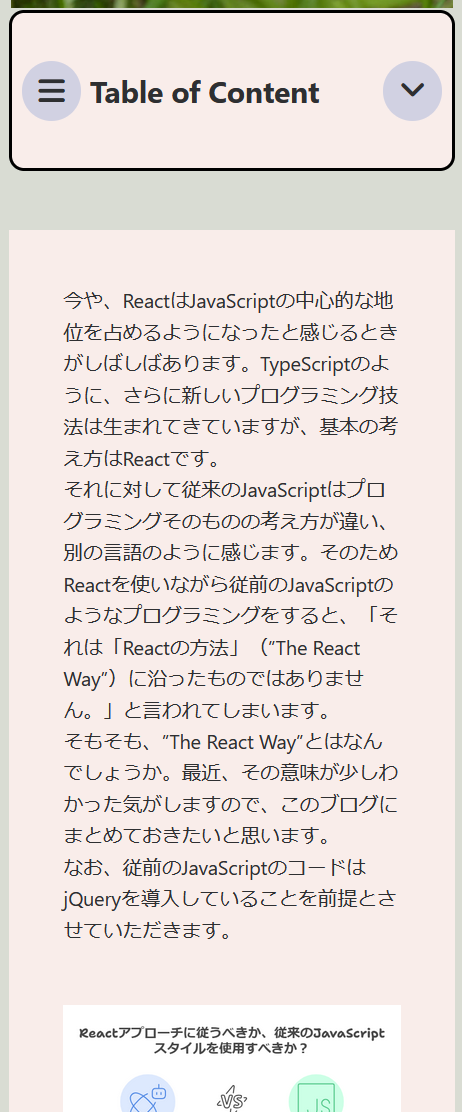
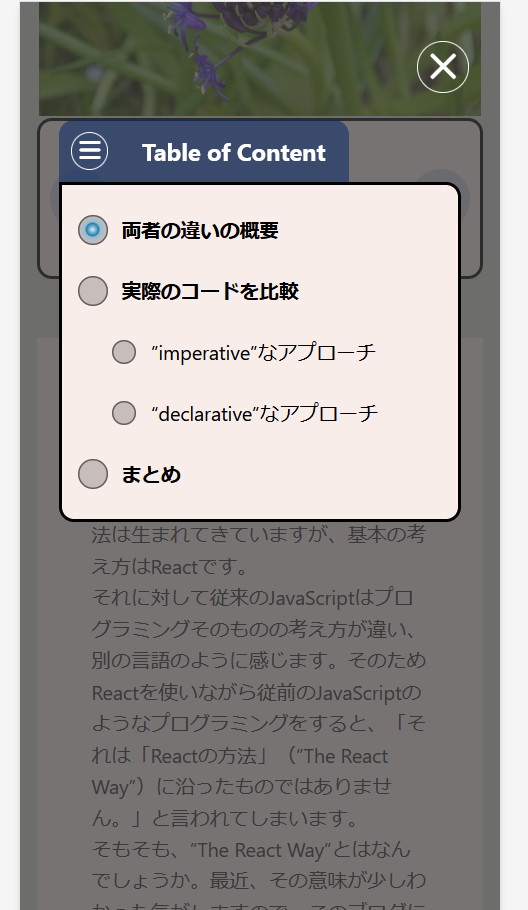
This block has the function of editing Markdown documents using SimpleMDE, and by parsing Markdown documents using marked, it can assign specific blocks to the converted HTML elements.
This function allows users to customize Markdown documents using the styling functions of the corresponding blocks, allowing for a wide range of styling.
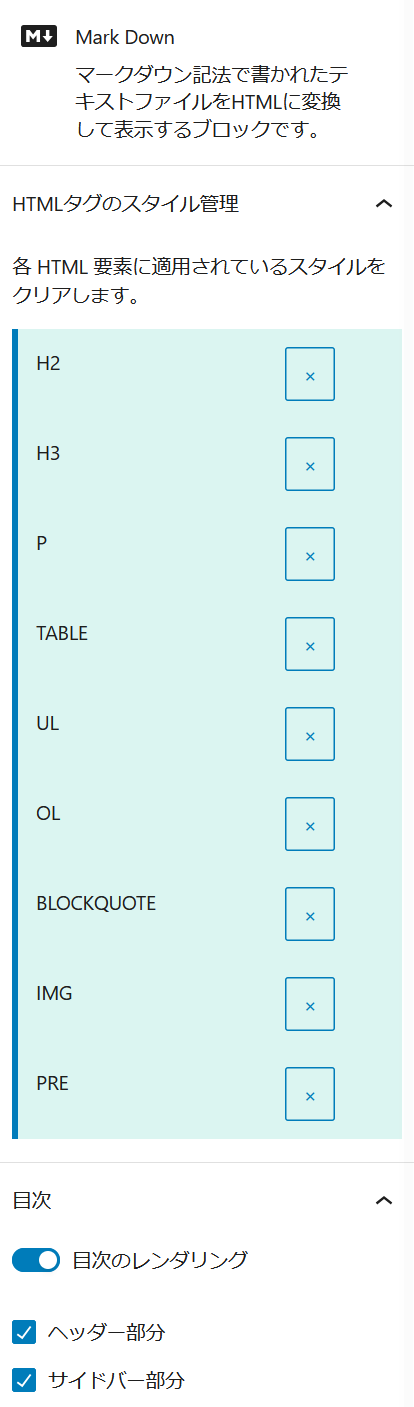
The following are the blocks that are applied when Markdown documents are parsed into HTML elements.
- H element: itmar/design-title
- P element: core/paragraph
- PRE element: itmar/code-highlight
- IMG element: core/image
- BLOCKQUOTE element: core/quote
- LI element: core/list
- TABLE element: core/table
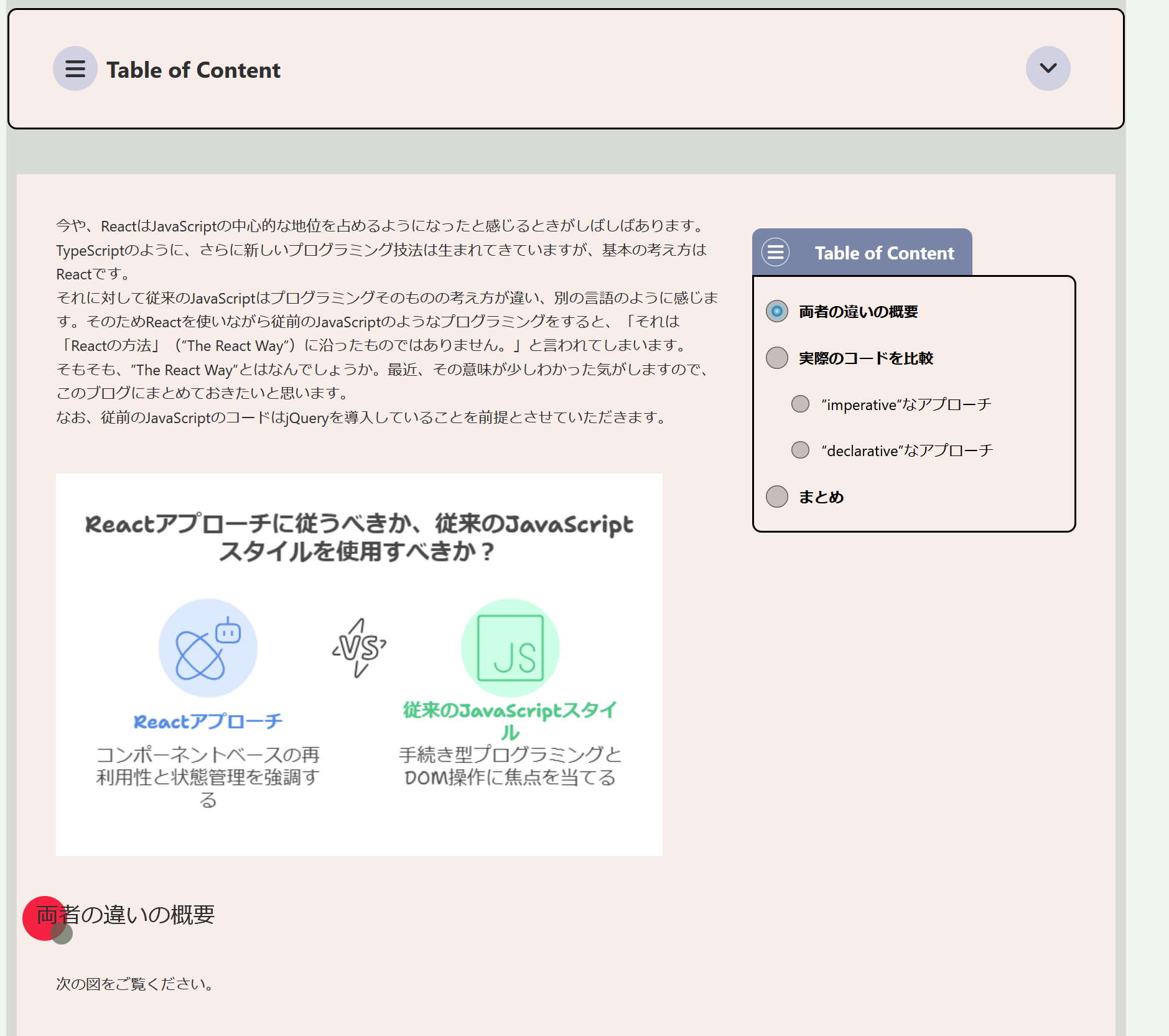
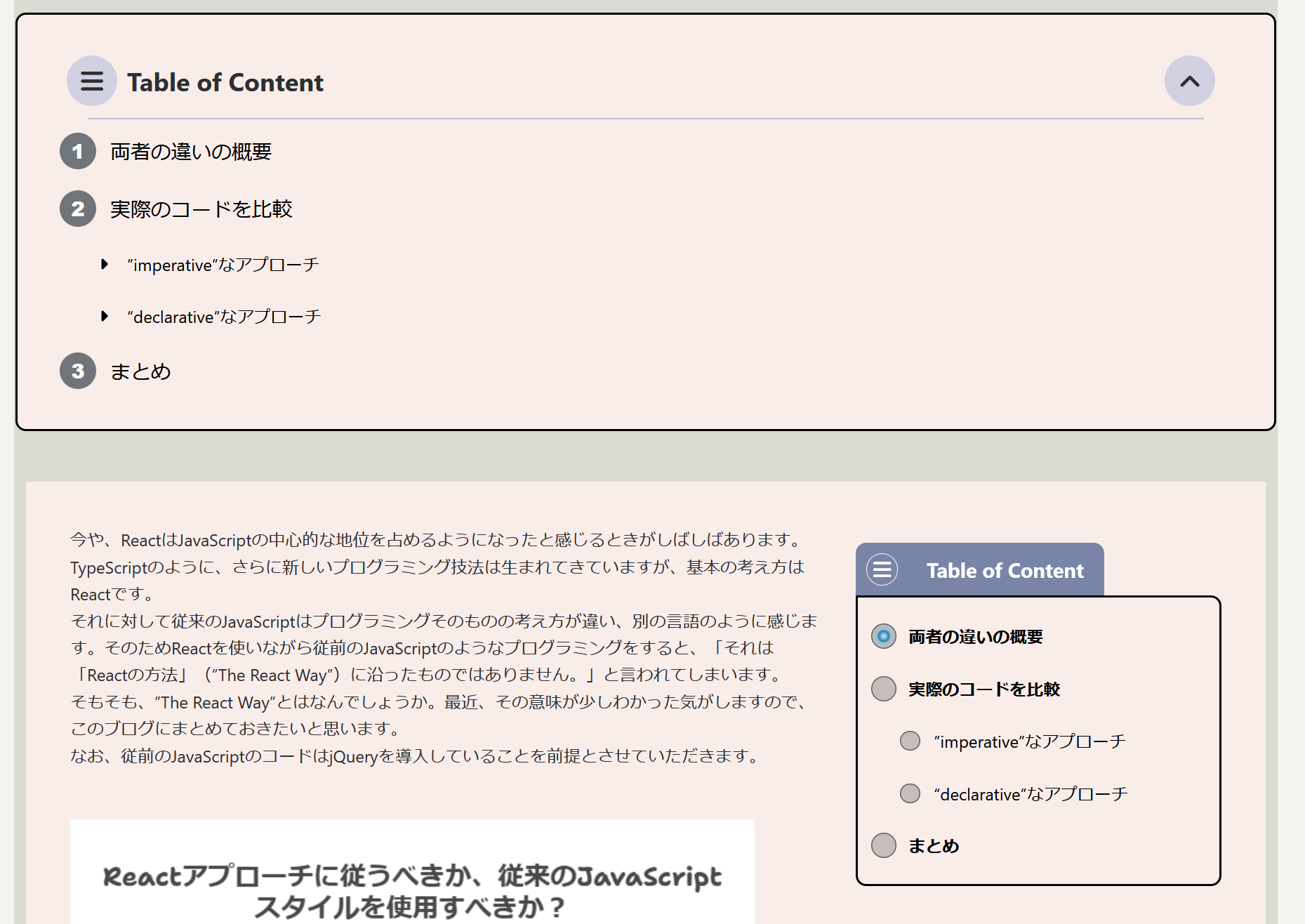
The H element is also generated as a table of contents, and has the function of displaying nested items according to level.
This plugin does not require any external resources (all scripts and styles are included locally)
Related Links
- markdown-block:Github
- block-class-package:GitHub
- block-class-package:Packagist
- itmar-block-packages:npm
- itmar-block-packages:GitHub
Arbitrary section
-
PHP class management is now done using Composer.
GitHub
Packagist -
I decided to make functions and components common to other plugins into npm packages, and install and use them from npm.
npm
GitHub
External services
- This plugin uses EasyMDE to implement the editing function of Markdown documents. This is an open source JavaScript library provided under the MIT license.
EasyMDE LICENSE
EasyMDE comes with a spell check feature.
When using this feature, it will try to load an external file (en_US.aff / en_US.dic) from a CDN. To avoid this, this plugin sets spellChecker: false, when instantiating EasyMDE, so that the external file will not be loaded. - This plugin uses marked to parse Markdown documents and convert them to HTML elements. This is an open source JavaScript library provided under the MIT license.
marked LICENSE