
MarkBlocks – Markdown for Elementor
v1.0.2Farhan Ahmed · 2026年8月1日 上架
Write Markdown in Elementor and convert it into editable widgets with syntax-highlighted code blocks.
- 正在使用
- 20+
- 评分
- 暂无
- 累计下载
- 336
- 最近更新
- 2026年8月2日
需要 WordPress 6.5+已测试到 7.0.9PHP 7.4+
贡献者
 Farhan Ahmed
截图
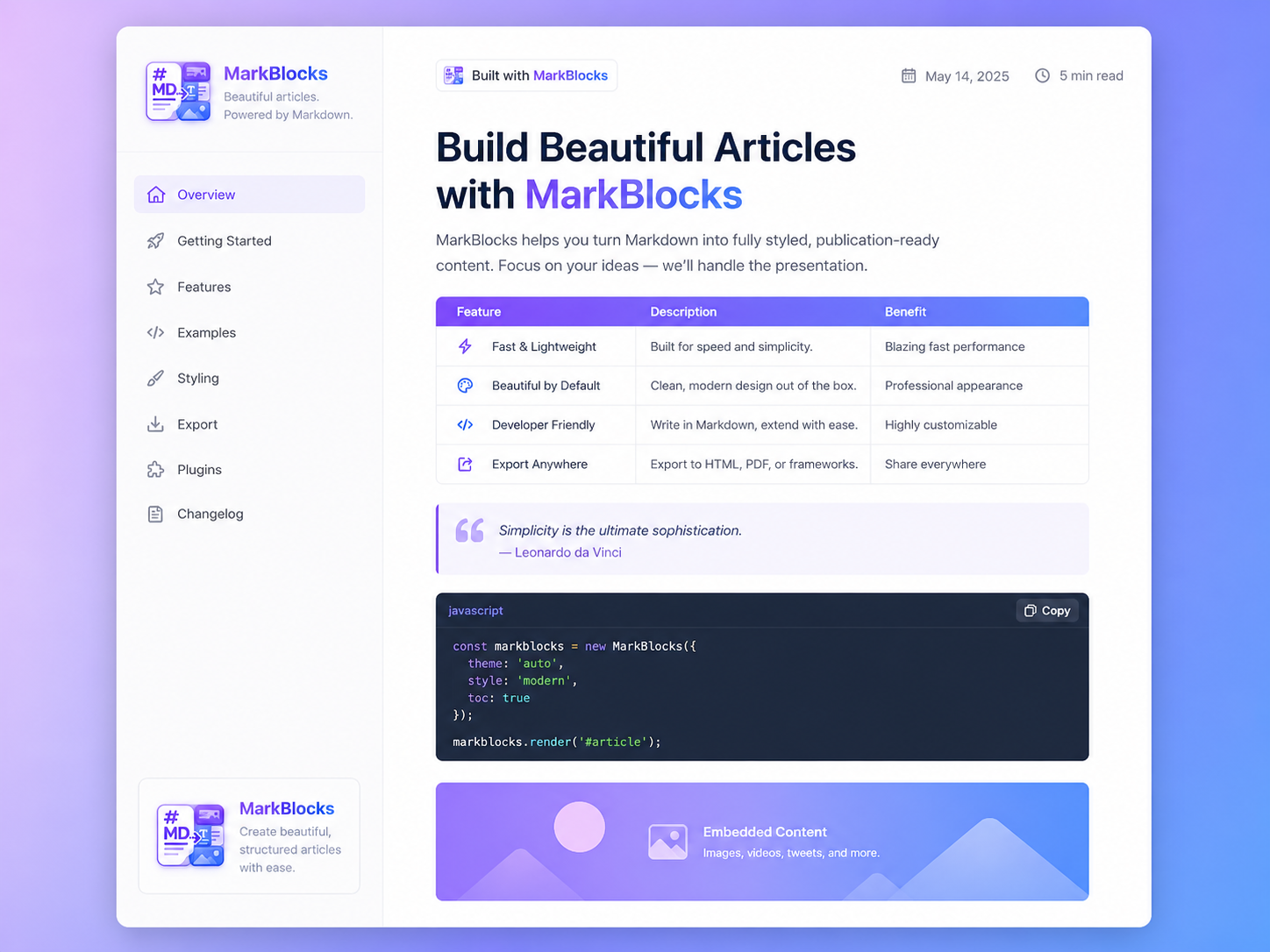
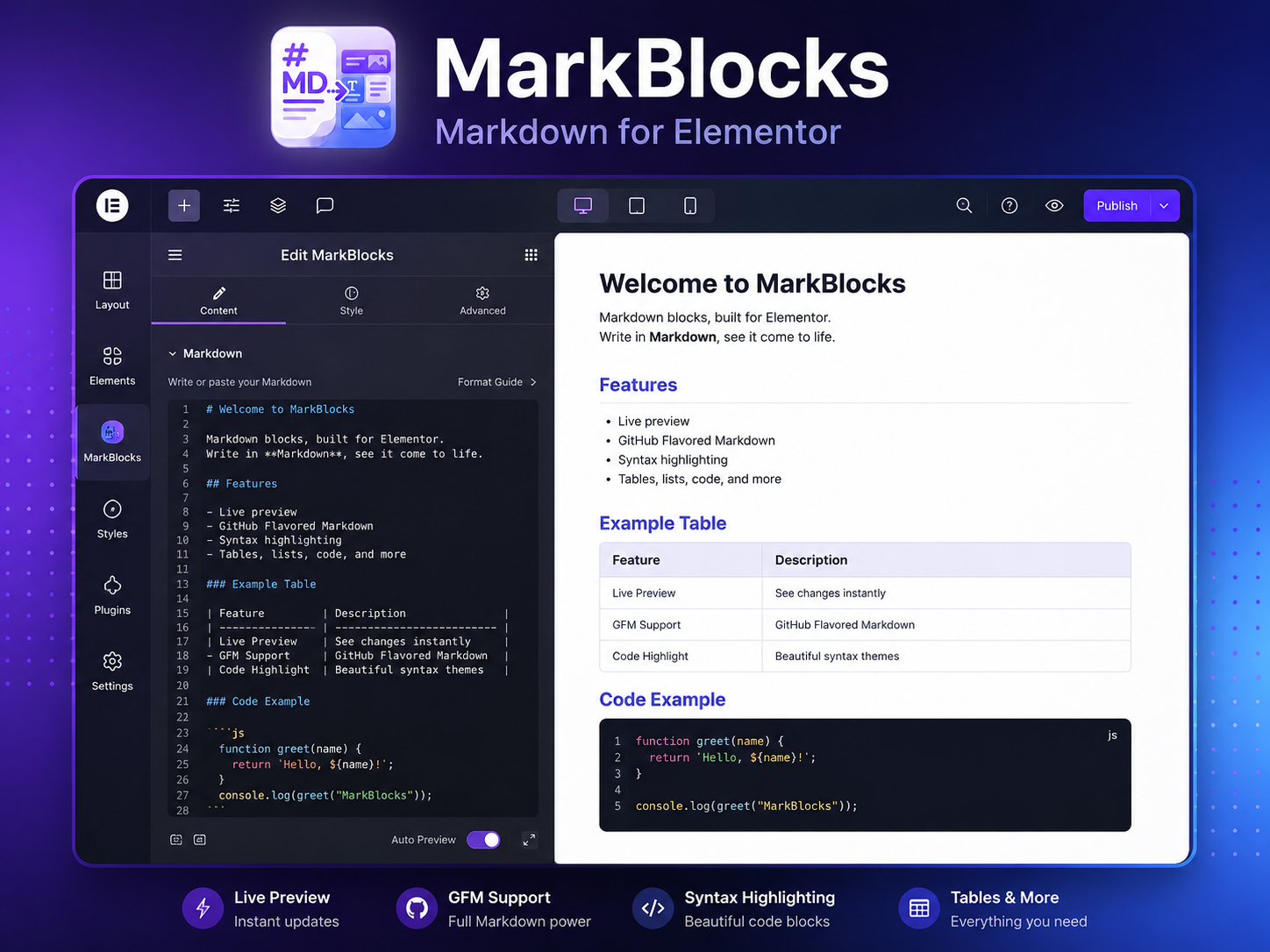
MarkBlocks lets you write and maintain technical articles in Markdown directly inside Elementor.
The plugin provides two Elementor widgets:
- Markdown Article renders headings, paragraphs, lists, task lists, links, images, tables, blockquotes, dividers, inline code, and fenced code blocks while preserving the original Markdown source.
- Markdown Code Block displays standalone code snippets with language-aware highlighting, light and dark themes, optional line wrapping, and an accessible copy button.
The Markdown Article widget can also convert Markdown into editable Elementor Heading, Text Editor, Divider, Image, and Markdown Code Block widgets.
Supported syntax
- ATX and Setext headings
- Paragraphs and inline formatting
- Ordered, unordered, and task lists
- Blockquotes
- Markdown tables with left, center, and right alignment
- Links and images
- Horizontal rules
- Inline and fenced code
Syntax highlighting
The bundled dependency-free highlighter recognizes FortiOS CLI, Bash, JSON, Python, PHP, JavaScript, TypeScript, SQL, YAML, PowerShell, HTML/XML, CSS, and INI-style configuration.
Security and privacy
- Raw HTML in Markdown is escaped.
- Rendered HTML is filtered with a strict WordPress KSES allowlist.
- Unsafe URL schemes and protocol-relative URLs are rejected.
- Converted text is protected from unintended shortcode execution.
- Input size, line count, nesting, conversion count, and highlighting limits reduce resource-exhaustion risk.
- The plugin does not add custom AJAX actions, REST routes, uploads, SQL queries, remote server requests, telemetry, or executable-code evaluation.
- If an author embeds an external image URL, a visitor’s browser requests that image from its host as part of normal page rendering.
MarkBlocks is an independent add-on and is not affiliated with or endorsed by Elementor Ltd.