

Make Post Dirty
v1.3.0badasswp · 2025年10月29日 上架
A useful tool for populating the block editor title and content. Never have to manually type content to test a feature.
- 正在使用
- 10 以下
- 评分
- 暂无
- 累计下载
- 792
- 最近更新
- 2026年7月8日
贡献者
 badasswp
 activist507
截图
As a WP engineer, you may often find yourself creating posts to test a feature you’re working on. This can get very tiresome, especially if you always have to create a title and content for every single post just to enable you accurately test a new feature.
This plugin makes it super easy for you to populate the title and content of your new post, so that you can just focus on testing out your new feature. It’s that simple!
✔️ Features
The plugin provides the following capabilities:
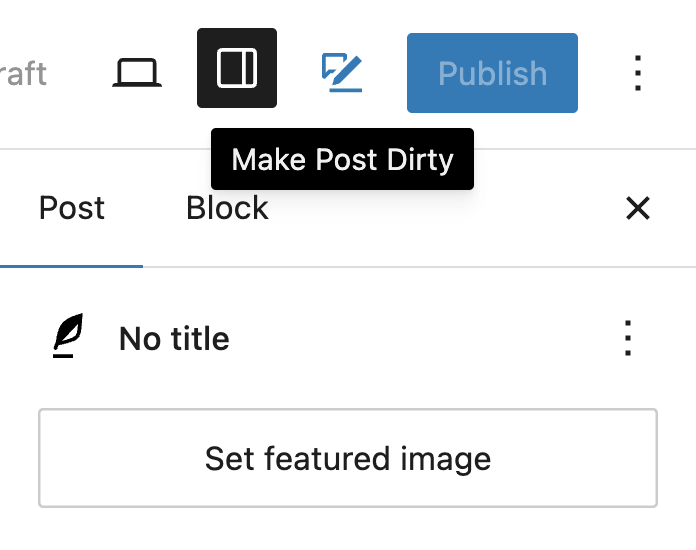
✔️ Toolbar Icon: To populate post, click on this icon.
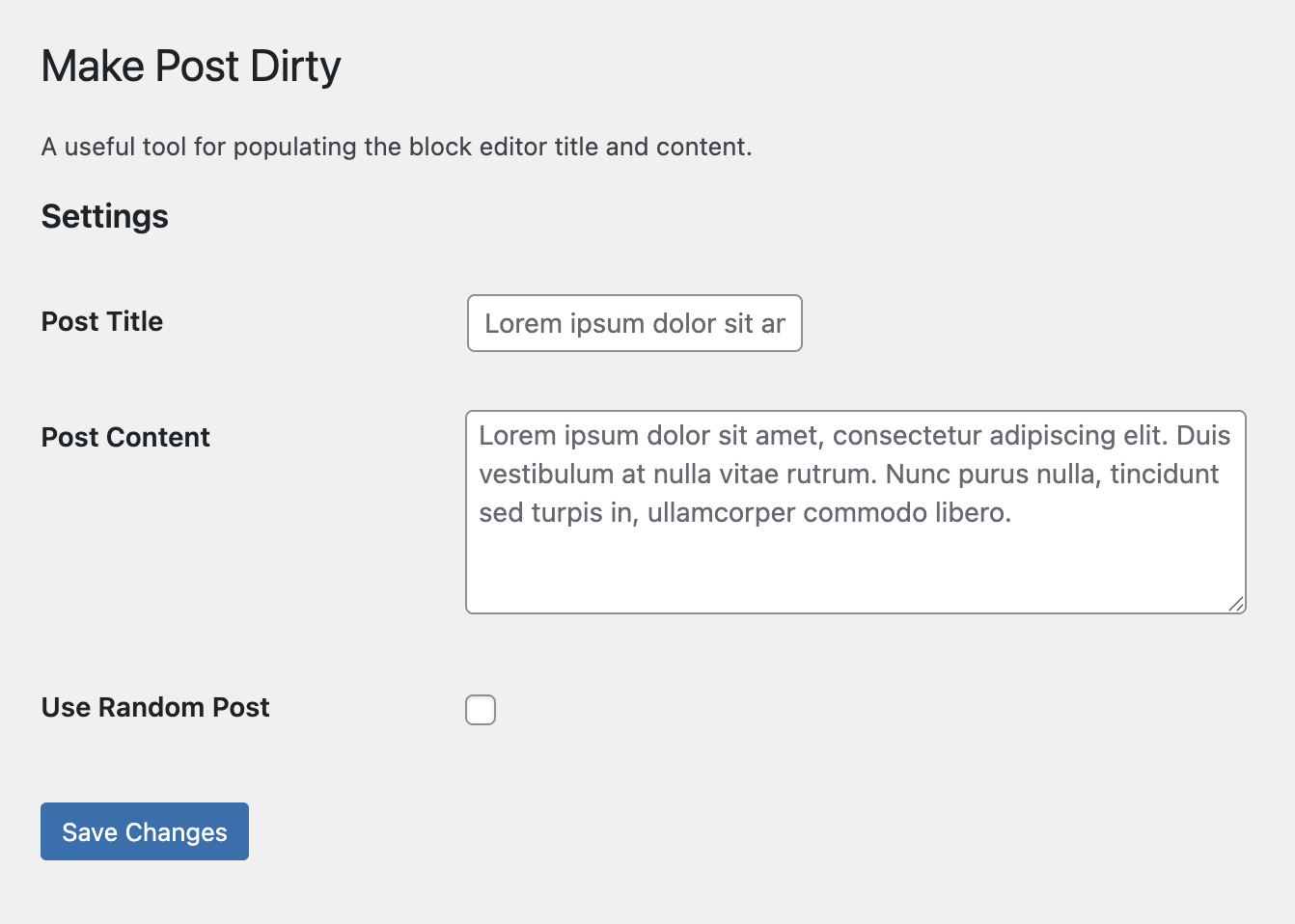
✔️ Settings: An options page for configuring the plugin settings.
✔️ Multiple custom hooks to enable you customize plugin to your heart’s delight.
✔️ Available in multiple langauges such as Arabic, Chinese, Danish, Hebrew, Hindi, Russian, German, Italian, Croatian, Spanish, French, Japanese, Indonesia, Turkish, Polish, Dutch, Danish, Brazil & Portuguese languages.
✔️ Easy to work with.
✔️ Backward compatible, works with most WP versions.
✨ Getting Started
- Create a New Post.
- Locate the ‘Make Post Dirty’ icon at the top-right section of the block editor.
- Click to populate the block editor title and content.
You can get a taste of how this plugin works, by using the demo link.
🔌🎨 Plug and Play or Customize
The Make Post Dirty plugin is built to work right out of the box. Simply install, activate and start using.
Want to add your personal touch? All of our documentation can be found here. You can override the plugin’s behaviour with custom logic of your own using hooks.
Contribute
If you’d like to contribute to the development of this plugin, you can find it on GitHub.