Magical Addons For Elementor
v1.5.7Noor Alam · 2019年10月28日 上架
Free Elementor Theme Builder, Header Footer Builder, 60+ widgets, 100+ sections, custom attributes, conditional display & role manager.
- 正在使用
- 4,000+
- 评分
- 4.7 / 5
- 累计下载
- 28 万
- 最近更新
- 2026年11月26日
贡献者
 Noor Alam
截图



Magical Addons for Elementor is the ultimate WordPress toolkit featuring a 100% Free Theme Builder and 60+ advanced Elementor widgets. Build custom headers, footers, single posts, archives, search results, and 404 templates completely free — no Elementor Pro needed!
🎨 Complete Elementor Theme Builder (100% Free – No Pro Needed!)
Take complete control of your website design with the built-in Magical Theme Builder. You no longer need Elementor Pro to customize your site’s core structure. Design every part of your WordPress site using Elementor’s visual drag-and-drop editor:
- Header Builder — Design responsive, sticky, or transparent headers with custom navigation menus, logos, and action buttons.
- Footer Builder — Create stylish multi-column footers with widgets, copyright text, newsletter forms, and social icons.
- Single Post & Page Templates — Build custom layouts for single blog posts, pages, and custom post types.
- Archive & Category Templates — Design modern blog archives, category pages, tag archives, author archives, and date archives.
- Search Results Template — Create engaging custom layouts for website search result pages.
- 404 Not Found Page — Design branded, helpful custom 404 error pages with custom search and navigation links.
Smart Display Conditions:
* Include & Exclude Rules — Assign templates to Entire Site, Singular, Archives, or specific pages.
* Granular Targeting — Target individual posts, pages, categories, tags, or custom post types.
* Multiple Conditions — Combine multiple display rules per template to control precisely where your designs appear.
New & Hot Features
- ** Complete Theme Builder (Header, Footer, Single, Archive, 404) – 100% FREE! **
- ** 100% Free Dynamic Tags (No Elementor Pro Needed!) **
- ** Anything Carousel **
- ** Custom Attributes Free **
- ** Advanced WordPress user role manager **
- ** Conditional display Free **
Check Elementor Magical Addons Demo Pages
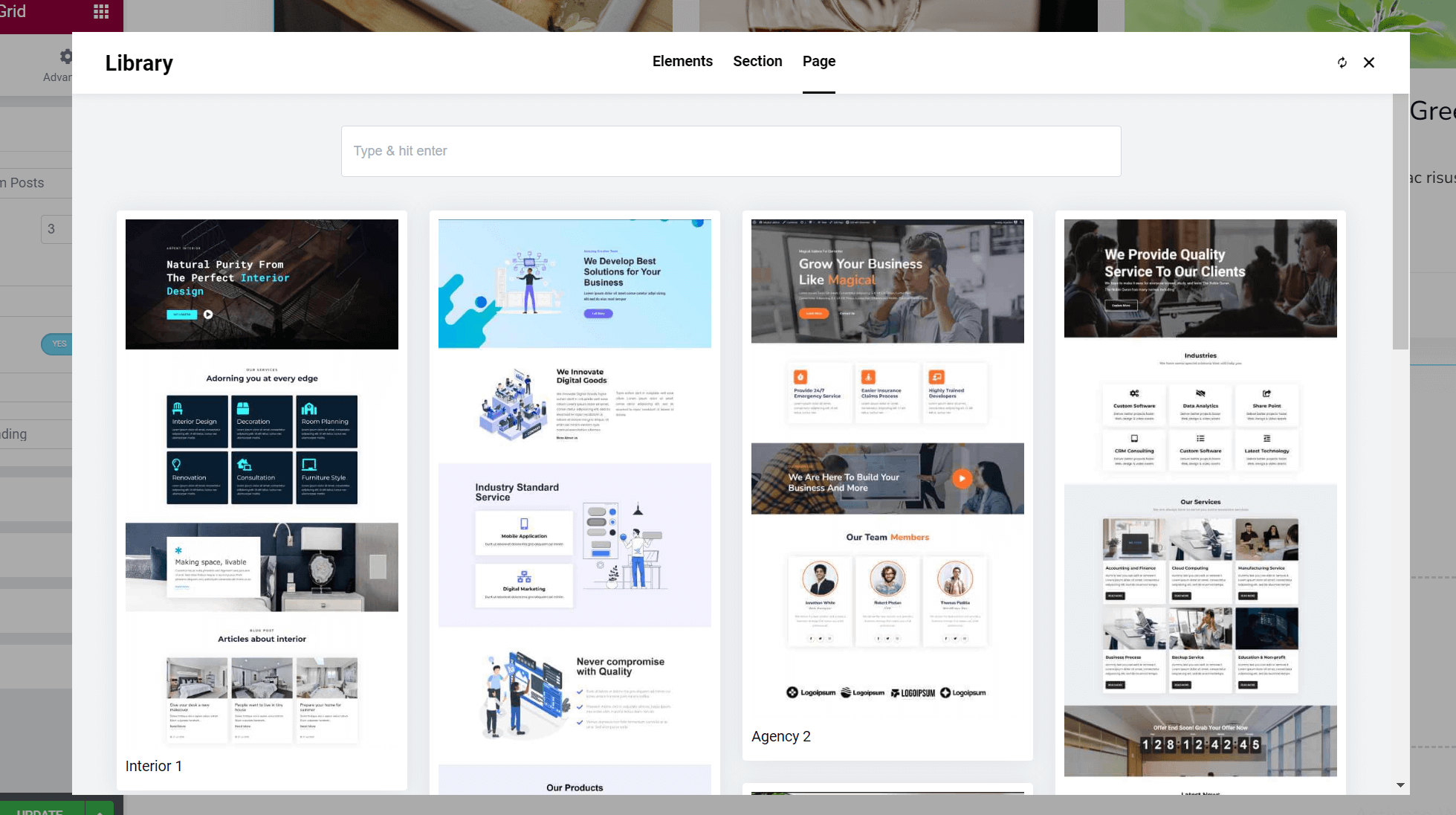
Comes with 60+ Widgets, 100+ premade sections and blocks, 1600+ premium line icons, Custom Attributes, Conditional content display, 20+ template kits that help you build your websites in less time with no coding. Our blocks and template library is growing every week.
See Short video
Header & Footer builder Short video
Conditional Display Feature
The Magical Conditional Display feature allows you to show or hide any Elementor widget, section, or column based on specific conditions. This powerful feature gives you complete control over when and to whom your content is displayed.
🏷️ 100% Free Dynamic Tags (No Elementor Pro Needed!)
Take your website dynamic capabilities to the next level without purchasing Elementor Pro! Magical Addons introduces a native Dynamic Tags module for Elementor Free. Easily populate widget titles, texts, URLs, images, and author info dynamically from WordPress posts, pages, custom fields, and site settings:
- Post Data: Post Title, Post Excerpt, Post Date, Post ID, Post URL, Author Info (Name, Bio, Email, Website), Post Featured Image (Data Tag).
- Meta & Custom Fields: Post Custom Field (Native WordPress meta + Advanced Custom Fields / ACF support), URL Query Arg.
- Site Data: Site Title, Site Tagline, Site URL, Site Logo (Data Tag), Current Date & Time.
- User & Archive Data: User Info (Display Name, First/Last Name, Nickname, Email, Website, Bio), Archive Title.
- Advanced Text Formatting: Complete support for Before text, After text, Fallback text, and HTML-safe sanitization.
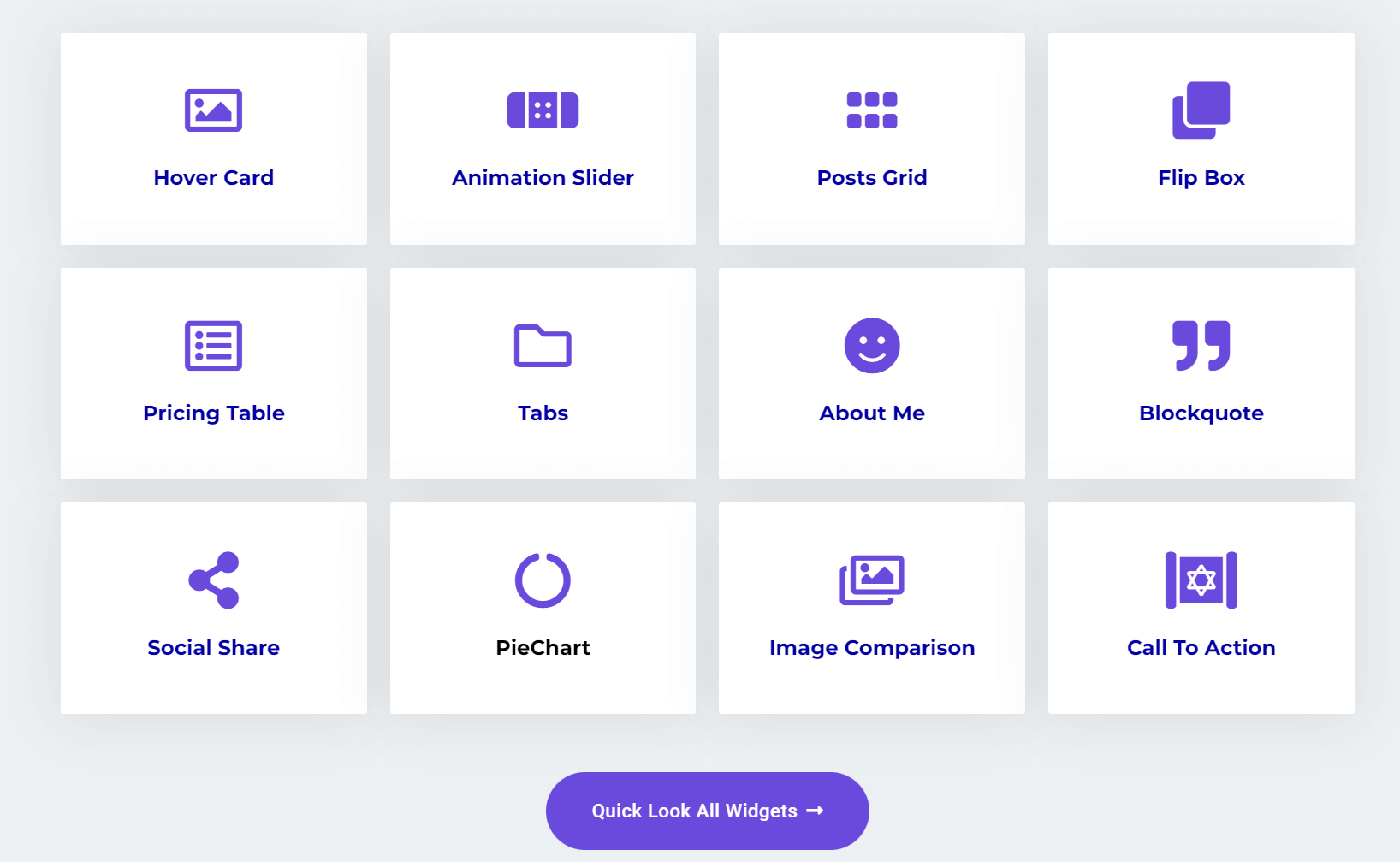
Magical Addons Widgets List:
- All Free Widgets List:
-
Banner Widget
Create your website banner with the banner widget advance options. The banner widget has two different styles with huge options. -
Animation Slider
You can create an awesome animation slider with images and text with our Animation Slider widget. -
Info Box
Show any kind of information with a beautiful design. A magical info box creates your website more attractive. -
Call to action
Content, image and button in one place with many styles and options in call to action widget. -
Tabs
Create both Vertical and Horizontal tabs with huge options & features. Hope you will enjoy our tabs widget. -
Countdown
The countdown widget allows you to display a timer that counts down to a specific time or date. It’s perfect for under-construction pages, sale items, events etc. -
Dual Heading
You can create a headline with 2 different styles with this widget. Dual Heading Widget has every possible option. -
Team Members
The best way to build a team grid is to introduce your team members, co-workers, etc. you can easily customize the team member widget as per your need. -
Timeline
Create your timeline using the Magical timeline widget and showcase your timeline horizontal and vertical with awesome style. -
Accordion
Display your website content in a foldable and succinct way using the Accordion widget. You can easily create your website faq section with the widget. -
About me
Display about your details on your webpage by the magical about me widget. -
Progress Bar
Progress Bar Widget helps you to display user skills, task progress, download percentage, and other progressions in an awesome way. -
Social Share
Visitors can share your content on their social media accounts with one button click. it’s a wonderful feature for improving your site Impressions -
Info List
You can easily list your information by the Magical Elementor info list widget. -
Dual Button
Display two buttons side by side with two different styles by dual button widget. Dual Button perfect for banner, call to action and any other section. It will improve your website visibility. -
Template Insert
You can insert your Elementor save the template by the template insert widget. -
Back to top
Elementor Back to top widget helps your visitor one click go page top easily. You can use the Back to top both in section and page. -
Section Title
Every website has a different style section title. Now you can easily create many different style section titles with the Elementor magical section title widget. -
Card
Display your content like services, products, offers and other items by our Elementor magical Card Widget on your WordPress website. -
Dual Heading
Display two different style heading by Elementor magical dual heading widget. -
Text Effects
You can add many different text effects to your webpage text. You can create an animation header or highlighted text animation by Elementor magical text effects widget. -
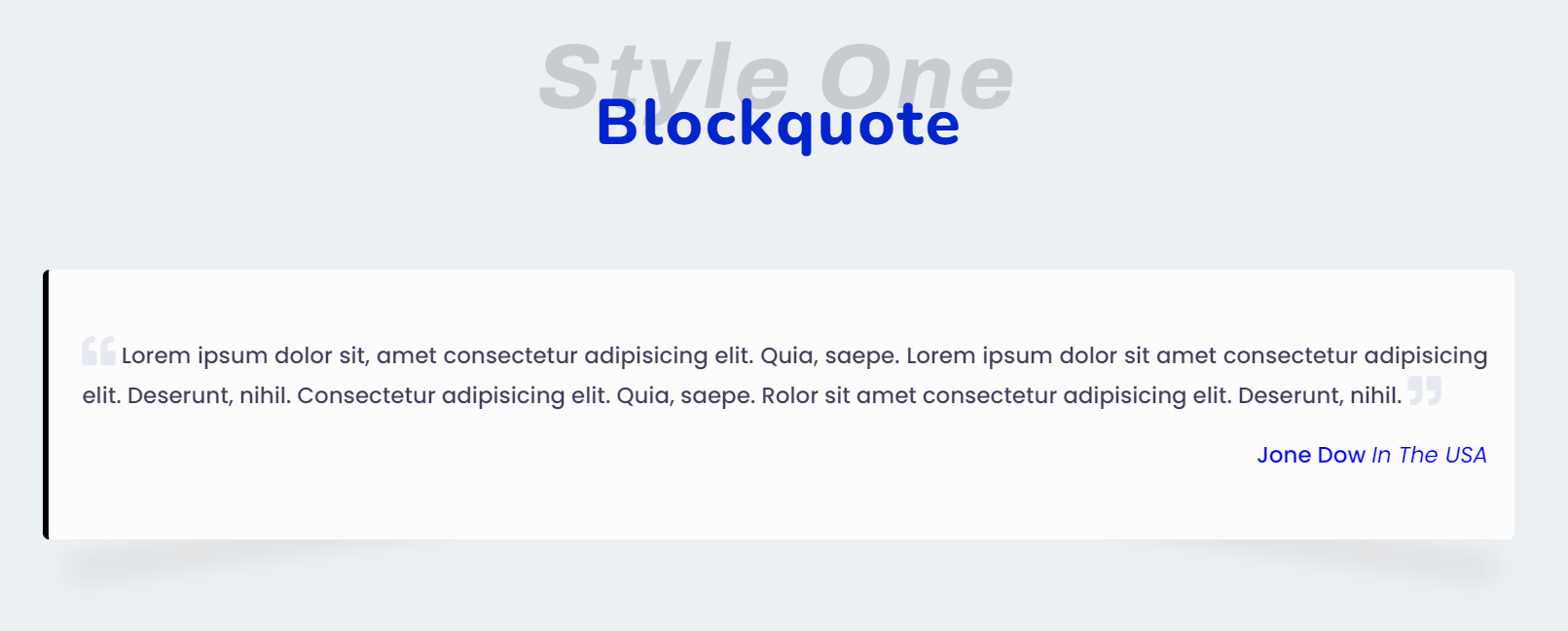
Blockquote
Elementor blockquote widget is free. Now you can create awesome blockquote in your website content easily by Elementor magical Blockquote widget. -
Video Card
Show your website content with video by the Elementor Magical video card widget. -
Content Reveal/Unfold
You can fit long text in a small area by the Content Reveal /Unfold widget. Elementor magical Content Reveal /Unfold widget is an awesome trick as it will make your layout design look better. -
Icon List
You cat crate list with icon by Elementor magical icon list widget. You can set any icon from the icon library with huge options. -
Pricing Table
You can display detailed single prices or comparison pricing plans with the Elementor magical pricing table. -
Data Table
Elementor magical data table widget will let you create data tables with advanced styling options and features. Now show your data with a customizable table. -
Flip Box
Elementor magical Flip Box Widget comes with cool 3D interactive effects. The Flip Box highlights your content in a great way. -
Hover Card
Lots of hover effects are added in the Elementor magical hover card widget. -
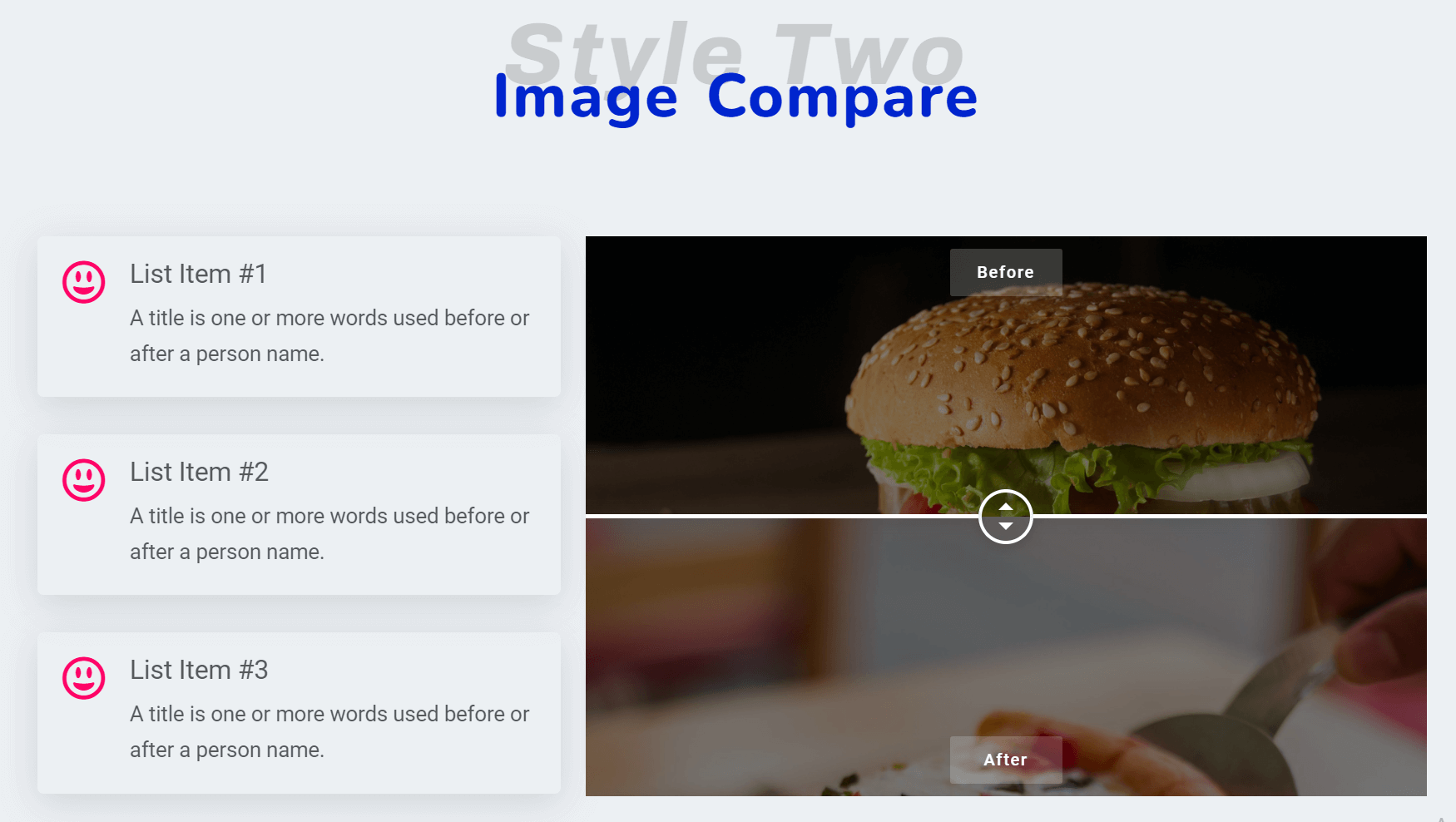
Image Comparison
Elementor magical image comparison can compare two pictures with draggable or mouse hover options in horizontal and vertical layouts. -
Image Accordion
Create eye-catching image accordions in both vertical and horizontal orientations inside with Elementor magical image accordion. -
Image Smooth Scroll
Elementor magical image smooth scroll allows you to display an image attractive scrolling way -
Posts Grid
Display your website posts in many different grid styles with advanced posts query -
Posts List
- Site Logo
- Nav Menu
- Category/tag list
-
Mailchimp Widget
-
advanced Skillbar
-
Search Bar
Now, you can customize your WordPress search bar in a unique way with Multiple styles. -
Contact Form 7
Contact Form 7 Elementor Widget will help you to display contact forms on your website. -
WpForms
Display easily WPForms plugin forms ease way using the Elementor magical WPForms widget.
- All Pro Widgets (Available in Magical Addons Pro):
- Portfolio / Filter Gallery – https://magic.wpcolors.net/filter-gallery/
- Lottie Animations – https://magic.wpcolors.net/lottie/
- Info Box Carousel – https://magic.wpcolors.net/info-carousel/
- Bar Chart – https://magic.wpcolors.net/bar-chart-pro/
- Testimonial Carousel – https://magic.wpcolors.net/testmonial-pro/
- Promo Box – https://magic.wpcolors.net/promo-box-pro/
- Price Menu – https://magic.wpcolors.net/price-menu-pro/
- Photo Bunch – https://magic.wpcolors.net/photo-bunch/
- PDF View – https://magic.wpcolors.net/pdf-view/
- One Page Nav – https://magic.wpcolors.net/
- Off Canvas – https://magic.wpcolors.net/off-canvas/
- Modal / Popup – https://magic.wpcolors.net/modal-popup/
- Image Hotspots – https://magic.wpcolors.net/hotspot-pro/
- Counter – https://magic.wpcolors.net/counter-pro/
- Content Switcher – https://magic.wpcolors.net/content-switcher/
- Price Comparison – https://magic.wpcolors.net/
- Animated Heading – https://magic.wpcolors.net/animated-heading/
- Ajax Search – https://magic.wpcolors.net/
- Advanced Ticker – https://magic.wpcolors.net/advance-ticker/
Note: This plugin is an addon of Elementor Page Builder. So the plugin only work with Elementor Page Builder plugin.
(https://wordpress.org/plugins/elementor/)
Translations
- English
Source Code & Build Instructions
The uncompressed, unminified, human-readable source code for the React-based admin panel is bundled directly inside this plugin package under:
assets/admin-react/src/
To inspect, modify, or rebuild the production assets:
1. Open a terminal and navigate to the React source folder:
cd assets/admin-react
2. Install build dependencies:
npm install
3. Build the production files:
npm run build
4. For active development with hot module reloading:
npm start
Build tool used: @wordpress/scripts (Webpack 5, Babel)
Unminified human-readable source code for custom widget scripts is provided directly alongside minified counterparts:
* MailChimp widget frontend handler: assets/widget-assets/mailchimp/mailchimp.js
* Pie Chart widget ListToPie handler: assets/widget-assets/pie-chart/jquery.listtopie.js
Third-Party Libraries & Source Code
This plugin bundles the following open-source, GPL-compatible third-party libraries:
- Bootstrap CSS & JS – https://github.com/twbs/bootstrap (MIT License)
- Swiper CSS – https://github.com/nolimits4web/swiper (MIT License)
- Line Awesome Icons & CSS – https://github.com/icons8/line-awesome (MIT License)
- VenoBox – https://github.com/nicolafranchini/VenoBox (MIT License)
- FlipClock – https://github.com/objectivehtml/FlipClock (MIT License)
- ImageHover.css – https://github.com/ciar4n/imagehover.css (MIT License)
- Sharer.js – https://github.com/ellisonleao/sharer.js (MIT License)
- Snap.svg – https://github.com/adobe-webplatform/Snap.svg (Apache 2.0 License)
- jQuery ListToPie – https://github.com/dkdevru/jquery.listtopie.js (MIT License)
- Timeline – https://github.com/squarechip/timeline (MIT License)
- TwentyTwenty & jquery.event.move – https://github.com/zurb/twentytwenty (MIT License)
- Mobile Detect – https://github.com/serbanghita/Mobile-Detect (MIT License)
External services
This plugin connects to external services to provide specific optional functionality:
-
Magical Cloud Template Library
- Service URL: https://magic.wpcolors.net/
- Purpose: Allows site administrators to browse, preview, and import pre-built Elementor templates, section blocks, and starter layouts directly into the Elementor library.
- Data transmitted & when: Only when an authenticated editor/administrator actively opens the Magical Template Library inside the Elementor editor or clicks “Insert” on a template. The plugin sends an HTTPS GET request to the template service at https://magic.wpcolors.net/ (endpoint /wp-json/mg/v1/) with the requested template ID (on import) along with standard HTTP request metadata (the site’s server IP address and WordPress User-Agent header). No personal visitor or user data is sent or stored.
- Terms of Service: https://wpthemespace.com/terms-and-conditions/
- Privacy Policy: https://wpthemespace.com/privacy-policy/
-
Mailchimp API
- Service Website: https://mailchimp.com/
- API Documentation: https://mailchimp.com/developer/marketing/api/
- Purpose: Powers the optional Mailchimp Newsletter subscription form widget. When an administrator configures a Mailchimp API key and loads the Mailchimp widget settings, the plugin connects to Mailchimp marketing API endpoints to fetch available audience lists. When a visitor submits the newsletter form, the plugin sends an HTTPS PUT request directly to the site owner’s chosen Mailchimp audience list endpoint.
- Data transmitted & when: Only transmitted when a user actively submits the subscription form. Transmits the subscriber’s email address, optional first/last name, and subscription status over secure HTTPS directly using the site administrator’s configured API key. No data is transmitted if the widget is not used.
- Terms of Use: https://mailchimp.com/legal/terms/
- Privacy Policy: https://mailchimp.com/legal/privacy/
-
Social Sharing Buttons
- Purpose: The Share Buttons widget provides links enabling website visitors to share post and page URLs on social networks (Facebook, X/Twitter, LinkedIn, Pinterest, WhatsApp).
- Data transmitted: The current page URL and page title passed in standard public web intent links. No user data is collected or tracked by this plugin.