

Maca Tjatt
v1.3.2macas · 2026年6月27日 上架
AI chat for your WordPress website using the WordPress AI Client and a local search index.
- 正在使用
- 10 以下
- 评分
- 暂无
- 累计下载
- 568
- 最近更新
- 2026年7月26日
贡献者
 macas
截图
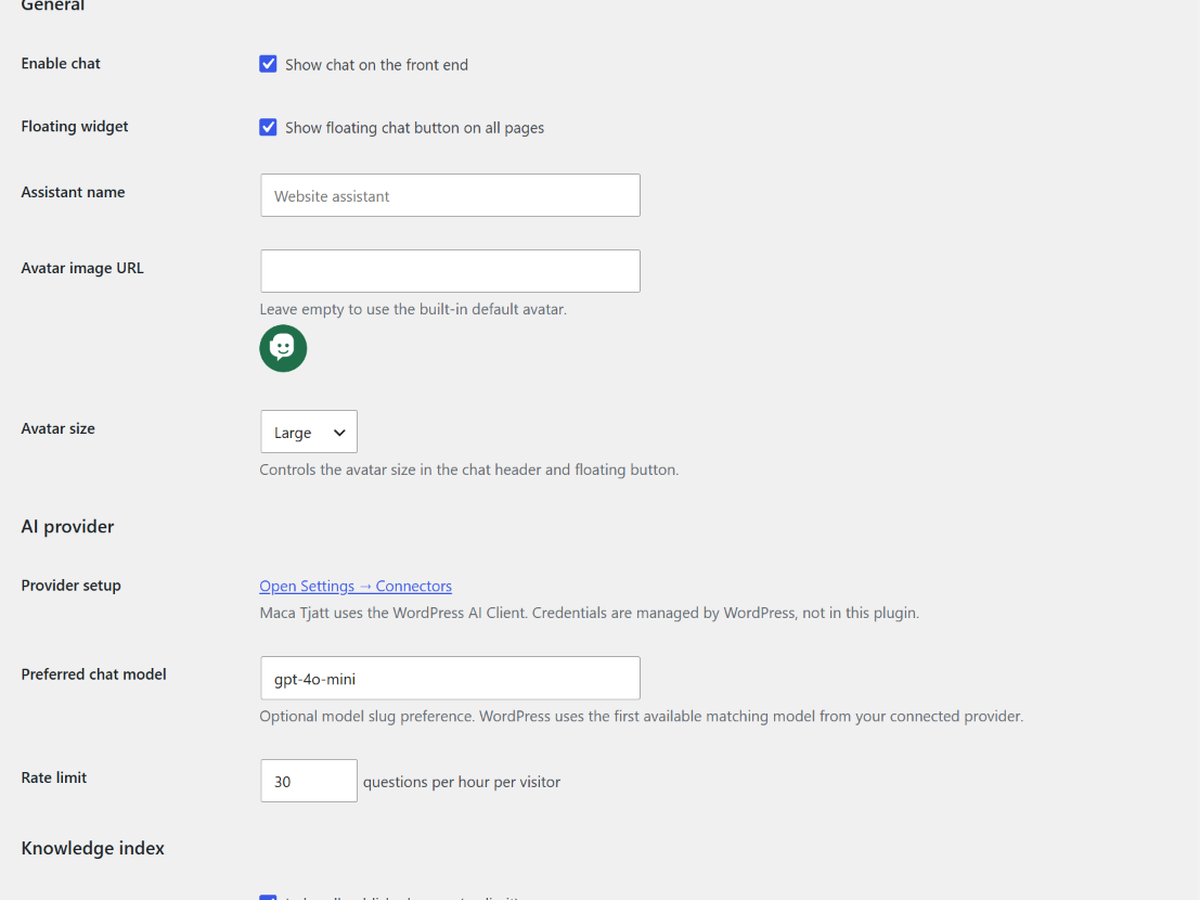
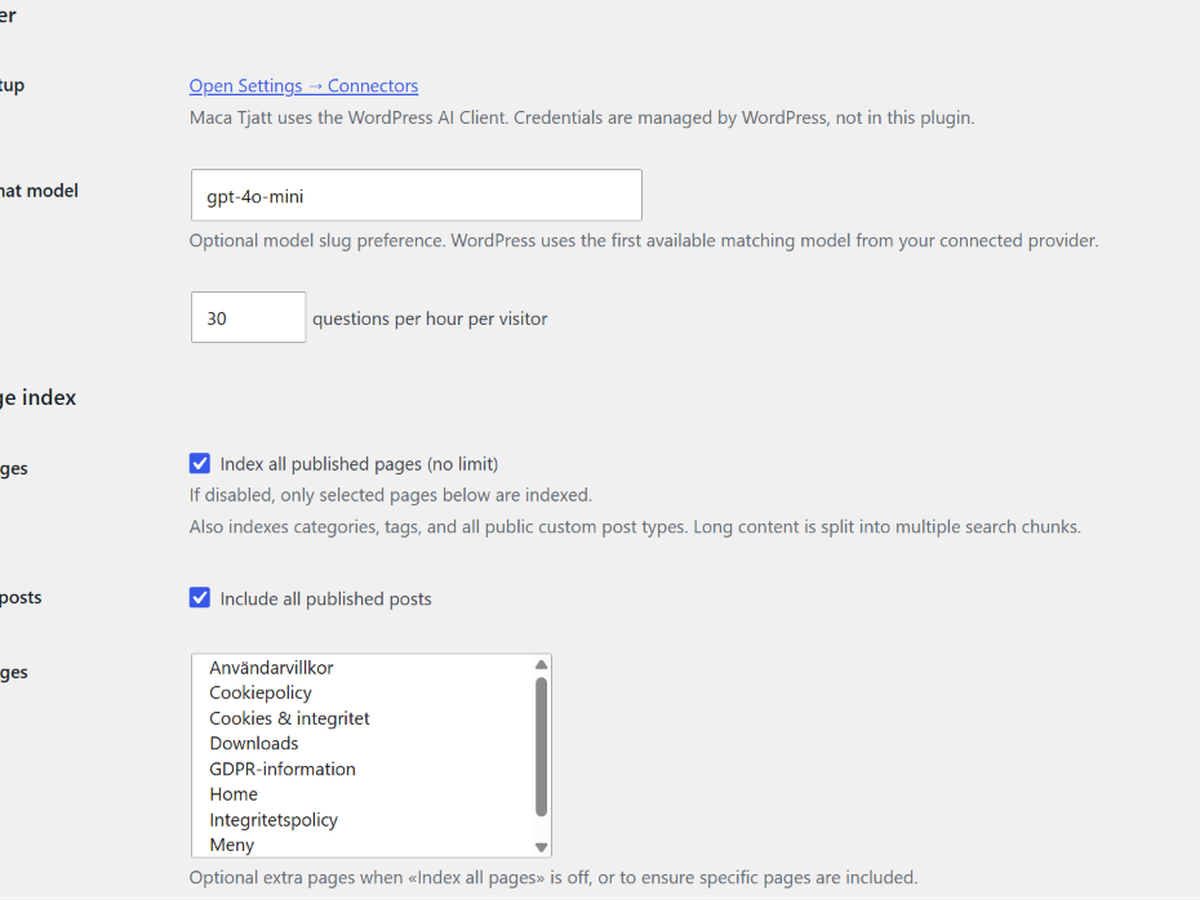
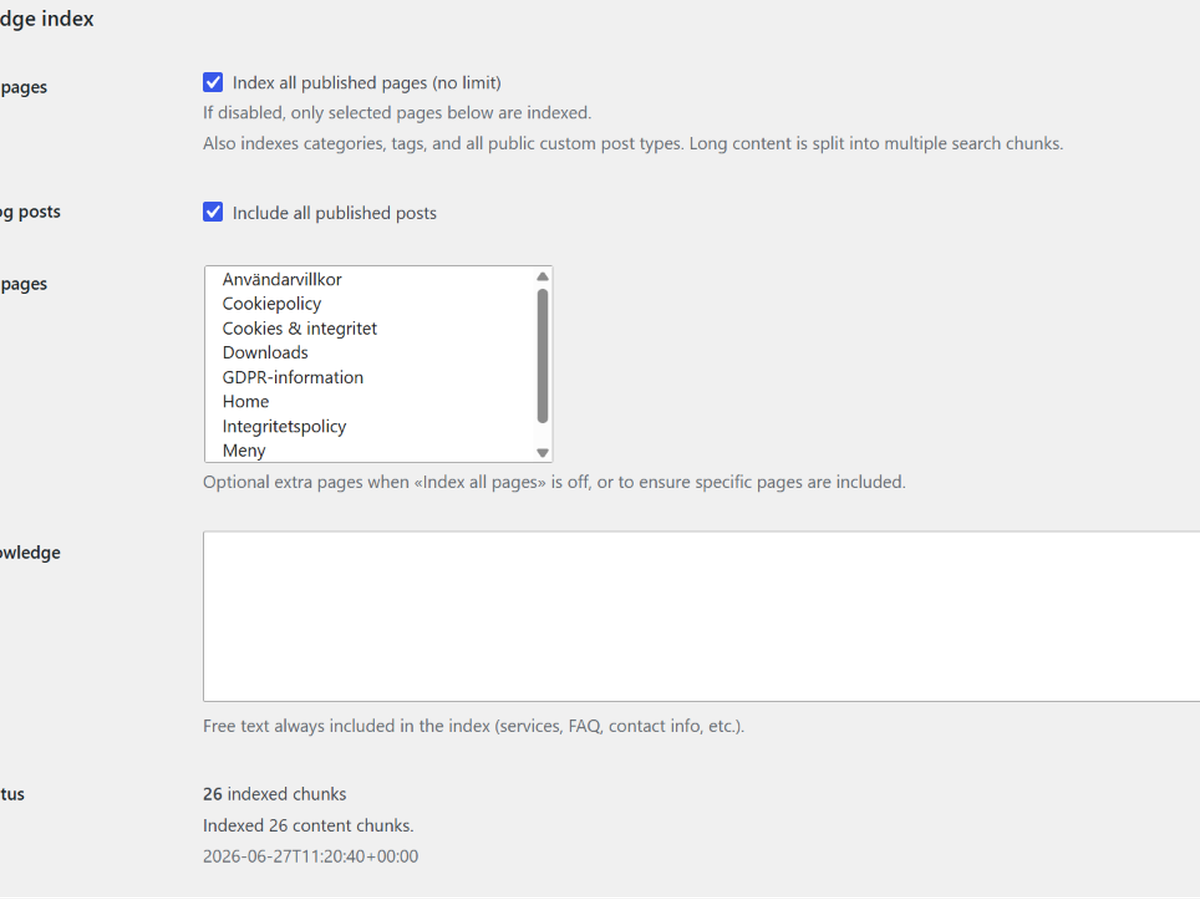
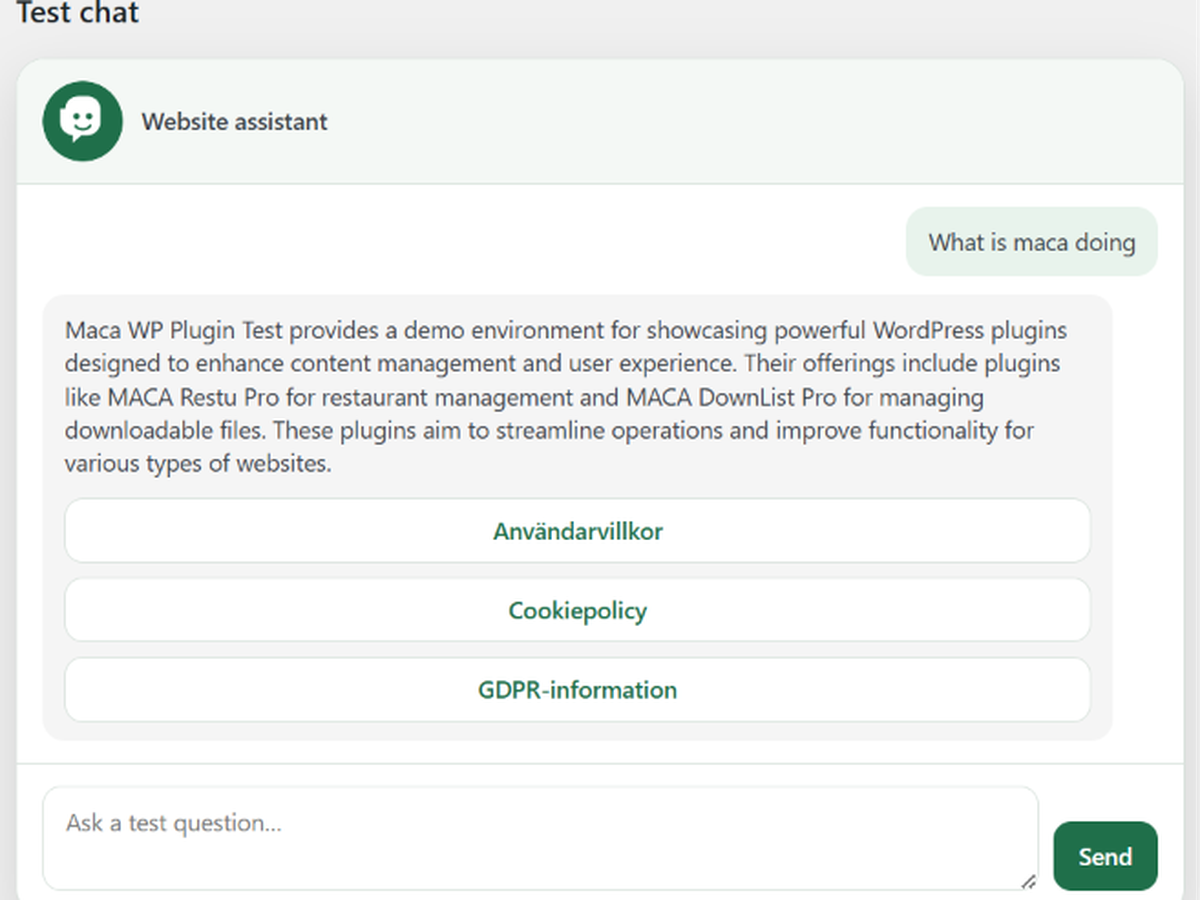
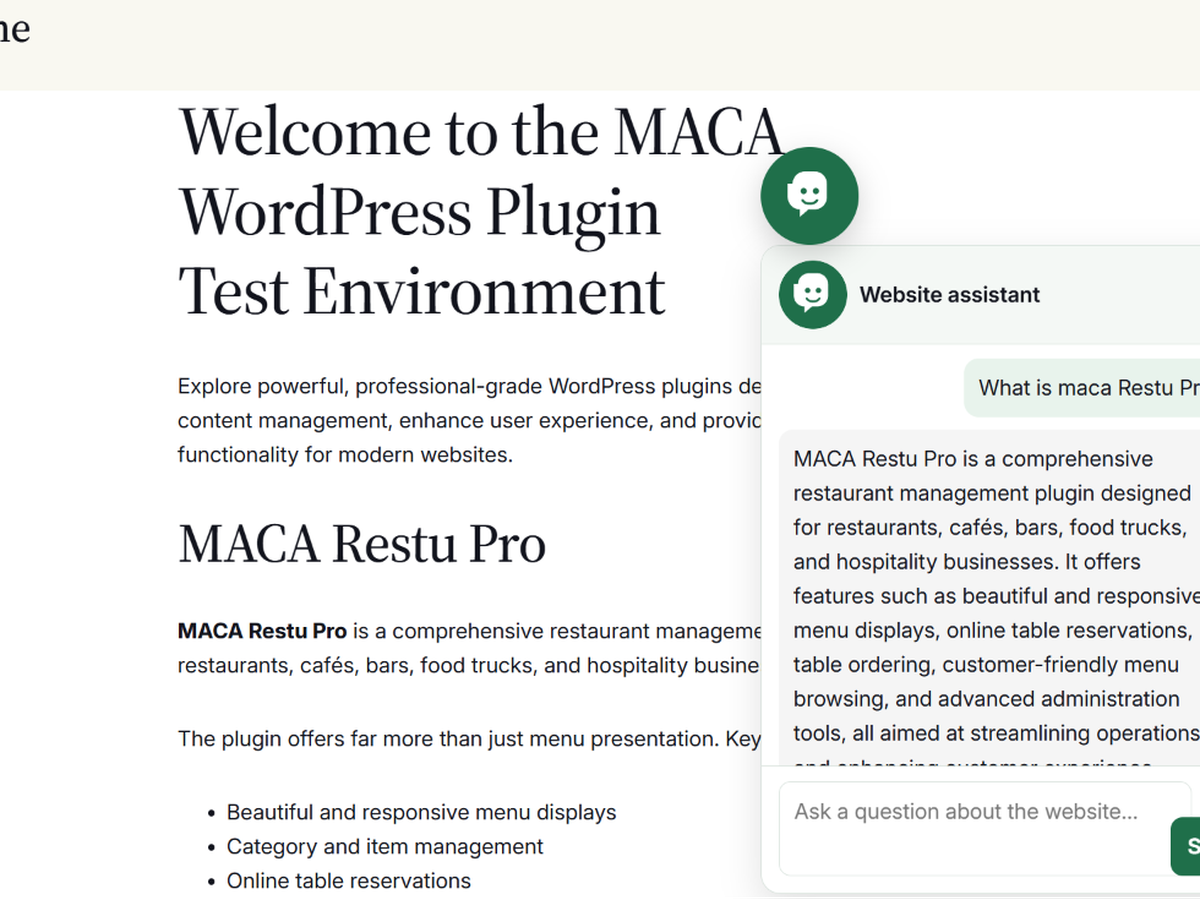
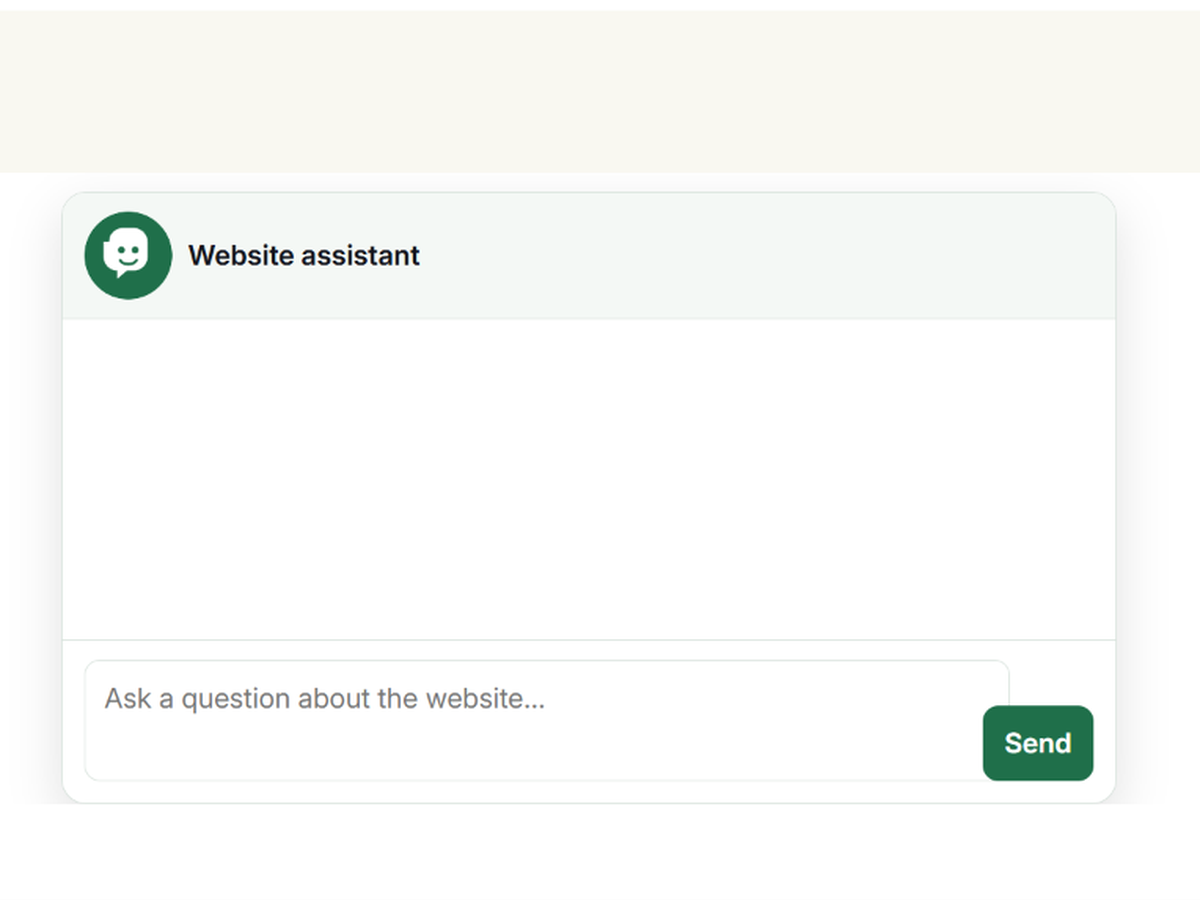
Maca Tjatt adds a floating chat widget or inline shortcode to your site. Visitors can ask questions and get answers based on your website content.
-
Uses the WordPress 7.0 AI Client (no plugin-managed API keys)
-
Local search index — relevant website snippets are matched and sent with each question
-
Index pages, posts, custom post types, custom knowledge text, and optional download/media plugin content
-
Conversational follow-ups with short chat history and live site search when needed
-
Floating widget or
[maca_tjatt]shortcode -
Sensitive values such as API keys, tokens, and passwords are redacted before indexing and before AI requests
Privacy: On activation, deactivation, and uninstall, the plugin sends your site URL, plugin version, WordPress version, PHP version, and locale to Maca at https://api.maca.se/v1/tjatt/events.php so we can improve the plugin and count active installations. If you choose to send deactivation feedback, your selected reason and optional comment are included. No chat messages, indexed content, or visitor data are transmitted.
Source code: https://github.com/maca59/maca-tjatt
External services
This plugin uses the WordPress AI Client introduced in WordPress 7.0. AI requests are routed through WordPress to whichever provider the site administrator has configured under Settings Connectors (for example the official AI Provider for OpenAI, Anthropic, or Google plugins).
No AI data is sent unless the chat is enabled and a visitor or administrator asks a question, or when an administrator builds the local search index.
AI providers (via WordPress Connectors)
Used when an administrator or visitor sends a chat question: the visitor question, a short chat history (last few turns), and relevant indexed text snippets as context are sent through the WordPress AI Client to the configured provider.
Data sent when an administrator builds the search index: website content is stored locally in a custom database table on your site. Indexing does not call an external AI service.
The exact provider, terms, and privacy policy depend on which AI provider plugin the site owner installs and connects. Common official options include OpenAI, Anthropic, and Google.