

Logto – User Authentication and Authorization
v1.0.1logto · 2025年3月15日 上架
Enable beautiful and secure user authentication, including passwordless, social login, single sign-on, multi-factor authentication (MFA), and more.
- 正在使用
- 20+
- 评分
- 暂无
- 累计下载
- 1,453
- 最近更新
- 2025年4月3日
贡献者
 logto
截图
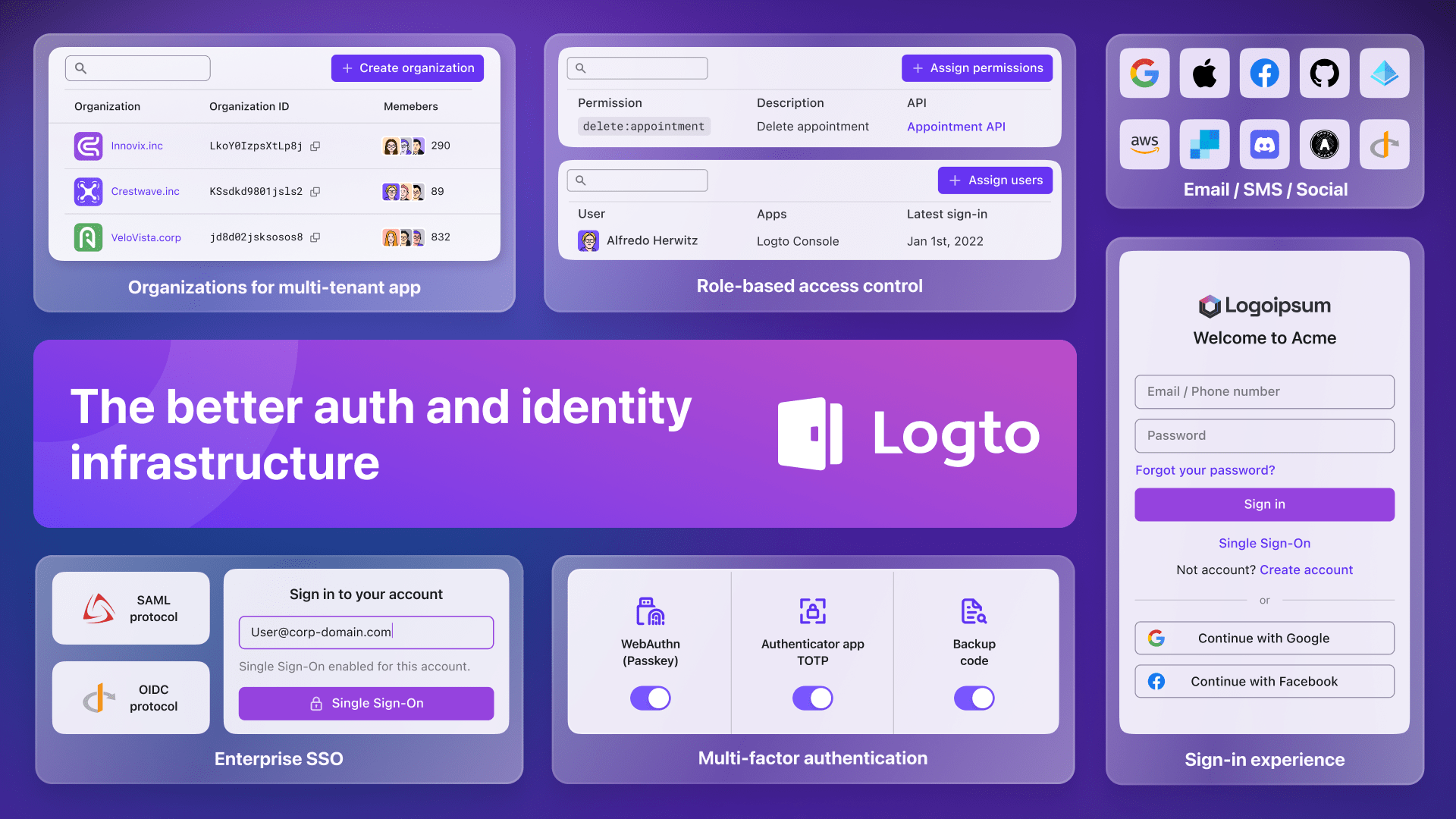
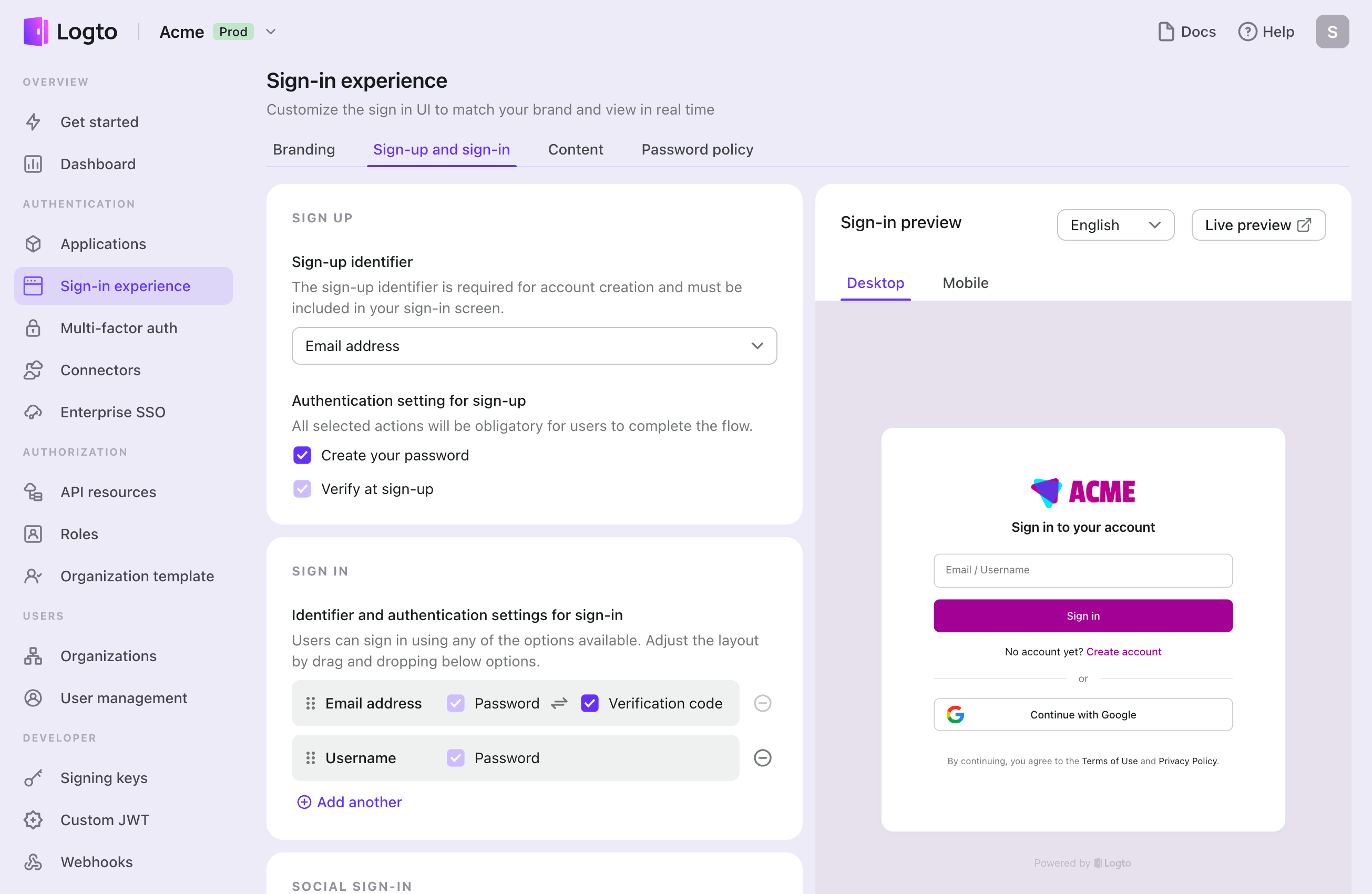
Thank you for choosing Logto! By integrating Logto into your WordPress site, you are not only enhancing the security and user experience of your site, but also enabling a unified login experience across all your applications.
Why Logto?
Logto is an open-source Auth0 alternative and a modern authentication and authorization solution for all your applications, including your WordPress sites. With Logto, you can:
- Enable passwordless login, social login, single sign-on (SSO), and multi-factor authentication (MFA) for your WordPress site.
- Use role-based access control (RBAC) to manage user permissions.
- Support generic OAuth2, OpenID Connect, and SAML protocols.
- Customize the login and registration pages to match your brand.
In addition, Logto offers dozens of out-of-the-box integrations with popular social login providers, including Google, GitHub, Entra ID (Azure AD), Facebook, and more. Check out the full list of built-in integrations and social login providers.
Get started
If you are new to Logto, we recommend checking out our introduction page to have a quick overview of Logto concepts and features.
If you are looking for a step-by-step guide to set up Logto, please refer to our WordPress plugin quick start guide.
If you have any questions or feedback, please feel free to:
- Join our Discord server to get help from the community.
- Open an issue on GitHub to report bugs or request features.
- Subscribe to a paid plan to get access to official support and more features.
From WordPress admin panel
- Go to Plugins > Add New.
- Search for “Logto”.
- Click Install Now.
- Click Activate.
- Go to Settings > Logto to configure the plugin.
- Follow the quick start guide to set up Logto.
From WordPress.org
- Search for “Logto” in the WordPress.org plugin directory.
- Download the plugin ZIP file.
- Go to Plugins > Add New in your WordPress admin panel.
- Click Upload Plugin.
- Select the downloaded ZIP file and click Install Now.
- Click Activate.
- Go to Settings > Logto to configure the plugin.
- Follow the quick start guide to set up Logto.