
Login with GitHub
v1.0.3Parth vataliya · 2025年1月31日 上架
Minimal plugin that allows WordPress users to log in using GitHub.
- 正在使用
- 10 以下
- 评分
- 暂无
- 累计下载
- 2,381
- 最近更新
- 2025年2月5日
贡献者
 Parth vataliya
截图
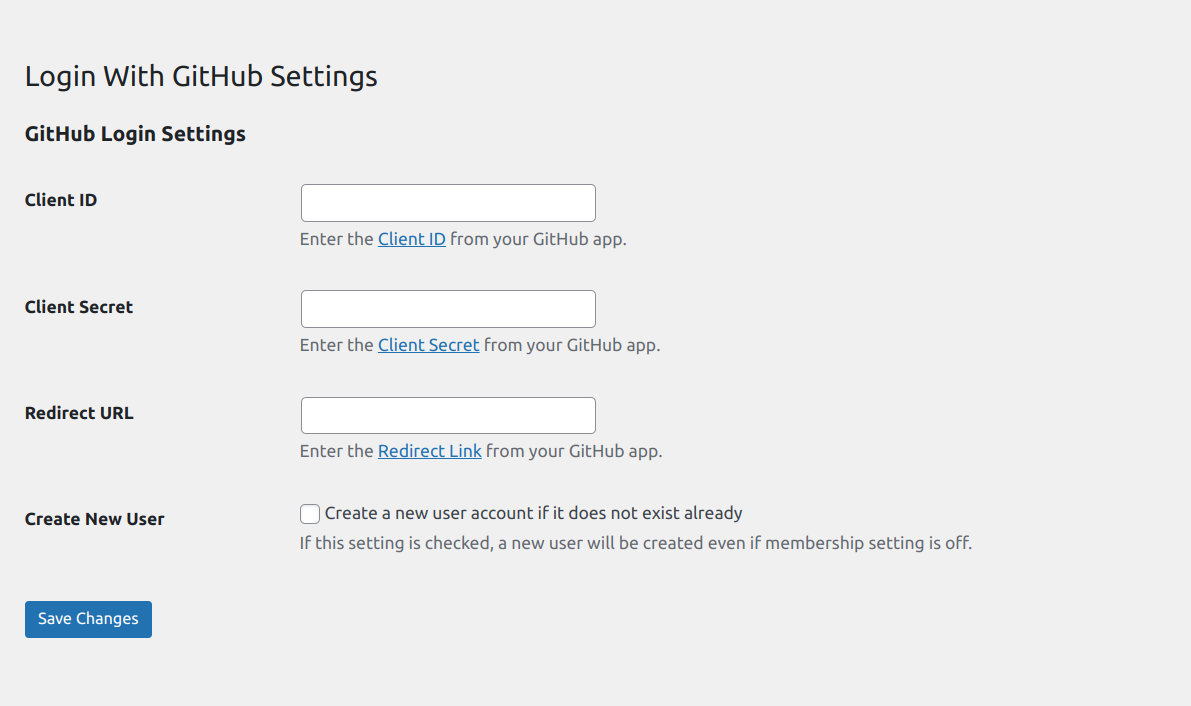
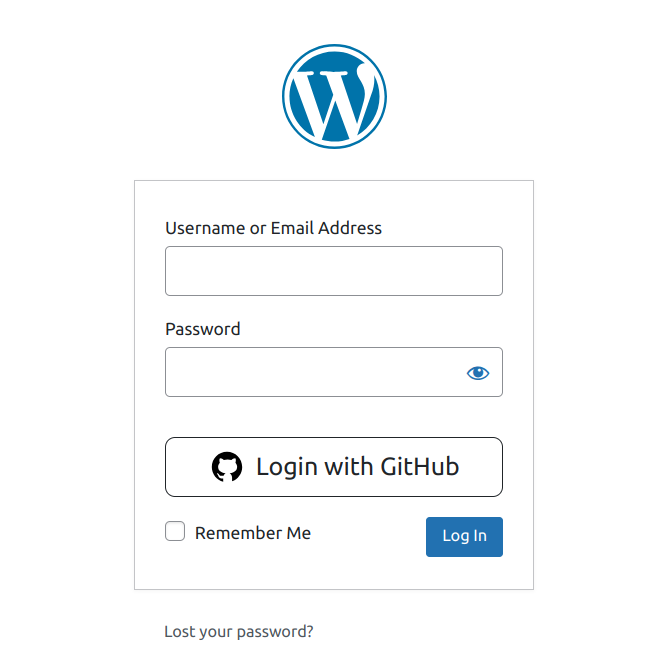
Ultra minimal plugin to let your users login to WordPress applications using their GitHub accounts. No more remembering hefty passwords!
Initial Setup
-
Create a project from GitHub Developer Settings if none exists.
-
Go to OAuth tab, then create credential for OAuth client.
- Add
YOUR_WEBSITE_NAMEin Application Name - Add
YOUR_DOMAIN/HOME_URLin Homepage URL - Add
YOUR_DOMAIN/wp-login.phpin Authorized redirect URIs
- Add
-
This will give you Client ID and Secret key.
-
Input these values either in
WP Admin > Settings > Login With GitHub
How to enable automatic user registration
You can enable user registration by
– Enabling Settings > Login With GitHub > Enable GitHub Login Registration
Note: If the checkbox is ON then, it will register valid GitHub users even when WordPress default setting, under
Settings > General Settings > Membership > Anyone can register checkbox
is OFF.