

Login Lockdown & Protection
v2.19WebFactory · 2008年6月16日 上架
Protect, lockdown & secure login form by limiting login attempts from the same IP & banning IPs.
- 正在使用
- 10 万+
- 评分
- 4.3 / 5
- 累计下载
- 216 万
- 最近更新
- 2026年10月7日
贡献者
 WebFactory
截图
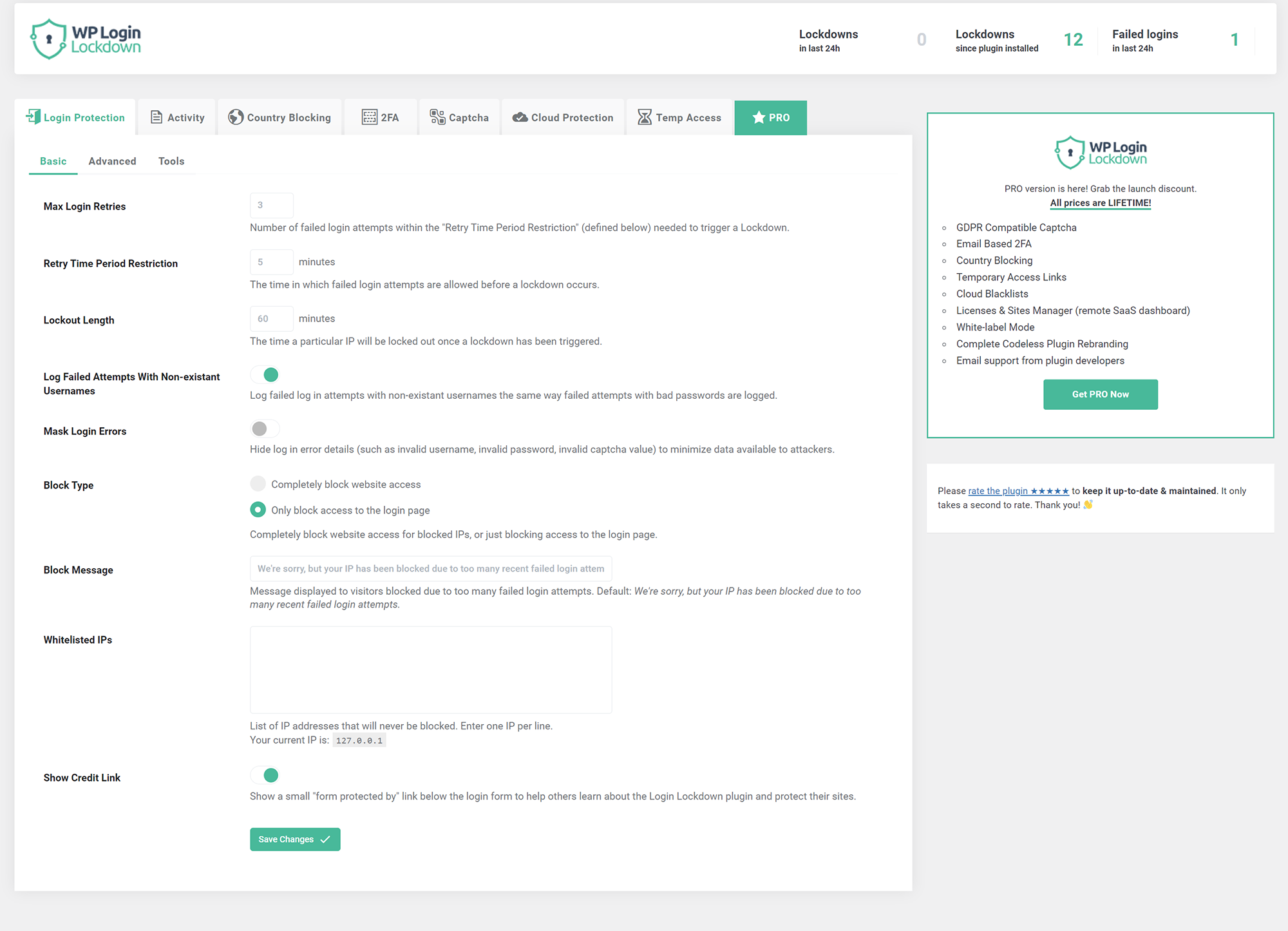
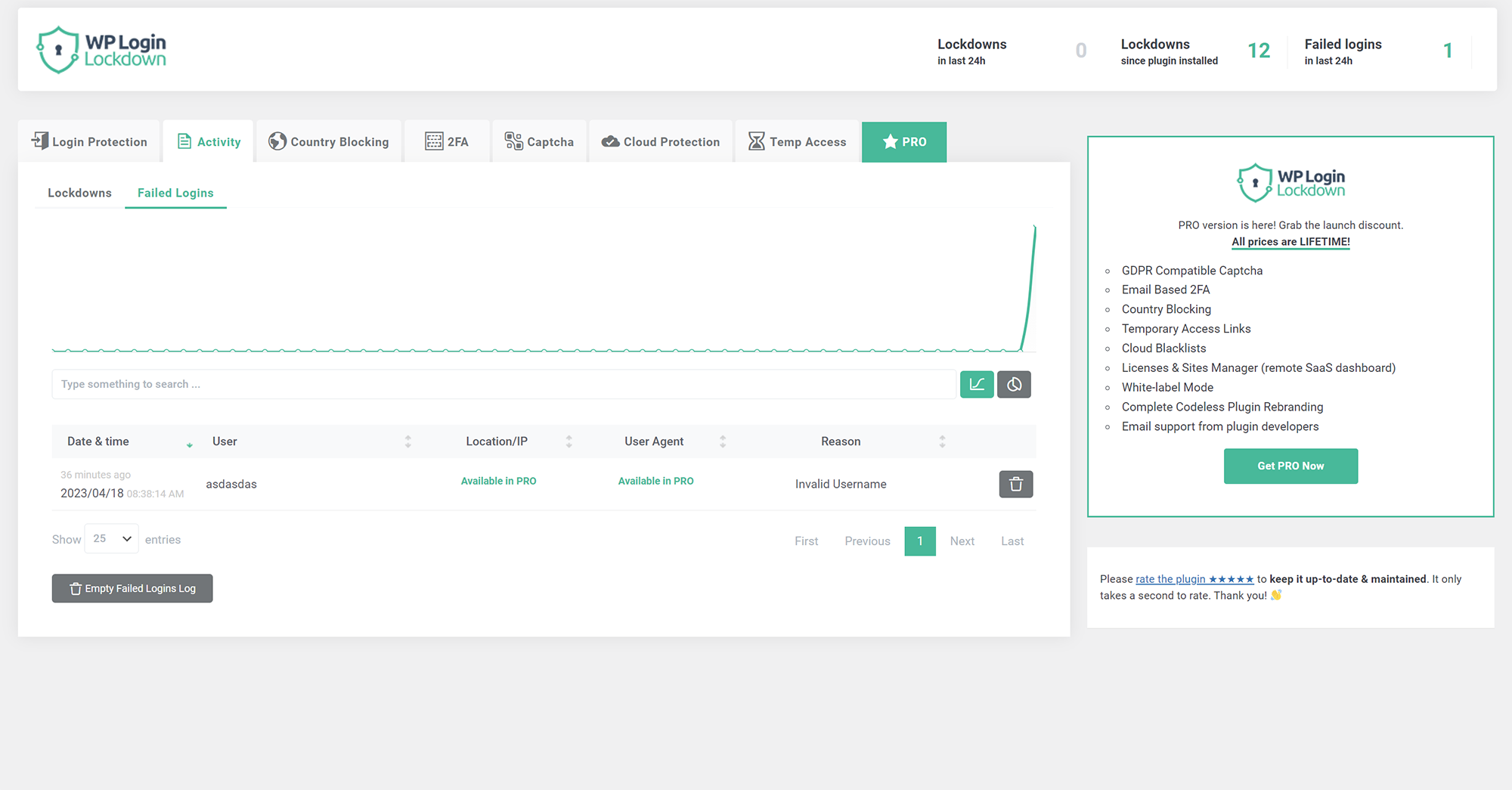
Login Lockdown records the IP address and timestamp of failed login attempts. If more than a selected number of attempts are detected within a set period of time from the same IP, then the login is disabled for all requests from that IP address (or the IP is completely blocked from accessing the site). This secures the site and helps prevent brute force password attacks & discovery.
The plugin defaults to a 1 hour lock out of an IP block after 3 failed login attempts within 5 minutes. This can be modified in options. Administrators can release locked out IPs manually from the panel. A detailed log is available for all failed login attempts and all IP locks to control lockdown.
Configure the plugin from Settings – Login Lockdown.
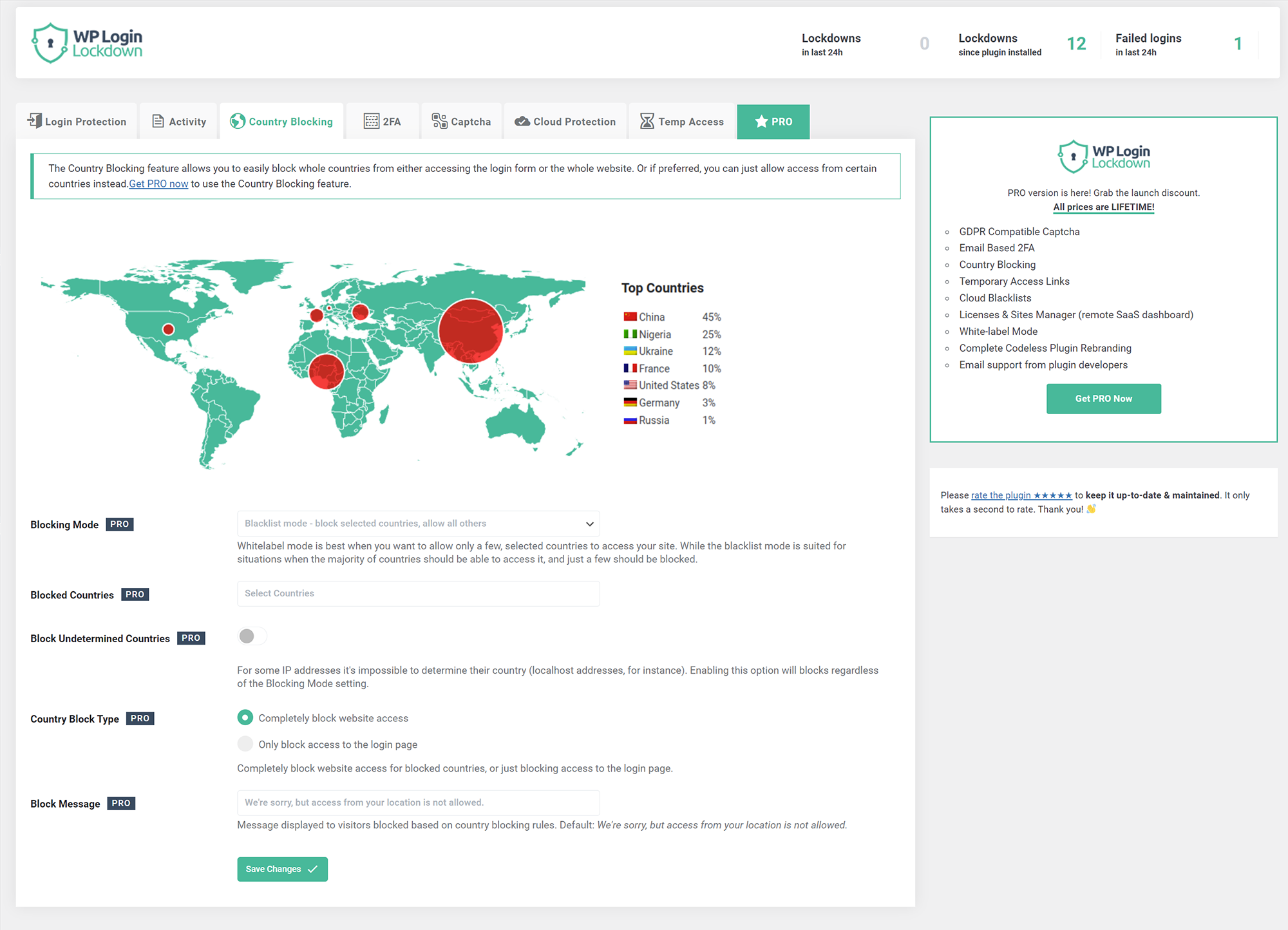
Country blocking (PRO feature)
Block unwanted countries from accessing the site, or block them from being able to log in. Display a custom message to blocked visitors so they know why they can’t access the site.
Captcha
The simplest way to get rid of bots and brute-force password attacks. Choose from 5 different versions – built-in one, two from Google (PRO feature), Cloudflare Turnstile, and hCaptcha (PRO feature). Built-in captcha is GDPR compatible.
2FA – Two Factor Authentication (PRO feature)
Provide an extra layer of security without 2FA code generating apps such as Google Authenticator. Even if somebody knows your username & password they won’t be able to log in because it needs to be confirmed by clicking a unique link sent to your email. Since you’re the only one that has access to your inbox, you’ll never get hacked.
Cloud Protection (PRO feature)
Manage IP Whitelists and Blacklists in your Login Lockdown Dashboard (a SaaS service for managing all your sites) and apply them to protect all the sites you manage from a single location.
Temporary Access (PRO feature)
Give temporary access to other people without giving them a username & password. Set the lifetime of the link and the maximum number of times it can be used to prevent abuse. Access level rights can be any you pick – admin, editor, author…