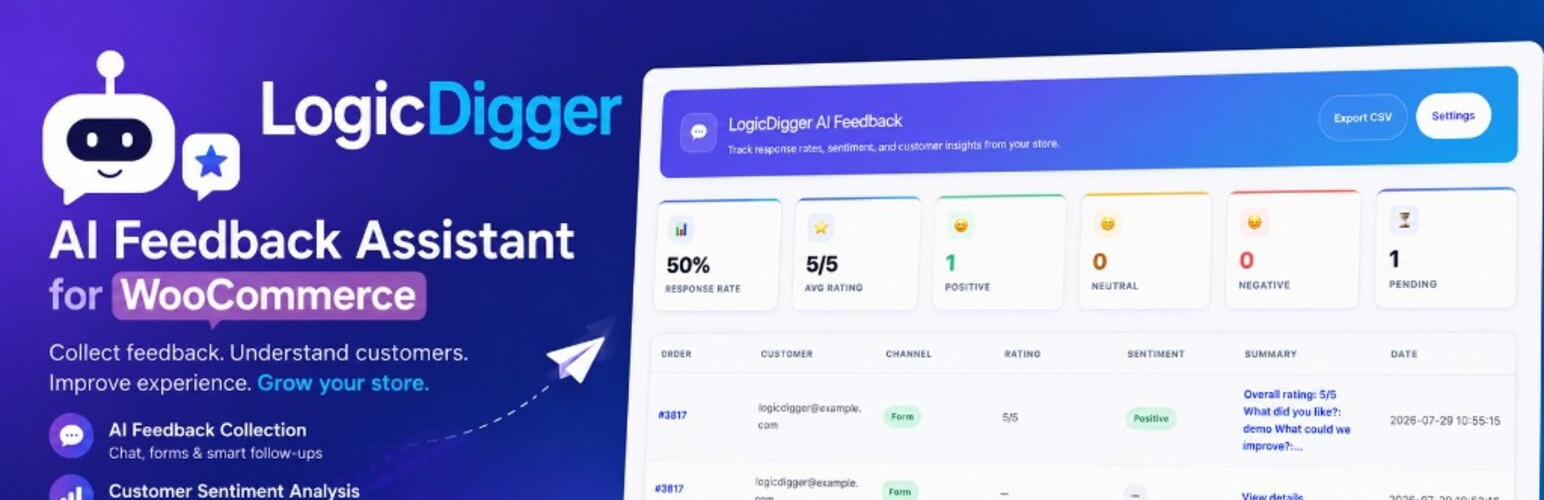

LogicDigger AI Feedback Assistant for WooCommerce
v1.1.3logicdigger · 2026年7月30日 上架
Collect post-purchase customer feedback via AI chat and customizable forms. AI summarizes responses in a WooCommerce admin dashboard.
- 正在使用
- 10 以下
- 评分
- 暂无
- 累计下载
- 1,125
- 最近更新
- 2026年7月30日
贡献者
 logicdigger
截图
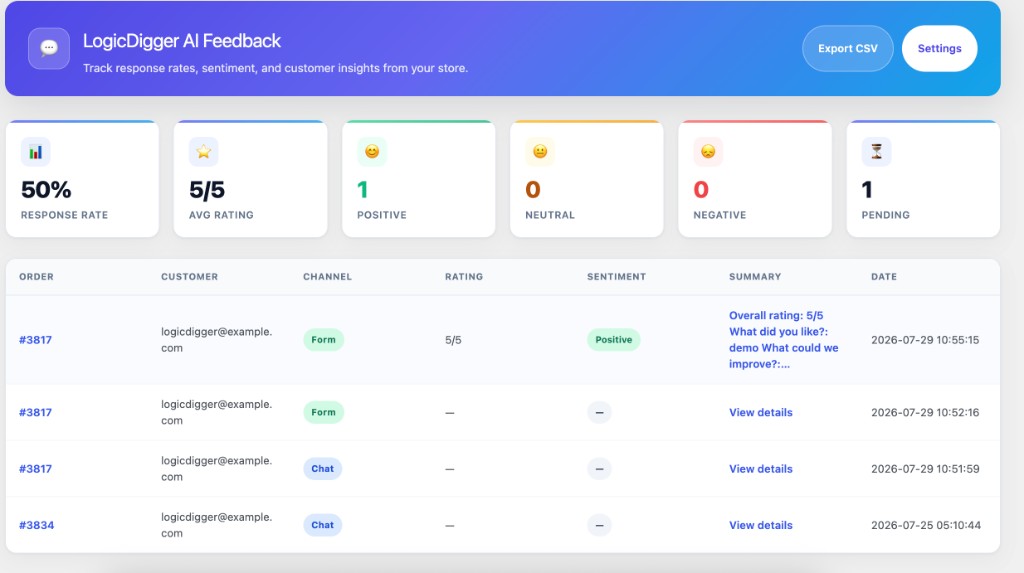
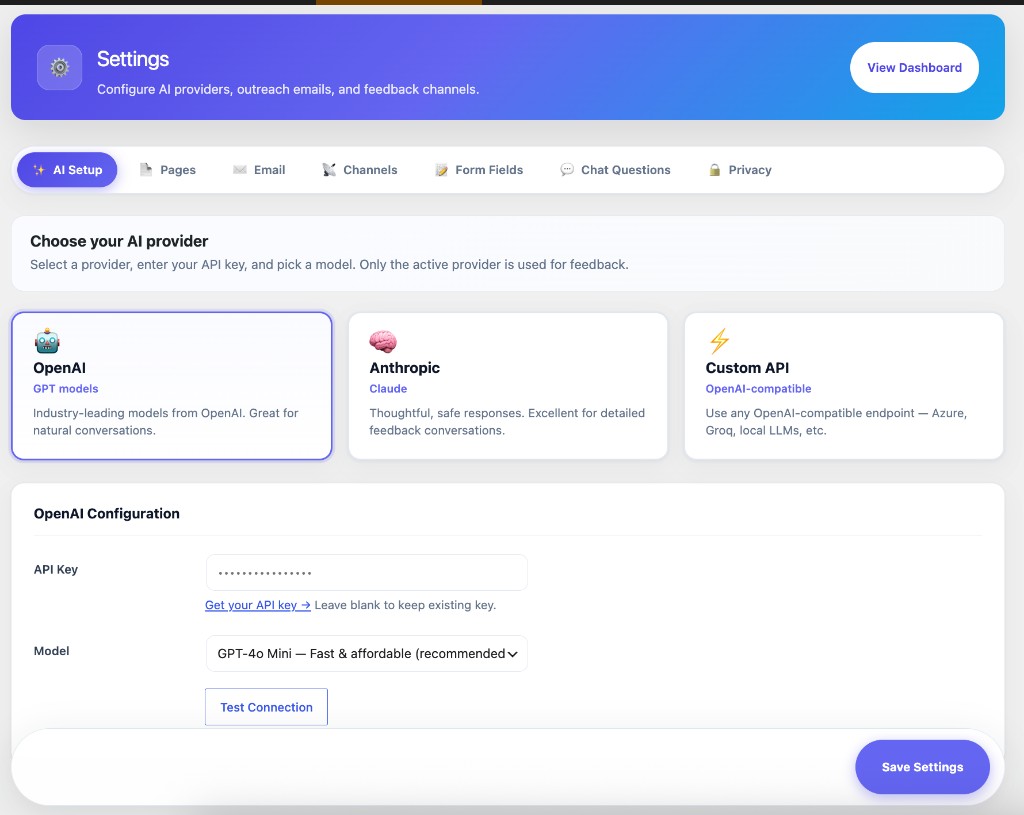
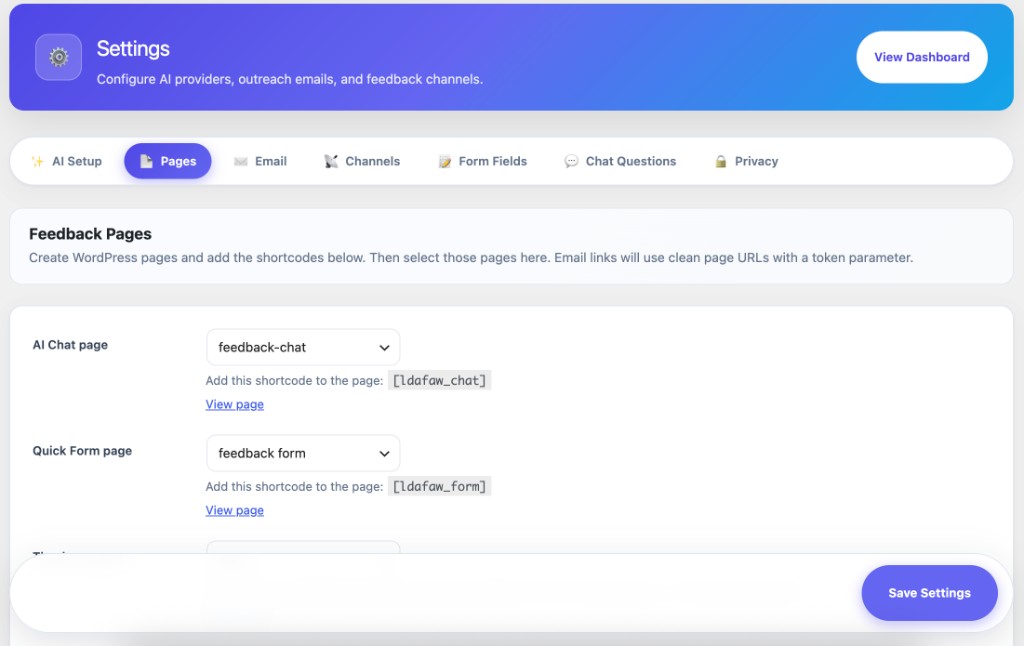
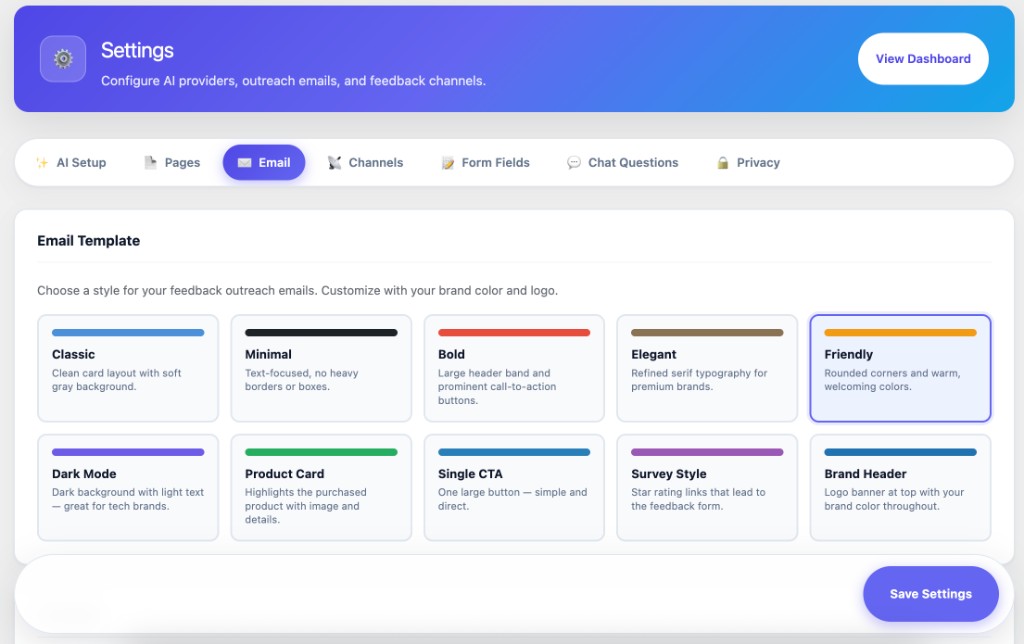
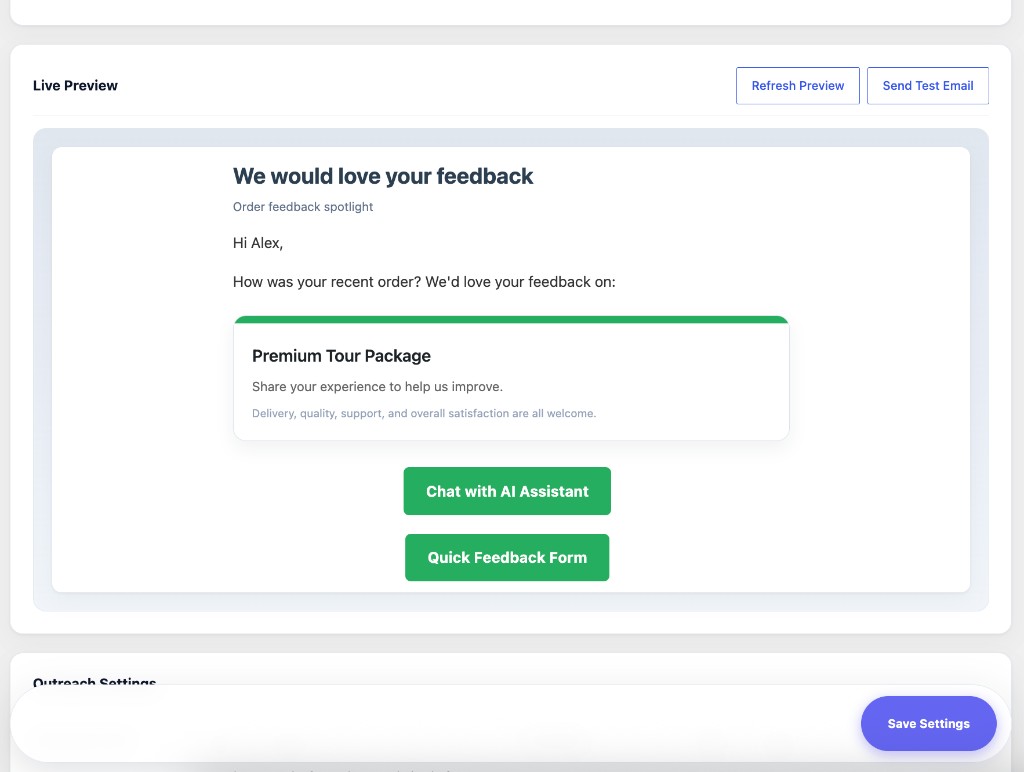
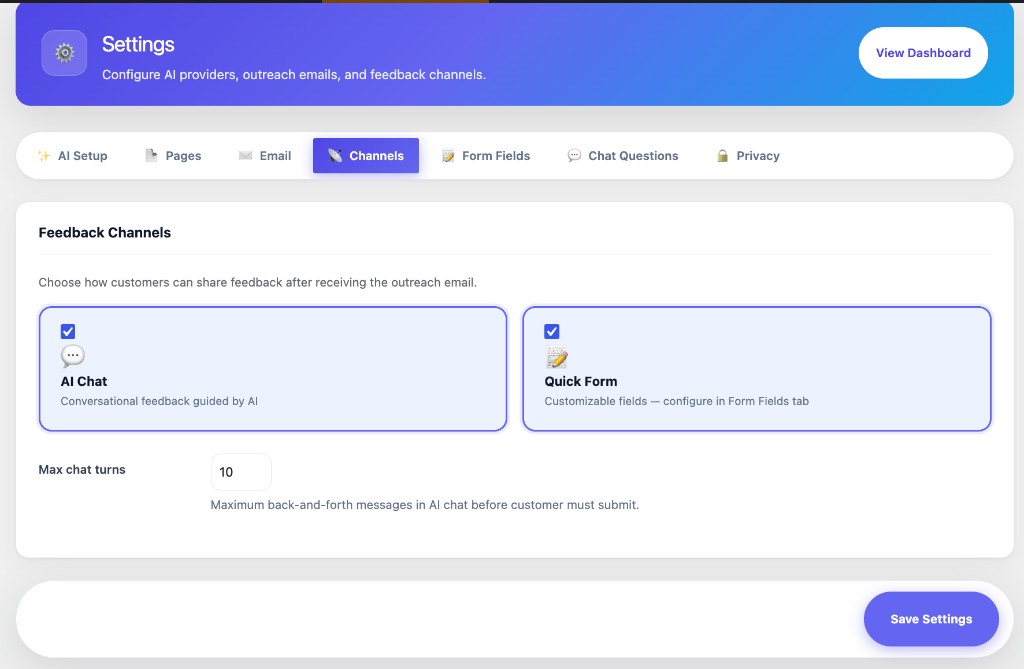
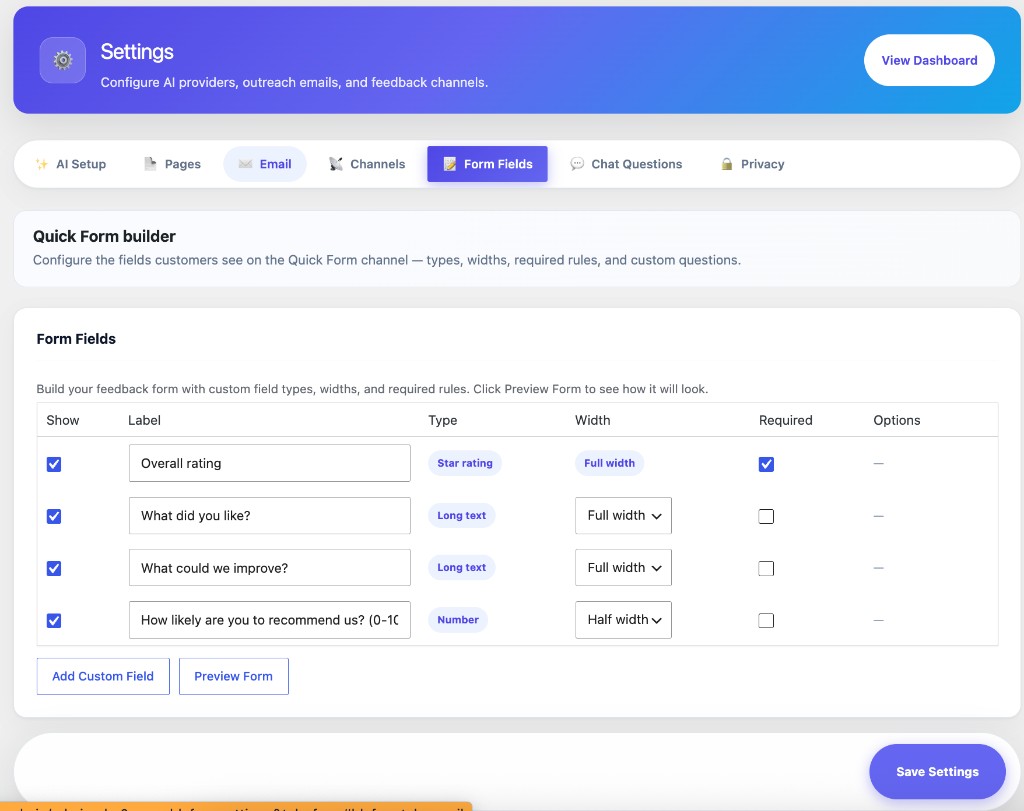
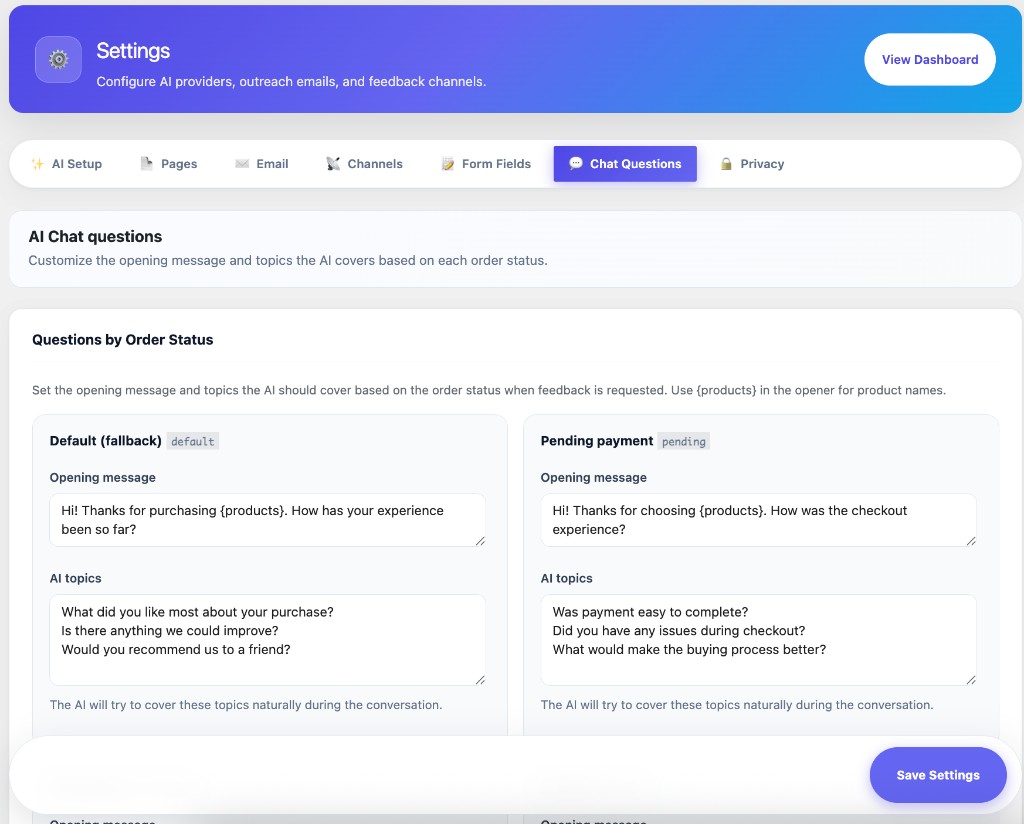
LogicDigger AI Feedback Assistant for WooCommerce helps store owners collect meaningful customer feedback after purchase and turn it into actionable insights.
After an order is completed, the plugin can email customers a secure feedback link. Customers respond through:
- AI Chat — a guided conversation powered by your chosen AI provider
- Quick Form — a customizable star-rating and field-based form
All responses are summarized with sentiment, rating, tags, and insights in WooCommerce LogicDigger AI Feedback.
Features
- Post-purchase email outreach with configurable delay
- AI chat and quick form feedback channels
- OpenAI, Anthropic, or custom OpenAI-compatible API support
- Encrypted API key storage
- Admin dashboard with response rate, sentiment, and ratings
- CSV export
- Product-aware AI prompts (digital vs physical)
- HPOS (Custom Order Tables) compatible
- Configurable data retention and uninstall cleanup
Setup
- Install and activate the plugin (WooCommerce required).
- Create two WordPress pages and add the shortcodes
[ldafaw_chat]and[ldafaw_form]. - Select those pages under WooCommerce LogicDigger AI Feedback Settings Pages.
- Configure your AI provider API key and test the connection.
- Complete a test order to verify the email and feedback flow.
External Services
This plugin sends customer feedback data to third-party AI services only when configured by the site administrator and only to process feedback summaries and chat replies.
Depending on your settings, data may be sent to:
- OpenAI — Terms | Privacy Policy
- Anthropic — Terms | Privacy Policy
- Custom OpenAI-compatible API — your configured endpoint (e.g. Azure OpenAI, Groq, local LLM gateway)
Data that may be transmitted includes customer feedback text, product names from the order, order status context, and optional form field values. API keys are stored encrypted on your server.
You are responsible for:
- Obtaining your own API keys and complying with provider terms
- Updating your store privacy policy to disclose AI processing of customer feedback
- Ensuring your use complies with applicable privacy laws (GDPR, CCPA, etc.)
The plugin does not include AI services — it connects to services you configure.