
Loco Translate
v2.8.10Tim W · 2013年7月23日 上架
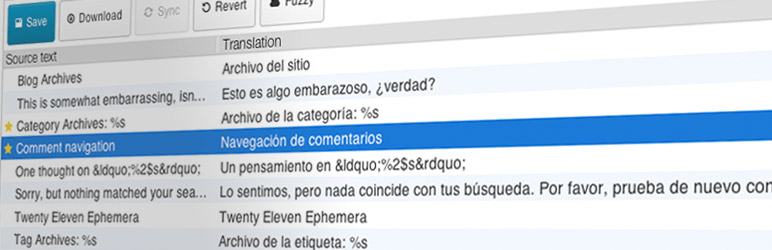
Translate WordPress plugins and themes directly in your browser. Versatile PO file editor with integrated AI translation providers.
- 正在使用
- 100 万+
- 评分
- 4.8 / 5
- 累计下载
- 3.9 千万
- 最近更新
- 2026年11月16日
454 条评价需要 WordPress 6.6+已测试到 7.1.5PHP 7.4+
贡献者
 Tim W
截图
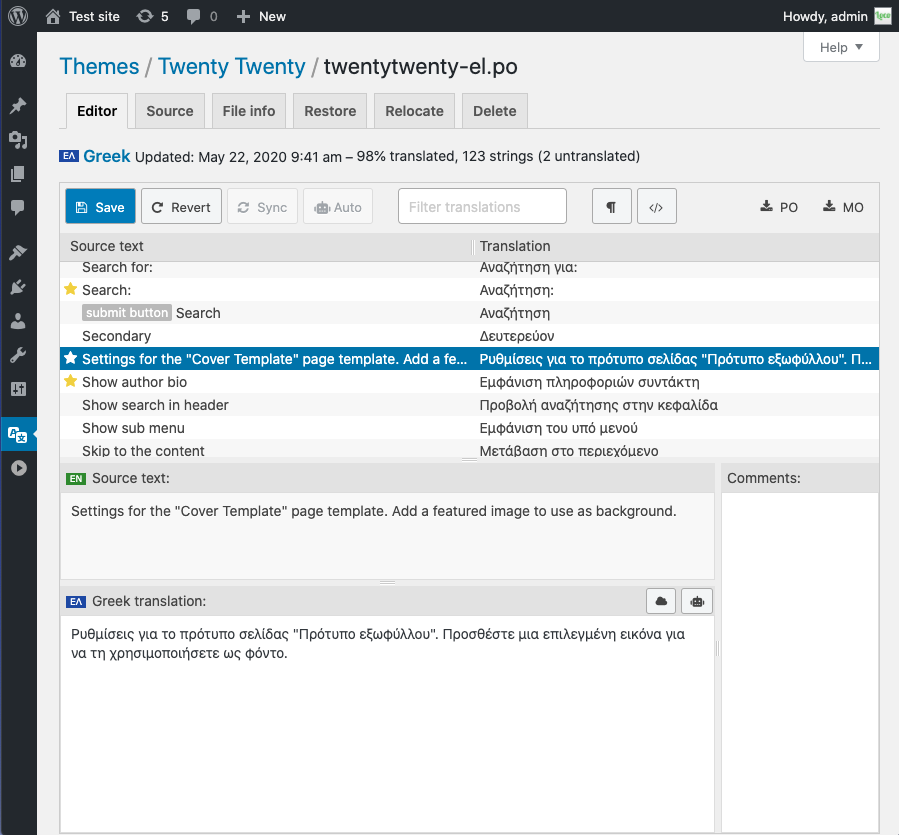
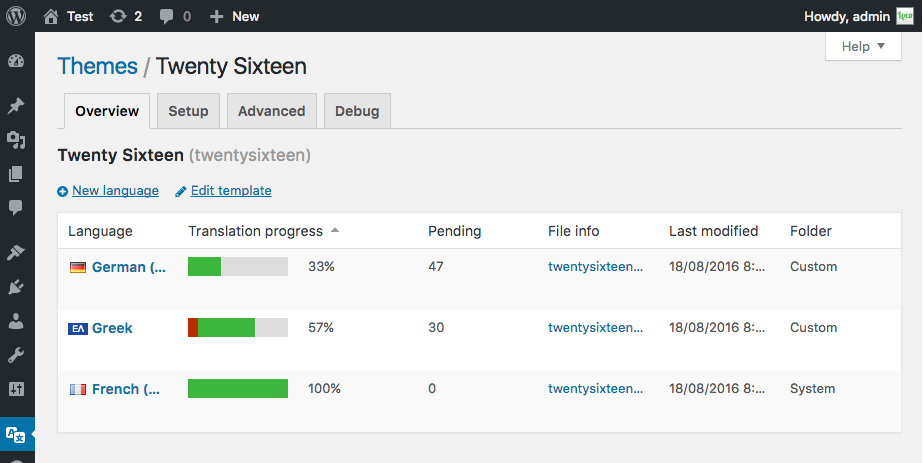
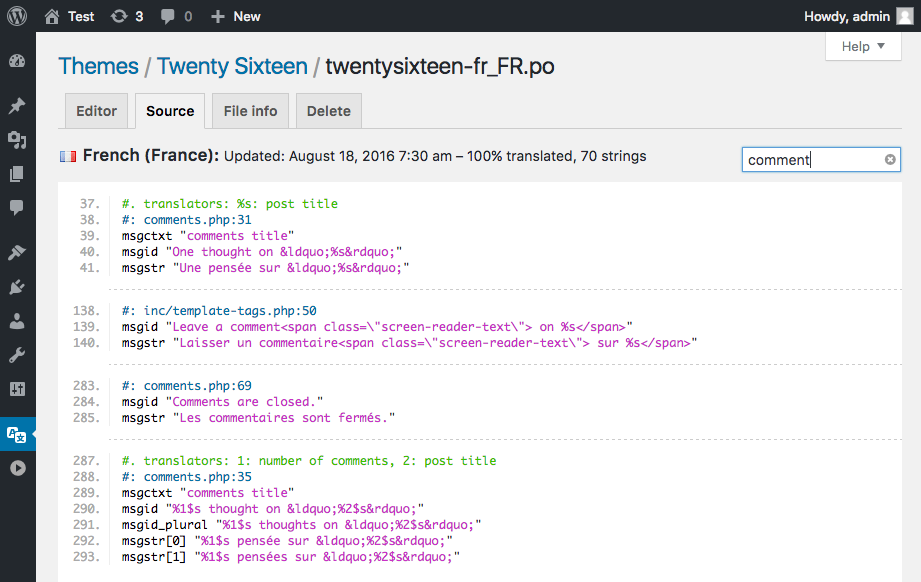
Loco Translate provides in-browser editing of WordPress translation files and integration with automatic translation services.
It also provides Gettext/localization tools for developers, such as extracting strings and generating templates.
Features include:
- Built-in translation editor within WordPress admin
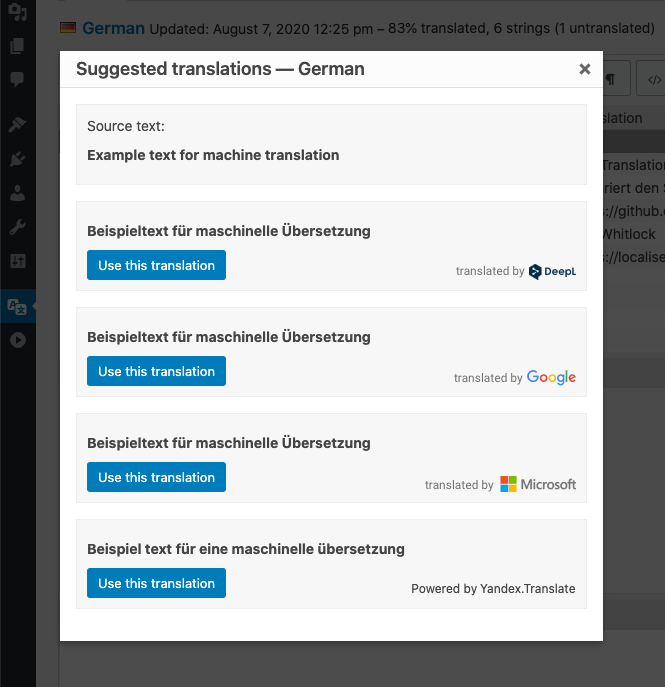
- Integration with translation APIs including DeepL, Google, Lecto, Microsoft and OpenAI.
- Create and update language files directly in your theme or plugin
- Extraction of translatable strings from your source code
- Native MO file compilation without the need for Gettext on your system
- JSON (Jed) file compilation compatible with WordPress script localization
- Support for standard PO features including comments, references and plural forms
- PO source view with clickable source code references
- Protected language directory for saving custom translations
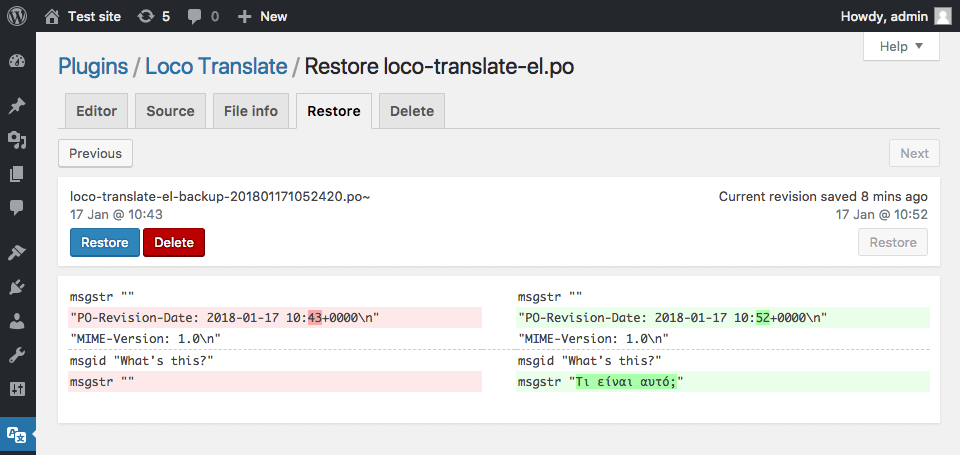
- Configurable PO file backups with diff and restore capability
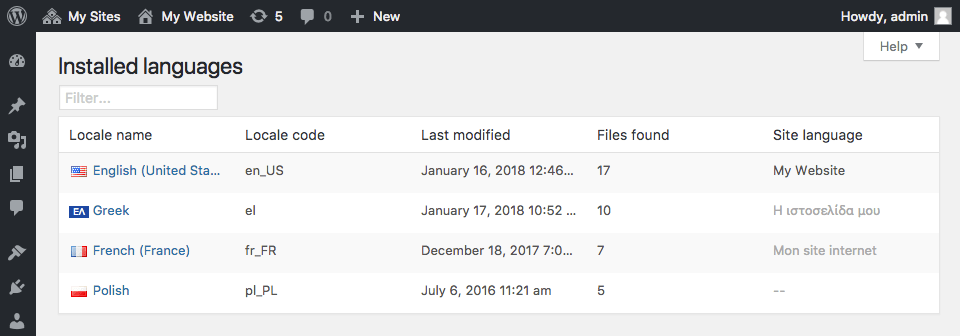
- Built-in WordPress locale codes
Official Loco WordPress plugin by Tim Whitlock.
For more information please visit our plugin page.
Keyboard shortcuts
The PO file editor supports the following keyboard shortcuts for faster translating:
- Done and Next:
Ctrl ↵ - Next string:
Ctrl ↓ - Previous string:
Ctrl ↑ - Next untranslated:
Shift Ctrl ↓ - Previous untranslated:
Shift Ctrl ↑ - Copy from source text:
Ctrl B - Clear translation:
Ctrl K - Toggle Fuzzy:
Ctrl U - Save PO / compile MO:
Ctrl S - Toggle invisibles:
Shift Ctrl I - Suggest translation:
Ctrl J
Mac users can use ⌘ Cmd instead of Ctrl.