

Live Font Preview for WooCommerce
v1.0WPMajestic · 2026年2月23日 上架
Allow customers to preview and select fonts for custom engravings and text on WooCommerce products with a real-time live preview.
- 正在使用
- 20+
- 评分
- 暂无
- 累计下载
- 551
- 最近更新
- 2026年2月23日
需要 WordPress 6.0+已测试到 6.9.12PHP 7.4+
贡献者
 WPMajestic
截图
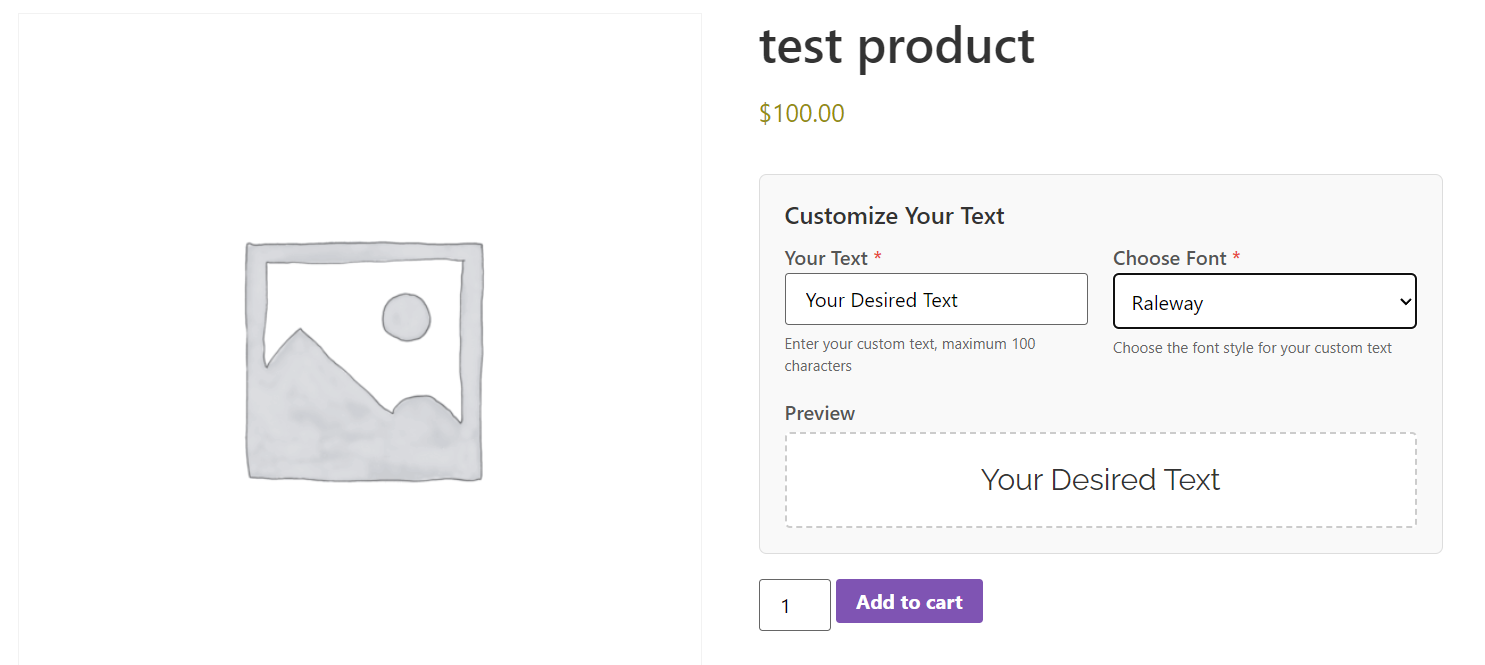
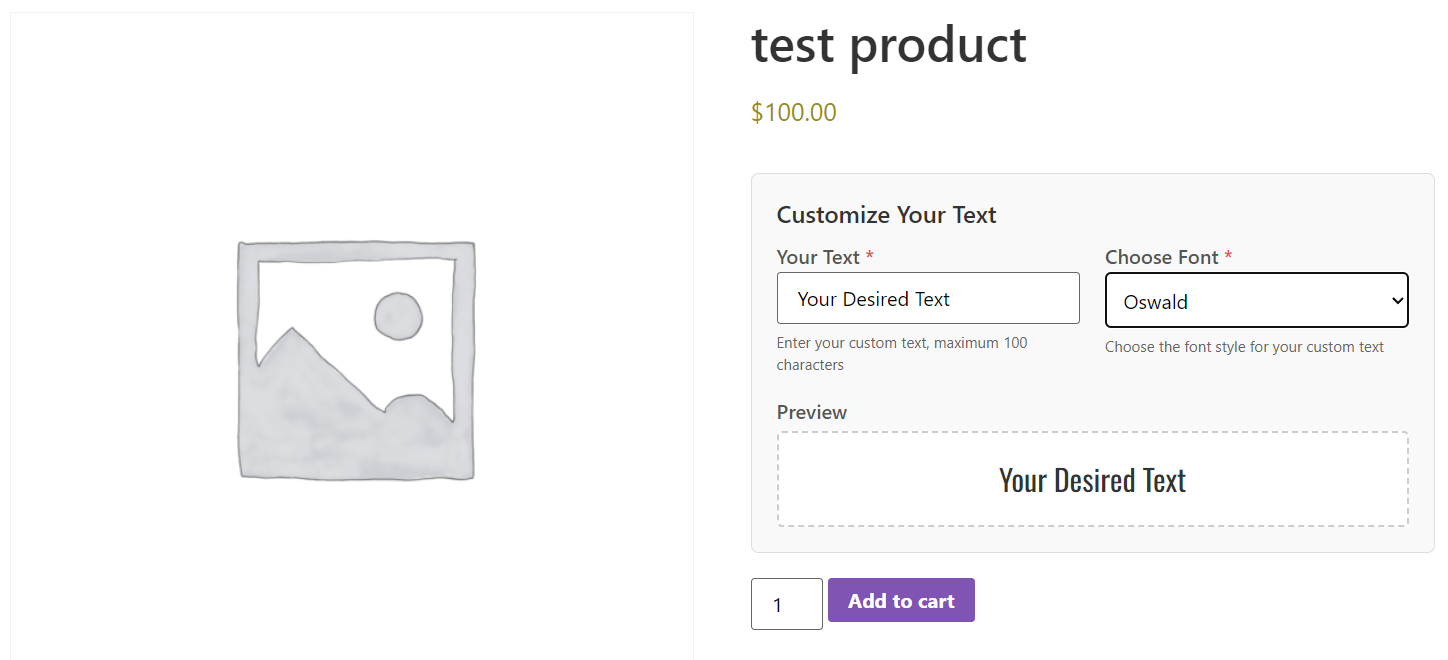
Live Font Preview for WooCommerce allows you to offer real-time text previews with a variety of fonts for your customizable products. This empowers customers to see exactly what their personalized items will look like, increasing confidence and conversion rates.
Perfect for stores selling engraved jewelry, custom apparel, embroidery, or personalized gifts, this plugin adds a sleek font selection dropdown and text input field directly to your product pages.
Key Features:
- Real-Time Preview: Customers see exactly how their text looks in their chosen font instantly
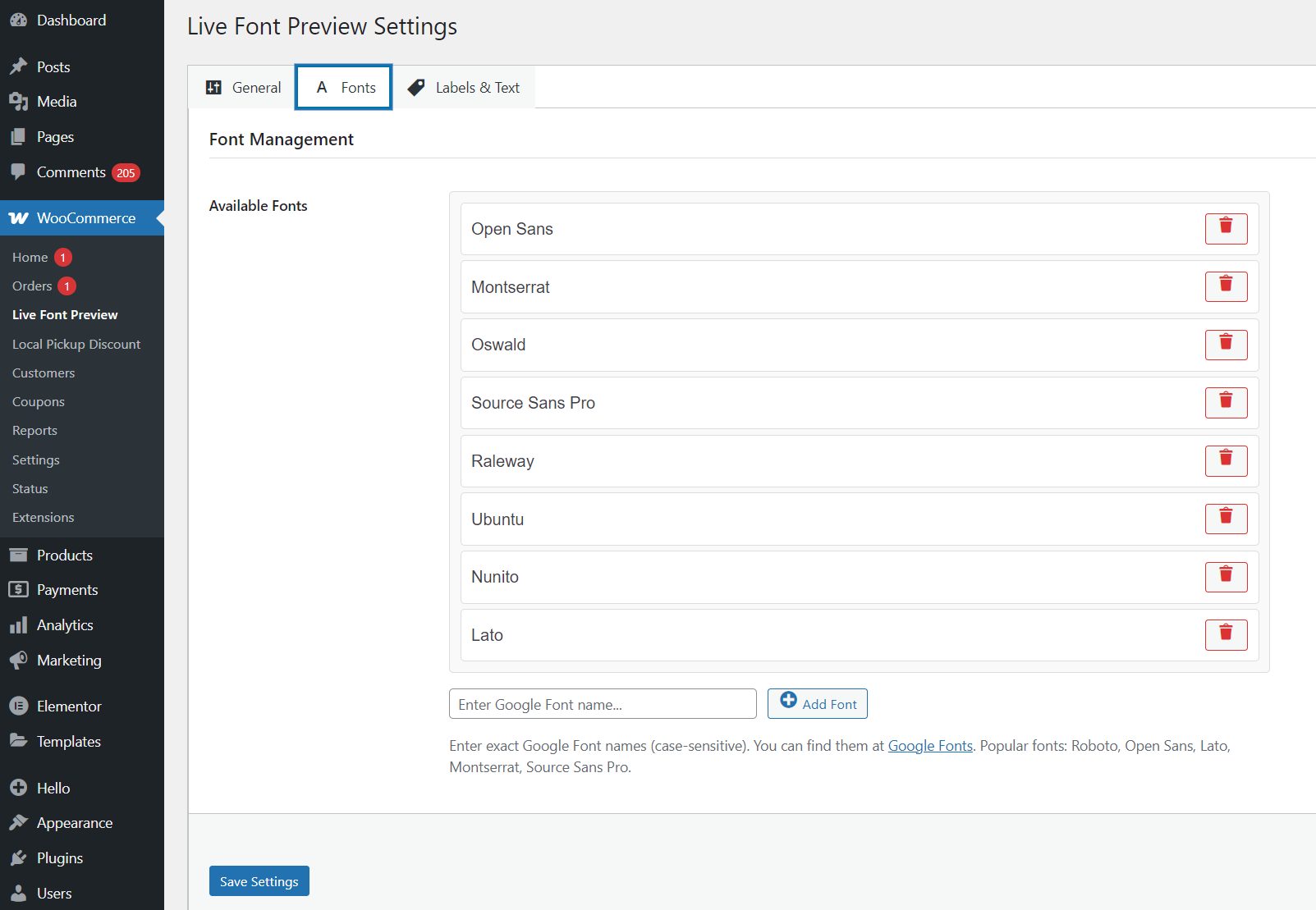
- Google Fonts Integration: Securely loads high-quality fonts for accurate rendering
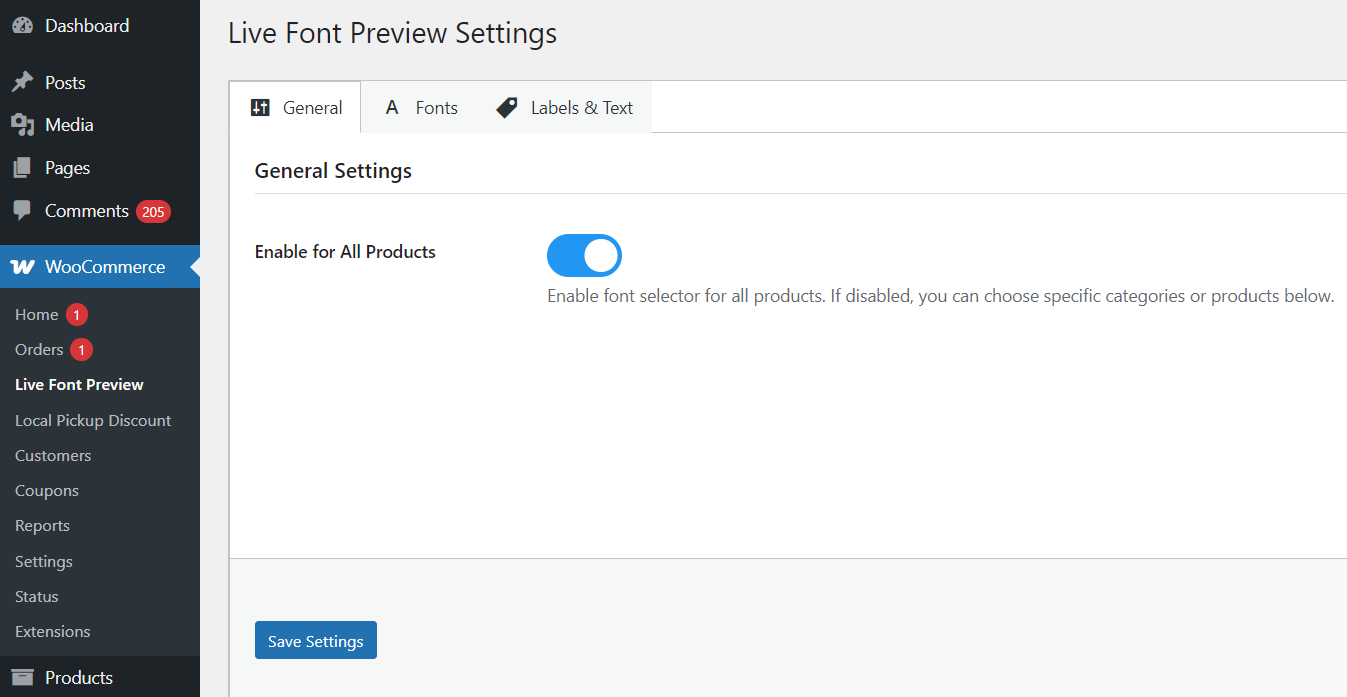
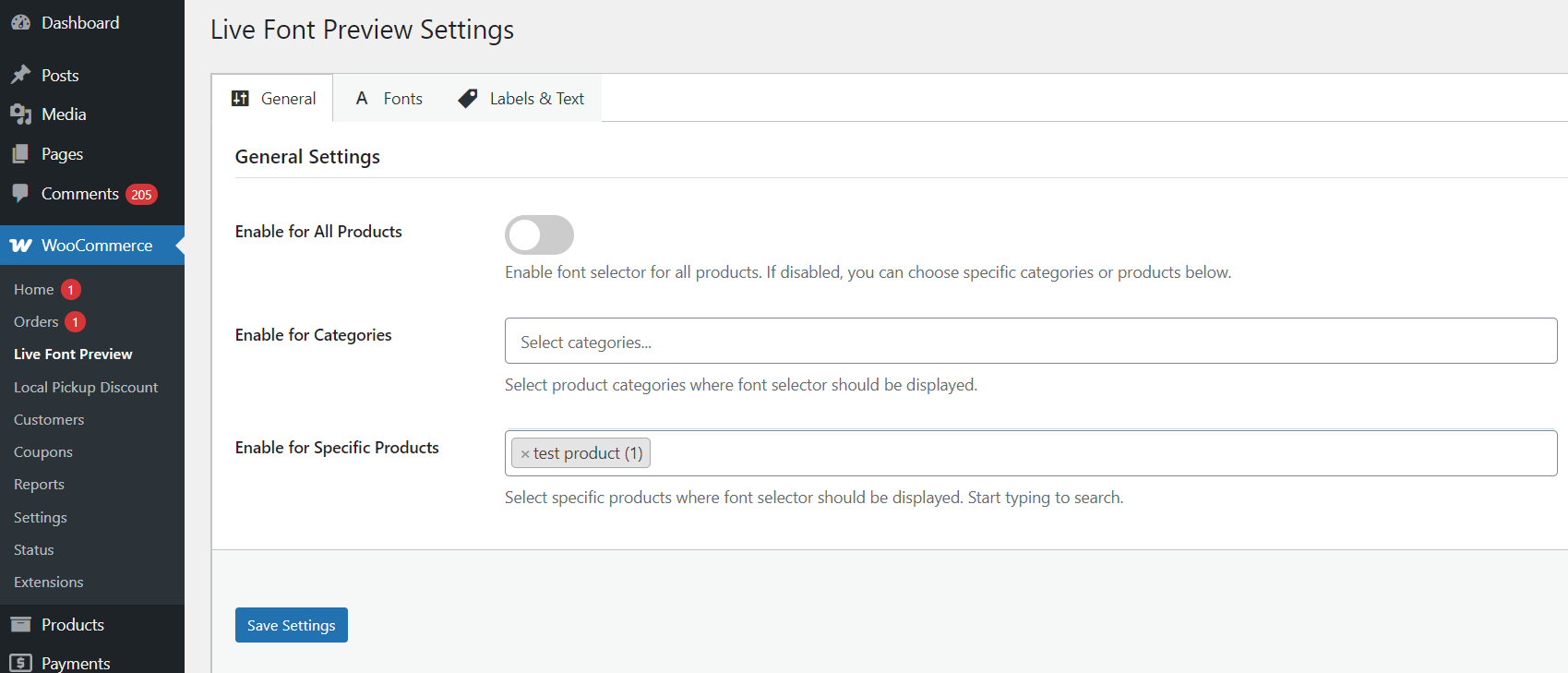
- Flexible Display Logic: Enable globally, per category, or for specific products only
- High-Performance Order Storage (HPOS) Compatible
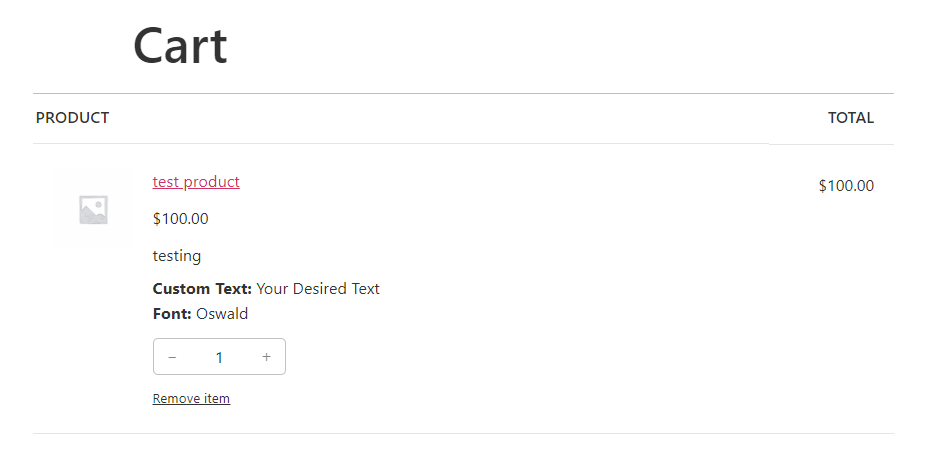
- Cart & Order Integration: Selected fonts and text are clearly displayed in the cart, checkout, and order emails
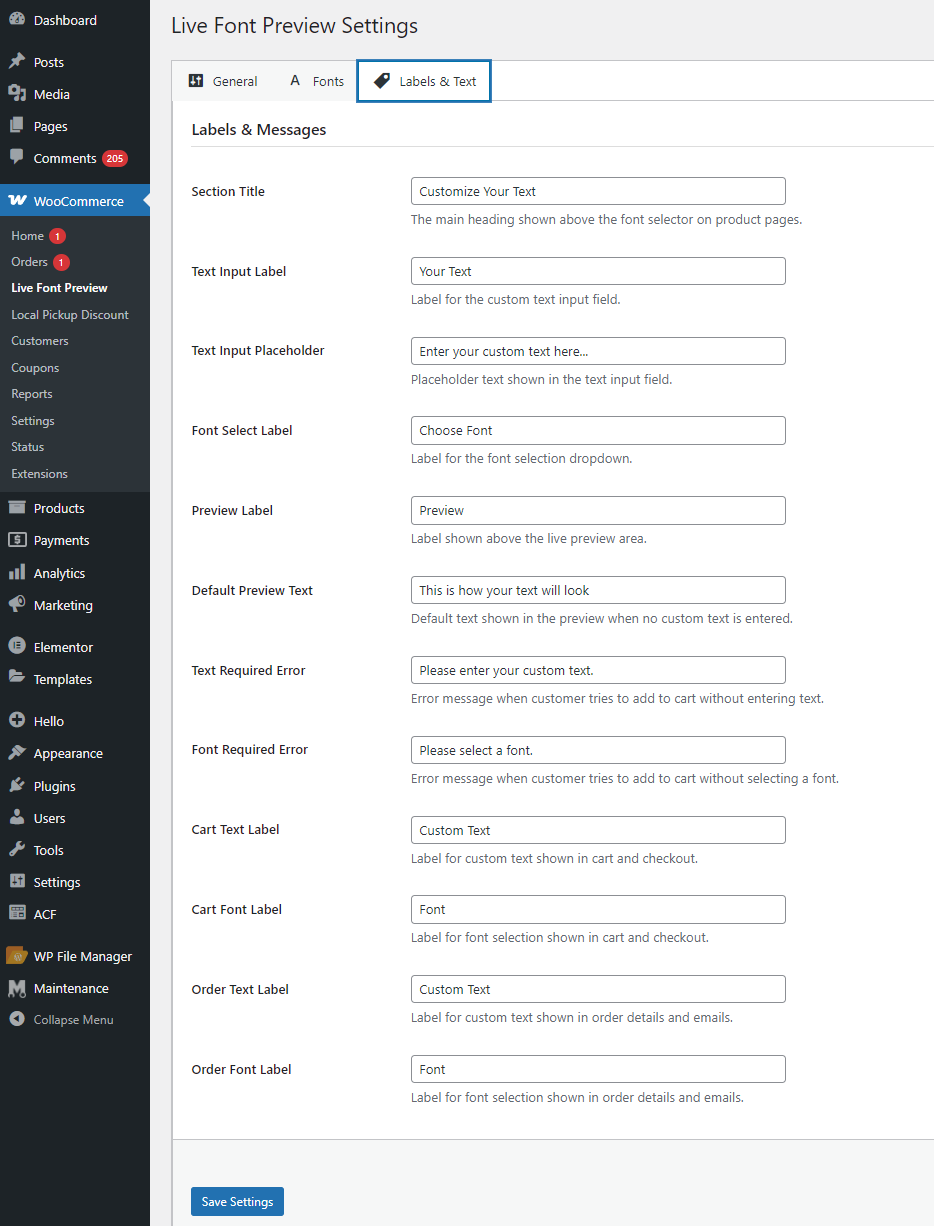
- Customizable Labels: Easily change field labels and placeholders to match your store’s language
- Compatible with WooCommerce Blocks checkout
- Compatible with classic WooCommerce checkout
Usage
- Navigate to
WooCommerce → Live Font Previewin your WordPress admin. - Enable the feature globally or select specific categories/products.
- Choose which Google Fonts you want to offer to your customers.
- Save your settings.
- Visit a product page to see the live font selector in action.