

Listdom KML Addon – Display KML Layers
v2.6.0Webilia Inc. · 2025年8月17日 上架
Easily add KML (and GPX) map layers to your Listdom directory maps, highlighting specific areas, routes, or boundaries.
- 正在使用
- 20+
- 评分
- 暂无
- 累计下载
- 1,664
- 最近更新
- 2026年11月2日
贡献者
 Webilia Inc.
截图
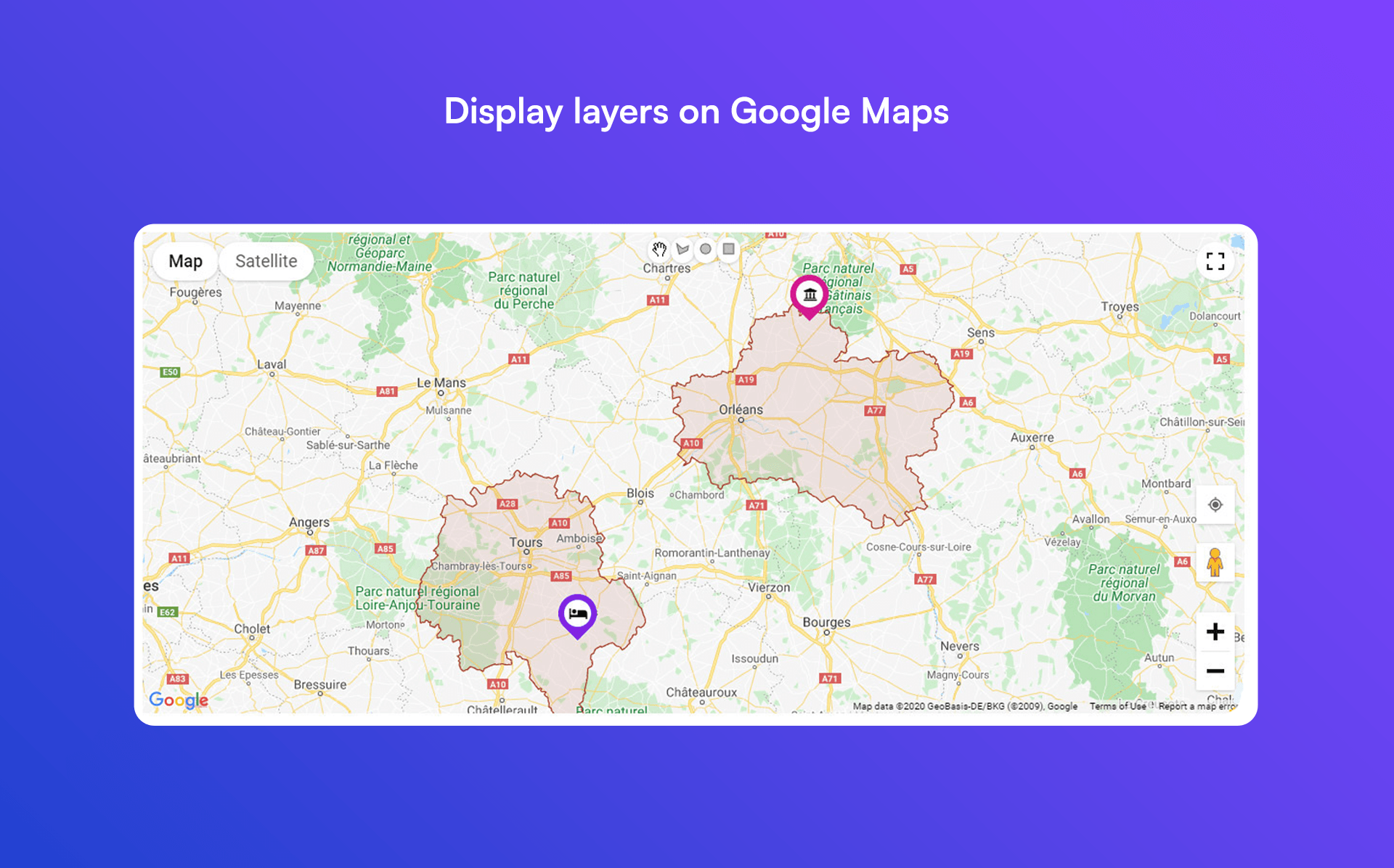
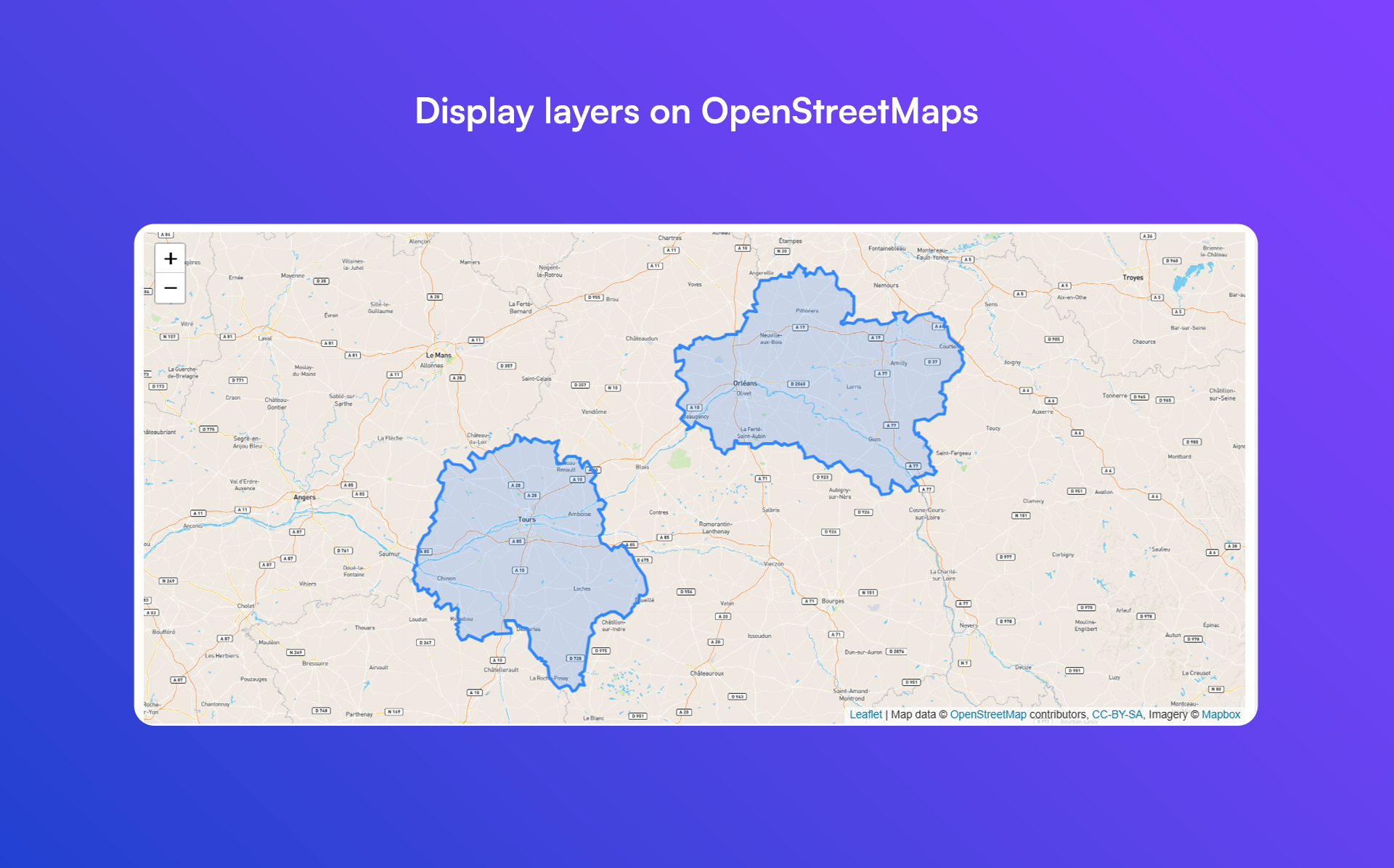
Listdom KML Addon extends the Listdom directory plugin by allowing you to overlay custom map layers using KML or GPX files. This means you can draw boundaries, routes, and shapes on your listing maps to highlight specific areas (like neighborhoods or service zones). Use this add-on to define regions or paths on maps – perfect for real estate listings, travel directories, delivery coverage maps, and more.
Once installed, a Map Layers section will be added to Listdom’s admin panel. There you can create new layers by uploading .kml or .gpx files, or by linking to external KML/GPX file URLs. You can create multiple layers and assign them to any Listdom map view or shortcode, allowing you to display one or several KML/GPX overlays on your maps. The add-on supports all map providers that Listdom works with (Google Maps, OpenStreetMap/Leaflet, etc.), so your KML overlays will display regardless of the chosen map engine. You can also toggle whether these custom layers appear on individual listing detail page maps or only on broader directory maps, giving you control over where the overlays are shown.
Key Features:
- Upload KML files and display them as custom map layers
- Link to external KML file URLs, or KMZ URLs on Google Maps (no need to upload if already hosted)
- Support for GPX files (upload GPS tracks or link to GPX URLs as layers)
- Create multiple map layers and assign any combination of layers to Listdom maps
- Highlight areas, boundaries, routes, or shapes on Google Maps or OpenStreetMap seamlessly
- No coding required – simply add your KML/GPX files and Listdom handles the rest
✅ Live Demo – See Listdom in action (including add-ons)
✅ Listdom Documentation – Step-by-step guides for Listdom & add-ons
✅ Listdom Website – Learn more about Listdom, support, and additional add-ons