

Linked Variations for WooCommerce – Link Separate Products by Attribute with Swatches, Quick View & Shortcodes
v1.1.0Dotstore · 2022年4月14日 上架
The Linked Variations lets you create product variations from separate products.
- 正在使用
- 500+
- 评分
- 4.2 / 5
- 累计下载
- 8,674
- 最近更新
- 2026年11月19日
贡献者
 Dotstore
截图
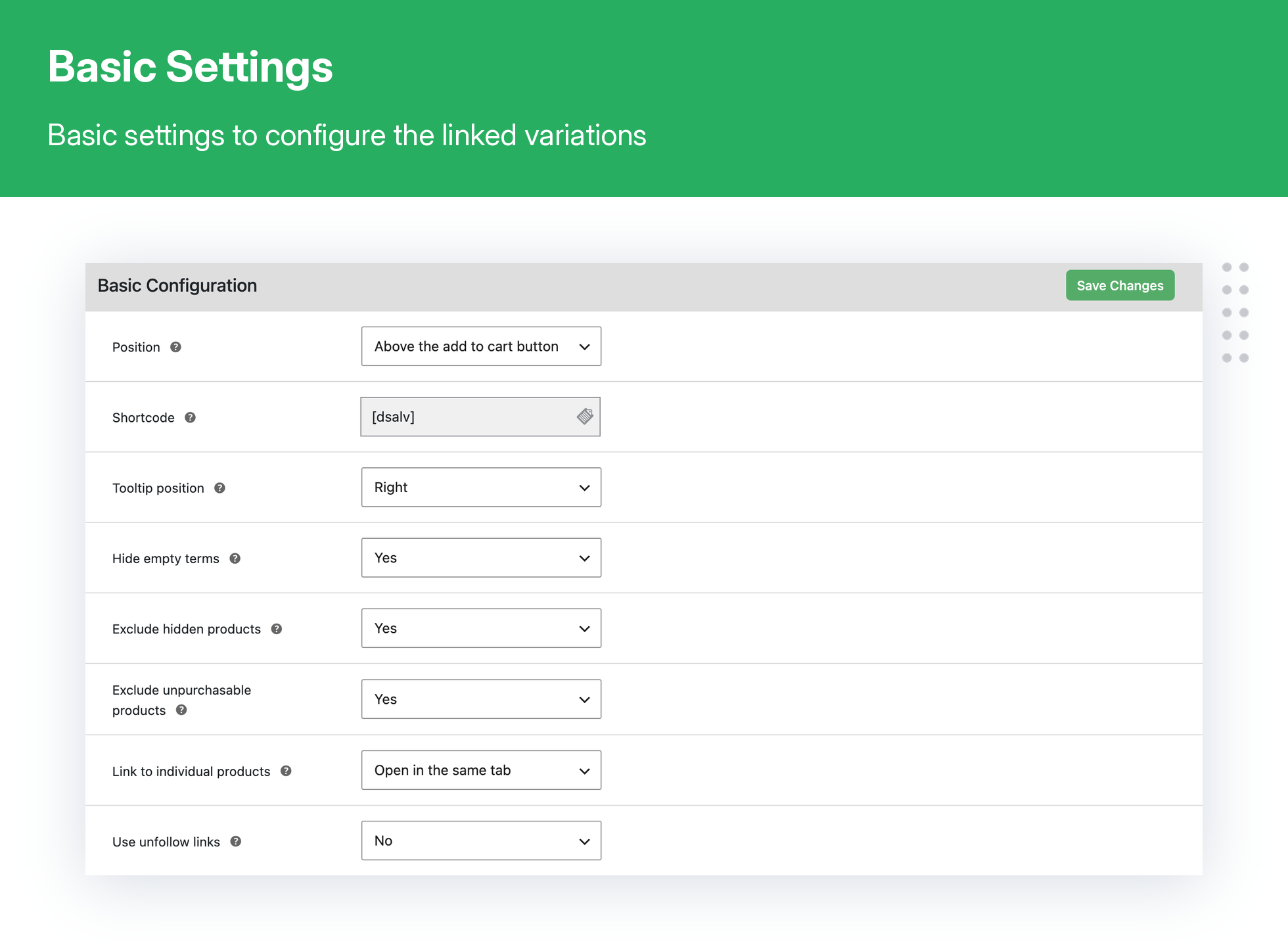


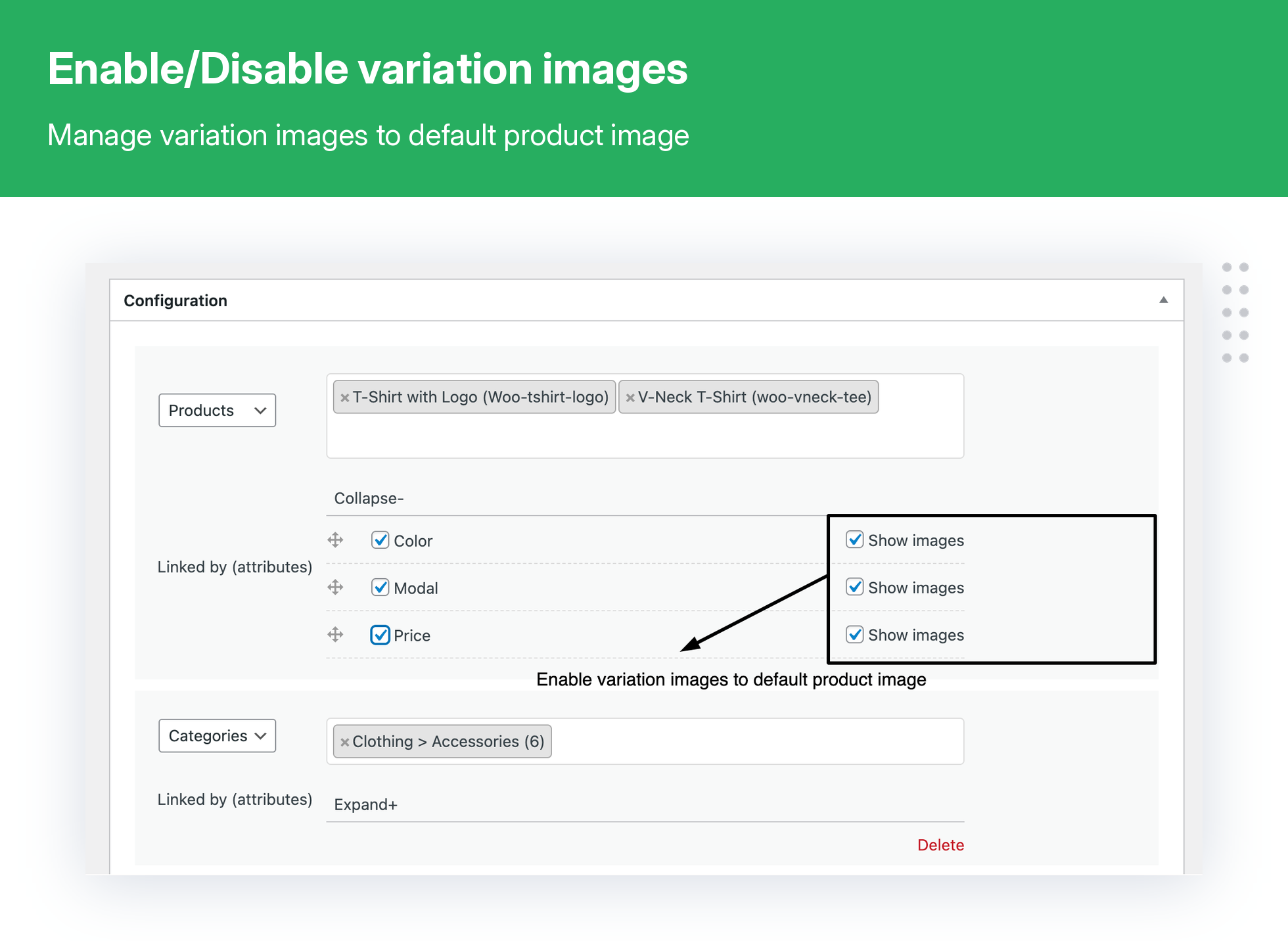
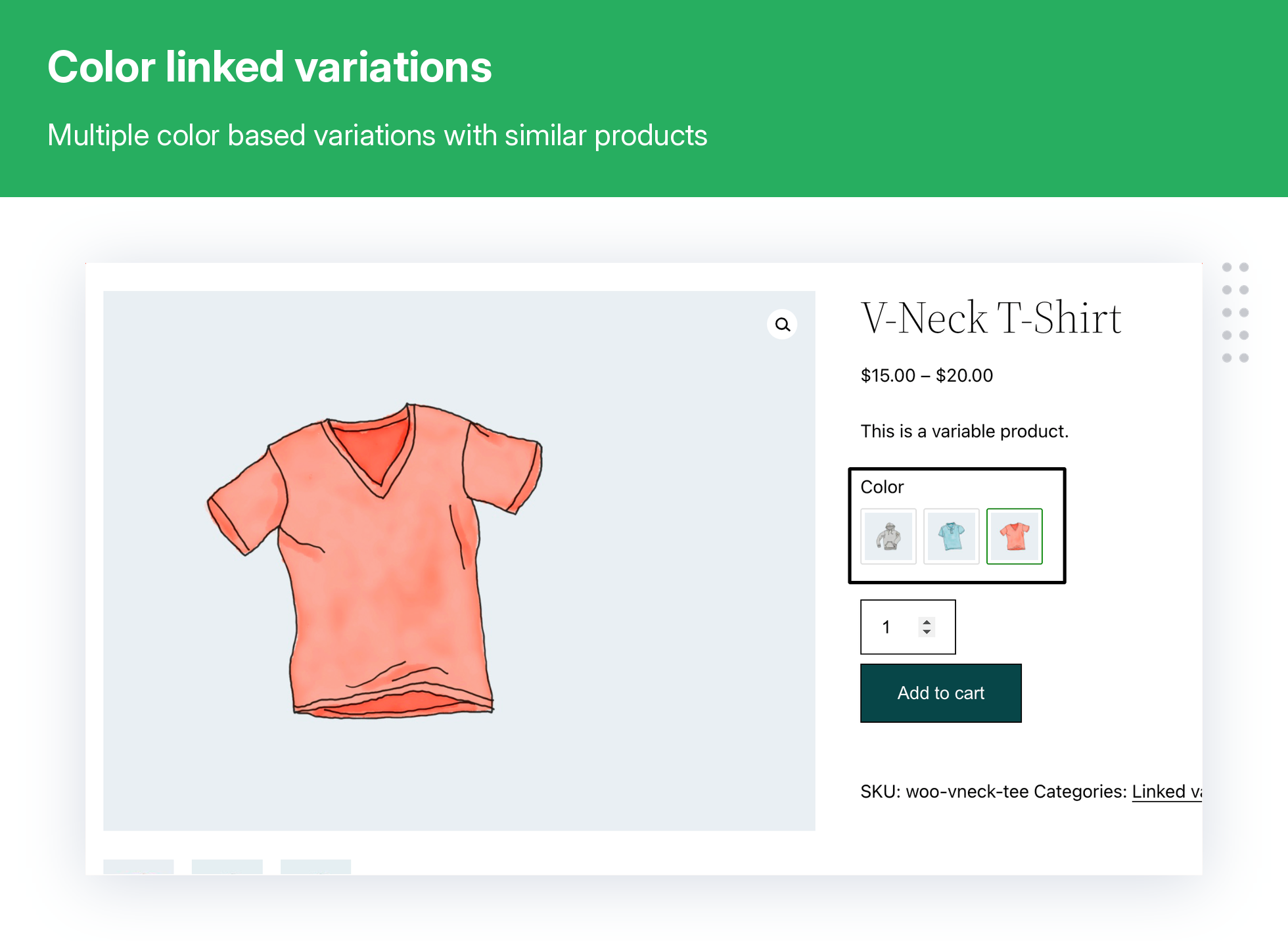

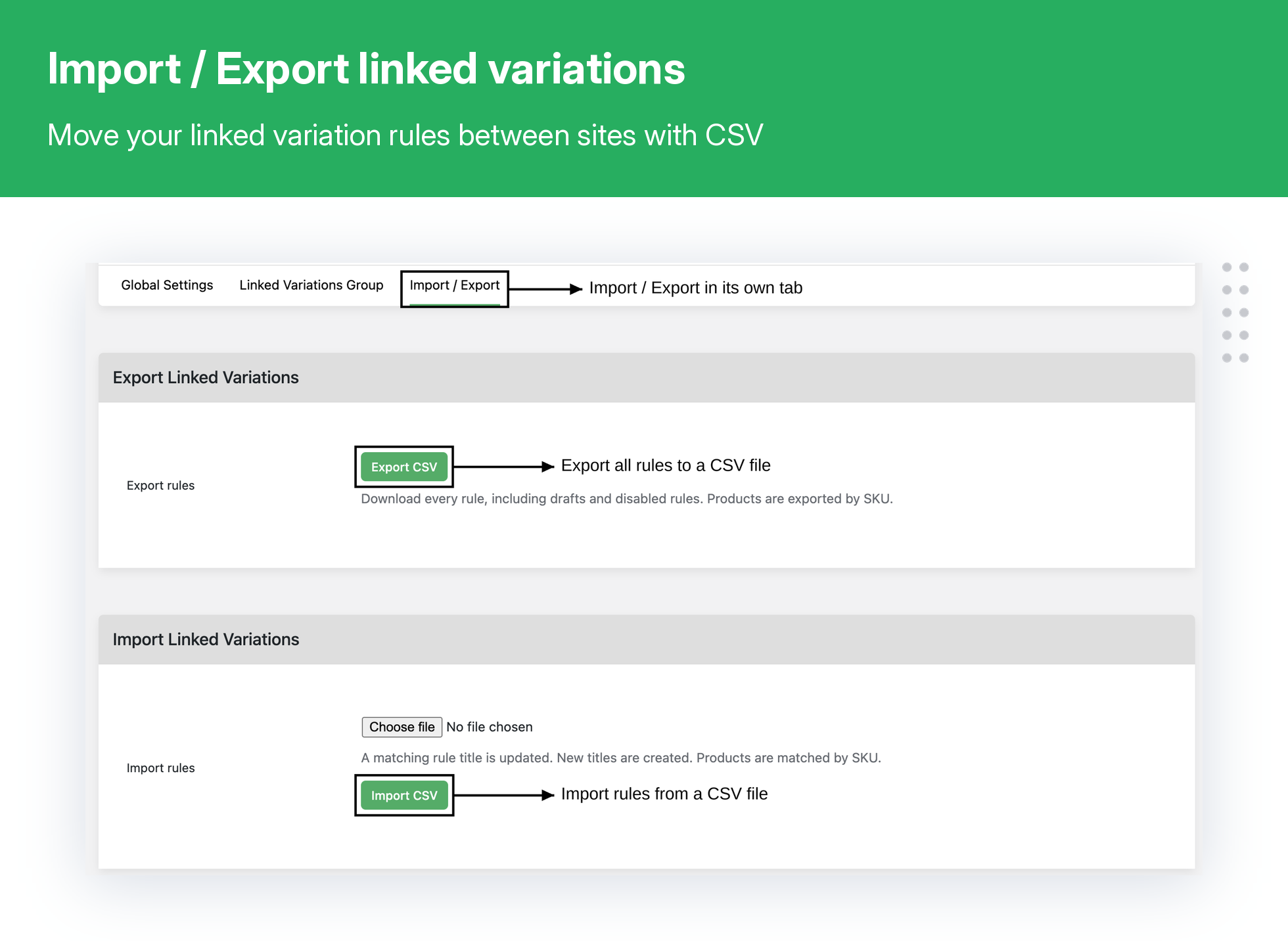
👉 Advanced Linked Variation allows users to show various products or product variants as variations of a WooCommerce product, without adding it as that product’s variant in reality. You can link products by name, category, or tag to show them as product attributes of each other.
Using this plugin is really simple. From installation to creating linked variation groups or configuring settings, you won’t find any difficulty in using it with your online store. It can also function well with WPML-enabled (multilingual) websites/shops.
As Advanced Linked Variations for WooCommerce Plugin works perfectly with popular WooCommerce plugins and themes, so you can easily apply its settings for your store without worrying about the theme enabled.
For custom templates or when you want to display linked variations in your preferred position, the plugin supports the use of shortcode.
Free plugin: Need Technical Help? – Click here
💁 Key benefits of advanced linked variations
🔑 Promote similar or related/complementary products in your store;
🔑 Showcase more options for customers and increase the sell chances;
🔑 Manage your products separately than adding details as variants;
🔑 Market your products within the store & use no-follow links for SEO;
🔑 Improve your store’s shopping & browsing experience for end-users;
🔑 Boost sells a product that results in a higher satisfaction rate.
Plugin – VIEW LIVE DEMO
Key features of Advanced Linked Variations – Free Version
- Create one or many advanced linked variation groups;
- Add products, categories, or tags as linked variations;
- Display linked variations by attributes as product variants in shop;
- Show attributes on product pages as images or text;
- Hide the attributes’ tooltip description;
- Make the attributes/linked variations as unfollow (no-follow) links;
- Enable opening linked variations in same tab or a separate tab;
- Set the tooltip description position as top, bottom, left, or right;
- Show or hide hidden, unpurchasable, or unavailable products as linked variations;
- Hide empty terms to keep your pages with linked variations neat and beautiful.
- Add attributes under the title/price/except or before/after the add to cart button;
- Render attributes on individual product pages in your preferred position using shortcode;
💁 Contact Us or Submit Support Ticket
- Free plugin: Need Technical Help? – Click here
EXPLORE OUR OTHER PLUGINS TO SUPERCHARGE YOUR WEBSITE:
👉 Premium WooCommerce Plugins list
- Flat-rate shipping plugins for WooCommerce
- WooCommerce Extra Fees Plugin
- Advanced Product Size Charts For WooCommerce
- Hide Shipping Method For WooCommerce
- Product Attachment For WooCommerce
- Blocker – Prevent Fake Orders And Blacklist Fraud Customers
- Enhanced Ecommerce Google Analytics for WooCommerce
- Category Banner Management for Woocommerce
- Product Finder For WooCommerce
- Mass Pages Posts Creator For WordPress
- Conditional Discount Rules For WooCommerce Checkout
- WooCommerce Checkout For Digital Goods
- Advance Menu Manager For WordPress