
Advent Calendar by Linformatique Neophyte
v1.0.2linformatiquepourneophytes · 2026年10月25日 上架
Calendrier de l'Avent (advent calendar) with 24 doors: text, image from your media library or video link. Simple setup, test mode.
- 正在使用
- 10+
- 评分
- 暂无
- 累计下载
- 177
- 最近更新
- 2026年10月27日
需要 WordPress 5.8+已测试到 7.1.5PHP 7.4+
 linformatiquepourneophytes
截图
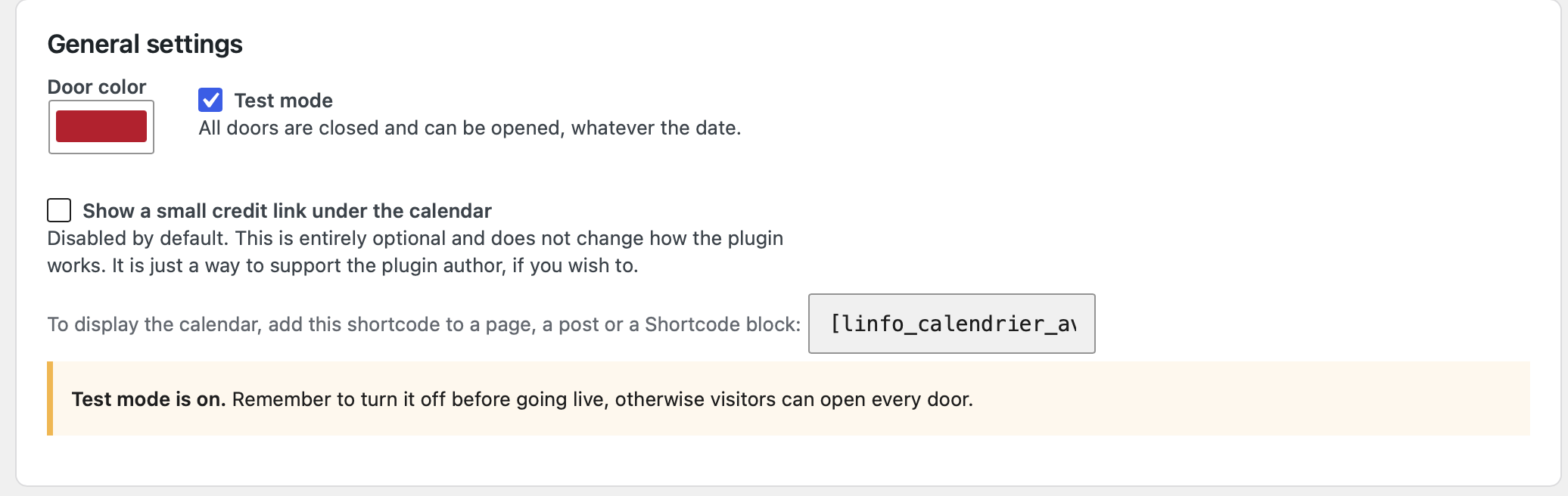
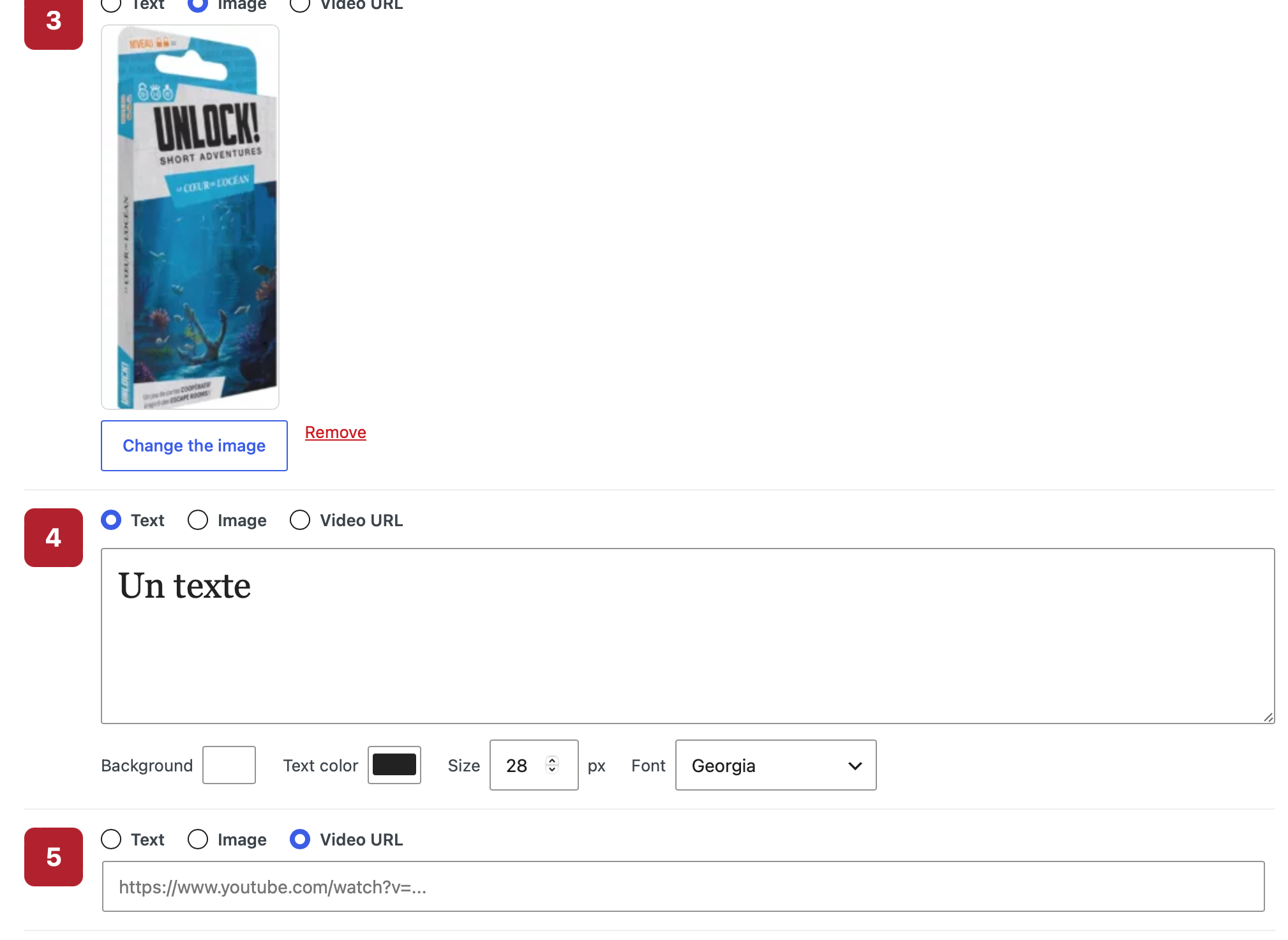
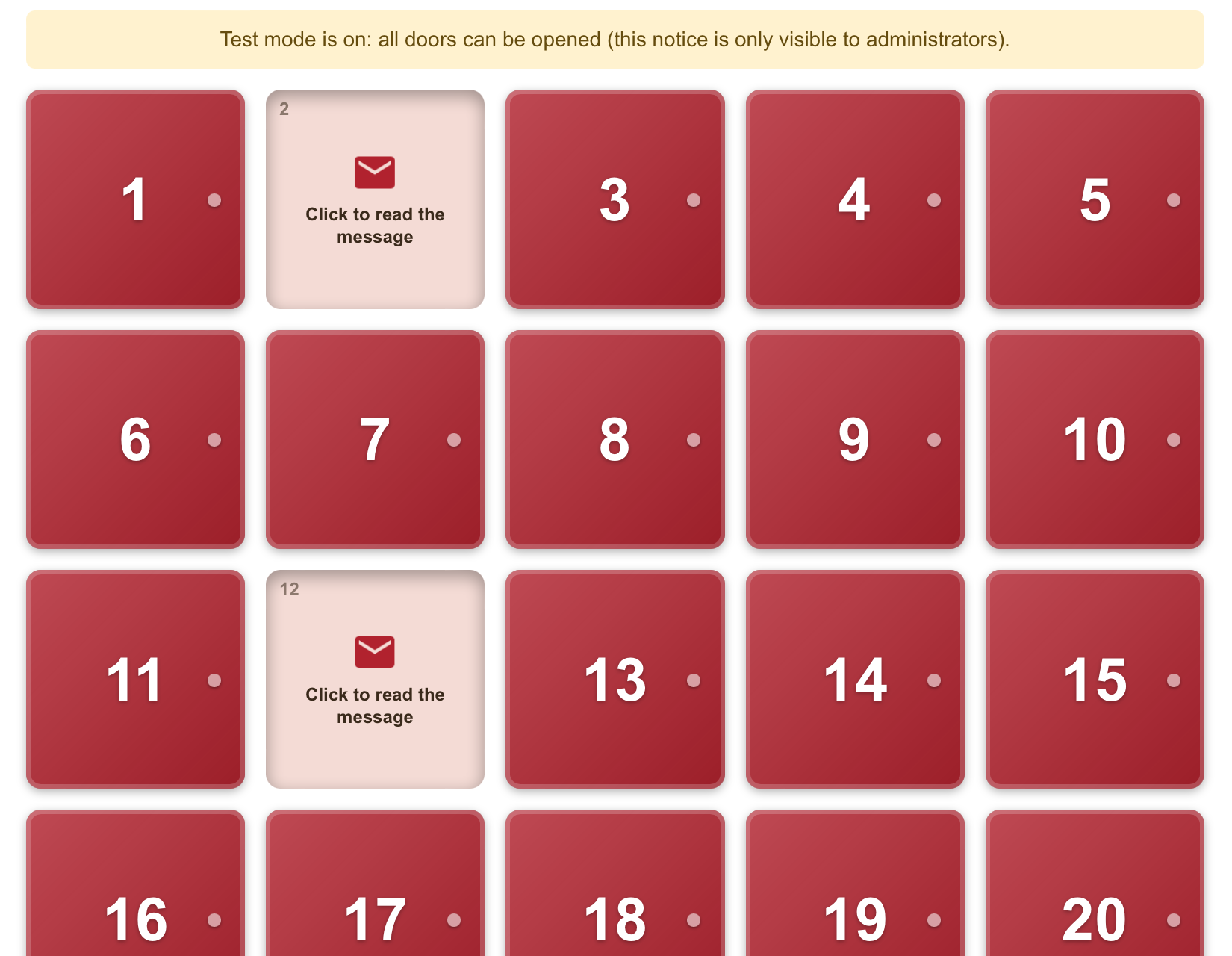
Linformatique Neophyte Advent Calendar adds a 24-door advent calendar (calendrier de l’Avent) to any page with a shortcode. Everything is set up from one screen in your dashboard.
Features
- 24 doors, one setting block per day.
- Three content types per day: text, image (picked from your media library) or video URL.
- Text doors: choose the background color, text color, font size and font.
- Image doors: the picture opens large, in a pop-up.
- Video doors: a play icon invites visitors to click; the video opens in a new tab.
- One global color for all doors.
- Preview in the settings page: see the calendar with the settings currently in the form, saved or not, and open every door.
- Export / Import as plain JSON text: back up your calendar or copy it to another site. An import only fills the form, so you can review it (or preview it) before saving.
- Door-opening animation.
- The current day is closed and can be opened. Past days stay open and can be viewed again. Future days are locked.
- Test mode: every door is closed and can be opened, whatever the date.
- The content of future days is never printed in the page source.
- Works on mobile, supports keyboard navigation and reduced-motion preferences.
Usage
Add the shortcode [linfo_calendrier_avent] to a page, a post or a Shortcode block.
The calendar covers December 1 to 24 of the current year, using the timezone set in Settings > General.
Notes
- If you use a caching plugin, exclude the calendar page from the cache (or keep the cache under 24 hours).
- Only use images and videos that you have the right to publish.
- The plugin makes no request to any external service. Video links are plain links opened by the visitor in a new tab.