

Lesson Bookmark for Tutor LMS
v2.0.3Lekcie · 2021年4月26日 上架
Lesson Bookmark allows you to add lessons in the list of your favorite lessons and to display the favorites with [tllb_display_favorites]
- 正在使用
- 200+
- 评分
- 5.0 / 5
- 累计下载
- 1.2 万
- 最近更新
- 2024年9月3日
14 条评价需要 WordPress 6.0+已测试到 6.6.12PHP 8.0+
贡献者
 Lekcie
截图
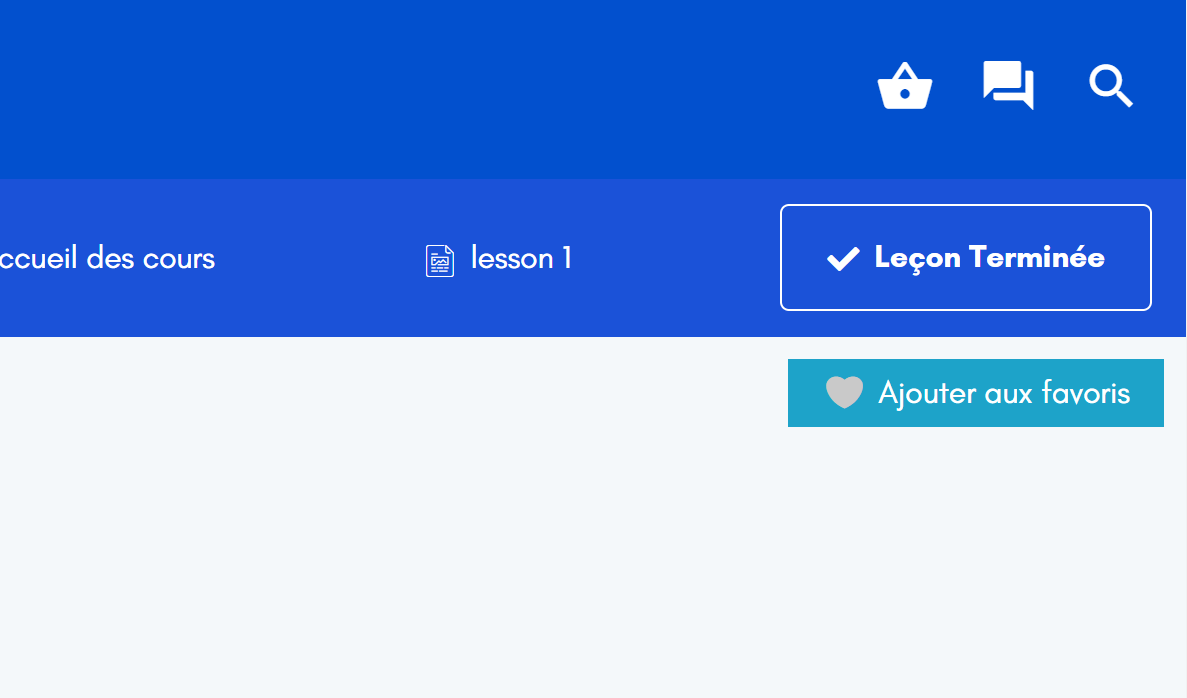

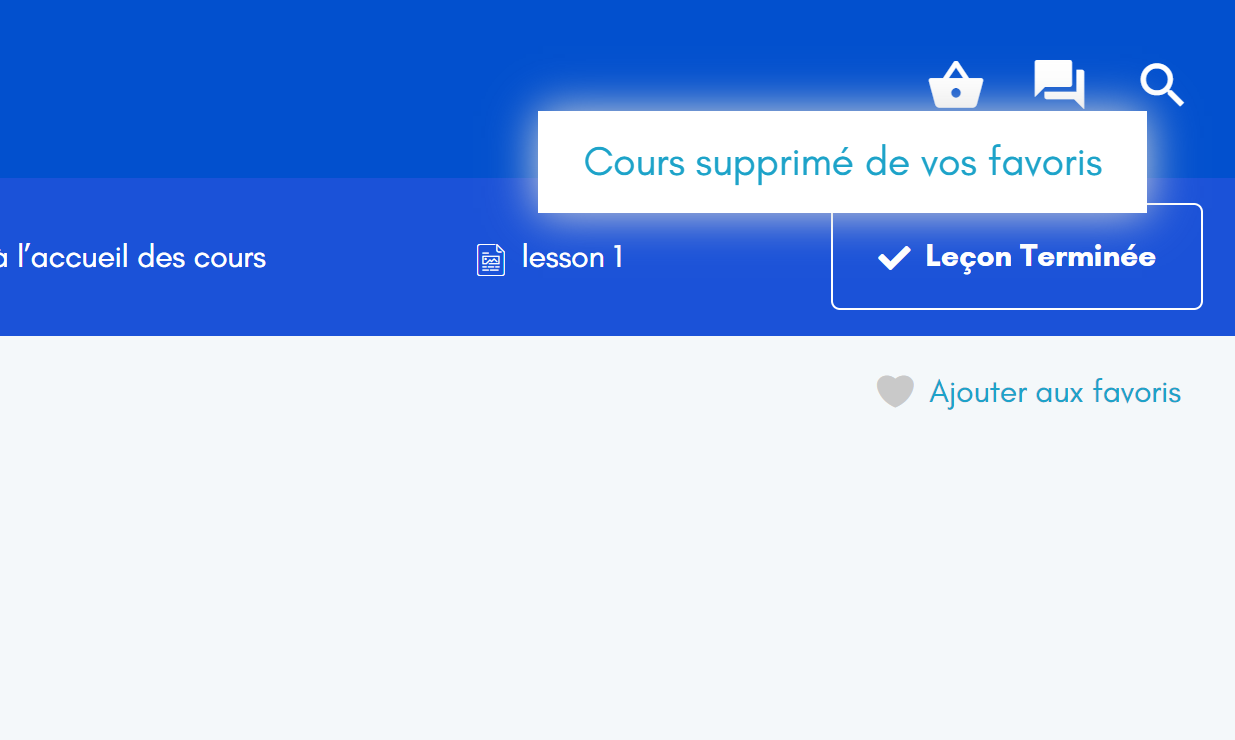


Lesson Bookmark for Tutor LMS is an addon for Tutor LMS plugin that allows you to add a lesson to favorites. Concretely, an add / remove to favorites button is displayed on each lesson page. You will then have a shortcode you can add to the location of your choice.
Shortcode: [tllb_display_favorites]
Place the shortcode anywhere to display the list of lessons that you have put in your favorites.
What’s new in V2
- You can now style your markdowns by editting the layout, the text size and color, the button size and color
- Overview the changes you make before saving them
A brief Use Case Example
- Go to a lesson and click on “Bookmark”
- Copy and paste the shortcode
[tllb_display_favorites]wherever you want - You can remove the favorites by going to a lesson and clicking on “Remove bookmark”