

Lean GA4 Tracker – GA4 and WooCommerce Event Tracking
v1.2.1Maidul · 2025年4月2日 上架
Adds Google Analytics 4 (gtag.js) and WooCommerce shopping events. Classic cart and checkout only. Consent Mode is optional and off by default.
- 正在使用
- 10+
- 评分
- 暂无
- 累计下载
- 1,322
- 最近更新
- 2026年11月21日
贡献者
 Maidul
截图
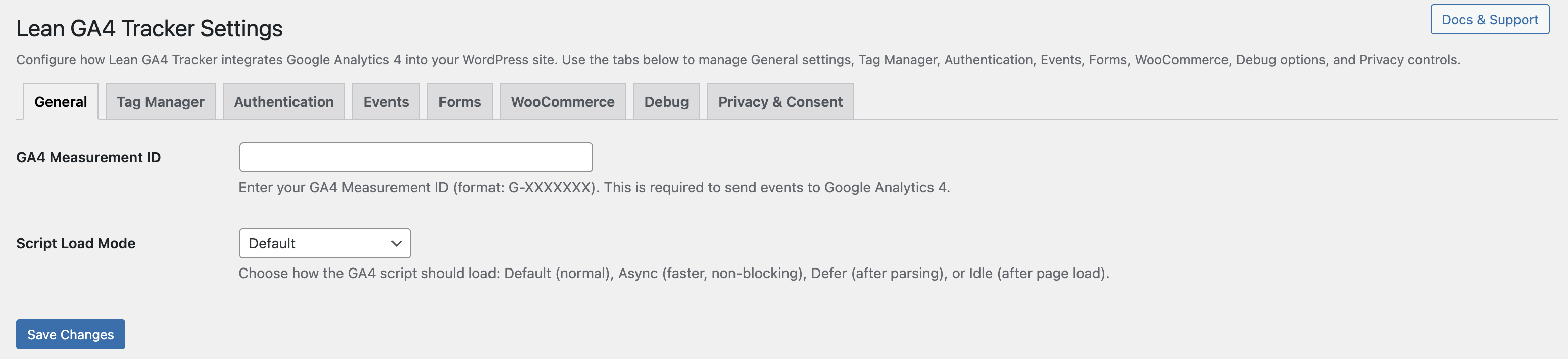
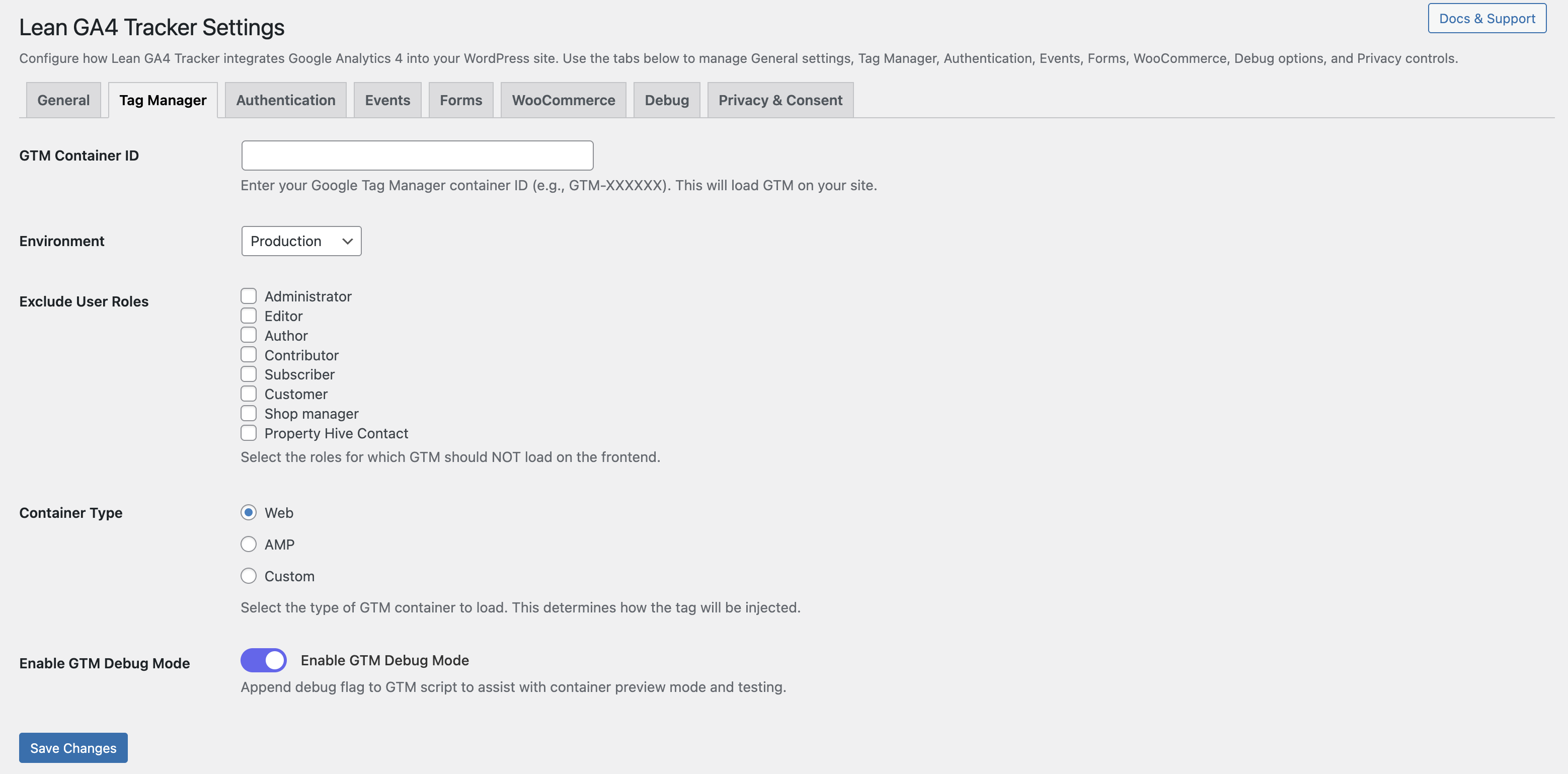
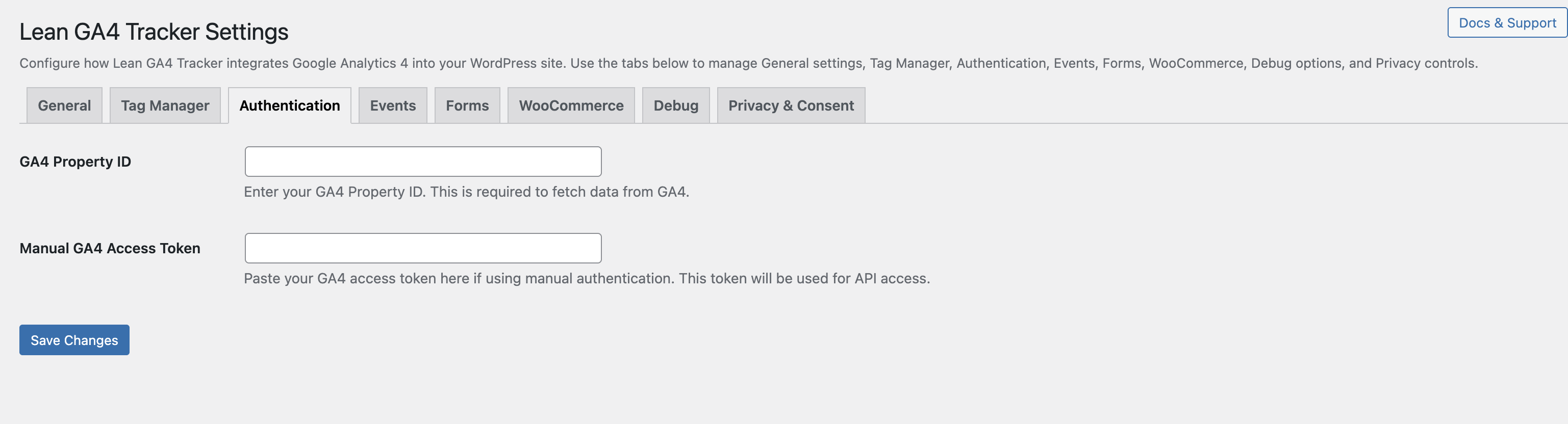
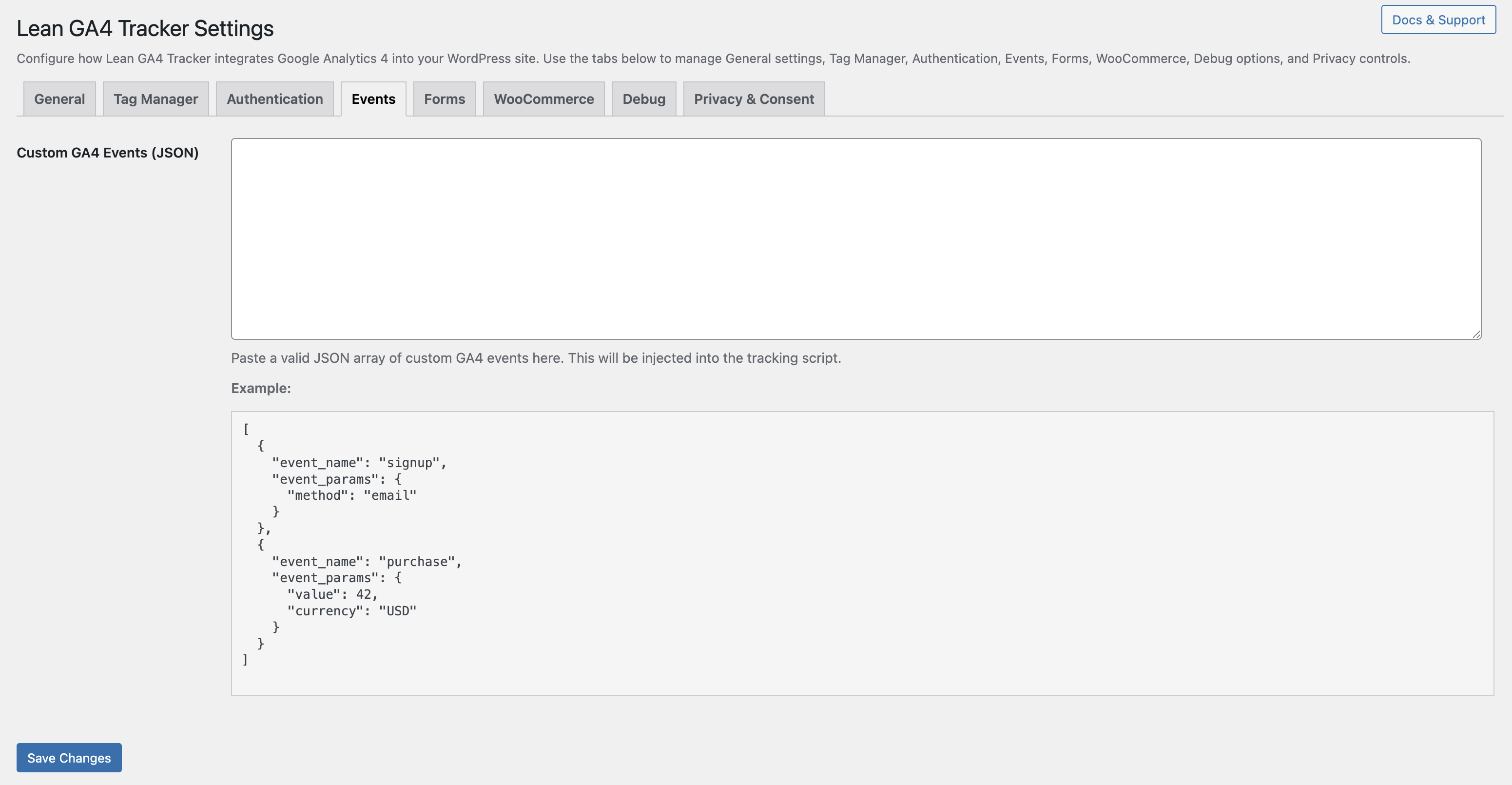
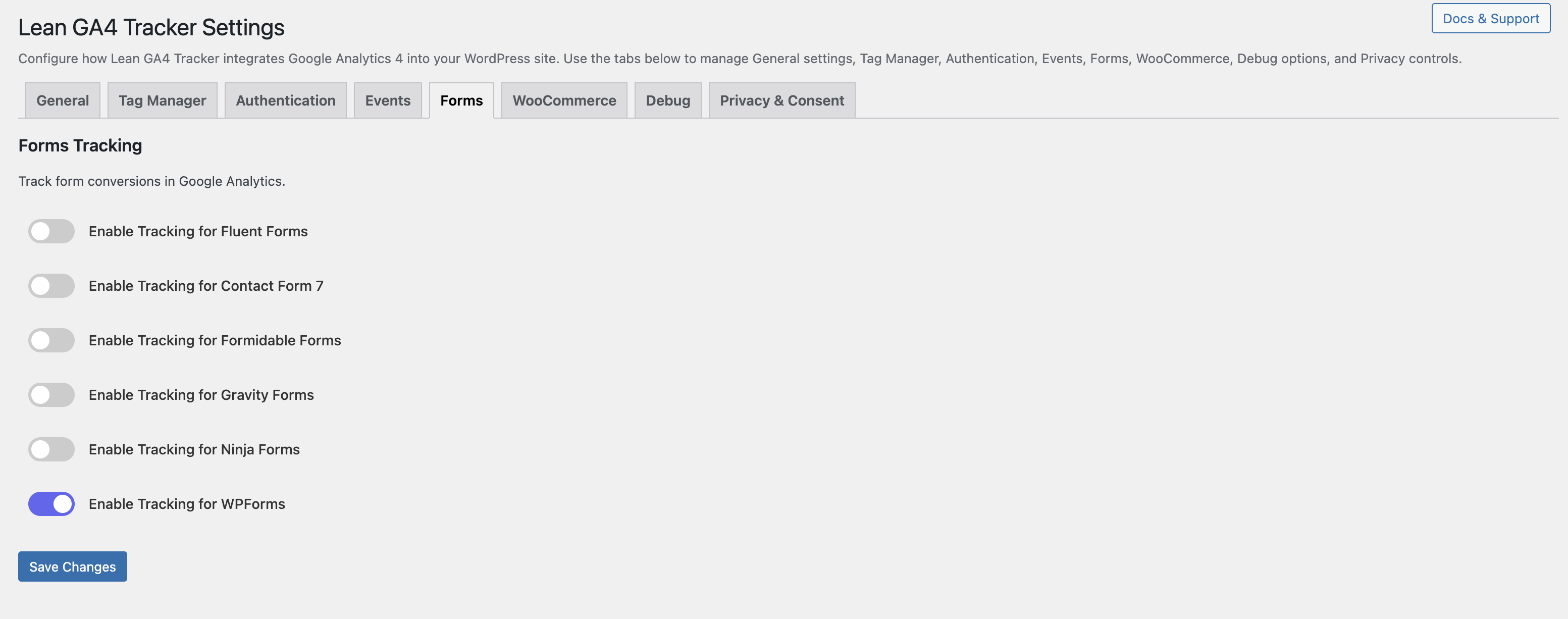
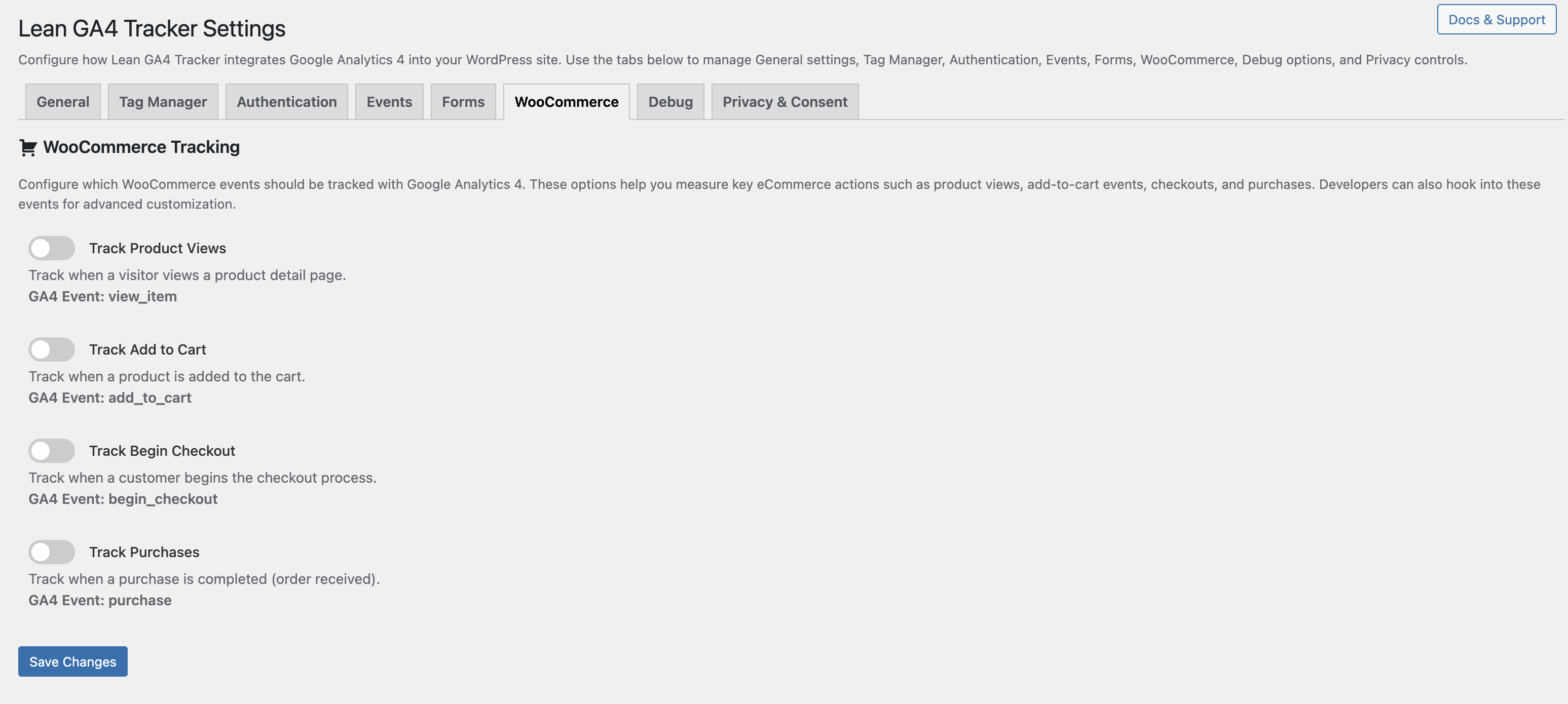
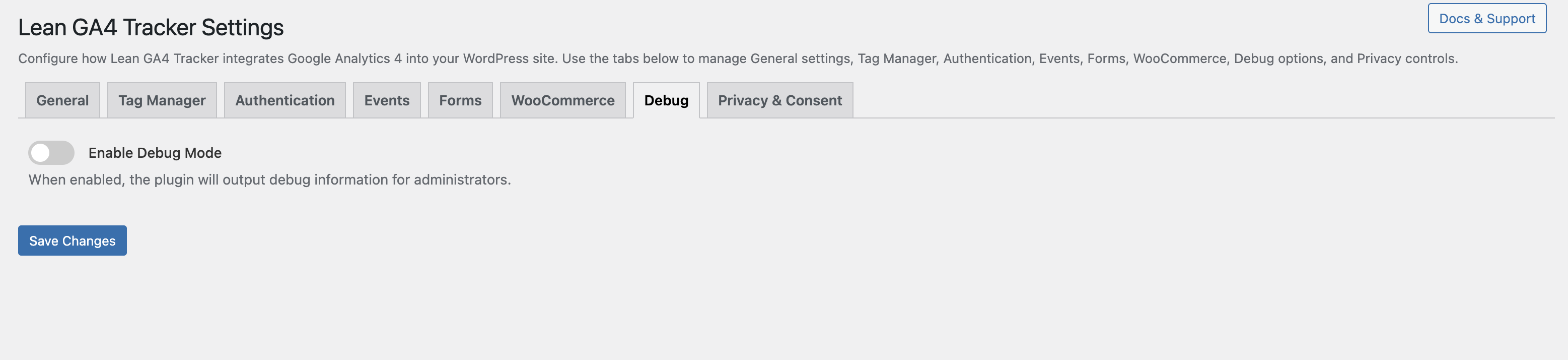
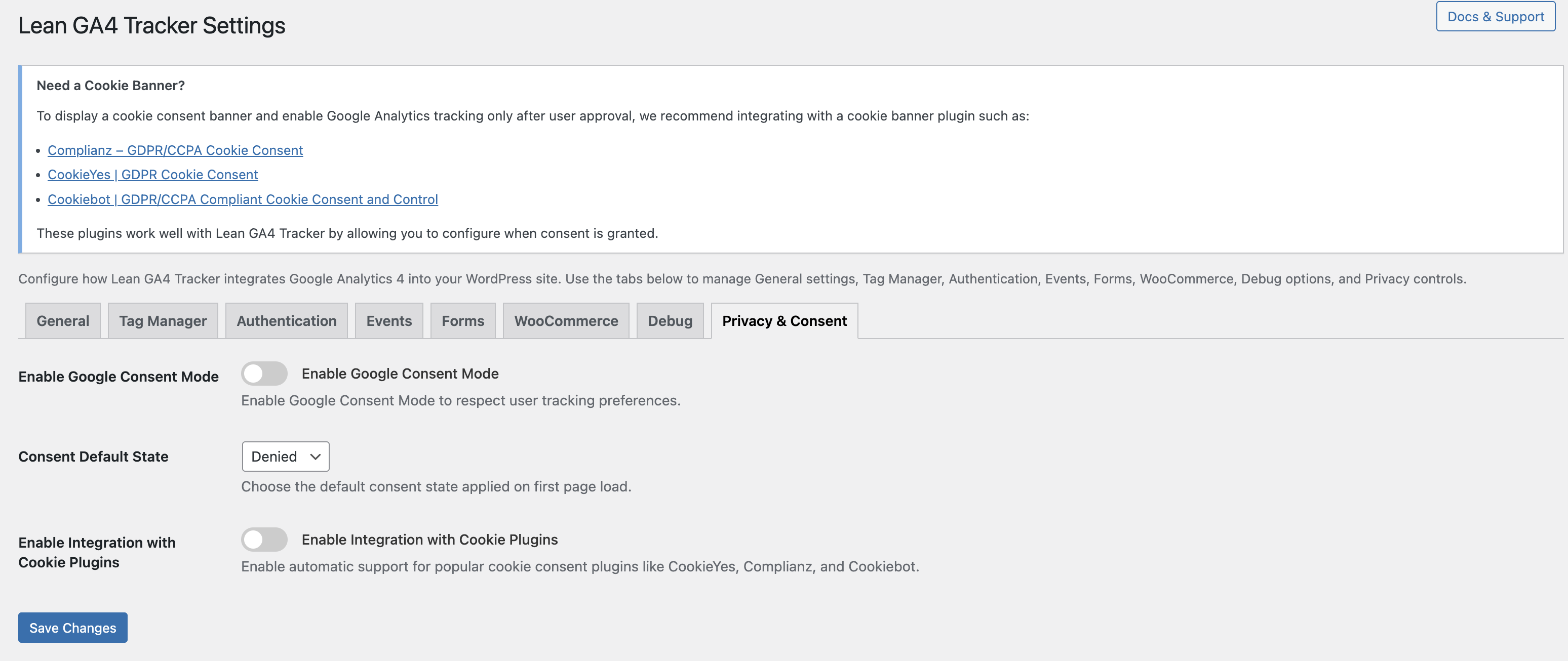
Lean GA4 Tracker adds the Google Analytics 4 tag (gtag.js) to your site from a settings page, and sends WooCommerce shopping events to GA4 for stores that use the classic cart and checkout pages. It has no reporting screens that you need: you read your data in Google Analytics.
What it does
- Adds gtag.js with your GA4 Measurement ID (G-XXXXXXXXXX).
- WooCommerce events on the classic shop, product, cart and checkout pages:
view_item,view_item_list,select_item,view_cart,begin_checkout,add_shipping_info,add_payment_infoandpurchase, with product category and brand. - Optional Google Consent Mode defaults. Consent Mode is off until you turn it on in the Privacy tab.
- Exclude user roles from tracking in the Tag Manager tab.
- Your own custom GA4 events, entered as a JSON array in the Events tab. Each one fires on every page view.
- Multisite: network-wide settings with optional enforcement.
Limits you should know about
- WooCommerce Cart and Checkout blocks are not tracked. Events use the classic page hooks.
- Add-to-cart and remove-from-cart events can be missed on some themes. Check them in GA4 DebugView before you rely on them.
- The plugin does not track form submissions.
- Consent Mode here is not a complete consent solution. Use it only together with a consent banner you have tested, and check that it meets your legal obligations.
Privacy. Once you save a Measurement ID, every visitor’s browser loads Google’s gtag.js and sends data to Google Analytics, including the visitor’s IP address and cookie identifiers. When WooCommerce tracking is enabled, product and order information is sent to GA4 (such as product name, category, brand, price and quantity). Customer names and email addresses are not sent. Mention Google Analytics in your privacy policy, and review your GA4 settings against your local privacy laws (such as GDPR and CCPA).
Resources
External services
When you enter a Measurement ID, this plugin loads Google’s tracking code in your visitors’ browsers.
Google Analytics (gtag.js) – https://www.googletagmanager.com/gtag/js. Loaded on every page for every visitor once a Measurement ID is saved. Google receives the visitor’s IP address, browser details, page URL and cookie identifiers, plus the WooCommerce and custom events described above.
Terms: https://marketingplatform.google.com/about/analytics/terms/us/ – Privacy policy: https://policies.google.com/privacy
Google Tag Manager – https://www.googletagmanager.com/gtm.js and https://www.googletagmanager.com/ns.html. Loaded only if you enter a Tag Manager container ID.
Terms: https://marketingplatform.google.com/about/analytics/tag-manager/use-policy/ – Privacy policy: https://policies.google.com/privacy
Google Analytics Admin and Data APIs – https://analyticsadmin.googleapis.com and https://analyticsdata.googleapis.com. Called from your server, in the admin only, if you enter a GA4 Property ID and an access token for the plugin’s dashboard report. Your token is sent to Google.
Terms: https://developers.google.com/terms – Privacy policy: https://policies.google.com/privacy
jsDelivr – https://cdn.jsdelivr.net. Serves the Chart.js library on the plugin’s admin dashboard page only. Your browser requests it when you open that page.
Terms: https://www.jsdelivr.com/terms – Privacy policy: https://www.jsdelivr.com/terms/privacy-policy-jsdelivr-net