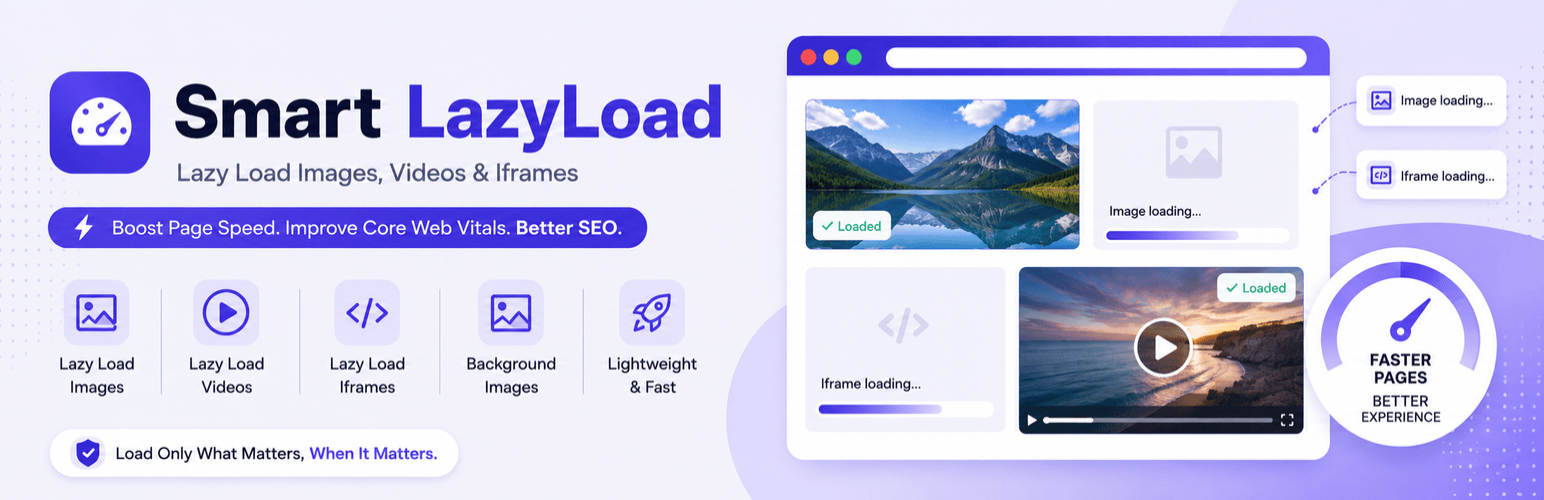

Smart LazyLoad – Lazy Load Images, Videos and Iframes
v3.2.0Jumedeen khan · 2019年1月1日 上架
Lazy load images, videos, iframes, and background images to improve page speed, performance, and Core Web Vitals.
- 正在使用
- 400+
- 评分
- 5.0 / 5
- 累计下载
- 1.7 万
- 最近更新
- 2026年11月19日
贡献者
 Jumedeen khan
 Mozedia
截图


Smart LazyLoad is the best free lazy load plugin for WordPress to lazy load images, videos, and iframes when they are about to enter the viewport.
Instead of loading every resource at once, the browser only requests what a visitor can actually see, so pages open faster, use less bandwidth, and render with less layout shift.
This LazyLoad plugin processes the entire rendered page at once, including post/page content, comments, widgets, thumbnails, avatars, and media associated with smilies.
No jQuery or other third-party libraries and the script size is less than 10KB.
What does Lazy Loaded?
- Images – Standard images, responsive images, and media inside
<picture>and<source>elements. - Videos – HTML5 video elements, including video sources and poster images.
- Iframes – Embedded content such as YouTube and Vimeo, with optional click-to-play YouTube thumbnails.
- Background Images – Inline CSS backgrounds,
data-bgattributes, retina images, multiple background layers, andimage-set()variants.
Main Features
Three Loading Engines
Choose the loading engine that best fits your website.
- Smart – Uses the plugin’s JavaScript engine and provides access to the full range of loading controls.
- Hybrid – Combines native browser lazy loading with JavaScript fallback for supported and unsupported media.
- Native – Relies entirely on the browser’s built-in lazy loading without loading the frontend JavaScript library.
Background images, offscreen load cancellation, and loading effects require Smart or Hybrid mode.
Lightweight and Dependency-Free
Built on vanilla-lazyload, the JavaScript engine requires no jQuery dependency.
The lightweight script is under 10KB and loads only when required by your selected engine and enabled content types.
Skip Important Image (LCP)
Prevent important above-the-fold images from being lazy loaded.
- Exclude the first image, first two images, or a custom number of images.
- Optionally apply
fetchpriority="high"to important images. - Respect existing
loading="eager"andfetchpriority="high"attributes.
This helps ensure that important images load without unnecessary delays and supports better Largest Contentful Paint (LCP).
Reduced Layout Shift
Images without explicit width and height attributes can cause unexpected layout shifts while loading.
Smart LazyLoad automatically fills in missing image dimensions from the image source, helping browsers reserve the required space before the image loads.
Advanced Loading Controls
Fine-tune how media is loaded with options for:
- Custom viewport loading threshold.
- Custom scroll containers.
- Offscreen loading cancellation.
- Restoring original image sources when loading fails.
- Footer script loading & Print compatibility.
Placeholders and Loading Animation
Improve the loading experience with optional visual effects.
- Low-Quality Image Placeholders (LQIP).
- Custom placeholder background colors.
- Smooth image fade-in effects.
- Loading spinner with reduced-motion support.
Page Type & Custom Exclusions
Control exactly where lazy loading is applied.
- Exclude elements by CSS class or ID.
- Exclude media using source URLs.
- Exclude front page, archives, and search results.
- Disable lazy loading for logged-in users.
- Disable lazy loading on mobile devices (small screens).
- Exclude elements using the
skip-lazyclass ordata-skip-lazyattribute.
Per-Post Lazy Loading Control
Override the global lazy loading settings for individual posts, pages, and custom post types.
Enable or disable lazy loading directly from the editor without changing your website-wide configuration.
Compatibility with Other Plugins and Builders
Smart LazyLoad includes compatibility controls to help prevent conflicts with other optimization tools.
- Automatically skips page-builder editor previews.
- Skips AMP pages by default.
- Disables WordPress core lazy loading.
- Optionally disables Jetpack lazy loading.
These options help avoid multiple lazy loading systems processing the same media.
Dynamic Content Support
Automatically process media added after the initial page load, including AJAX-loaded content and infinite scroll elements.
No-JavaScript Fallback (Noscript)
When JavaScript is disabled, deferred media is not lost. Processed images, iframes, and videos carry <noscript> fallbacks, and lazy-loaded backgrounds use fallback CSS, so content stays visible without scripting.
Developer Friendly
Every filter uses the smart_lazyload_ prefix, so code can control processing, thresholds, placeholders, exclusions, and final markup with a few lines.
Setting the DONOTLAZYLOAD constant turns lazy loading off for a whole request, and WP-CLI commands generate or clear LQIP previews from the command line.
Performance
Smart LazyLoad helps improve perceived page loading performance through several optimizations:
- Defers offscreen media until it approaches the viewport.
- Prevents important above-the-fold images from being unnecessarily delayed.
- Respects existing eager-loading and high-priority image hints.
- Adds missing image dimensions to help reduce layout shifts.
- Uses a lightweight JavaScript engine that loads only when needed.
These optimizations can contribute to improvements in Core Web Vitals, particularly Largest Contentful Paint (LCP) and Cumulative Layout Shift (CLS).
Smart LazyLoad focuses on when media loads. It does not compress, resize, or optimize the actual image files, and it cannot guarantee a particular PageSpeed score.
For the best results, combine it with image optimization, caching, and reliable hosting as part of a broader WordPress performance strategy.