
LayoutGlut – PDF, Doc, Excel, Image and more File preview for WooCommerce
v3.3.0AppGlut · 2026年7月27日 上架
Show customers a preview of your PDF, Word, Excel, PowerPoint, image, video and audio files on product, shop and archive pages.
- 正在使用
- 10 以下
- 评分
- 暂无
- 累计下载
- 738
- 最近更新
- 2026年11月6日
贡献者
 AppGlut
截图
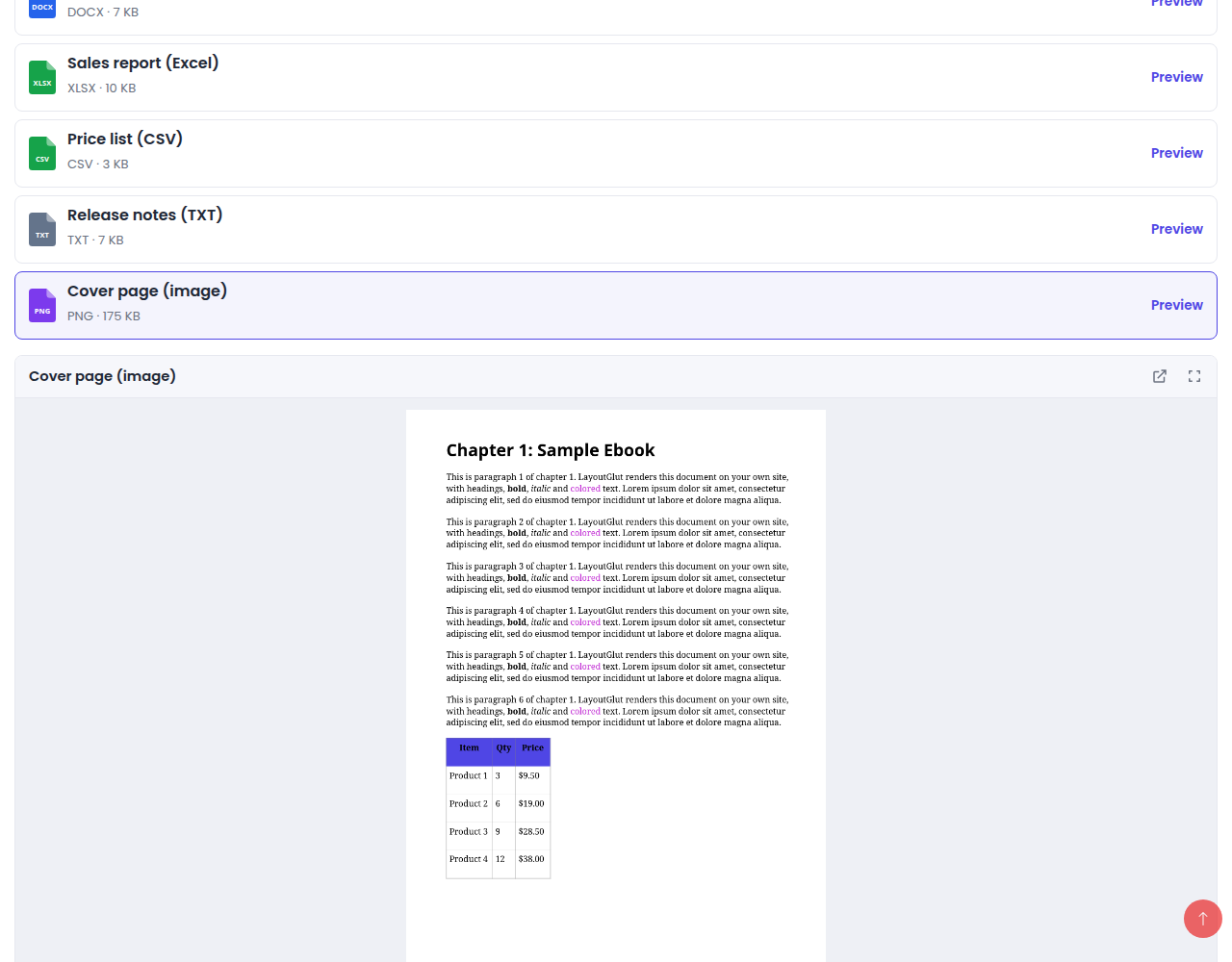
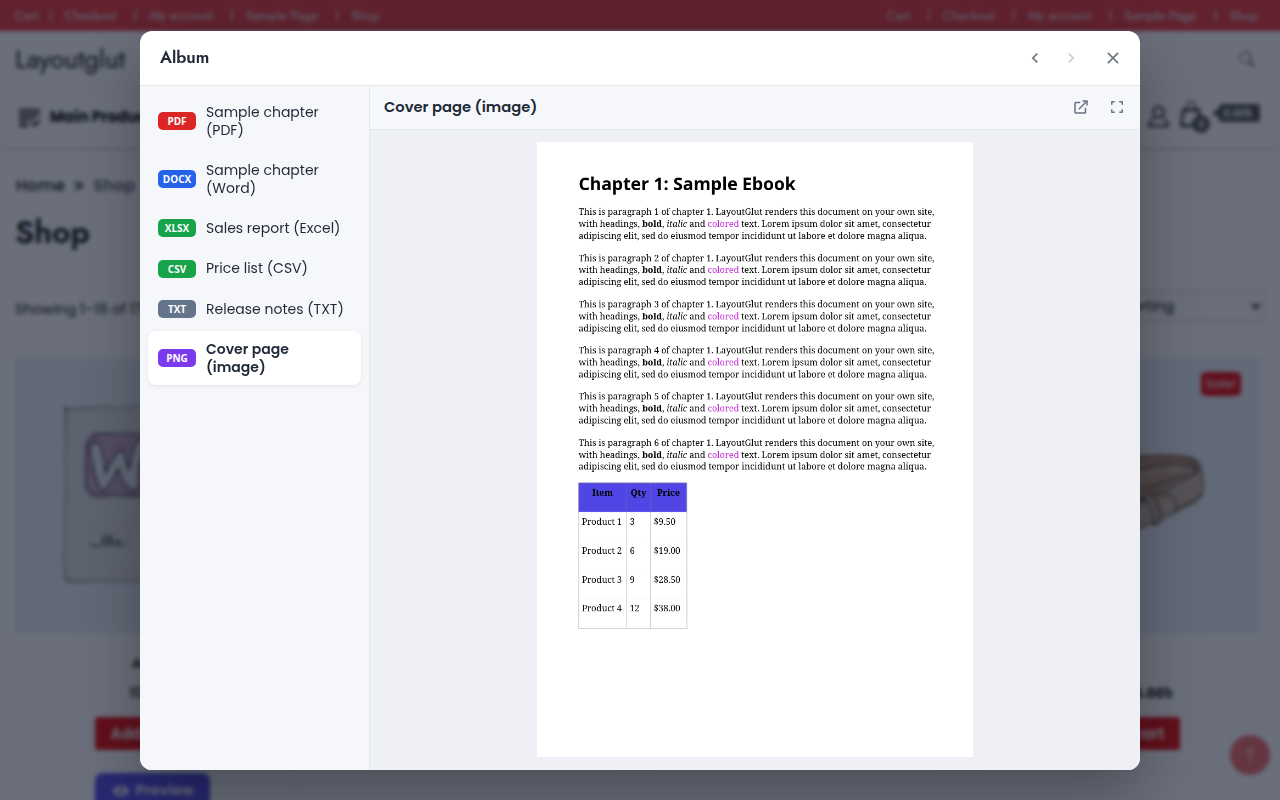
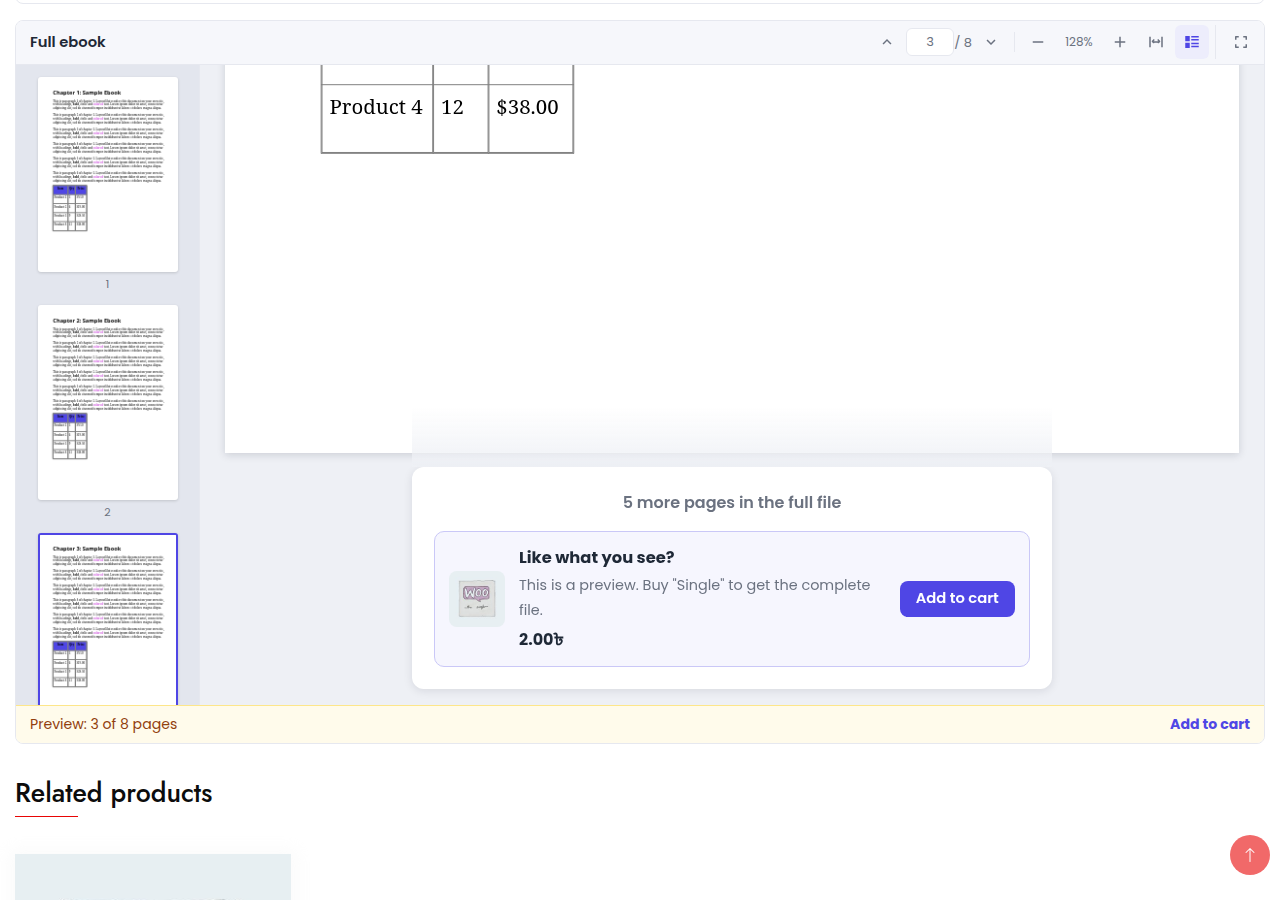
Selling ebooks, templates, worksheets, spreadsheets, sheet music or courses? LayoutGlut adds a preview of your files to WooCommerce products, so customers can look inside before they buy.
Where previews show
- Product page: choose a Page design — the whole product page (gallery with images and files, price, buy box, file list and description) laid out as one design, then fine-tune colors, fonts and layout in the Page Builder. Block themes too: LayoutGlut replaces the theme’s WooCommerce templates (product, shop, archives, search) and keeps the theme header and footer
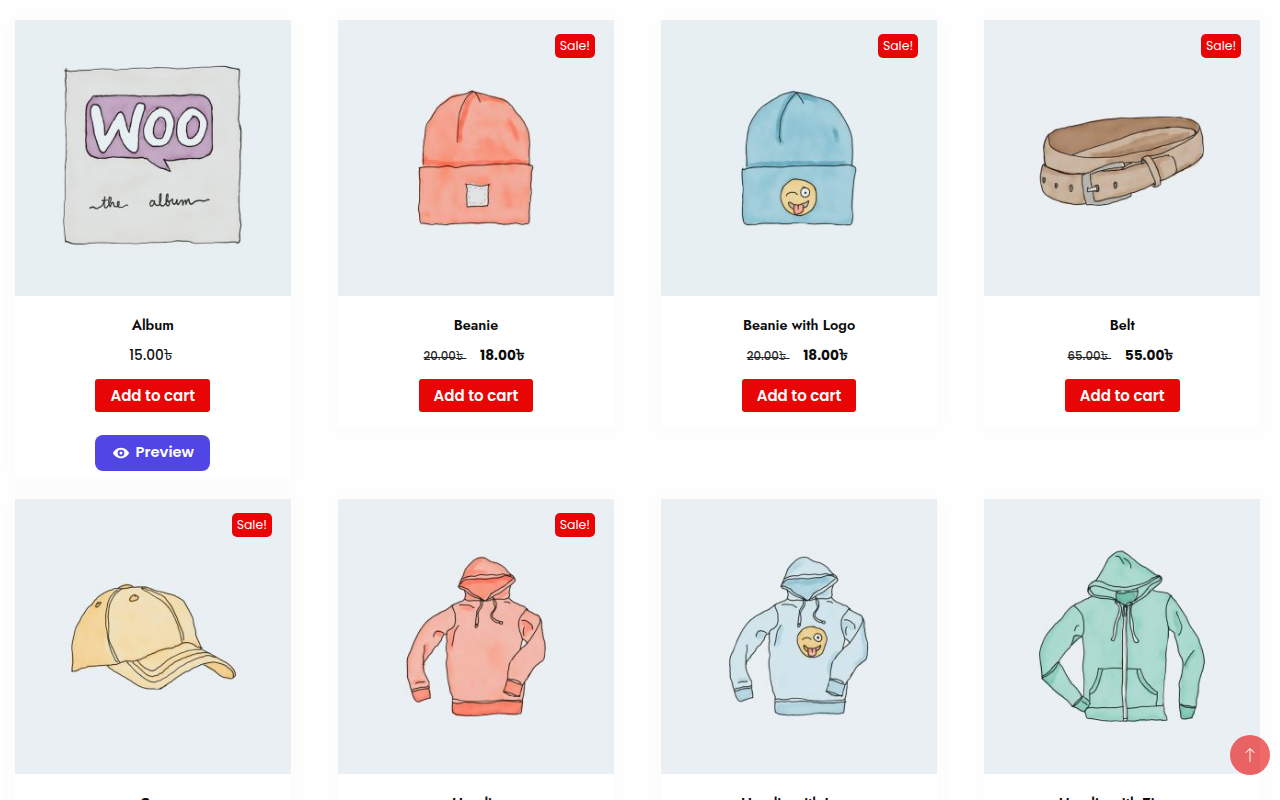
- Shop, category, tag and search pages: a “Preview” button (button, icon or link) on each product card that opens a popup
- Anywhere: the
[layoutglut_preview]shortcode - Classic and block themes
What can be previewed
- PDF, Word (DOC, DOCX, ODT, RTF), Excel (XLS, XLSX, ODS, CSV), PowerPoint (PPT, PPTX, ODP) and text files — Word (DOCX) and Excel (XLSX, CSV) in the browser; the rest through the Google Docs viewer
- Images, video and audio — with the built-in viewer
Per product
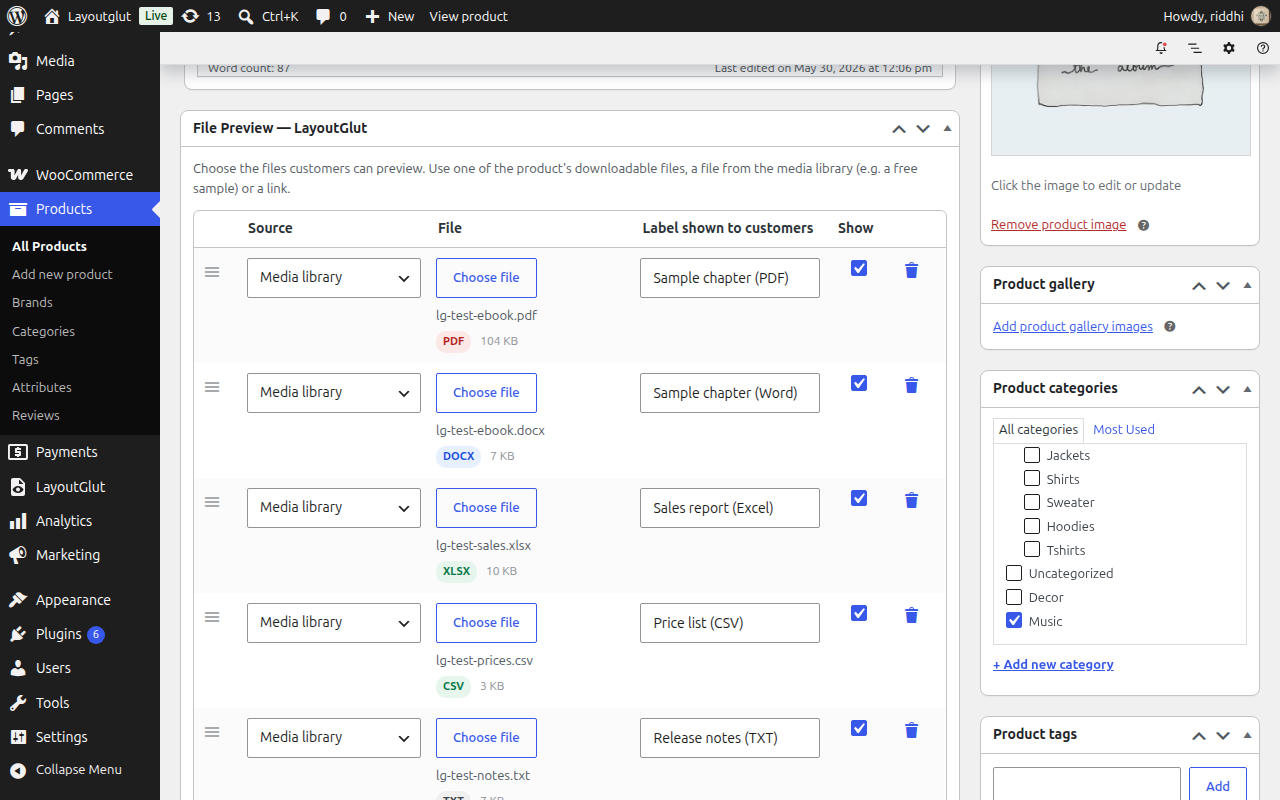
A “File Preview” box on the product edit screen: pick the product’s downloadable files, a file from the media library (for example a free sample) or a link; label, order and switch each one on or off; show or hide previews for one product.
Admin
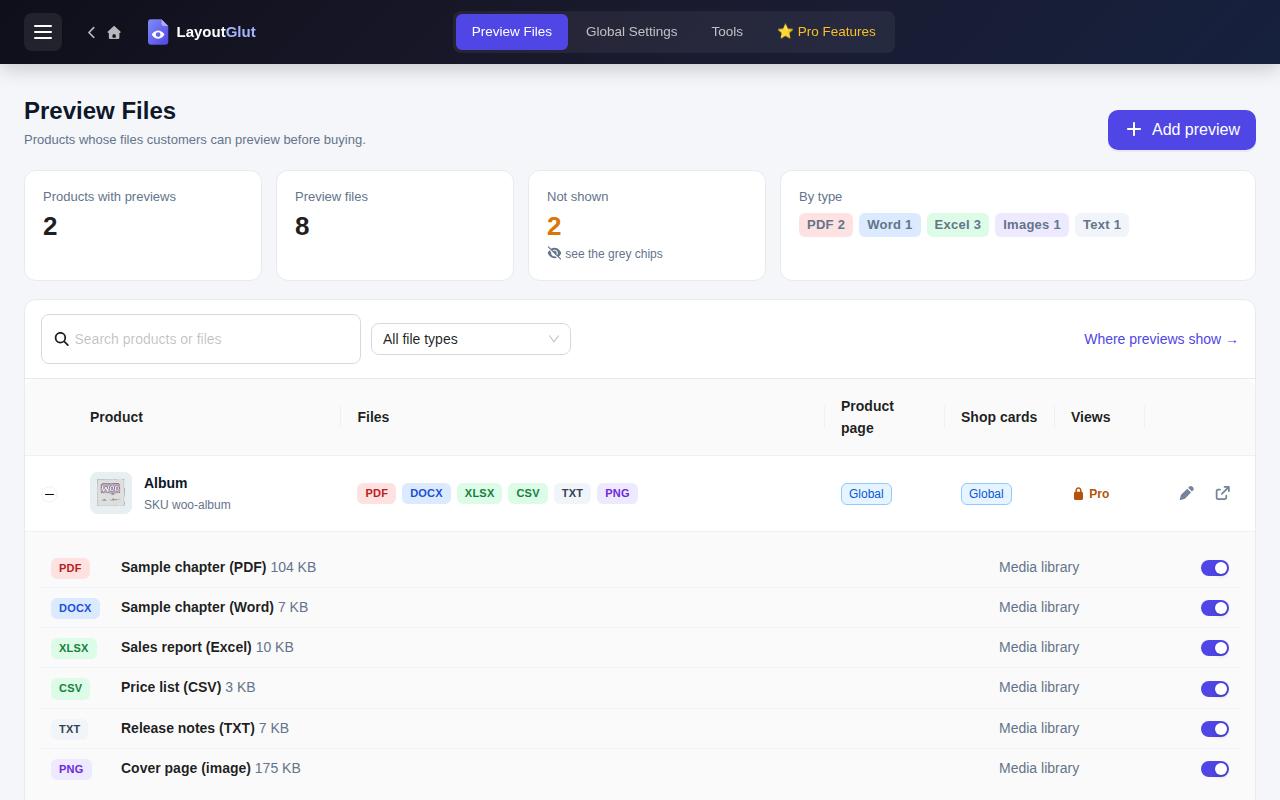
- Preview Files: every product with previews, file types, what is not shown and why, quick on / off switches
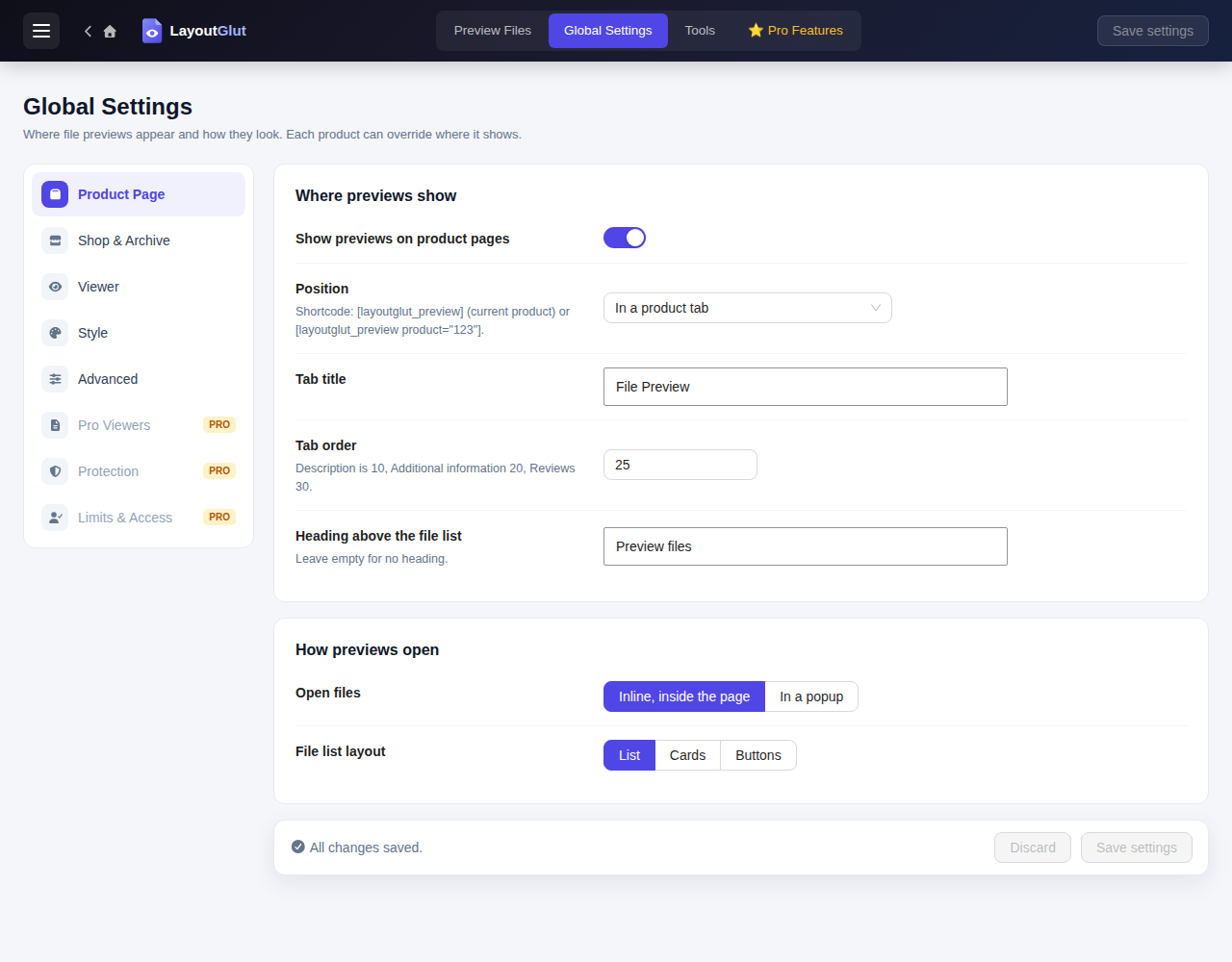
- Global Settings: page design, popup or inline viewer, button style and text, colors, custom CSS
- Page Builder: customize the chosen page design with a live preview
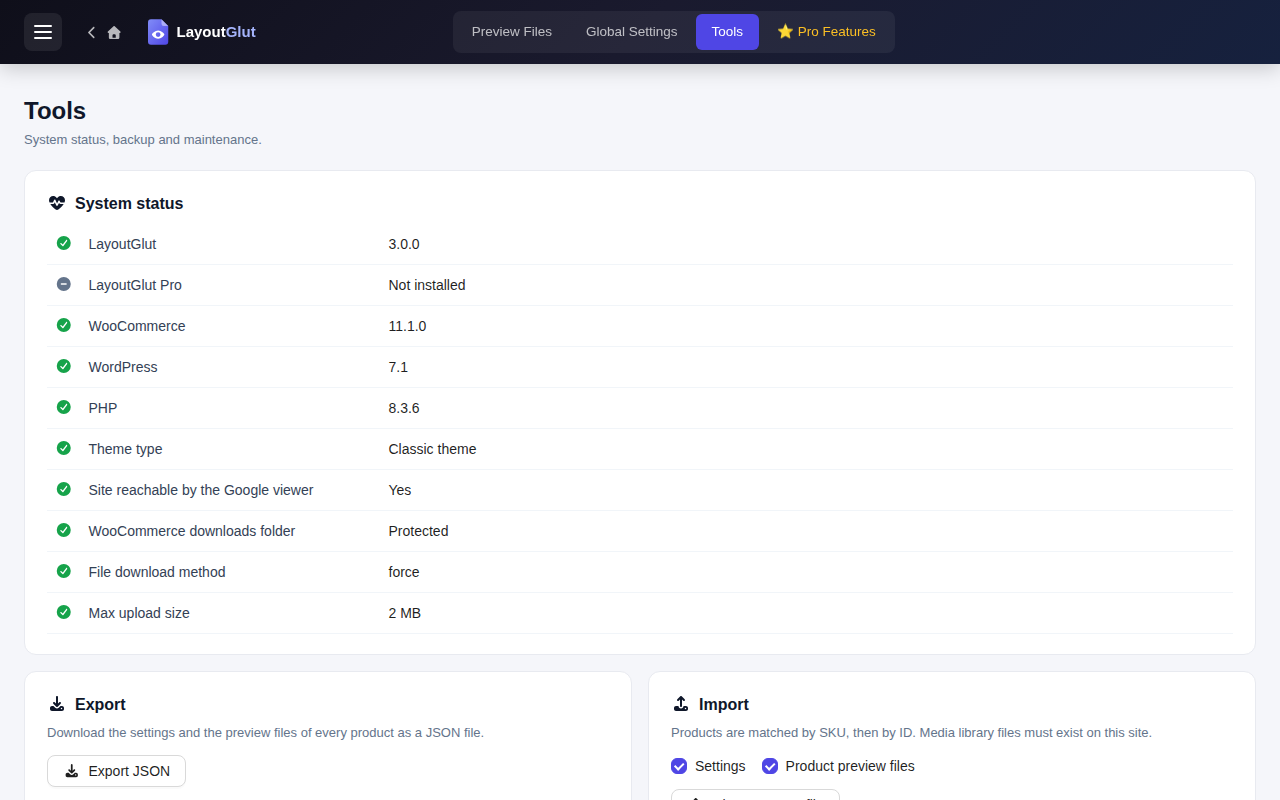
- Tools: system status, export / import, reset, delete all
Good to know
The Google Docs viewer has to download the file from your site, so documents only preview on a site that is reachable from the internet, and only for files with a public URL (not files in the protected WooCommerce downloads folder — upload a sample to the media library instead). Images, video and audio work everywhere.
LayoutGlut Pro renders PDF (PDF.js), Word (DOCX) and Excel (XLSX, XLS, ODS, CSV) on your own site through signed, expiring links, works on local and private sites and with protected files, and adds preview limits for non-buyers with a buy box, watermarks, copy protection, buyer and role access rules, previews in My Account › Downloads and preview analytics.
External services
This plugin uses the Google Docs Viewer (docs.google.com) to show PDF, Word, Excel, PowerPoint and text files in the free version.
- What is sent: when a visitor opens such a preview, their browser loads
https://docs.google.com/gviewwith the public URL of that preview file. Google then downloads the file from your site to display it. The visitor’s browser connects to Google, so Google receives the visitor’s IP address and browser details. - When: only when a visitor opens a preview of one of those file types. Nothing is sent on page load, and nothing is sent for images, video or audio, which are shown by the browser directly.
- Files in the protected WooCommerce downloads folder are never sent.
- Google Terms of Service: https://policies.google.com/terms — Privacy Policy: https://policies.google.com/privacy