

Last Login Display
v1.0.5Robiul Islam · 2024年10月24日 上架
Show the last login date and time of users in the admin dashboard.
- 正在使用
- 100+
- 评分
- 5.0 / 5
- 累计下载
- 2,448
- 最近更新
- 2025年4月27日
贡献者
 Robiul Islam
截图
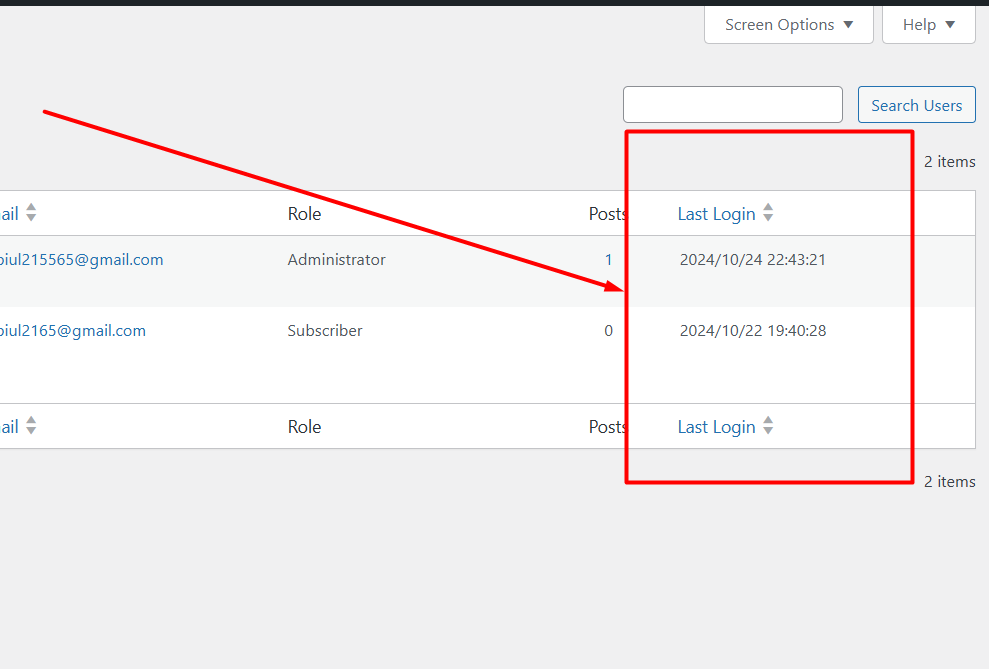
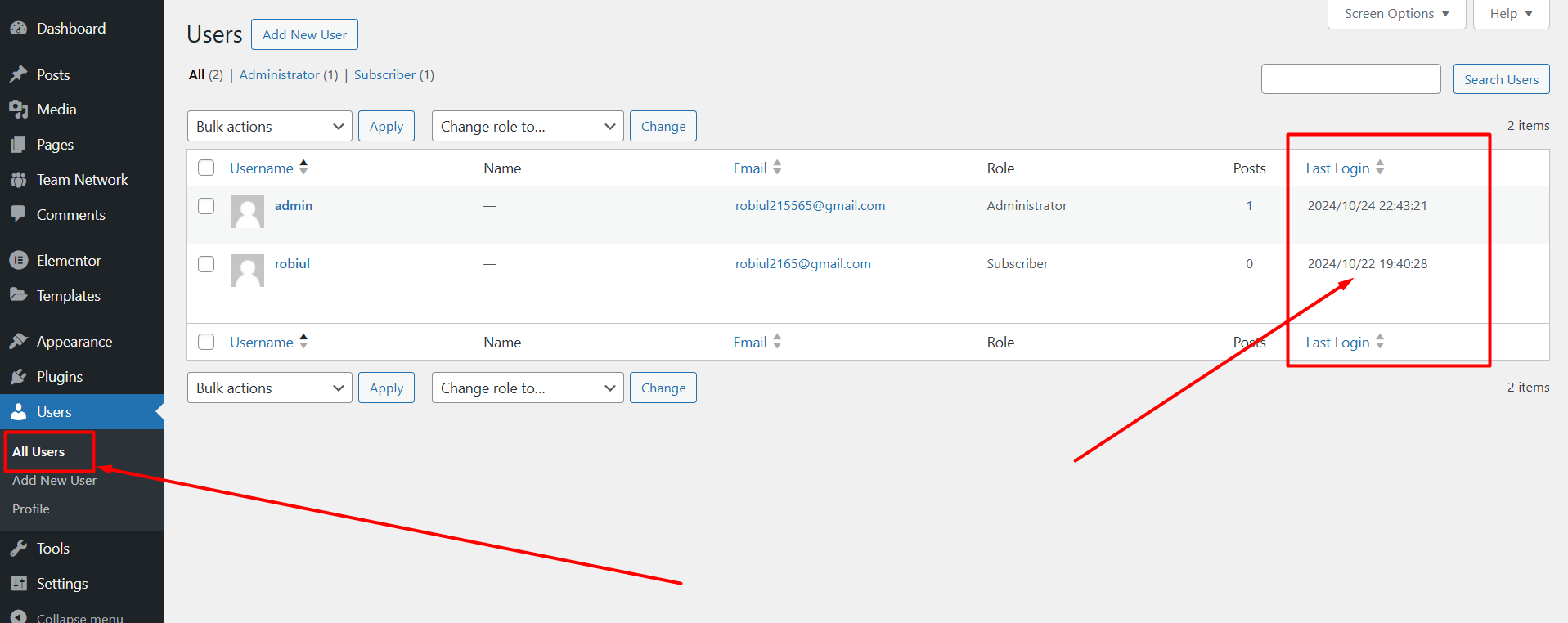
Last Login Display adds a new column to the “Users” page in the WordPress admin dashboard, which displays the last login date and time of each user.
Features:
– Tracks and displays the last login time of users.
– Adds a sortable column to the user list for easy organization.
– Helps admins monitor user activity.
Why Use Last Login Display?
Last Login Display is the ultimate solution for tracking and managing user activity on your WordPress website. This plugin integrates seamlessly into the WordPress admin dashboard, offering valuable insights about user behavior. Here’s why it’s a must-have:
- Track User Activity: Easily monitor when users last logged into your site, helping you stay informed about active and inactive accounts.
- Customizable Date and Time Format: The plugin displays the last login time in the format defined in your WordPress settings, ensuring consistency with your site’s preferences.
- Admin Dashboard Integration: The “Last Login” column is added to the users’ table in the admin dashboard, making it convenient to view login data at a glance.
- Sortable Last Login Column: The “Last Login” column is fully sortable, allowing admins to quickly organize users by their most or least recent login activity.
- Improve User Engagement and Security: Identify dormant accounts or potential unauthorized access by analyzing login patterns, helping you enhance security and engagement.
- Lightweight and Efficient: Designed with performance in mind, this plugin adds essential functionality without slowing down your site.
How it Works
- The plugin automatically tracks users’ login times when they log in.
- The “Last Login” column will appear in the Users > All Users section of the admin dashboard.
- You can sort users by their last login time using the new column.
Usage
Once the plugin is activated:
– Navigate to Users > All Users.
– The Last Login column will display the last login date and time of each user.
– Users who have never logged in will show “Never” in the column.
License
This plugin is licensed under the GPLv2 or later. See the LICENSE file for more information.