
Language Switcher for Elementor & Polylang
v1.2.7Satinder Singh · 2025年6月20日 上架
Easily add a customizable language switcher to your Elementor pages and connect translated Elementor templates using Polylang.
- 正在使用
- 300+
- 评分
- 暂无
- 累计下载
- 3,718
- 最近更新
- 2026年9月1日
 Cool Plugins
 Narinder Singh
 Satinder Singh
截图
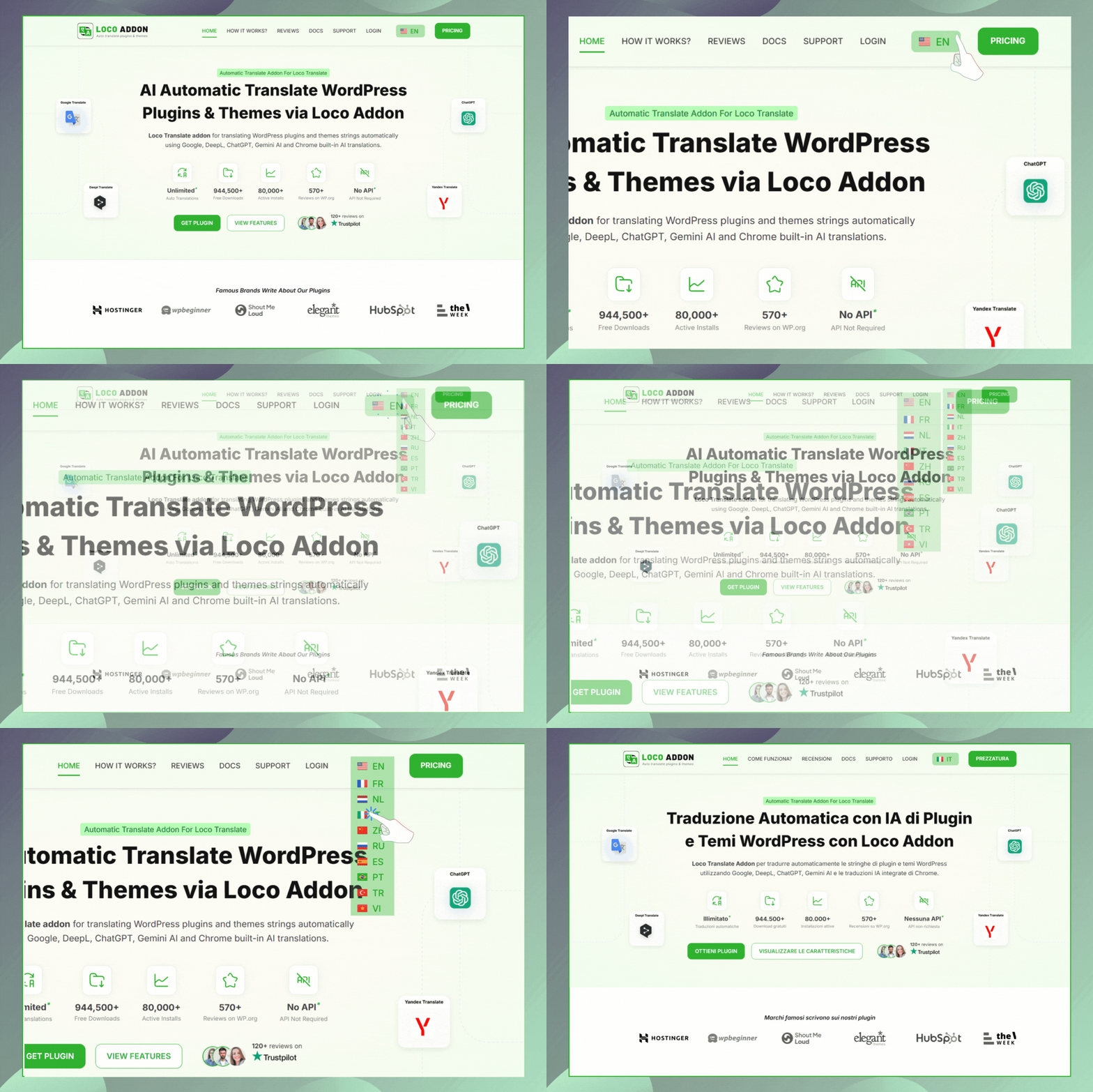
Language Switcher for Elementor & Polylang is a WordPress plugin that helps you add a language switcher to your website and translate Elementor Templates.
This plugin connects the Polylang multilingual plugin with Elementor, making it easier to build and manage a multilingual website visually.
Why Use This Plugin?
Elementor Language Switcher for Polylang provides a seamless integration between Polylang and Elementor. Here’s why it’s a must-have for multilingual Elementor websites:
- Language Switcher Widget
- Translate Elementor Templates Easily
- Link to Translated Page Directly from Elementor Editor
- Place Anywhere on the Page
- Customizable Layout & Display Options
- Saves Time & Enhances Workflow
Key Features
-
Elementor Widget Support: Drag and drop the language switcher widget directly inside Elementor Editor, just like any other widget.
-
Page Linking in Elementor: Get full control to link a page to its translated version. Use Elementor Editor to switch and connect the translated template easily.
-
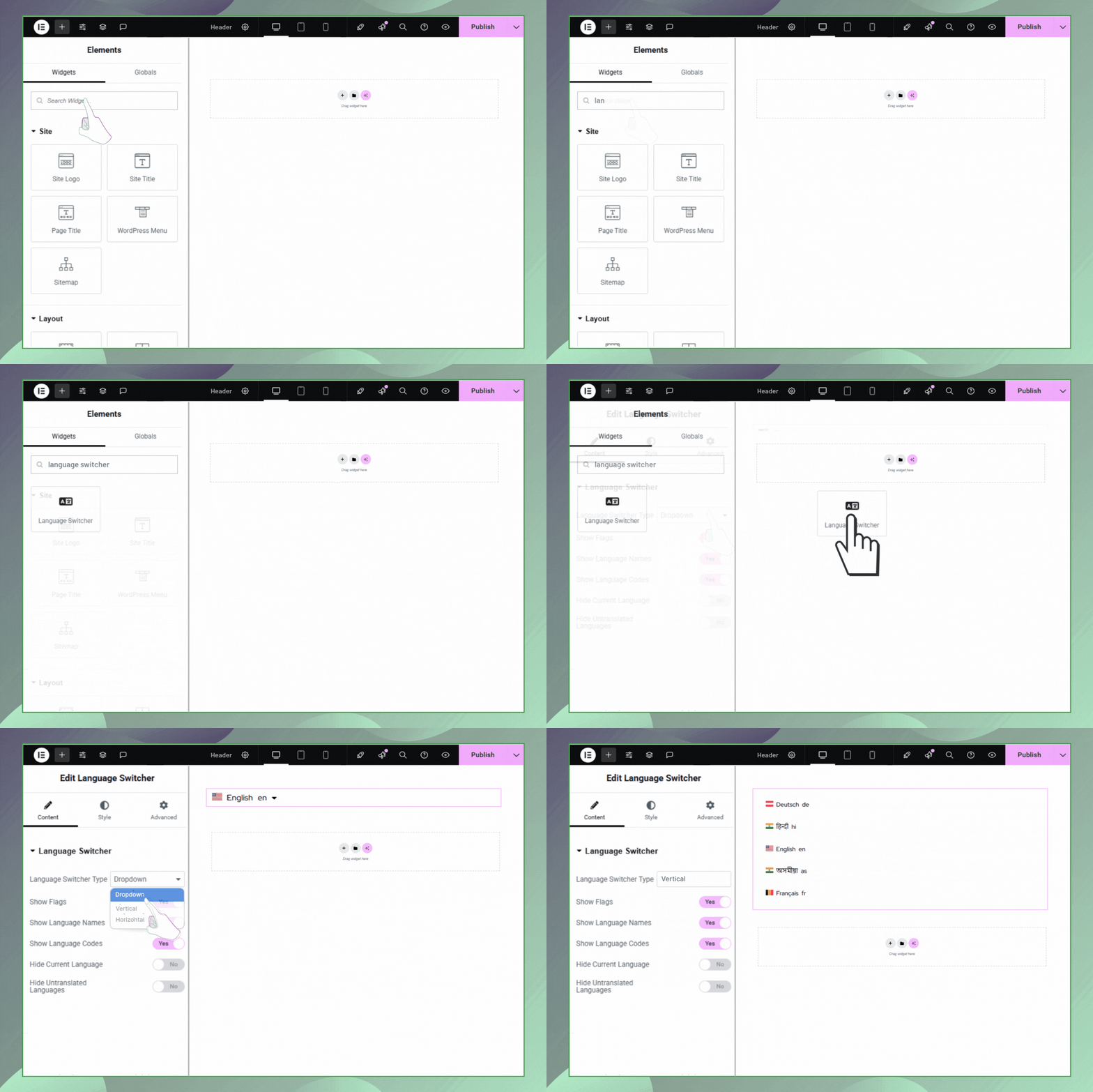
Three Layout Options: The plugin offers three layout styles, Dropdown, Horizontal & Vertical. Choose how you want the language switcher to appear on your website.
-
Custom Switcher Elements: Enable or disable various elements such as:
- Language Flag – Show a country flag icon next to each language (🇺🇸).
- Language Name – Show the full name like “English”, “Spanish”.
- Language Code – Show short codes like EN, FR, DE.
- Hide Current Language – Option to hide the active language.
- Hide Untranslated Languages – Option to hide languages if the page has no translation in that language.
-
Frontend Display Preview: Instantly preview how your language switcher looks on the frontend.
-
Fully Compatible with Polylang Free and Pro.
-
User-Friendly and Fully Responsive Design.
Check other Polylang Plugin addons
-
AutoPoly – AI Translation for Polylang reduces your translation workload by translating your Gutenberg and Elementor pages, sections, and widgets within a few minutes.
-
Language Switcher – Polylang for Divi is a WordPress plugin that helps you add a language switcher to your website using the Divi Builder. This plugin connects the Polylang multilingual plugin with the Divi theme, making it easier to build a multilingual website.
-
Polylang Duplicate Content addon effortlessly duplicate your original or default language post content into other languages of the same post, making translation process easier.
Use of 3rd Party Services: This plugin connects to the Cool Plugins API to display information about related plugins inside the dashboard. It also offers optional usage tracking and optional feedback submission on deactivation. Data is sent only after explicit user consent. No hidden tracking is performed, and no frontend visitor or site user data is collected. For more details, please review our Data Usage Policy, TOS, and Privacy Policy.
How to Add the Language Switcher
- Go to your WordPress Dashboard.
- Open the page, post, header, or footer where you want to add the language switcher using Elementor.
- Drag and drop the Language Switcher widget into your desired section (body, footer, header, sidebar, etc.).
- Customize its layout, elements, and translation control settings.