

LangRelay – AI Translation & Multilingual
v2.21.2langrelay · 2026年4月29日 上架
Make your site multilingual with AI translation, live as you choose. Automatic hreflang, canonical tags, SEO metadata and a language switcher.
- 正在使用
- 10 以下
- 评分
- 5.0 / 5
- 累计下载
- 2,785
- 最近更新
- 2026年11月23日
贡献者
 langrelay
截图
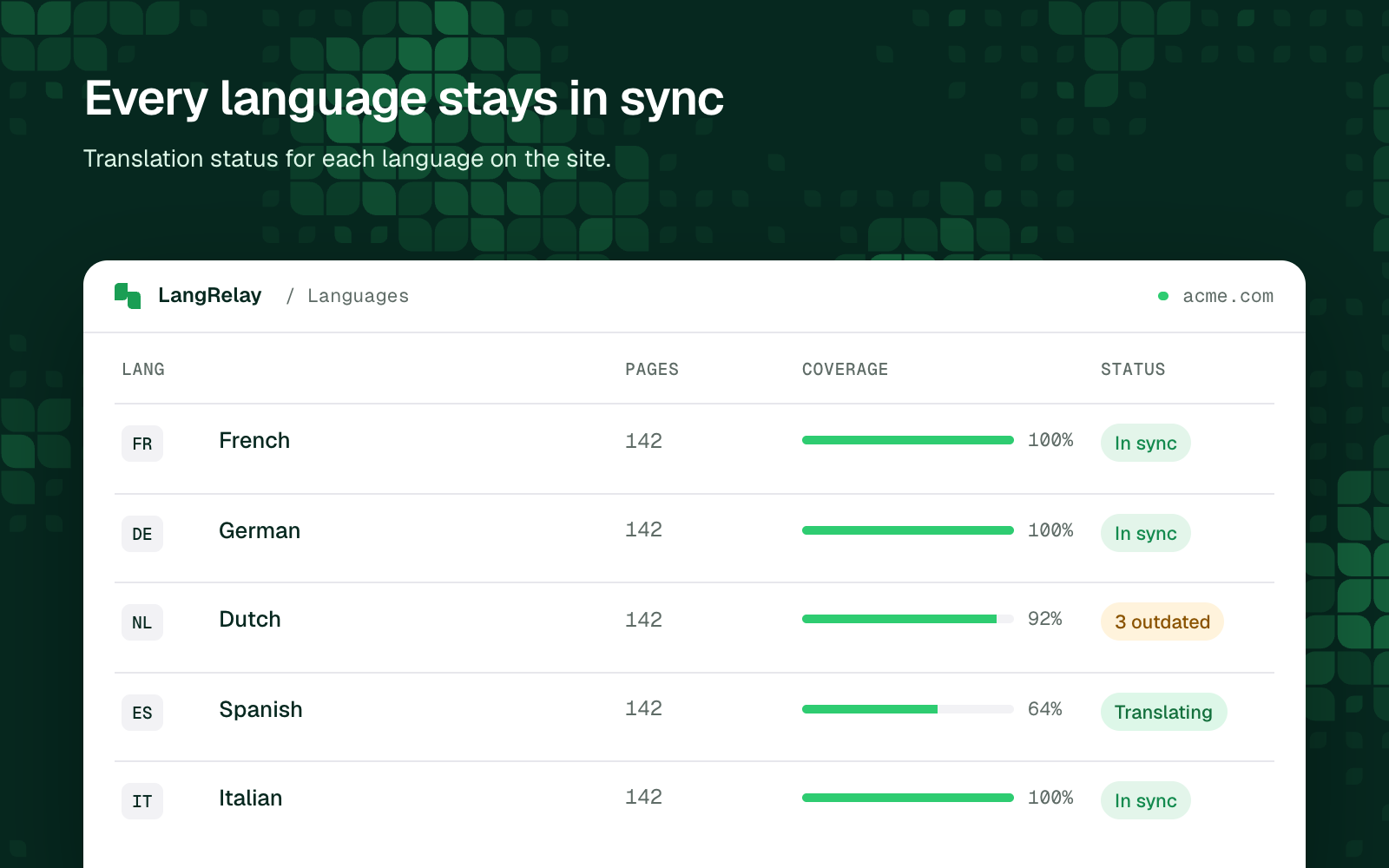

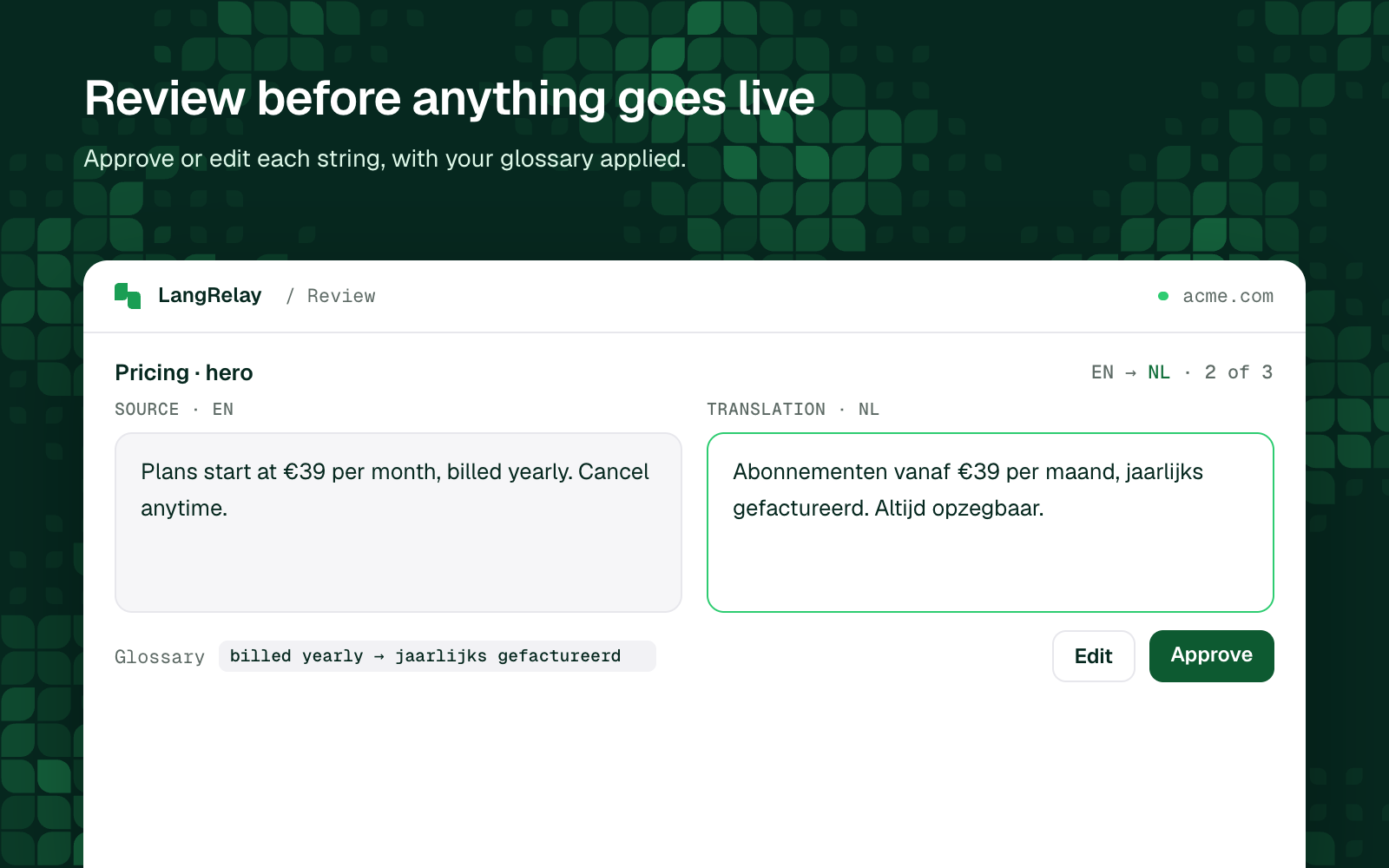
LangRelay is a WordPress translation plugin that makes your site multilingual. AI translates your pages, posts and products. Each translation goes live as you choose in the LangRelay Dashboard, and your site serves it at its own address, with hreflang tags and a language switcher handled automatically.
Most translation plugins stop at the words on the page. LangRelay also translates your meta titles and descriptions and gives every translated page its own address, so your site gets found in every market you sell in.
What you get
- AI translations, live as you choose. Machine translation drafts each page; it goes live once ready (the default), after a hold, or only once you approve it. Free checks hold a page with untranslated text, the wrong language or a changed price; legal pages, pricing pages and sweeping changes always wait for you.
- An address for every language. Each translated page lives under its language prefix, like
yoursite.com/nl/about-us, and you can give it an address in that language, likeyoursite.com/nl/over-ons, in the LangRelay Dashboard. - Automatic hreflang and SEO metadata. Hreflang and canonical tags on every translated page with no manual setup, and translated meta titles, descriptions and social text (details below).
- Language switcher. A menu or list with flags and language names, in one of four styles. A plain list of links is rendered with the page, so visitors without JavaScript and search engines still see every language. Add it as a Gutenberg block, Elementor widget, shortcode, HTML snippet or menu items, or float it in the corner you choose.
- WooCommerce pages. Product and shop pages translate like any other page once their translation is live.
- Visitors offered their language. A visitor who reads one of your languages is offered the page in it or, if you choose, taken there on arrival. Set it in the LangRelay Dashboard.
Why a multilingual WordPress site matters
- English is only 16% of the internet. The other 84% is your addressable market.
- Google ranks translated pages separately. A multilingual site can multiply your organic traffic without adding new content.
- AI search engines (ChatGPT, Perplexity, Gemini) increasingly answer in the user’s native language. Without translated pages, you don’t show up.
How it works
- Install the plugin, go to Settings > LangRelay and click Connect to LangRelay. Sign in to LangRelay or create your account there, approve the connection in the LangRelay Dashboard, and you’re back on your site, connected.
- In the LangRelay Dashboard, pick your languages.
- Approve your first page there; after it, pages follow your setting. Once a translation is live, your site serves it at its own address, with the language switcher, hreflang and canonical tags taken care of.
No content duplication, no manual translation interface, no separate posts to manage.
Multilingual SEO done right
LangRelay handles the SEO work that usually takes hours per language:
hreflangandx-defaulttags on every translated page and its original- A canonical tag on every translated page naming its own address in that language. When your SEO plugin points a page’s canonical at another page of your site, the translation points at that page in the same language once it is live; a canonical to another website is left as it is
- An address of its own for each language version, under its language prefix, with the page’s
lang(anddir="rtl"for a right-to-left language) - Translated meta titles, descriptions, and Open Graph and Twitter text in your page’s HTML, whichever plugin writes them
og:url,og:locale, anog:locale:alternatefor each other language the page is live in, andtwitter:url, naming the translated page’s own address and language- Your translated pages in the sitemaps of Yoast SEO, Rank Math, All in One SEO, SEOPress, The SEO Framework and XML Sitemap Generator for Google, each with all its language versions
- A sitemap of your translated pages when your site uses WordPress’s own sitemap or no sitemap plugin
Search engines understand which language to serve to which visitor.
What makes LangRelay different
Your site serves exactly the translation LangRelay recorded as live.
The same sentence is translated once and reused wherever it appears, even on 500 pages, like a line in your footer.
Pricing
Plans and prices are at langrelay.com/pricing.
Meet Relay
Relay is the AI assistant in the LangRelay Dashboard. Ask it about your Site, and it can start machine translation for a page, fetch a page again after you change it, or suggest a better translation for a sentence you select. It never approves a translation itself.
External services
LangRelay’s Terms of Service, Privacy Policy and Data Processing Agreement are at langrelay.com. By using this plugin you agree to LangRelay’s Terms of Service and Privacy Policy.
LangRelay API, from your site
Your site calls the LangRelay API (api.langrelay.com) over HTTPS, always with this site’s connection credential. It never sends your page content.
What is sent: when you connect, the one-time connection code. On connecting and in an hourly health check: your site’s address, WordPress and plugin versions and an installation ID. The health check also says whether WooCommerce is installed and active, and its version and, while it is active, the addresses of your store’s published cart, checkout and account pages; which of Yoast SEO, Rank Math, All in One SEO, SEOPress, The SEO Framework or XML Sitemap Generator for Google makes your sitemap, and its version (or that WordPress’s own sitemap, or none, does); and whether your site has its own robots.txt. No other plugin is named. About a minute after you save content: the address of each published page you saved, or that a menu, category, tag, site title, tagline or theme changed, with the time and installation ID. Within ten minutes of an update to WordPress, an active plugin or your theme: its name and old and new versions. Within ten minutes of a translated page being shown in its original language because your page layout changed (each page at most once every six hours): which page and language, and how much of the translation still fitted. When you erase a customer’s personal data: their profile key (see revenue below), again later if LangRelay could not be reached.
What is received: your site’s languages and your pages’ approved translations, which the plugin caches on your site. It checks them hourly with the health check, and on visitor page requests at most once per refresh interval (one minute by default) or when an approved translation changes. Only when an administrator opens Settings > LangRelay, at most every five minutes (or a minute later when LangRelay could not be reached): your LangRelay plan, this month’s word usage and welcome grant, the pages waiting to be translated (titles and addresses) and the plan that would translate them now, with its price and a link to the LangRelay Dashboard. Only while that screen is open and in view, at most every half minute (it asks every twenty seconds and stops after twenty minutes; a minute later when LangRelay could not be reached): how far your first translation has come (the language, how many texts are translated, whether the page is live and checked), the live page’s address and a link to your Site in the LangRelay Dashboard.
LangRelay API, from your visitors’ browsers
A small script that ships with this plugin, served from your site and never from LangRelay, calls the LangRelay API (api.langrelay.com) from the visitor’s browser: on every page while your Site counts page views; otherwise on pages with the language switcher, on translated pages and, while Visitor language is on, on every page that has a translation. It follows your Site’s Dynamic content setting in LangRelay, on by default.
Translations: when a visitor opens a page, unless their browser has a fresh copy, it reads your site’s languages and, on a translated page, the approved, live translations in that language it needs for text that appears after the page loads (such as a mini-cart) and the addresses of your translated pages. It sends your site’s public key (printed in the page, not a password) and, on a translated page, its language and which part of your translations it needs (a version and a part number).
Page views, for your Site’s visitor analytics: once for each page a visitor opens, it sends your site’s public key; the page’s address without any query string; the visitor’s language as your site names it; whether the page was shown translated, could have been, or was read in the original language; and, when another website’s link brought the visitor, that website’s domain name only. Never the page’s text or title, any cookie, the full address of the page the visitor came from, or any identifier, except the profile key of a customer signed in to your shop while revenue tracking is on. Nothing is received. From it LangRelay works out the visitor’s country, kind of device, browser and operating system, and a visitor code that changes every day, so a visitor cannot be recognised from one day to the next (a signed-in customer’s profile key is the one exception); the IP address and browser details are used only for that and never stored. Counting stores nothing on the visitor’s device. Page views are kept for three months, then only totals. None is sent when the browser has Global Privacy Control or Do Not Track on, or for people signed in with a role left out under Settings LangRelay Advanced (administrators and editors by default). Counting is on by default: switch off Visitor analytics under your Site’s Settings Analytics in the LangRelay Dashboard, and it stops within about a minute. LangRelay’s Privacy Policy and Data Processing Agreement describe how this data is handled.
Visitor language, in your visitors’ browsers
Suggesting or redirecting to a visitor’s language sends nothing to anyone. It stores the visitor’s choice and a redirect marker in their browser (localStorage, sessionStorage, no cookie; details in the FAQ).
WordPress’s own translations, from WordPress.org
Pages in another language use the official translations WordPress, your theme and your plugins already have installed, which sends nothing anywhere. Only when an administrator who may install languages presses “Install WordPress’s translations” under Settings LangRelay Advanced does WordPress’s own language installer (the one Settings General uses) download that language’s translations from WordPress.org (api.wordpress.org, downloads.wordpress.org). It sends what WordPress sends when it checks for updates: your WordPress version, your site’s languages and the versions of your active plugins and theme. Nothing goes to LangRelay. The WordPress.org Privacy Policy applies.
The “Powered by LangRelay” link
The language switcher’s menu and the language suggestion show a “Powered by LangRelay” link to langrelay.com, on by default (a paid plan can turn it off in the LangRelay Dashboard). Only when a visitor clicks it does langrelay.com open in a new tab, with your site’s domain name, whether the link was in the switcher or the suggestion, and your site’s public key in its address, so LangRelay can tell which site the visit came from. The page the visitor was on is not sent.
LangRelay API, for your shop’s revenue (WooCommerce)
When WooCommerce is active and you switch on revenue tracking (off by default) under your Site’s Settings Analytics in the LangRelay Dashboard, your site’s server, never the shopper’s browser, tells the LangRelay API (api.langrelay.com) what happens to its orders, so the Dashboard can show your revenue and the language each order came from. Nothing is sent while it is off.
What is sent, about a minute after an order is placed at checkout, paid, refunded or cancelled, in batches and again later if LangRelay could not be reached: the order’s ID, what happened, the amount (the order’s total, or the refund’s) with its currency, when it happened, and the language the shopper browsed in (the checkout page’s, or else that of the page they last added a product from, which WooCommerce keeps in the shopper’s existing cart session; no new cookie); a signed-in customer’s profile key (below); this site’s connection credential and installation ID. For an order placed at checkout, also the shopper’s IP address and browser details as WooCommerce recorded them, which LangRelay turns into that day’s visitor code and never stores. Never the shopper’s name, email address, postal address, phone number, customer account or what they bought. What is received: whether each order event was recorded. Orders are kept while your Site exists; an order’s visitor code is removed 90 days after the order. Switching revenue tracking off stops the sending within about a minute and drops what was not sent yet.
Customers signed in to your shop: while revenue tracking is on, each gets a pseudonymous profile key, so the Dashboard can show which pages your customers came in on before they ordered. Your site’s server computes it from their account number in your shop and a secret LangRelay hands it, never from an email address, and it does not name them. It is printed in the pages they view, sent with their page views and orders, and links their visits across days. Never for guests, for people signed in with a role left out under Settings LangRelay Advanced, or, when the WP Consent API plugin is installed, for a visitor who has not consented to statistics. LangRelay keeps it on page views for three months and on orders for as long as the order. When you erase a customer’s personal data under Tools > Erase Personal Data, the plugin asks LangRelay to remove their key from their orders and never computes one for them again. LangRelay receives no name, email address or customer number with it.
LangRelay Dashboard
Only when you click Connect to LangRelay does your browser go to the LangRelay Dashboard (app.langrelay.com) to approve the connection and back, with your site’s address, installation ID, WordPress site language, title (which names your LangRelay organization) and the address to return to in the address your browser opens.
Only when you click Upgrade in the Dashboard on Settings > LangRelay does the LangRelay Dashboard’s plan page open in a new tab, at the address LangRelay gave, with your organization’s ID and the suggested plan in that address. The plugin never changes your plan; you upgrade in the Dashboard.