
KudoMetrics AI Text to Speech
v1.0.3kudometricsllc · 2026年11月3日 上架
Free text to speech WordPress plugin with an audio player. Browser voices, no API key. Optional Pro add-on for AI voices.
- 正在使用
- 10 以下
- 评分
- 暂无
- 累计下载
- 563
- 最近更新
- 2026年11月11日
贡献者
 kudometricsllc
截图

KudoMetrics AI Text to Speech is a free text to speech WordPress plugin with a customizable audio player. It lets visitors listen to your articles instead of reading them, using the voices built into their browser, so there is no API key, speech account or subscription to set up.
The free plugin plays speech live in the browser. It doesn’t create audio files, and available voices depend on each visitor’s browser and operating system.
How it works
- You choose where the player appears and which post types get it.
- A visitor presses Play on the player.
- Their browser reads the article aloud using its built-in speech voices.
Free features
- Browser voice – Choose a woman, man or device default voice preference, and use Test Voice Now to try it from the settings page.
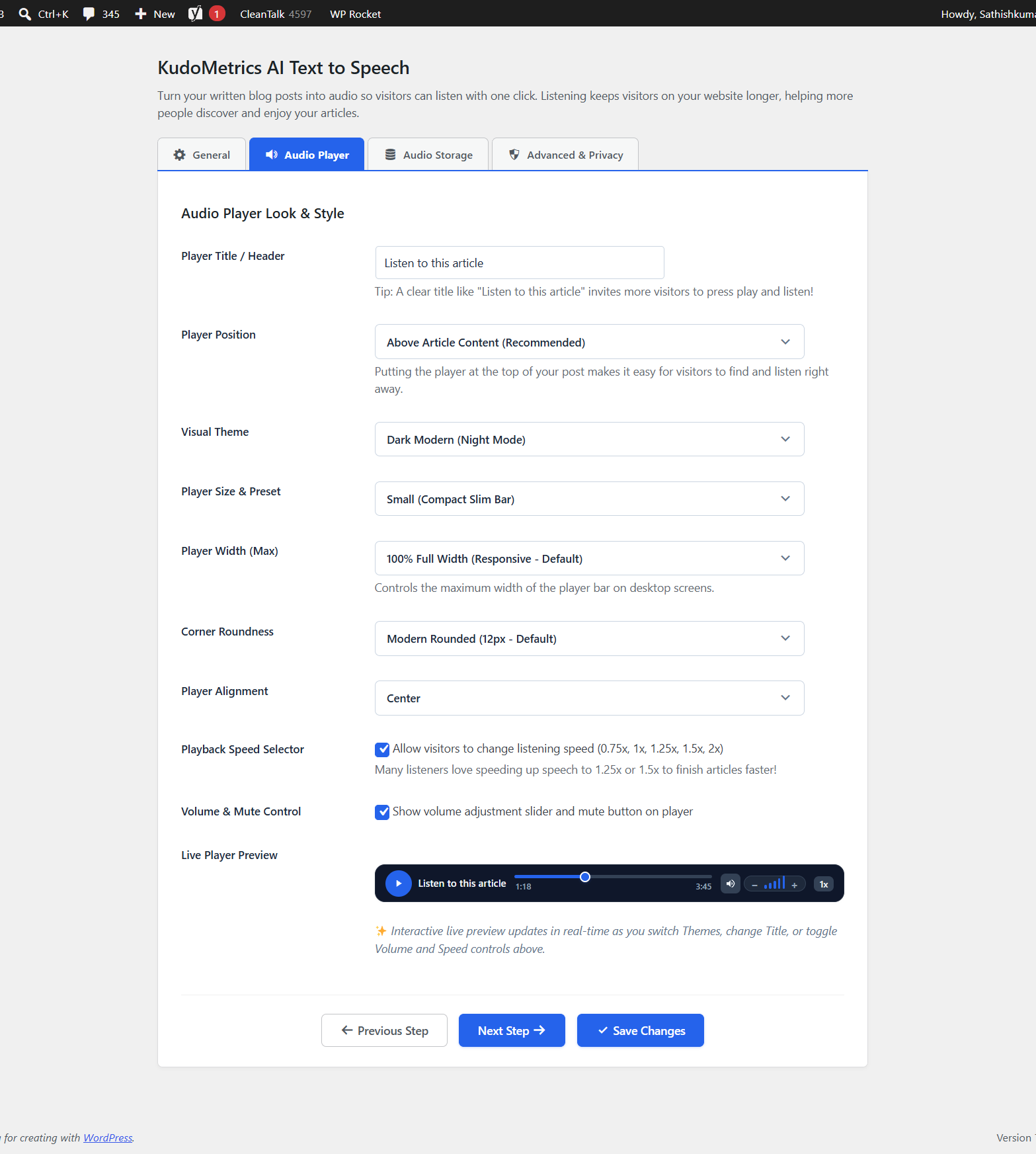
- Audio player controls – Play and pause, playback progress and time, volume and mute, and five speeds: 0.75x, 1x, 1.25x, 1.5x and 2x.
- Four player themes – Clean White, Dark Modern, Compact Mini-Bar and Card with Soft Shadow, plus Custom Colors for the accent, background, text and title, slider track and border.
- Layout options – Set your own player title, choose a size (Standard, Small, Large or Play Button Only), maximum width, corner roundness and alignment, and check the result in the live preview.
- Placement – Show the player above or below your content, or add it anywhere with the shortcode
[ai_tts_player]. The shortcode[kudometrics_player]works too. - Post types – Choose any public post type. Posts are selected by default.
- Automatic Audio on Publish – Make audio ready automatically when you publish a new article.
- Editor integration – See each post’s audio status (Not Generated, Ready, Outdated or Failed) in the block editor panel or the Classic editor box, with Generate Audio, Regenerate Audio and Delete Audio buttons. A post shows Outdated when its content changes after audio was made.
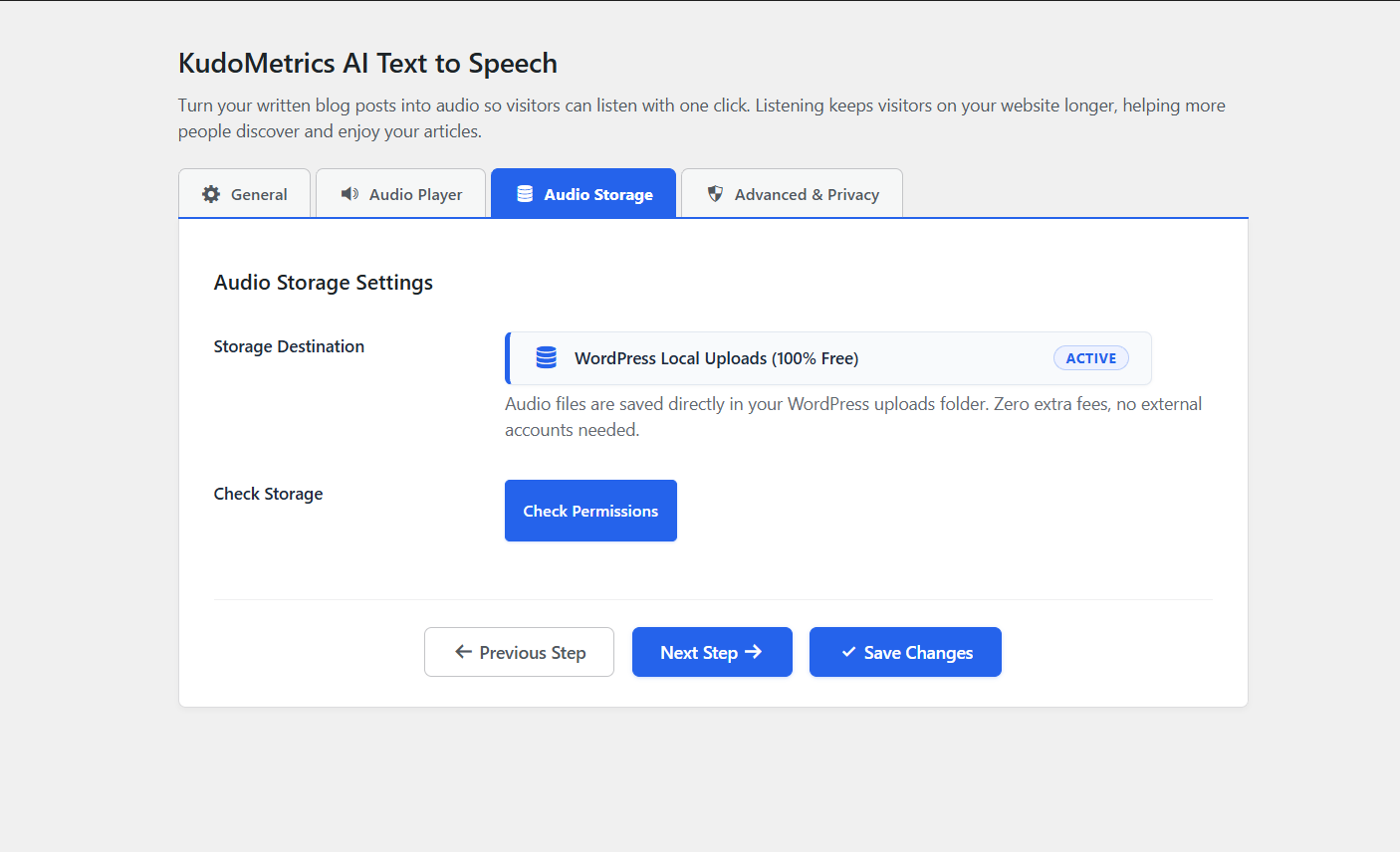
- Storage check – A local storage setting with Check Storage and Check Permissions tools.
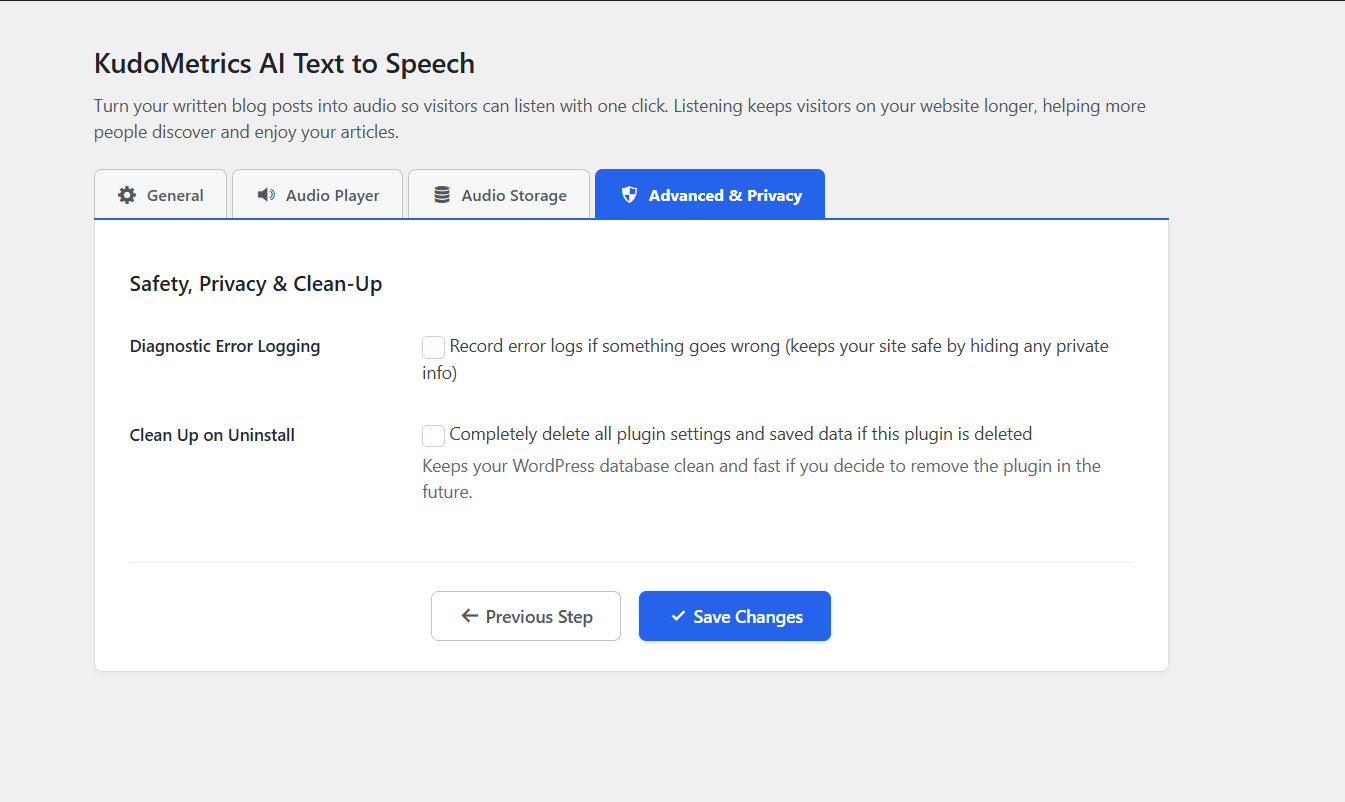
- Diagnostic error logging – Optional, off by default.
- Clean Up on Uninstall – Optional, off by default. When switched on, deleting the plugin removes its settings and saved post data.
Before you start
Browser voices can sound different on different devices. The plugin doesn’t guarantee search rankings, time on page or other engagement results.
Optional: KudoMetrics AI Text to Speech Pro
This free plugin works on its own. If you want AI voices and audio files, KudoMetrics AI Text to Speech Pro is a premium add-on that extends this plugin with OpenAI, ElevenLabs, Google Cloud, Microsoft Azure, Amazon Polly and self-hosted Ollama voices, Amazon S3 and Cloudflare R2 storage, a bulk generation queue, automatic regeneration after edits and play counts.
Pro requires this free plugin to be installed and active. Speech service and storage charges from those providers are separate from your Pro license.
External Services
This plugin doesn’t connect to any external service and doesn’t send your content or visitor data anywhere.
Speech uses the Web Speech API built into the visitor’s browser. Depending on the browser and the voice chosen, the browser itself may process speech on the device or through its own online service. That processing is done by the browser, not by this plugin.
The settings screen contains a link to the Pro add-on page at https://kudometrics.com/wordpress-plugins/ai-text-to-speech. Nothing is sent to that address unless you choose to open the link.
Privacy
The plugin doesn’t set tracking cookies and doesn’t collect visitor data.
It stores your settings in your WordPress database. For each post it stores audio status information: the status, the voice and provider used, a content fingerprint used to detect edits, timestamps and any error message. If you switch on Diagnostic Error Logging, error messages are written to a log on your site. Clean Up on Uninstall removes this data when you delete the plugin.