
Kronolog – Extension Audit Log by Technoverse ID
v1.5Bintoro Adi Guna · 2026年8月13日 上架
Track a complete audit log of plugin and theme install, update, activate, deactivate, and delete events.
- 正在使用
- 10 以下
- 评分
- 暂无
- 累计下载
- 272
- 最近更新
- 2026年8月13日
需要 WordPress 5.3+已测试到 7.0.9PHP 7.4+
贡献者
 Bintoro Adi Guna
截图
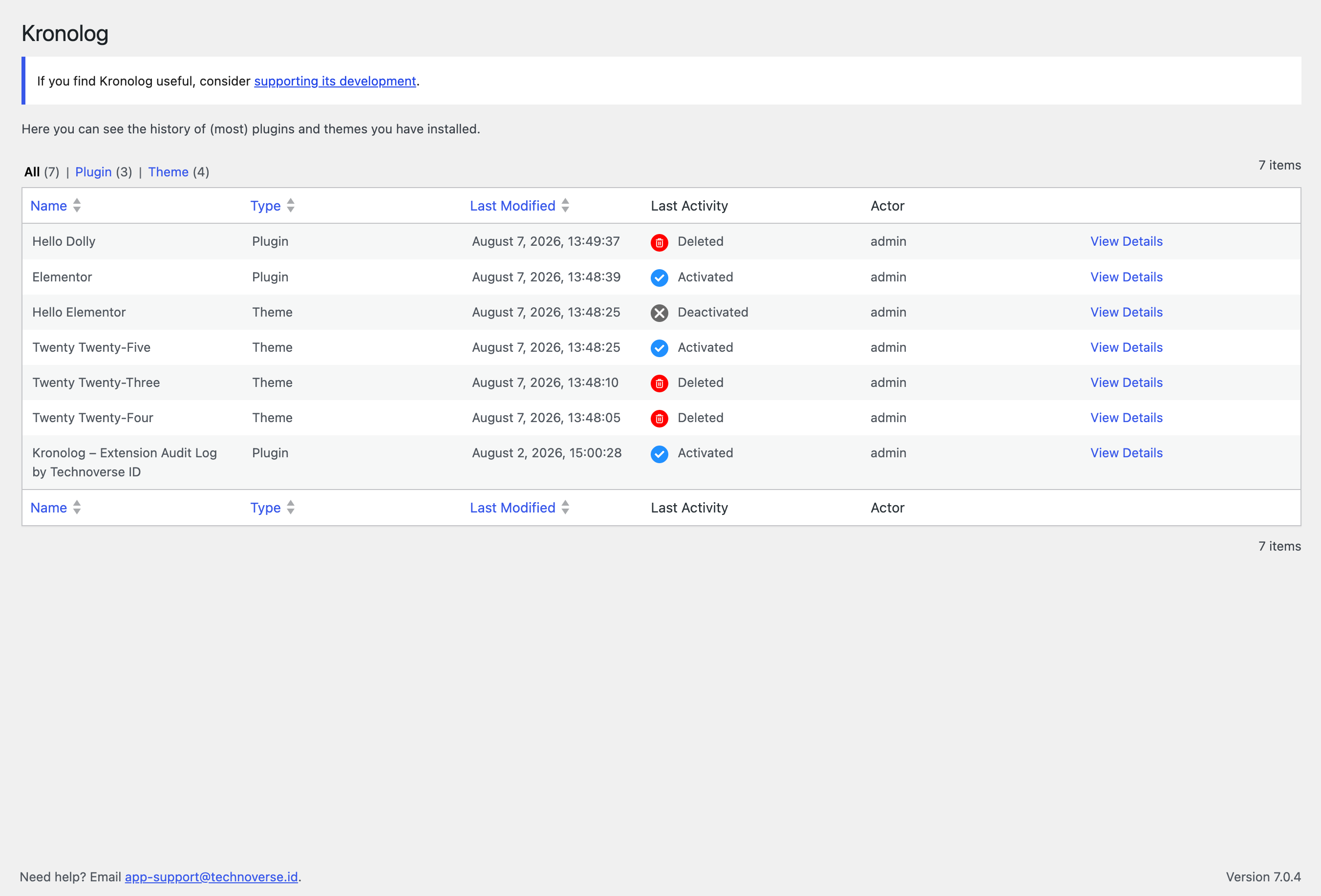
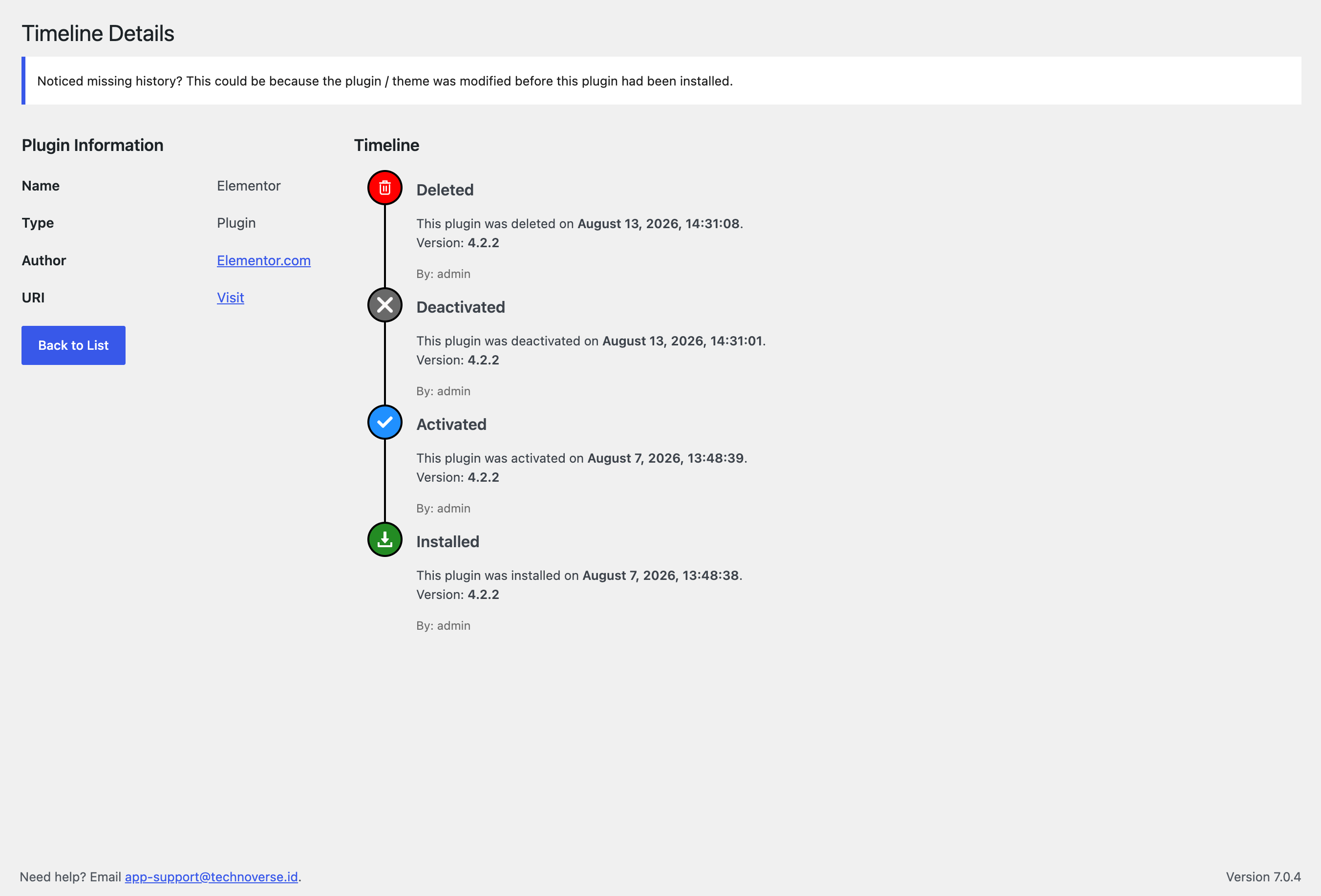
Kronolog records every install, update, activation, deactivation, and
deletion event for plugins and themes on your WordPress site. Events are stored with a UTC
timestamp and displayed in the site’s configured timezone.
Features:
- Tracks installs, updates, activations, deactivations, and deletions — for both plugins and themes
- Timeline detail view per package showing the full event history
- Admin list table with sorting and filtering by type (plugin/theme)
- “View History” quick link injected into the Plugins screen
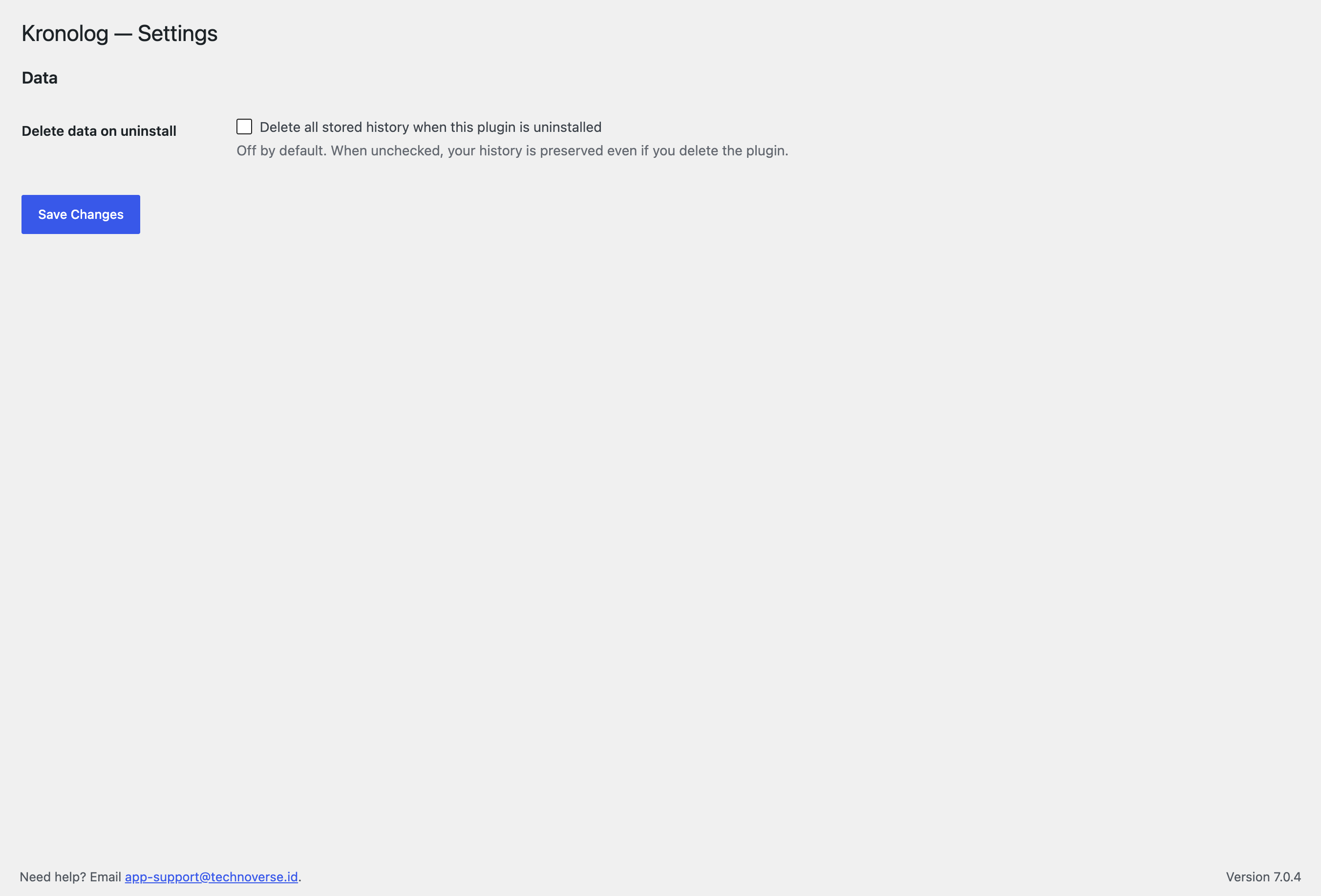
- Settings page: opt-in to delete all history data on plugin uninstall (off by default)
- All data stored in a dedicated database table; nothing is written to wp_options except one setting