
Klamra Paycal for Aspaclaria
v1.4.9klamra22 · 2026年2月25日 上架
Connect WooCommerce to PayCal branded checkout, Apple Pay readiness, payment-management tools and approved payment providers.
- 正在使用
- 10 以下
- 评分
- 暂无
- 累计下载
- 1,925
- 最近更新
- 2026年11月12日
贡献者
 klamra22
截图
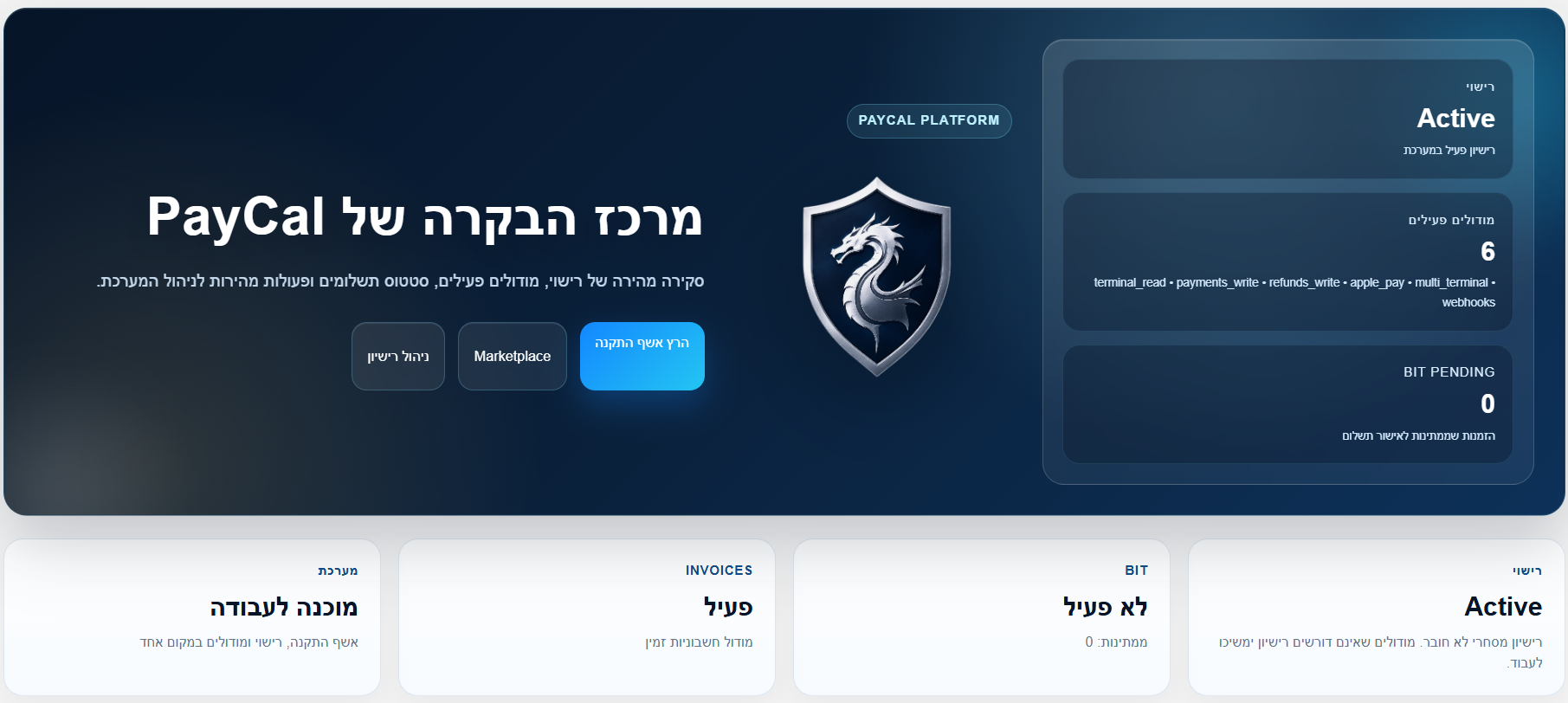
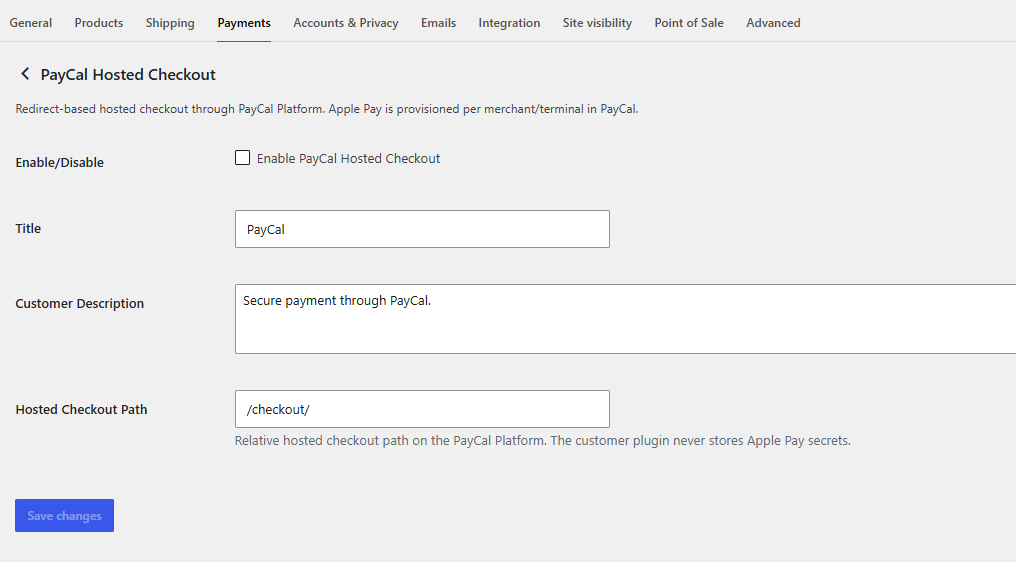


PayCal Live adds administrator-only configuration, encrypted server-side credentials and independently verified Stripe Checkout payments through PayCal. The new method starts disabled and requires authentication, business, invoice and end-to-end approval gates. Existing Hosted, Sandbox and Apple Pay settings remain independent. The legacy Hosted verification safety hold is retained. Demo requests never mark orders paid. No separate Stripe Live Connector or store environment variables are required. Rehearse the upgrade and obtain launch approval before production use.
PayCal is a branded checkout and payment-management platform for WooCommerce stores built for creative businesses.
The plugin connects a merchant’s WooCommerce store to PayCal Platform, where WooCommerce checkout, hosted checkout sessions, merchant settings, License Token validation and approved payment-provider connections are managed.
Features
- Connect WooCommerce checkout to PayCal
- Prepare Apple Pay and hosted checkout experiences
- Use PayCal branded hosted checkout
- Manage merchant connection and License Token validation
- Connect to approved payment-provider configurations
- Support payment-management workflows for creative businesses
PayCal helps merchants manage checkout and payment context. It does not replace the merchant’s payment provider, does not act as a bank or seller of record, and does not store card details.
External service disclosure: this plugin connects the merchant’s WooCommerce store to PayCal Platform, an external PayCal service required for hosted checkout, payment verification, connector synchronization, optional license validation, connector event diagnostics and the read-only merchant payments dashboard. The plugin sends order/payment context needed to create or verify PayCal checkout sessions, merchant connector identifiers, public key/access token authentication headers, plugin/site metadata for connector health, optional license token data, and read-only dashboard requests for the authenticated merchant. It connects to the PayCal Platform URL configured in the plugin settings and to PayCal hosted checkout domains such as https://paycal.online and merchant-specific PayCal checkout domains configured by the store. PayCal service details are available in the PayCal Privacy Policy and Regulations / Terms:
- Privacy Policy: https://paycal.online/privacy-policy/
- Regulations / Terms: https://paycal.online/regulations/
PayCal Live external service: the optional Live method sends the order ID, amount, currency, merchant/terminal/environment identifiers and store return, cancellation and notification URLs to https://paycal.online/wp-json/paycal-stripe-live/v1/ for connection checks, checkout-session creation and payment verification. Requests authenticate using the configured PayCal public key and access token over HTTPS. Customers are redirected to Stripe Checkout at https://checkout.stripe.com; Stripe secret keys remain on PayCal, not in this plugin. PayCal sends signed payment notifications and separate non-payment diagnostic notifications to the store. The administrator-only receiver audit reads local configuration and diagnostic receipts without sending requests or retrying payments. PayCal service terms and privacy links above apply; Stripe privacy information: https://stripe.com/privacy.
PayCal Connector
This version is the customer-side connector. Merchant and terminal administration is handled in the PayCal platform.
Hosted Checkout Gateway
Version 1.3.2 includes the customer-side hosted WooCommerce gateway. Apple Pay provisioning remains in PayCal Platform and is synced by Merchant ID, Terminal ID, Public Key and Token.