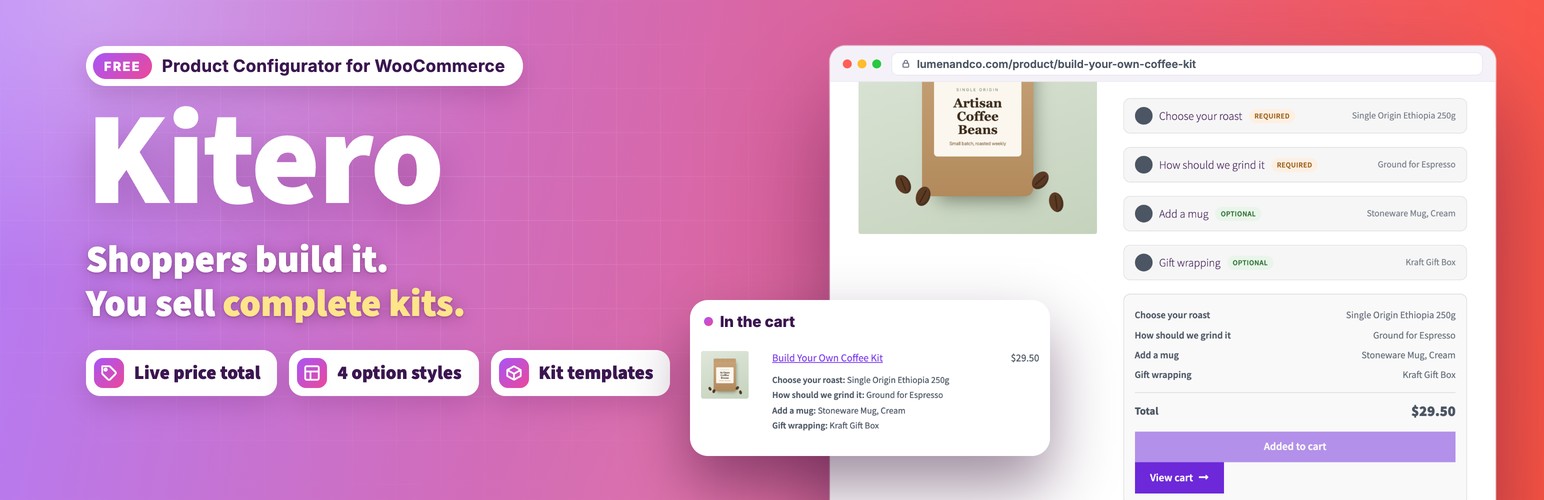

Kitero – Composite Products for WooCommerce
v1.3.0ProPluginsLab · 2026年8月27日 上架
Let shoppers build a made to order product from components you define. Prices update live and each choice is recorded on the order.
- 正在使用
- 10+
- 评分
- 暂无
- 累计下载
- 564
- 最近更新
- 2026年10月19日
 ProPluginsLab
 heyvicky
 CodeWooGeek
截图
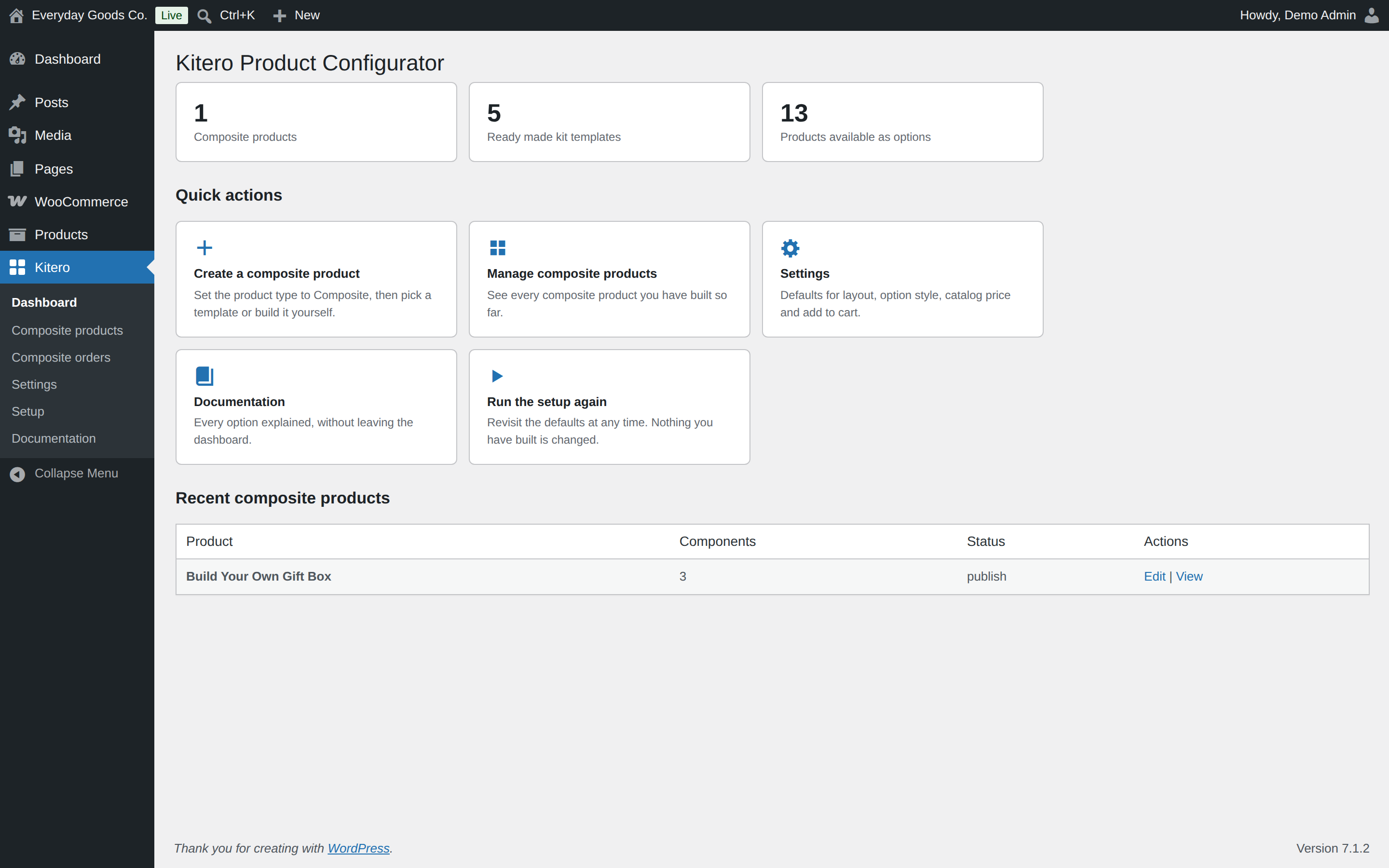
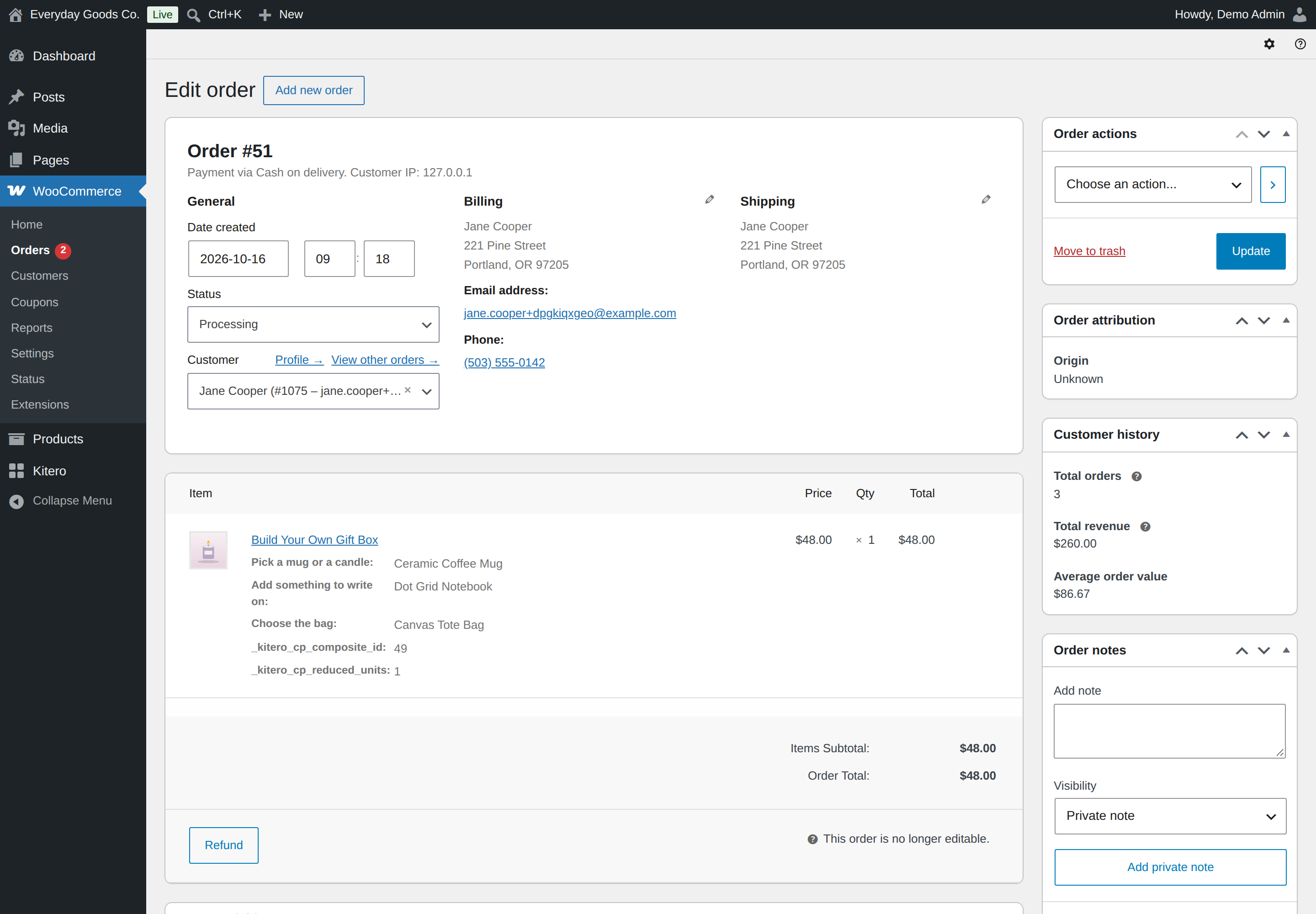
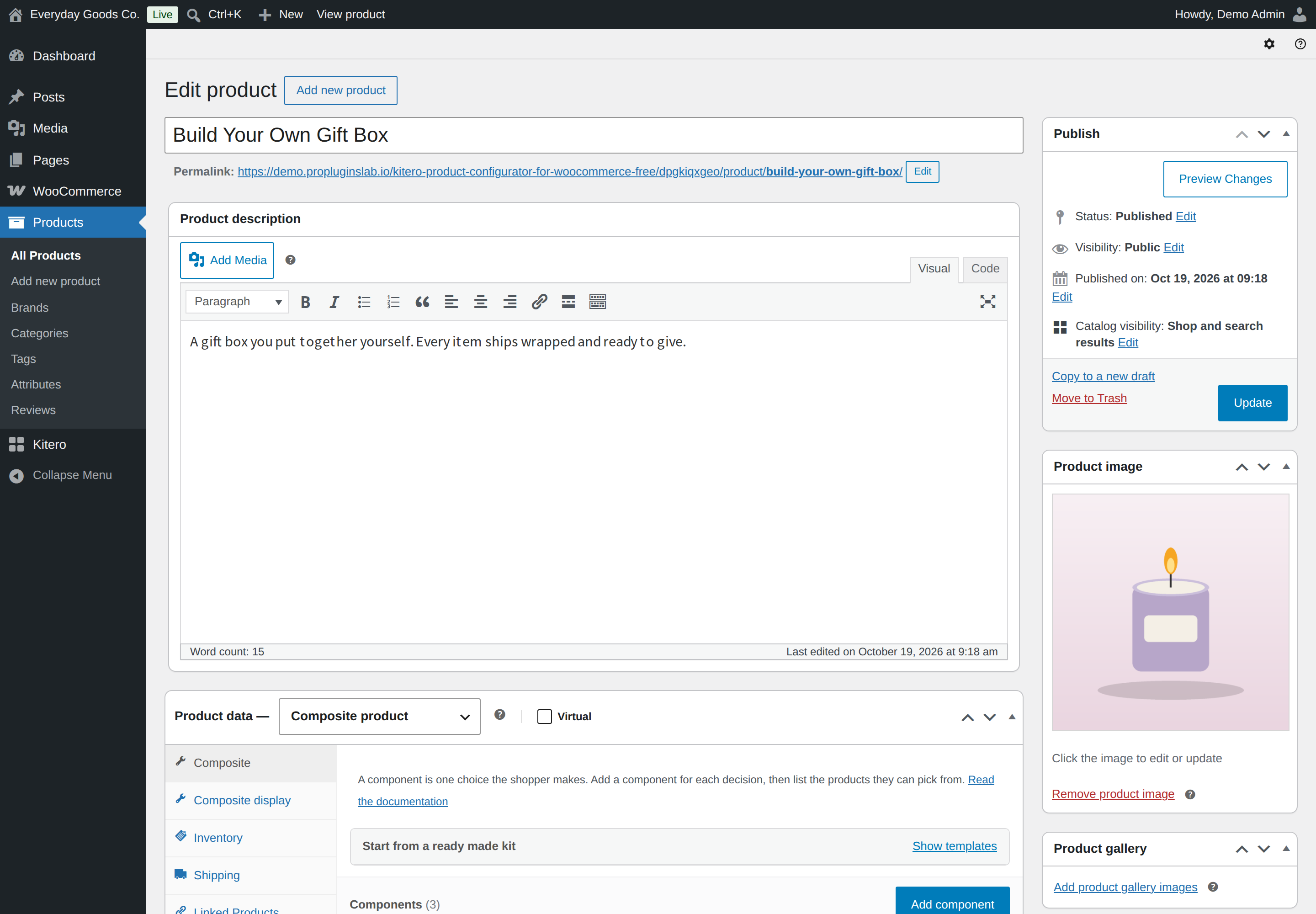
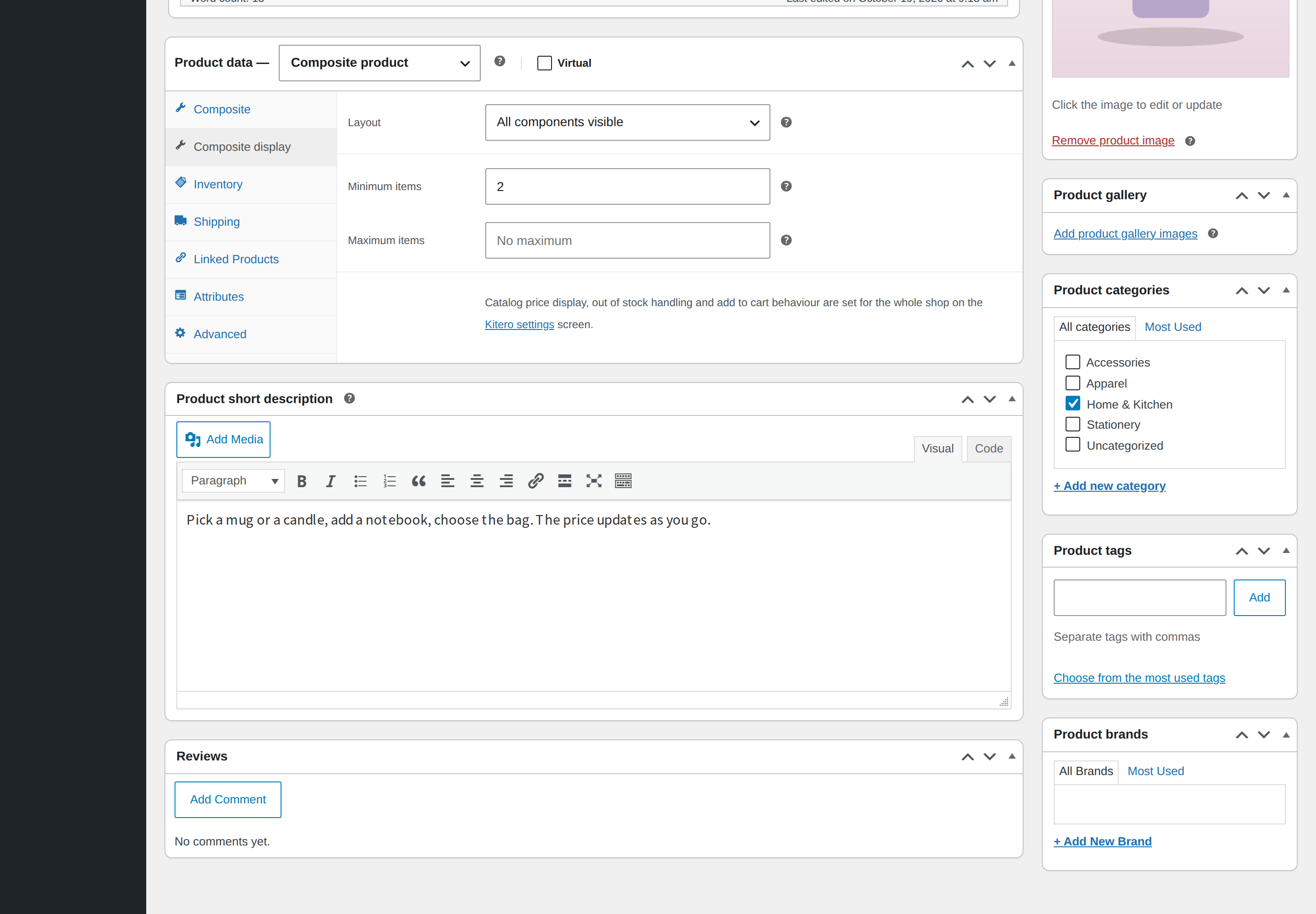
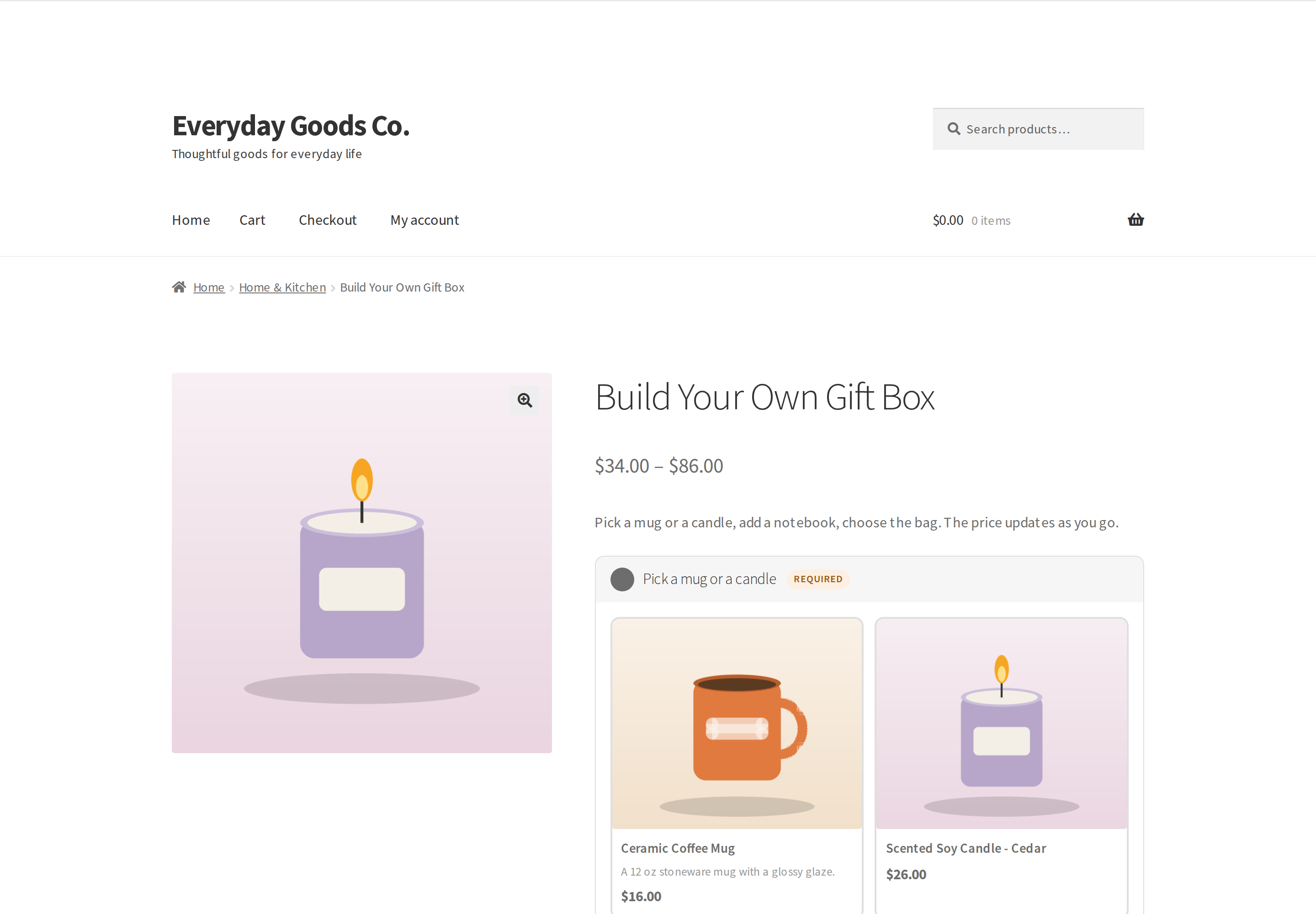
Kitero Product Configurator adds a Composite product type to WooCommerce. You define the choices, called components, and list the products a shopper can pick for each one. The shopper builds their product on the product page and the total updates as they choose.
- Live demo: Free version | Pro version
- Documentation: Free version | Pro version
- Support: propluginslab.io/support
A gift hamper, a build your own skincare routine, a made to order desk setup and a spare parts kit are all the same idea: a parent product made of choices, priced from what the customer selected.
What you can do
- Add as many components as a product needs, with no limits of any kind.
- Assign any number of simple products or variations to each component.
- Search products by name or by SKU, including variation SKUs.
- Show options as a thumbnail grid, larger cards, a radio list or a dropdown. The style is set per component.
- Mark a component required or optional. Optional choices can be cleared by clicking the selected option again.
- Set a minimum and maximum quantity per component, and let the shopper adjust it with plus and minus buttons.
- Set a minimum and maximum number of items for the whole kit, for example a box of six, checked on the product page and again in the cart.
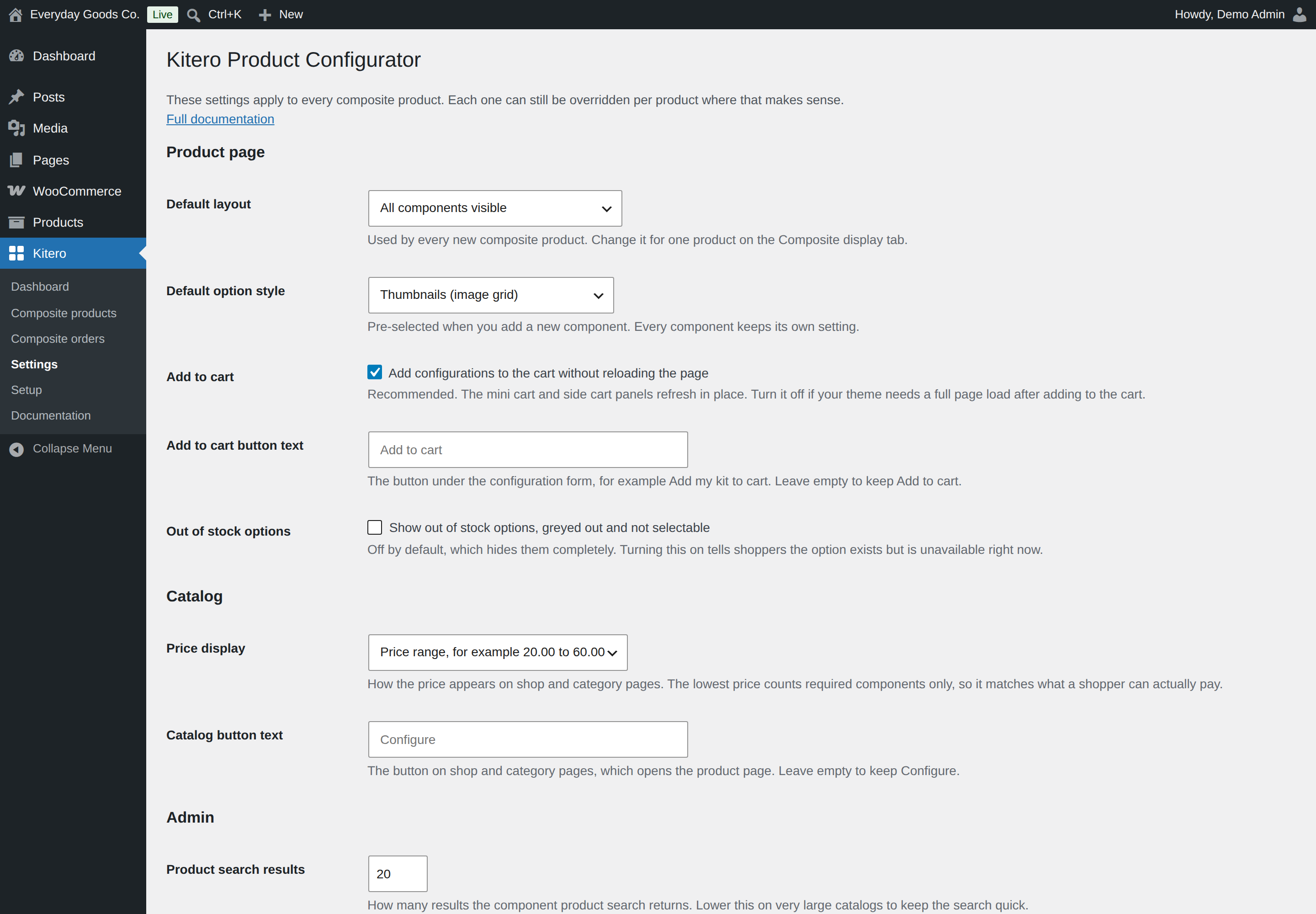
- Change the wording of the Add to cart button and the catalog Configure button.
- Choose between an all visible layout and an accordion layout.
- Show a price range, a starting price, or no price at all in the catalog.
- Add to the cart without a page reload, so mini cart and side cart panels open straight away.
- Five ready made kit templates that build the components in one click: custom PC, gift hamper, meal kit, skincare routine and coffee kit.
- A short setup screen that sets the defaults for every composite product you build.
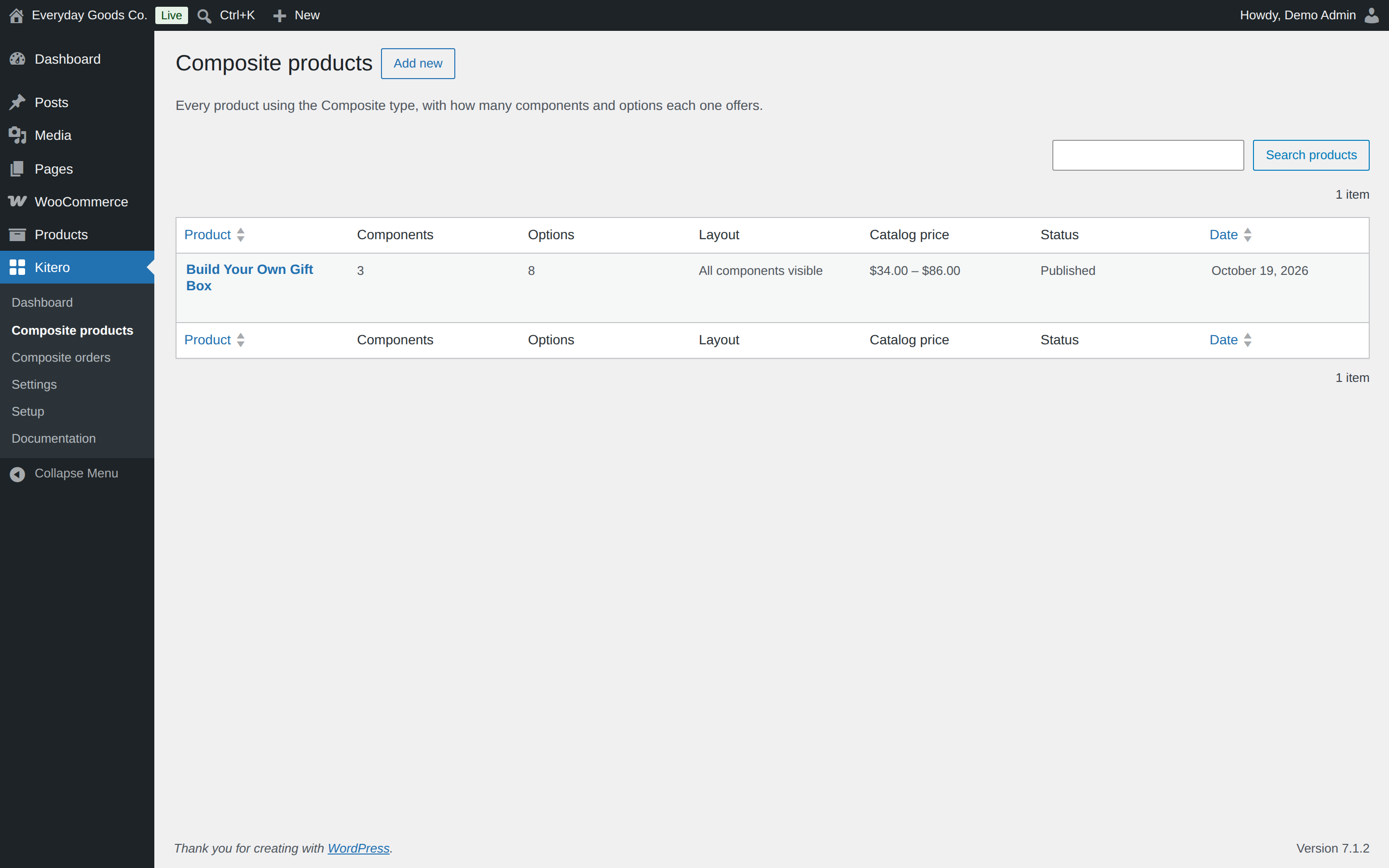
- Duplicate a composite product and its components come along, ready to edit as a new draft.
- Every choice is written to the cart, the checkout, the order and the confirmation email automatically.
- An Edit link on each kit in the cart reopens the product page with the choices filled in, and Order again rebuilds the kit from a past order.
- Correct tax whichever way your shop enters and shows prices: the kit line is taxed once, with the composite product’s own tax class.
- Give the kit its own SKU, stock, Sold individually setting, or mark it Virtual.
Stock is handled properly
Stock lives on the products the shopper picks. When an order reduces stock, the stock of each chosen item is reduced by its quantity times the number of kits, and an order note records the change. Cancelling the order puts it back, and so does a refund with Restock refunded items ticked. The cart adds up every kit and every plain product before checkout, in the classic and the block cart, so two kits can never oversell the same item. A kit whose required component has nothing left in stock shows as out of stock.
Built in documentation
Every option in the plugin is explained inside the dashboard, under Kitero, Documentation. There is no need to leave your site to look up what a setting does.
Pro version
Kitero Pro is a separate plugin from ProPluginsLab that includes everything in this free plugin and adds:
- Bundle mode: pre-set contents, with optional items the shopper can drop
- Fixed and hybrid pricing strategies, and per option price overrides
- Default choices, several choices in one component, and options taken from categories or tags
- A visual preview that swaps the product image or stacks layer images
- Conditional logic rules between components, enforced in the browser and again on the server
- Two more layouts, a step by step wizard and tabs
- Ten more kit templates, fifteen in total
- Composite insights, a report on the choices customers really make
This free plugin is complete on its own. Nothing here is limited, locked or time restricted, and installing Pro is never required for any feature listed above to work.
More plugins from ProPluginsLab
Free on WordPress.org:
- Back In Stock Notifier for WooCommerce – Waitlist and restock email alerts for out of stock products.
- Recovero – Cart Recovery for WooCommerce – Recover abandoned carts with automated emails.
- Anticipo – Pre-Orders for WooCommerce – Take pre-orders before a product launches.
- Affireo – Affiliates for WooCommerce – Run an affiliate and referral program.
- Storefold – Multivendor Marketplace for WooCommerce – Turn your store into a multivendor marketplace.
- Dispatchio – Shipment Tracking for WooCommerce – Add tracking numbers and shipment updates to orders.
- Presentero – Gift Cards for WooCommerce – Sell and redeem digital gift cards.
- Plusero – Extra Fees for WooCommerce – Add conditional checkout fees and surcharges.
- Inputo – Name Your Price for WooCommerce – Let customers choose what they pay.
- Mercenza – B2B for WooCommerce – Sell wholesale with customer groups, wholesale prices and trade accounts.
- Visuaro – Product Designer for WooCommerce – Let customers design custom products in the browser.
- Christmas Snow – Festive Snowfall Effect – Add a lightweight snowfall effect to any site.
Pro plugins at propluginslab.io:
- Recovero Pro
- Anticipo Pro
- Affireo Pro
- Storefold Pro
- Dispatchio Pro
- Presentero Pro
- Kitero Pro
- Plusero Pro
- Inputo Pro
- Mercenza Pro
- Visuaro Pro
- Back In Stock Notifier Add-ons – 26 add-ons incl. Mailchimp, Klaviyo, Twilio SMS, WPML, or all of them in the Bundle.
External services
This plugin does not connect to any external service. It makes no remote requests and sends no data anywhere. Links in this readme and on the plugin screens are ordinary links that are only opened when you click them.