

JW Player for WordPress
v2.3.13ilGhera · 2015年9月19日 上架
JW Player for WordPress enables you to publish videos on your WordPress posts and pages using the most popular video player on the web.
- 正在使用
- 1,000+
- 评分
- 3.8 / 5
- 累计下载
- 19 万
- 最近更新
- 2026年11月19日
贡献者
 ilGhera
截图
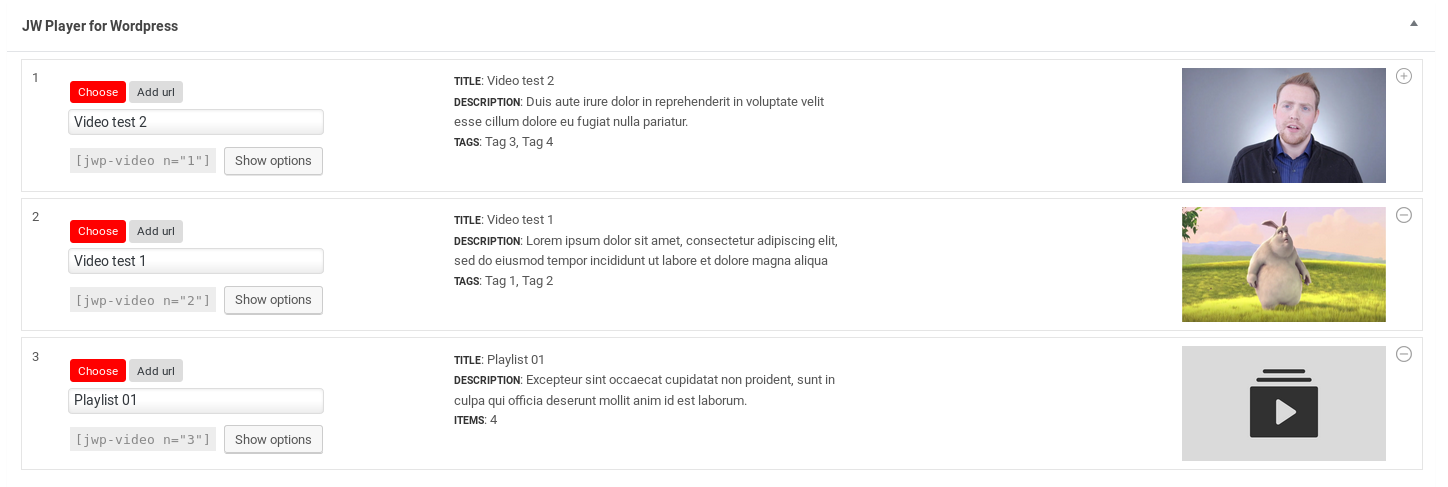

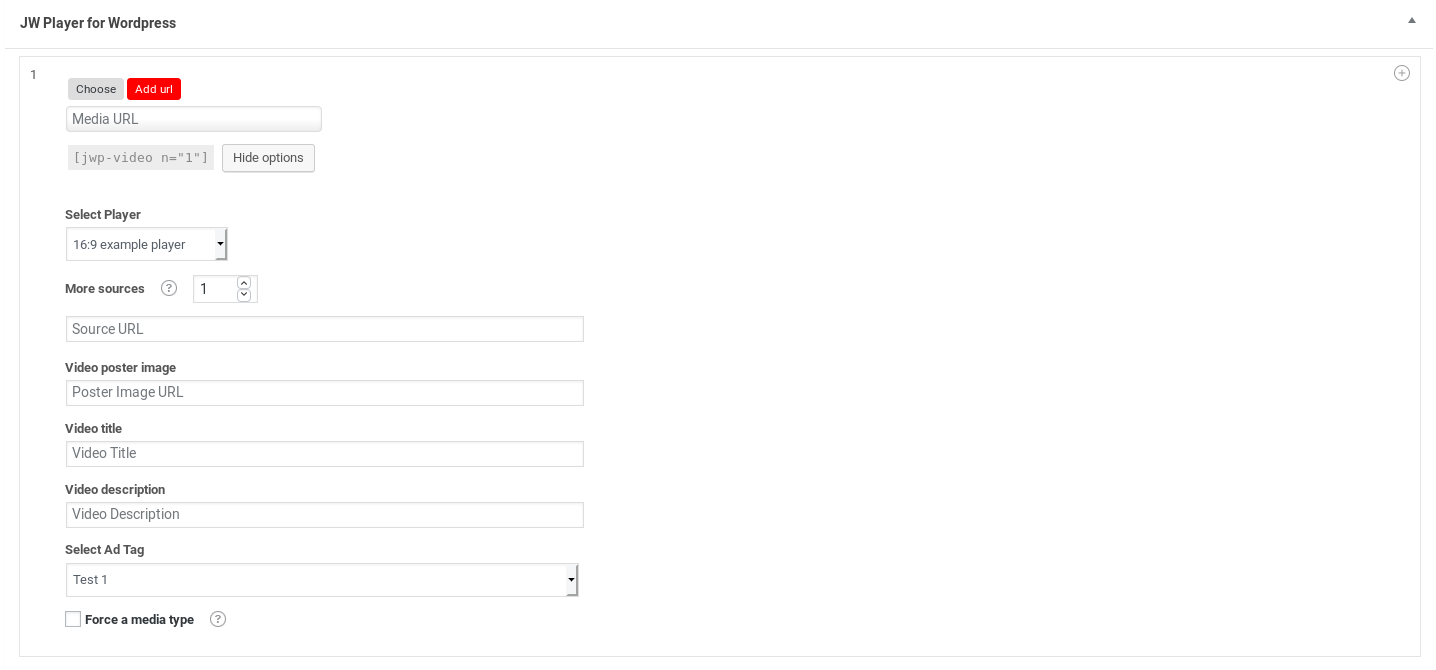

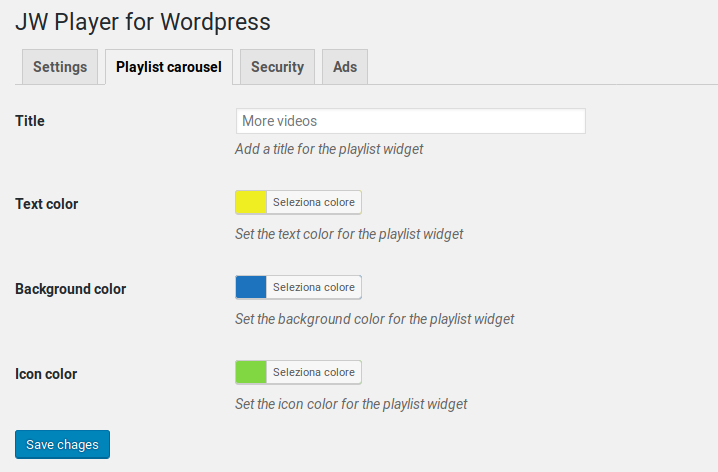
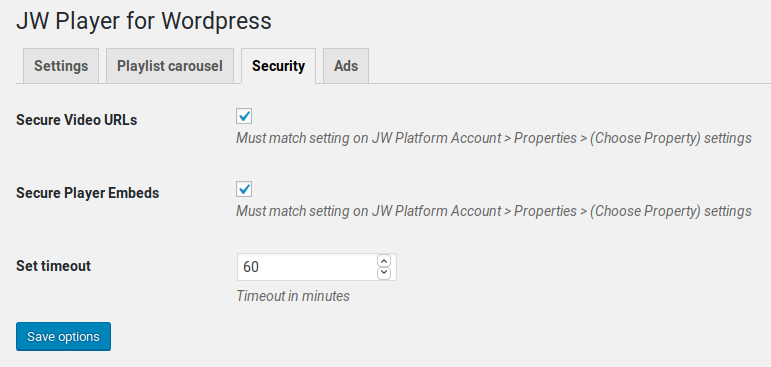


JW Player for WordPress enables you to publish videos on your WordPress posts and pages using the most popular video player on the web. Take complete control of your player, from branding to size and dimensions. Allow users share and embed your videos from your WordPress pages & posts.
Free Features (NEW!):
- Connect to the JW Player Dashboard using your API v2 credentials
- Select and publish videos hosted on JW Player
- Select and publish playlist hosted on JW Player
- Support shortcodes like [jwplayer fPHnET5D]
Cloud
- Register a JW Player account at https://www.jwplayer.com/pricing/
- Once you’re logged in, copy your Cloud Hosted Player Libraries from https://dashboard.jwplayer.com/#/players/downloads
- Paste your library url to the plugin options page.
Self hosted
- https://www.jwplayer.com/pricing/
- Once you’re logged in, download the player and copy your License key from https://dashboard.jwplayer.com/#/players/downloads
- Upload the folder to your site
- Add the full url of jwplayer.js in the plugin options page (ex. https://example.com/FOLDER-UPLOADED/jwplayer.js)
- Paste your License Key to the admin page of the plugin.
After that, set your general preferences, choose the post types where you want to add videos and start to add content using the JW Player for WordPress box that you’ll find there. Just add the url of your self-hosted video or select cloud-hosted content from n your JW Player Dashboard.
That’s it, you’re ready to go!